How to Install a Modpack to Join a Modded Server
To join a modded server, install its exact modpack from a launcher like CurseForge, Modrinth, or Prism — match the pack build, loader, and Minecraft version.
To join a modded server, install its exact modpack from a launcher like CurseForge, Modrinth, or Prism — match the pack build, loader, and Minecraft version.
CurseForge and Modrinth are the two safe places to get Minecraft mods — start on Modrinth for a cleaner, faster site, and use CurseForge for legacy packs.

Join a Minecraft server on a Mac through Java Edition: open the launcher, click Play then Multiplayer, and add the address. Why Bedrock servers can't connect.
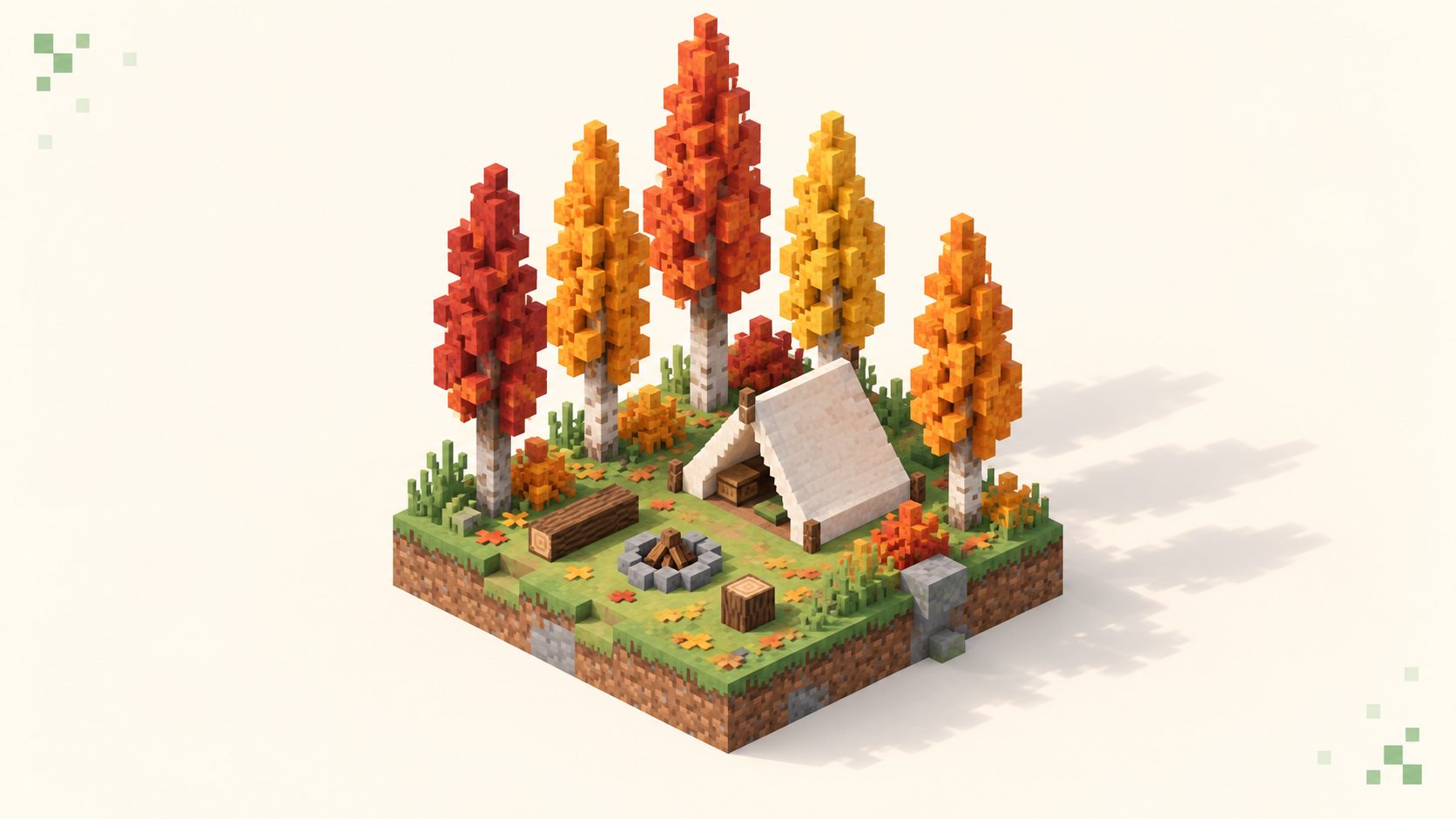
Everything in Minecraft 26.3 Wilderness Bound, from the dappled forest and poplars to abandoned camps, explorer maps, straw beds, cushions and wool stairs.
The best first server for a beginner is a forgiving gamemode run by active staff, with land claims, rollback, and low ping. How to spot one, and where to look.
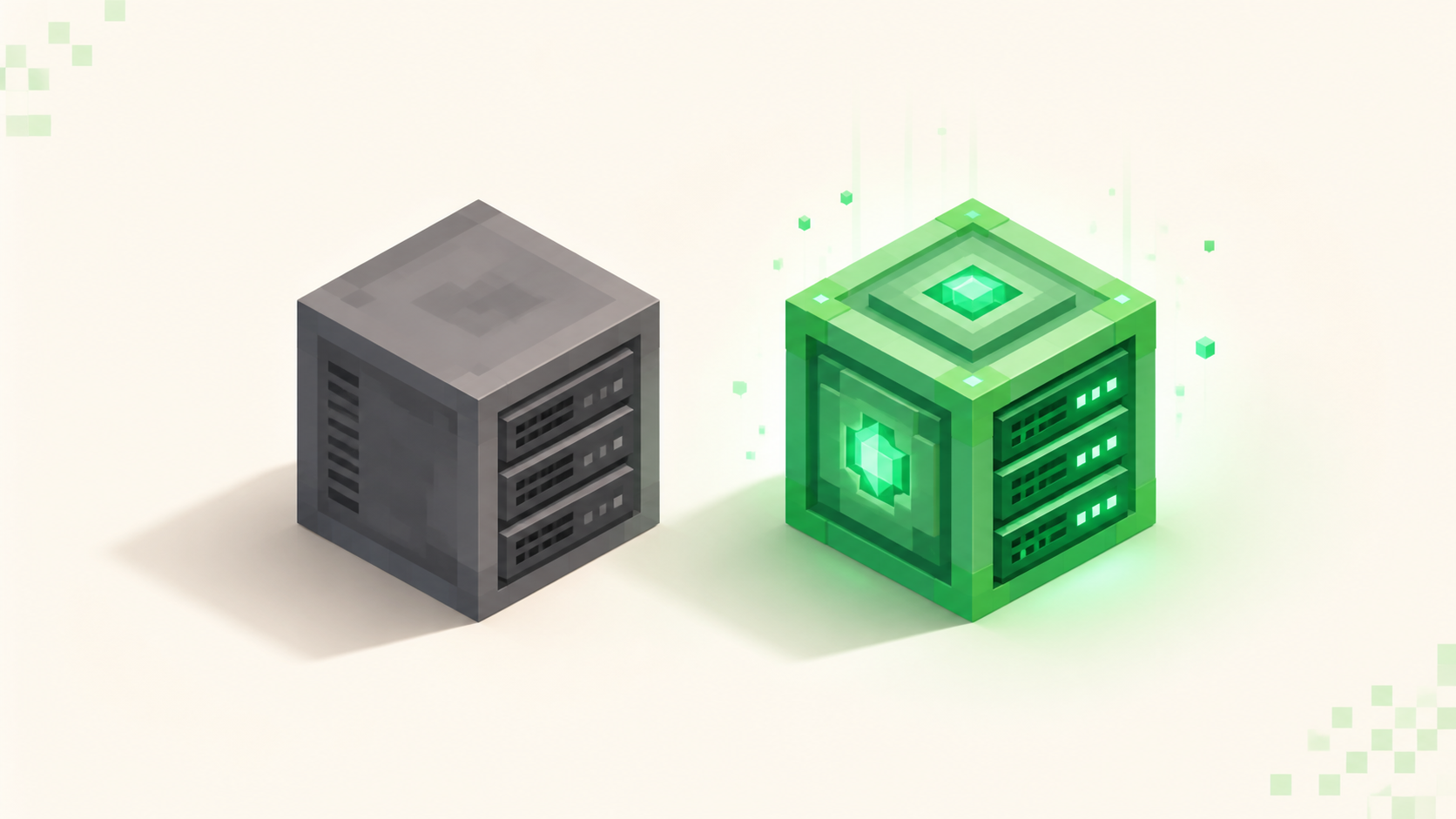
Vanilla vs Paper server: Paper is a drop-in fork that adds plugins, more TPS headroom, and deeper config while keeping the same world and port 25565.
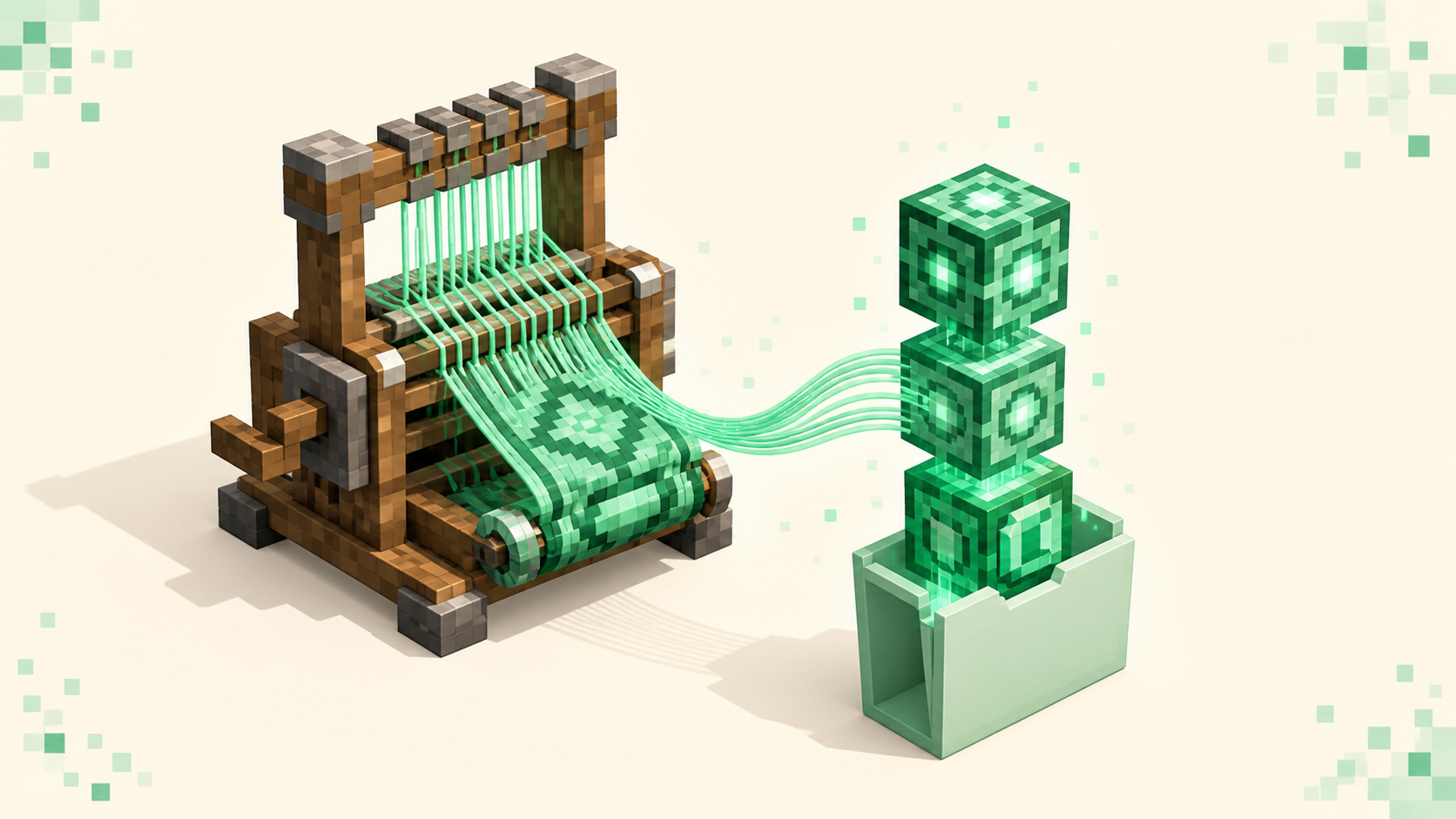
Install Fabric to join a modded server: match the Fabric loader and API to the server's Minecraft version, drop mods in .minecraft/mods, launch the profile.
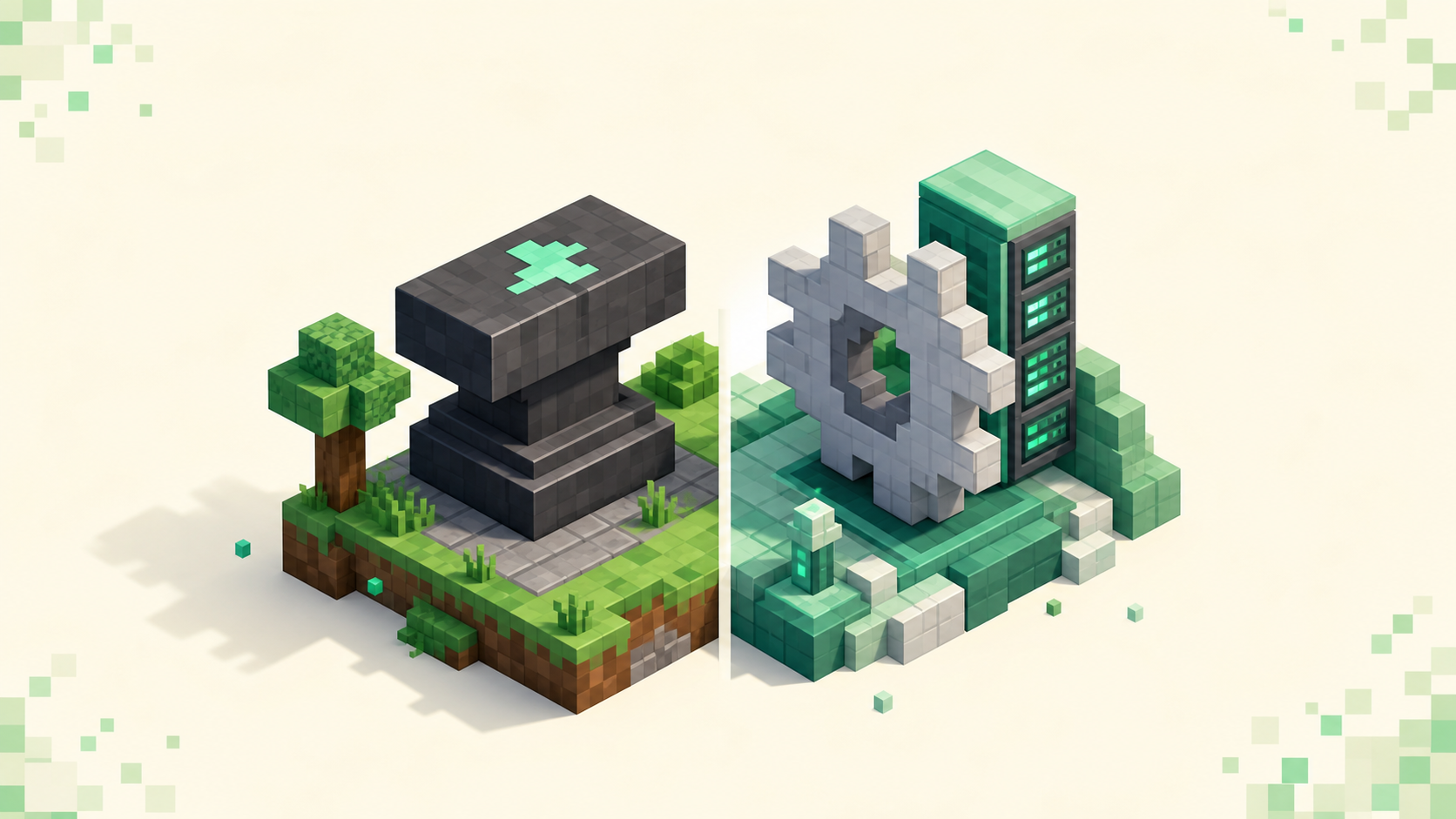
Mods vs plugins minecraft, explained: plugins run server-side with no client install, mods need Forge or Fabric on both sides. How to pick by goal.
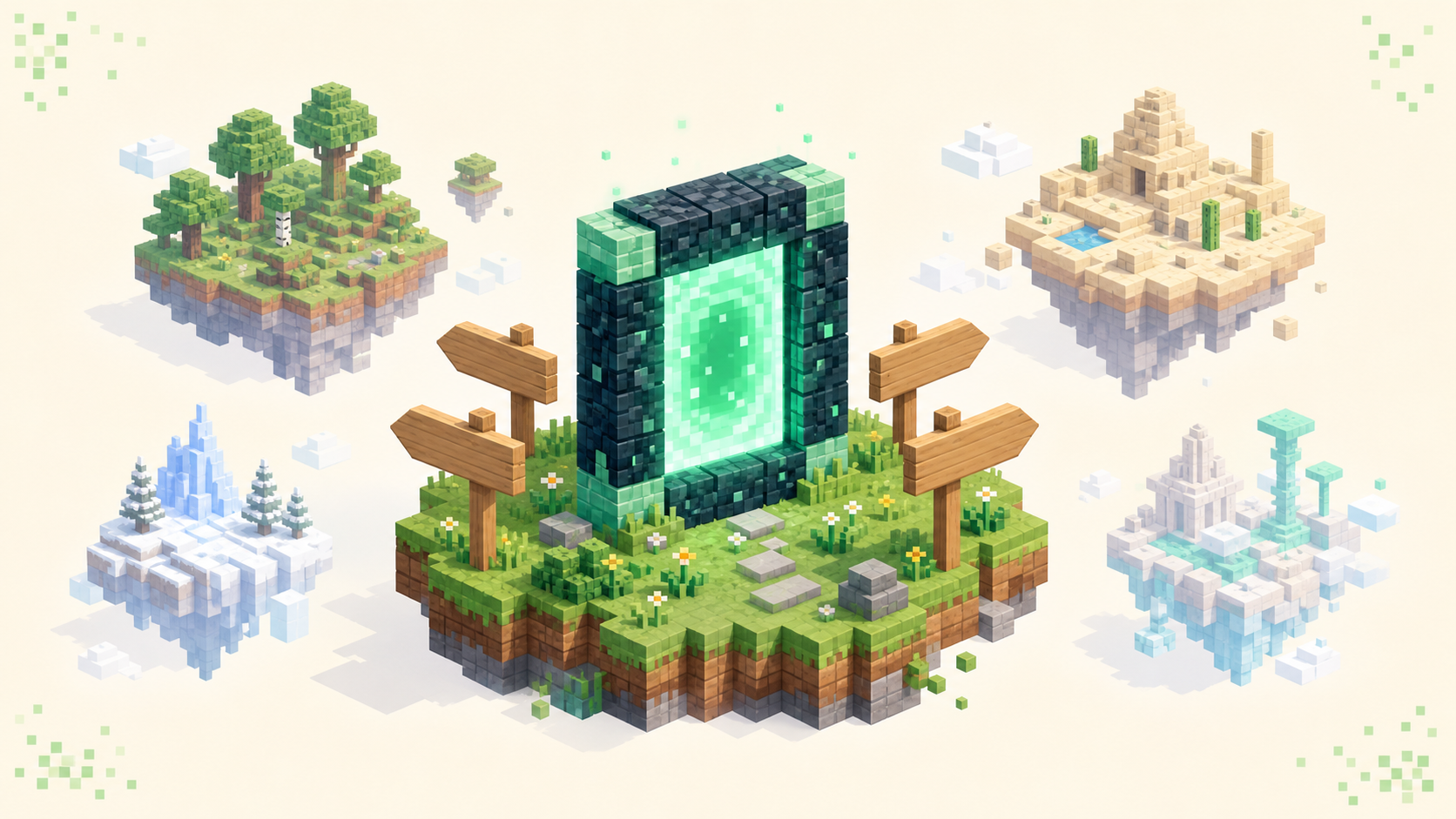
A server network links several servers — minigames, survival, a hub — behind one IP, so a lobby lets you jump between games without reconnecting.
Bedrock servers require a signed-in Microsoft (Xbox) account on every device, plus the multiplayer privacy toggle switched on. Here's why, and how to fix it.
A server resource pack swaps a Minecraft server's textures, sounds, and fonts the moment you join. Here's what the accept prompt does and how it affects FPS.
A modpack server runs a whole bundled set of mods at once, so you join it by loading that exact pack in a launcher — not vanilla Minecraft. Here's how.
How to find a true PvE Minecraft server with PvP fully disabled — what "no PvP" really means, the protections to confirm, and where to see the live picks.
How to pick a safe, family-friendly Minecraft server for kids: strict chat filters, real human moderation, anti-grief land claims, whitelists, and no-PvP zones.
"The server is full" in Minecraft means the server hit its max-players cap, not a problem on your end. Here's why, and how to actually get in.
"You are not whitelisted on this server" isn't a ban or a bug — it means your username was never added to the server's list. Here's the player-side fix.
Yes — a Chromebook can run Bedrock from the Play Store or Java through Linux. Which edition you install decides which servers and ports you can join.
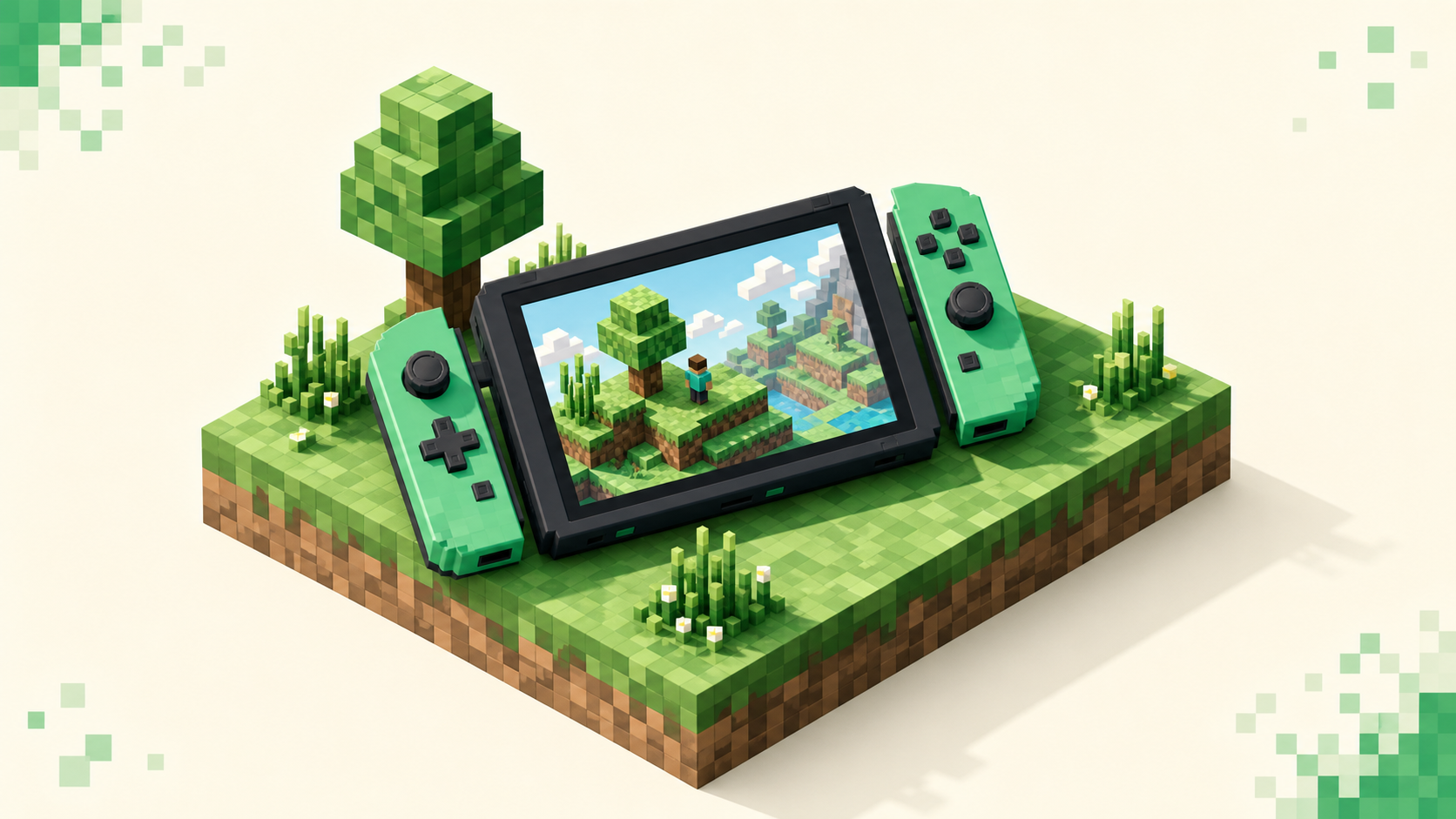
Yes — the Switch runs Bedrock Edition, but it hides custom server IPs behind a featured-server menu. Here's what you can join and the realistic workarounds.
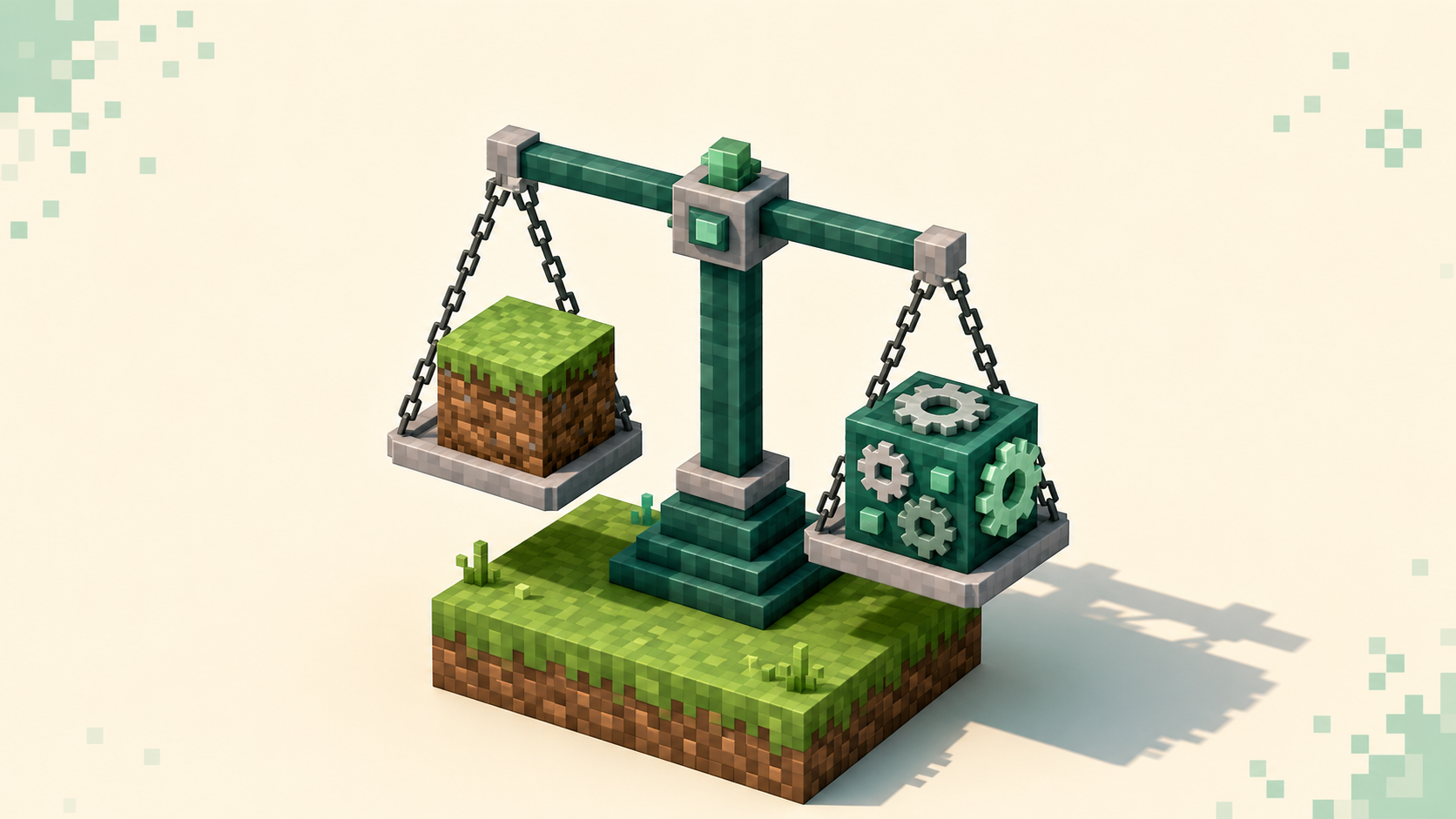
Vanilla servers run the base game with no client install; modded servers need Forge or Fabric on your end too. Here's how to choose between them.
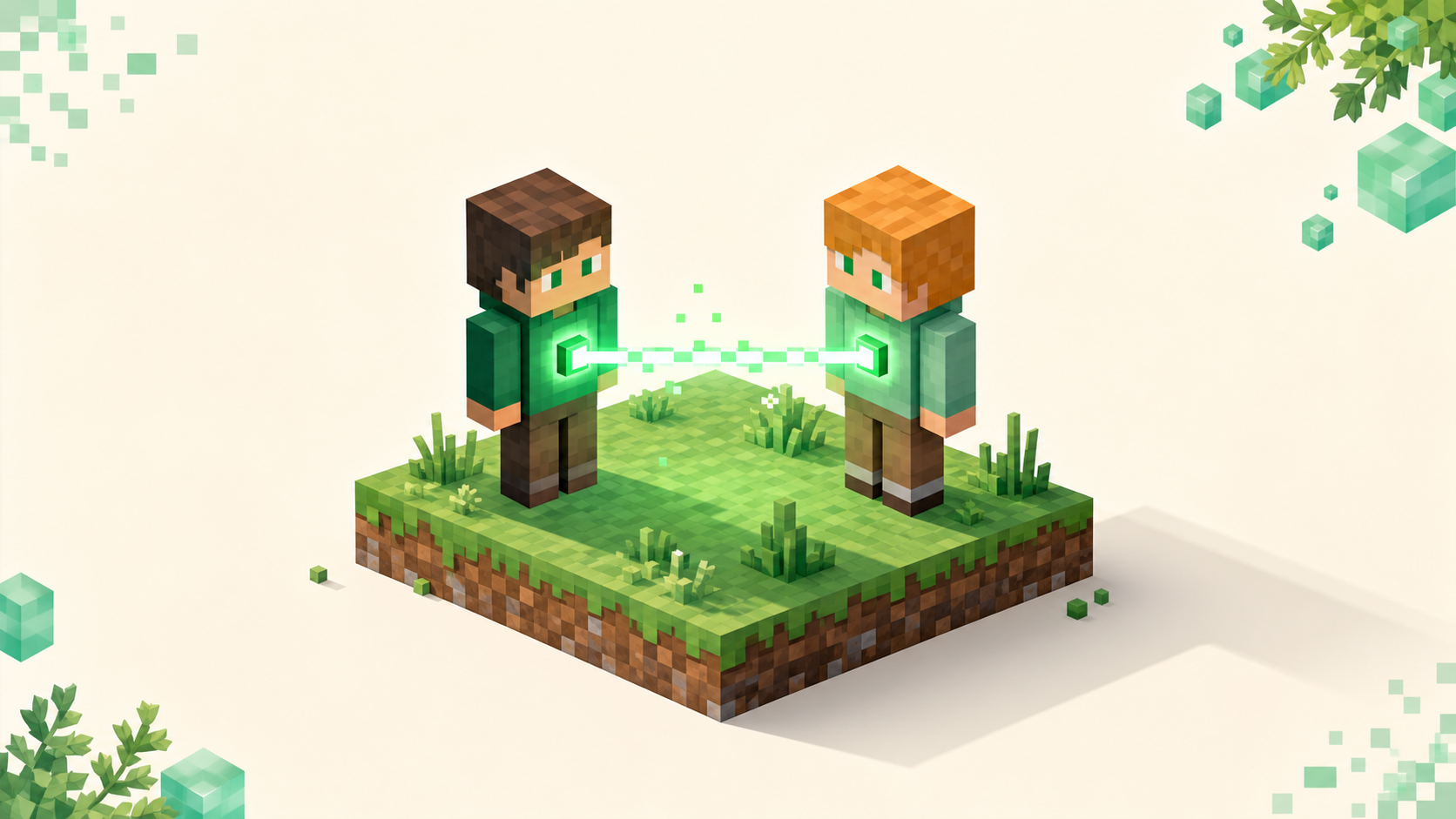
The address you type depends on where you are relative to the host — LAN IP, public IP and port, a Realms invite, or a Tailscale tunnel. Here's each one.
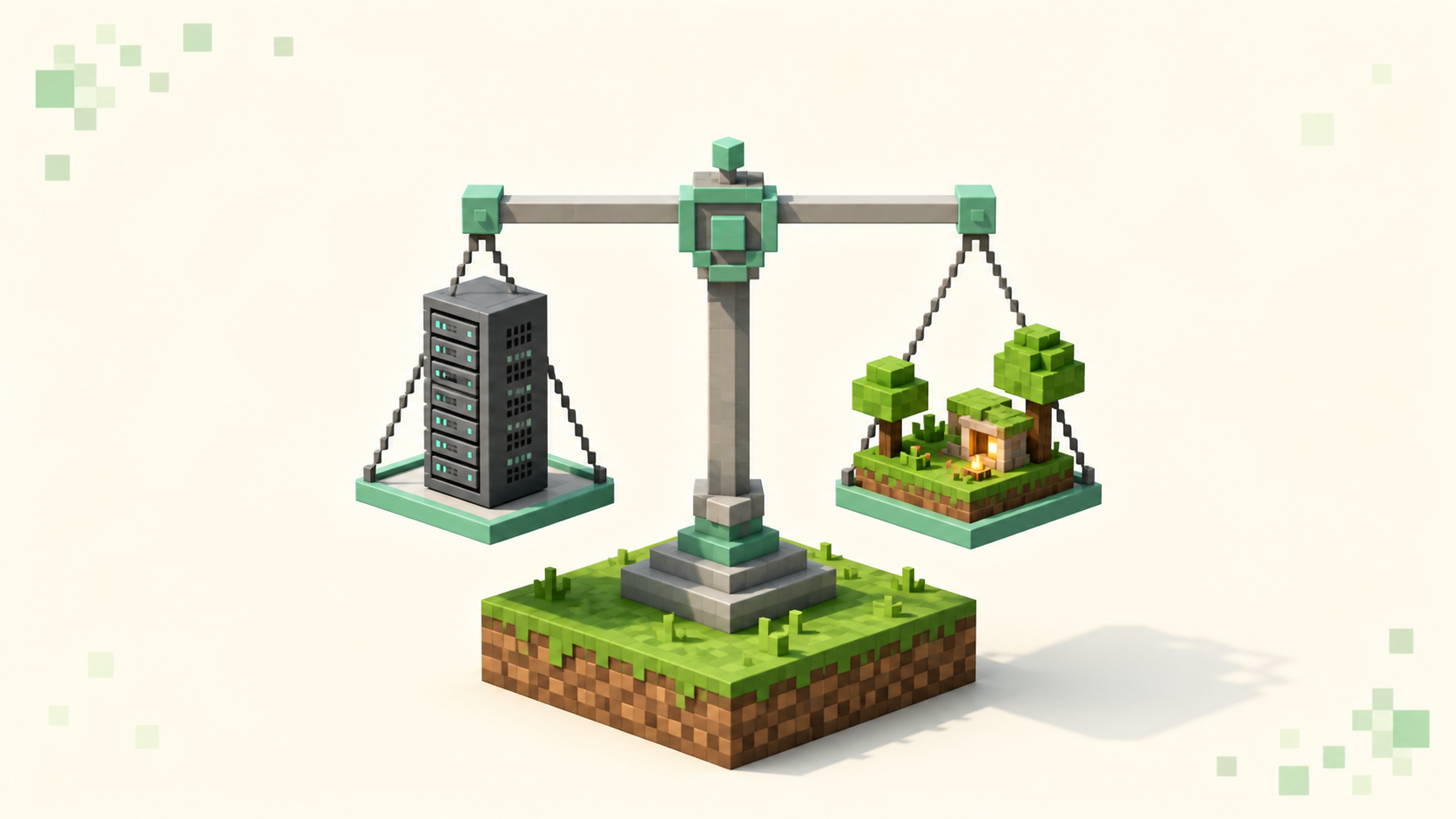
A Realm is Mojang's small invite-only world for friends; a server runs plugins, holds far more players, and gets ranked. Here's how to pick.
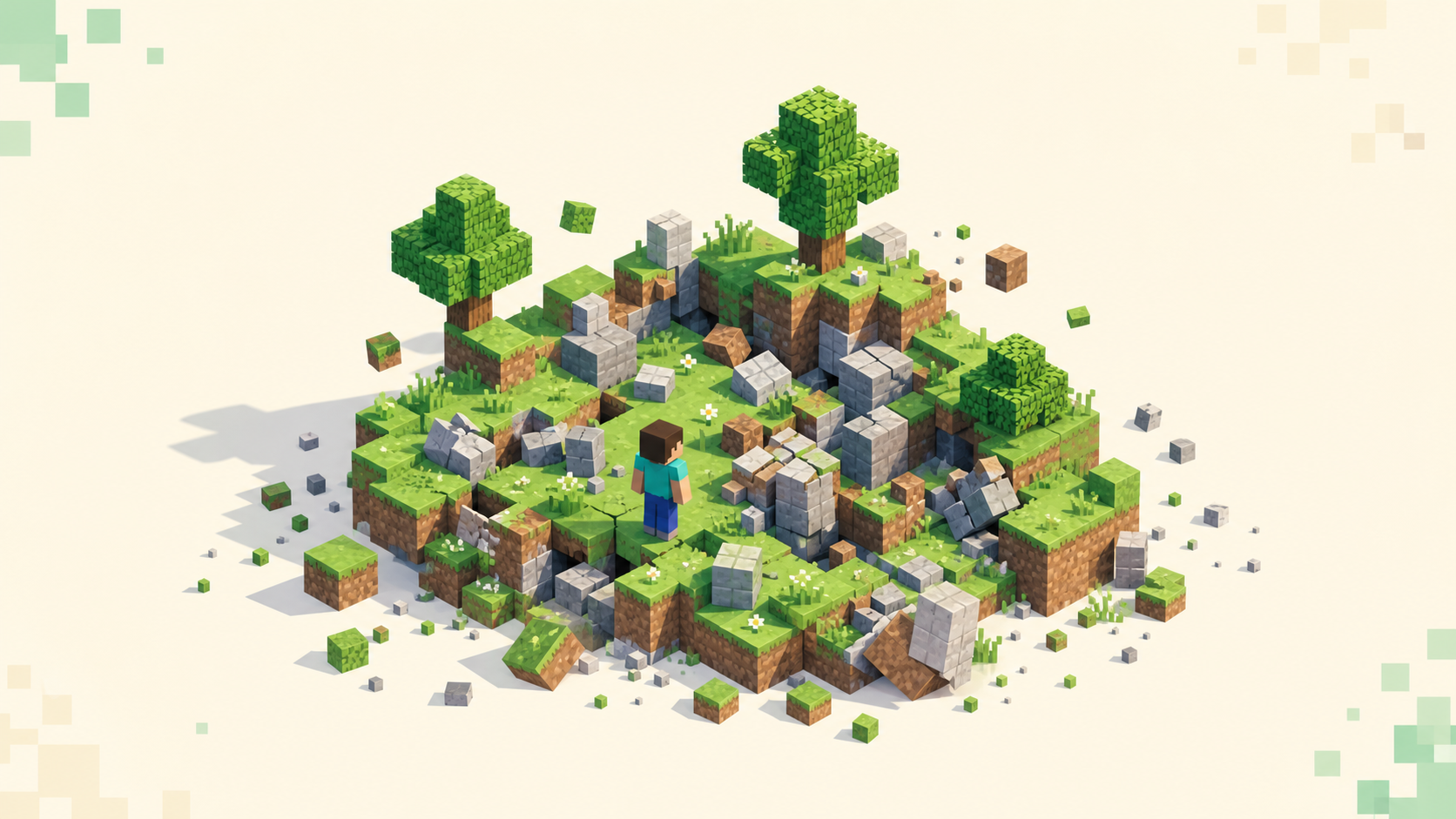
An anarchy server is a Minecraft server with almost no rules — griefing, PvP, hacking, and exploits are all allowed, and the world never resets.
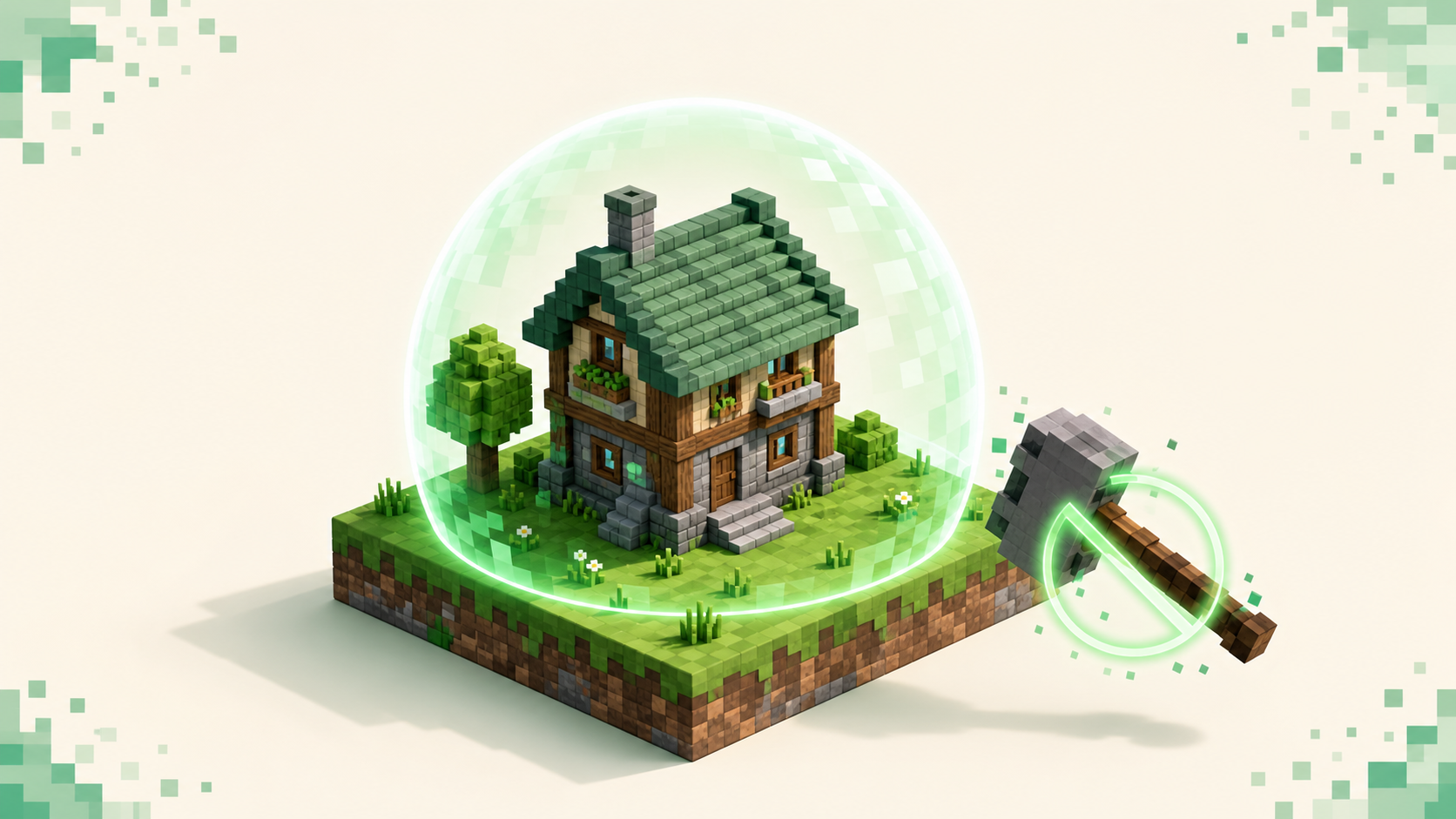
Griefing is when other players wreck or steal what you built on a server. Here's the layered stack owners use to stop it, and how you protect your base.
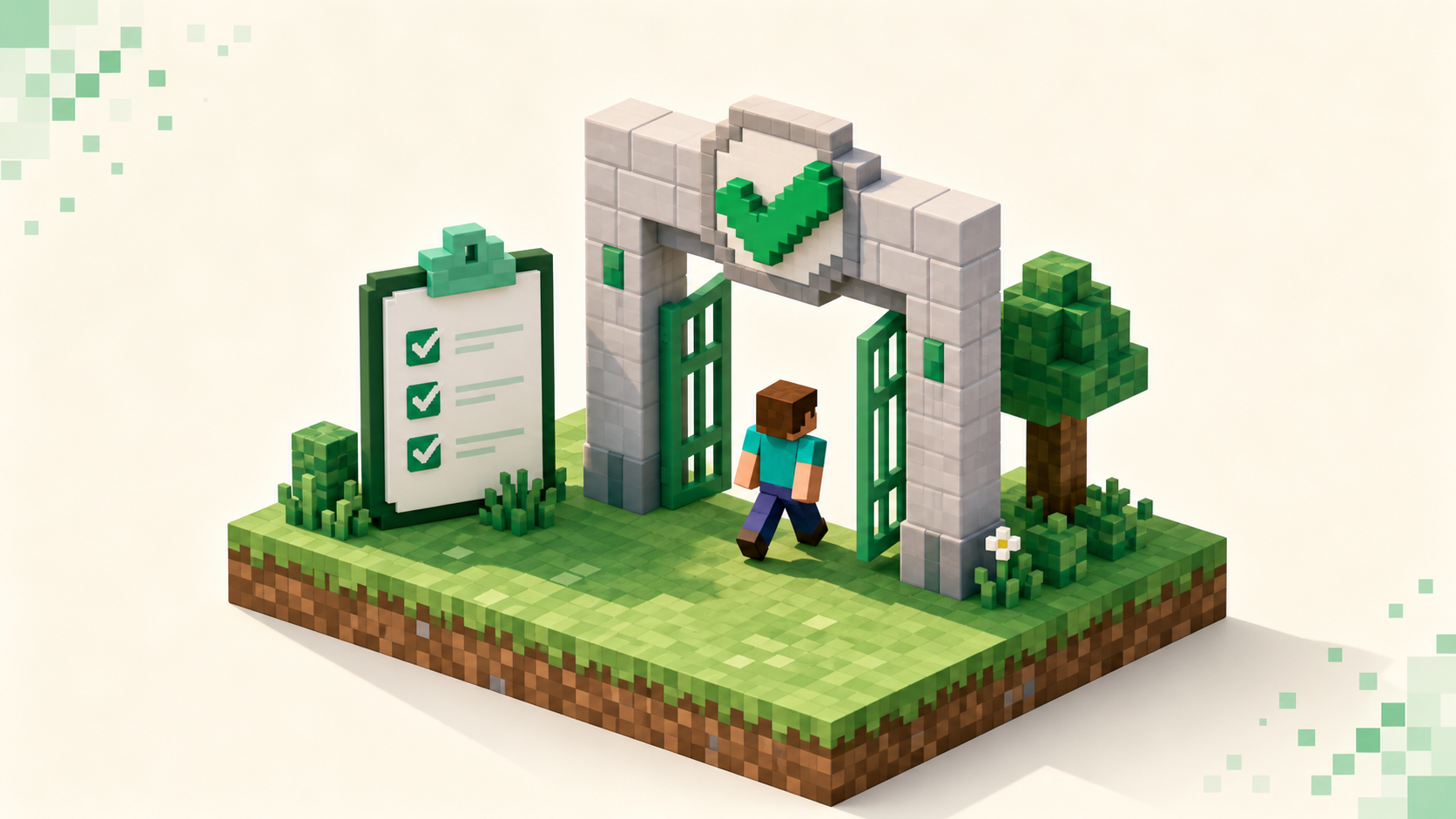
Whitelisted means a server only lets approved players in. Learn what the "not whitelisted" message means, why SMPs use it, and how to get added.