Mods vs Plugins: What's the Difference (and Which Do You Want)?
Mods vs plugins minecraft, explained: plugins run server-side with no client install, mods need Forge or Fabric on both sides. How to pick by goal.
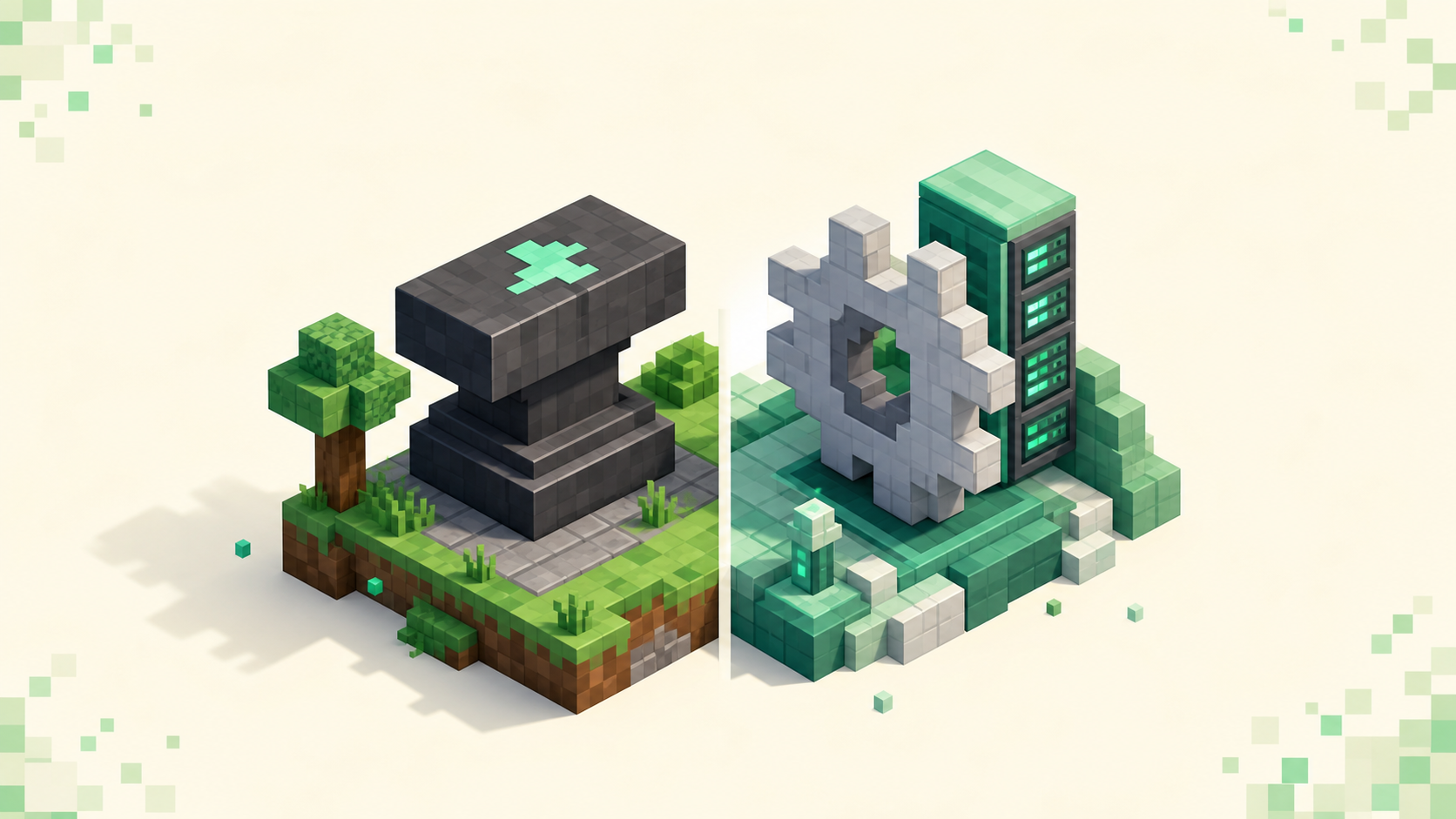
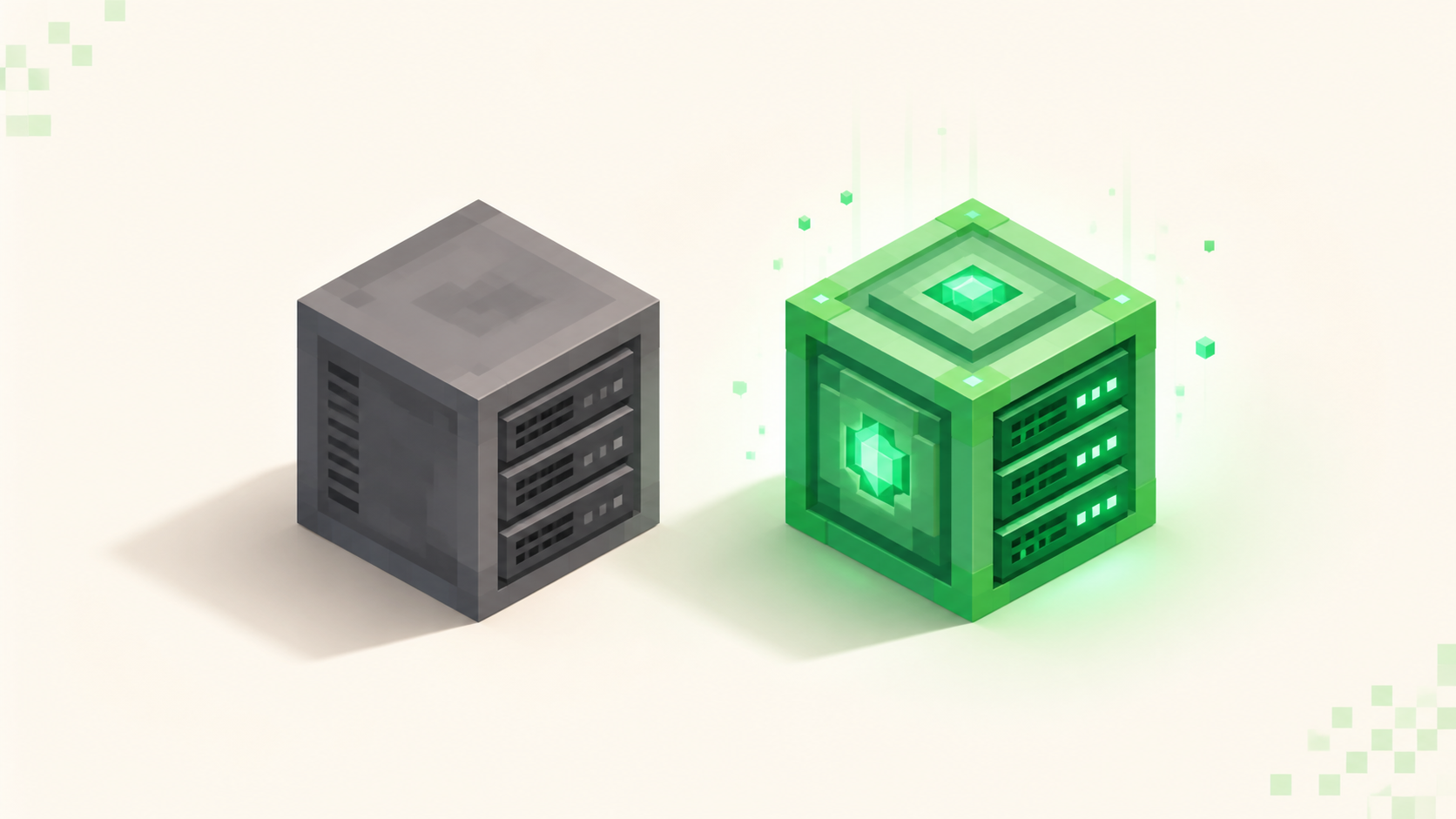
Plugins run only on the server and never touch your copy of the game; mods have to be installed on both the server and every player's client, or nobody connects. That one split — client install or no client install — is the entire difference, and it's also what decides which you want. If you just want to log in and play, or to add features to a server without asking players to download anything, you want plugins; if you want genuinely new blocks, mobs, dimensions, or tech systems, you want mods, and everyone has to install the matching set.
Where the code runs is the whole difference
A plugin is code that runs on the server and only the server. It lives as a .jar in the plugins/ folder on Paper, Spigot, or Purpur, and it's built against the Bukkit/Spigot/Paper API. When you join a plugin server, you connect with the plain Java client you already have, on the default port 25565, and you download nothing. The server does all the work; your game never learns anything new. Paper is the leanest of those platforms and the one most communities standardize on, so "plugin server" in practice usually means Paper.
Mods are the opposite arrangement. A mod needs a modloader — Forge or Fabric — installed underneath the game, plus the actual mod .jars dropped into a mods/ folder on both the server and your machine. Those two mod lists have to line up. If they don't, the server drops you at the handshake before you ever load in, and the kick message usually names the mods that are missing or the wrong version. There's no way for the server to hand you the mods on the way in; you install them yourself first.
That's the split, and every other difference falls out of it. Server-side-only means no install; both-sides means an install per server.
What plugins actually do (and can't)
Plugins change how the server behaves — an economy, land claims, custom commands, permission ranks, a minigame lobby, kits, chat formatting. The reason your client never needs anything is that a plugin can only work with blocks and items the base game already knows how to render. It can move them, restrict them, give them new rules, spawn them, price them — but it can't invent one. So a plugin can't add a genuinely new block, a new mob, or a new dimension to your game. That ceiling is the flip side of the "no download" convenience.
This is why most of the community servers that list themselves as vanilla or "Survival" or "Towny" are really plugin servers running a gamemode on top of the base game. The server types explainer walks through the gamemodes those plugin servers tend to run; the point here is that all of it is server-side logic, invisible to your client.
Installing one, from the owner's side, is about as light as it sounds: drop the .jar into plugins/, do a full restart (not /reload, which is deprecated and corrupts loaded plugin code), and confirm it's green in the /plugins list. The full walkthrough for adding a Paper plugin covers the version-matching part, which is the one thing that trips people up. Worth knowing: as of September 2026 the stable plugin target is 26.2 (protocol 776). Paper's 26.3 builds are still experimental, and plugins lag the game anyway, so don't assume a 26.3 build of your plugin even exists yet.
What mods actually do (and what they cost)
Mods change the game itself. New ores, tech trees, magic systems, automation, extra dimensions, new mobs, custom rendering — the things a plugin structurally can't do, a mod does by shipping the new code to your client as well as the server. That's the whole reason both sides have to install it.
There are two loaders, Forge and Fabric, and their mod formats aren't compatible, so a server runs exactly one. A Forge mod won't load on Fabric or the other way around. One naming wrinkle to keep straight: when people say "Forge" in 2026 they usually mean NeoForge, the fork that most big content packs now build against first. The Forge vs Fabric breakdown gets into which to run and why, including where NeoForge fits.
In practice you rarely hand-pick mods. Most modded servers run a published modpack — a curated, version-pinned bundle — and you install the same pack through CurseForge, the Prism launcher, or the Modrinth app, matching the pack name and version exactly. The cost of all that content is weight, and it lands on the player's hardware, not the server's. A heavy pack can be hundreds of mods, which means longer load times and a lot more RAM on your end. The server pays too, but you feel it first on an older machine.
The exception that confuses everyone: client-side mods and datapacks
Here's where the clean rule gets muddy, and it's the single most common point of confusion. Some mods are client-side only — a minimap, a shader pack, an OptiFine-style performance mod. Those don't change the network handshake, so you can absolutely run them while joining a plugin server. The server never inspects them and never knows they're there. That seems to contradict the "mods need both sides" rule, but it doesn't: a cosmetic or performance mod isn't adding blocks or items the server has to agree on.
So the rule of thumb is simple. If a mod adds new blocks, items, or mobs, it needs a matching server side and won't work against a plain plugin server. If it's cosmetic or performance-only, it's yours alone and travels with you to any server. One caveat: a server-side anti-cheat, not the plugin API, is the thing most likely to object to a movement or reach mod, so read a server's rules before you assume a client mod is fine.
Then there's a third category people forget entirely: datapacks. A datapack is a vanilla feature, server-side only, no client install, and it drives mechanics the base game already ships — custom recipes, loot tables, advancements, worldgen tweaks. It sits somewhere between a plugin and a mod: more portable than either, since installing a datapack on a server works on plain vanilla or Paper without any loader. What it can't do is add new code the way a mod does. It reshapes what's already in the game rather than extending it.
Which do you want, by goal
Match it to what you're actually trying to do:
- You want to hop between servers with zero setup. Plugins. Play the vanilla-listed and plugin servers you can join with a clean client — browse the full directory or the vanilla side and connect with no install.
- You want a specific tech, magic, or Pixelmon-style experience. Mods, and accept the per-server install. Match the pack and version, launch that profile, done. The modded-vs-vanilla companion covers that decision from the player's chair, and the modded list shows what's active.
- You're an owner who wants features — economy, claims, minigames — and the widest audience. Plugins on Paper, because you never force a download and anyone with the base game can join.
- You're an owner whose whole reason for existing is a content pack. Mods, and every player installs the pack. There's no plugin substitute for a real content mod.
The through-line for owners: let the mods or the pack decide the loader, never the reverse. If a published pack is in the picture, it has already chosen Forge or Fabric for you.
A quick note on Bedrock
Everything above is Java-side. Bedrock (default port 19132, over UDP) has no Forge or Fabric at all. The closest equivalents are add-ons: resource packs the server pushes to you when you join, plus behavior packs that run on the server. A resource pack on connect works a lot like the server resource pack Java servers can send, and it's the main way a Bedrock server changes what you see. For a Bedrock player, "modded" in the Java sense mostly doesn't apply, so the practical choice isn't a loader — it's the gamemode and the community you want.
FAQ
Can I run mods on a Paper or Spigot server?
Client-side ones yes, content mods no, and they fail in different ways than the modded-server kick people expect. Paper speaks the plain vanilla protocol and never asks your client for a mod list, so a content mod that adds blocks or items doesn't get you booted at the handshake here; it just has nothing to attach to. Its blocks and items don't exist on the server, so the mod sits inert or refuses to enable its features. That loud "you're missing X" kick during login is a Forge or Fabric server rejecting a mismatched client, not anything a Paper server does. A client-side mod like a minimap, shaders, or Sodium stays invisible either way: the server never negotiates it and can't tell it's running, so you load in normally.
Do plugins work on a Forge or Fabric server?
No — mods and plugins use different APIs, so a pure Forge or Fabric server won't load a Bukkit/Paper plugin. Hybrids try to bridge it: Mohist and Arclight run plugins alongside Forge/NeoForge mods, and Banner and Cardboard do it on the Fabric side. They work sometimes, but they lag the current version and are fragile enough that both mod authors and plugin authors commonly drop support the moment a hybrid is in the mix. Reach for one only when you genuinely need both.
Which uses more RAM, mods or plugins?
Mods, and for a modpack much of that cost lands on the player's client, not just the server. A lean Fabric server with a handful of mods sits around 6-8GB, while a heavy Forge or NeoForge pack starts near 8GB and climbs from there as players spread out. Plugins add only server-side RAM and cost players' machines nothing — you join a plugin server with the same client you'd use for single-player.
Is a Bedrock add-on a mod or a plugin?
Neither, in the Java sense. A Bedrock add-on is a resource pack (pushed to you on join) and/or a behavior pack (running on the server), with no plugins/ or mods/ folder involved anywhere. It's the only real customization path a Bedrock server has, which is why the whole Forge-vs-Fabric question never comes up there.