"The Server Is Full" in Minecraft? Why You Can't Join
"The server is full" in Minecraft means the server hit its max-players cap, not a problem on your end. Here's why, and how to actually get in.
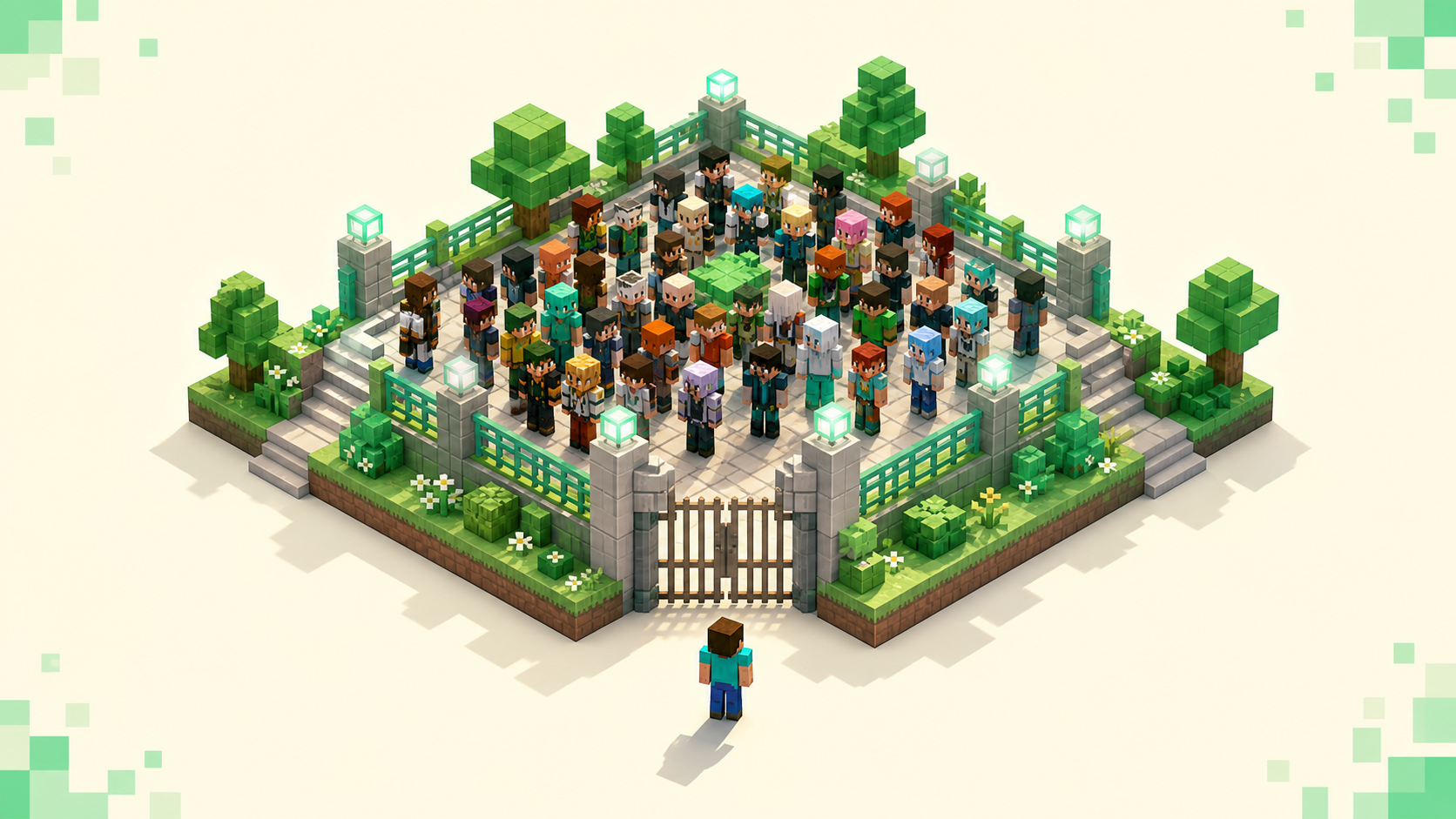
"The server is full!" is the server turning you away on purpose — it already has as many players connected as it's set to allow, so it counted heads, saw it was at the limit, and rejected your join. That's the whole story, and the part worth hearing first is that none of it is your connection, your client, or your account. You get back in by catching a free slot: retry now, try again when fewer people are on, or wait through a queue if the server runs one. Reinstalling or switching accounts does nothing, because there's nothing on your end to fix.
What "The server is full" actually means
This is a server-side refusal, which makes it different from a real connection failure. You reached the server and it replied — it just counted its current players, saw that number already matches its limit, and rejected the join. Compare that to "connection timed out" or "connection refused," where you never reached the server or never got an answer at all; if you're getting dropped or refused rather than told you're full, that's a separate problem covered in why Minecraft keeps disconnecting from servers.
The limit itself is one line in the server's config, max-players in server.properties. It defaults to 20 on Java and 10 on a Bedrock Dedicated Server, and the owner can set it higher or lower. That number is a connection limit, not a measure of what the hardware can actually handle — an owner picks it based on RAM, plugins, and how smooth they want things to stay, which is its own topic in how many players a Minecraft server can hold. Once the count hits the cap, everyone after that gets the full message.
Why it's not your fault (and what won't help)
The cap counts how many people are connected, not who they are, so nothing you change on your machine moves it. A second account doesn't help, a fresh IP through a VPN doesn't help, and a clean reinstall doesn't help — the server isn't tracking your identity, it's tracking a number, and that number is already maxed.
There's a quick way to confirm it really is full rather than something you broke. Server list pages, including the listings here, pull a live current-and-max player count from the server's status ping. If a listing reads 200/200, or 20/20 on a smaller box, the count is sitting right at the cap and the server is genuinely full. That reading is your proof to stop poking at your own setup.
This is honestly one of the calmer Minecraft errors to land on. Most of them send you digging through settings; this one is purely the server's current state. Once you've seen the count, switch your effort from troubleshooting to timing and slots.
Slots free up constantly — retry now, then retry off-peak
Players come and go all the time, so the next open seat is usually seconds away rather than hours. An immediate rejoin often grabs it, and a few attempts spaced a couple of seconds apart are the fastest first thing to try. You're competing for the next freed slot, so being ready to reconnect the moment one opens is most of the trick.
If immediate retries keep bouncing, the server is probably at its peak. Servers fill in the evenings and on weekends in their main region's timezone, and they empty out during weekday daytime and early morning for that region. Joining at an off-peak hour for where the server actually lives will often get you in with room to spare.
To guess a server's busy hours, check the region on its listing and use the country filter — the US server list is one example — to line up where a server's daytime falls against your own. If you're in Europe and a US server is packed every evening your time, that's its peak; mid-afternoon your time is its quiet early morning, when slots are easy to find. Or skip the math and just pick a server that has open room on its listing right now.
Queues: when "full" means "wait in line," not "kicked"
Bigger networks don't always hard-kick you when they're at capacity. Many run a proxy — Velocity or BungeeCord — with a queue plugin like PistonQueue or ajQueue sitting in front. Instead of bouncing you, they hold you on a small queue or lobby server and show your position, often counting down in the action bar at the bottom of your screen. So "full" turns into "you're 47th in line," which is a different experience entirely.
The one mistake to avoid here is disconnecting while you're queued. Leaving almost always sends you to the back, so you lose every minute you'd already waited. The line moves on its own as slots free up ahead of you, so the right move is to leave the client connected and let it advance. Tab out and do something else if you want, just don't quit.
You'll notice some players seem to jump the line. That's priority or reserved queueing, and it's something the owner configured on the network for staff or certain members — not a setting you can flip as a visitor. It's normal, and it doesn't mean the queue is broken.
Who actually bypasses the cap (and the whitelist myth)
Being whitelisted does not get you past a full server, even though people assume it does. The whitelist is an access list — it only decides who's allowed to connect at all. Full is a headcount — it decides how many can be on at once. So a whitelisted player still hits "the server is full" the instant the count reaches max-players, and operators, who get added to the whitelist automatically, aren't exempt from the cap either.
The real bypass on vanilla Java is a specific flag. An operator whose entry in ops.json has "bypassesPlayerLimit": true can join even when the server is full — but that flag is off by default, so being an op alone doesn't do it. Someone has to switch it on. Beyond vanilla, reserved-slot plugins hand a bypass permission like playerlimit.bypass to chosen players, and on Bedrock an allowlist.json entry with "ignoresPlayerLimit": true does the same job.
All of these are things an owner sets up for their staff and trusted regulars, or for themselves. So if the full server is yours or a friend's, this is where the lever is. If the hardware can take the load, the owner can raise max-players; if they want to keep a couple of seats open for themselves and staff, they reserve a slot or two. Either way it's an admin decision on that server, not something you arrange as a random visitor.
Full every single time? Pick a better-sized, active server
If a server is maxed out whenever you check, the problem isn't your timing — demand is simply outrunning the slots on one small box, and no retry schedule fixes that. Some popular servers sit at 20/20 around the clock because 20 was never going to be enough for their crowd.
Well-run servers handle this differently. They spread players across multiple backend worlds behind a proxy, or they run a queue, so newcomers rarely get turned away outright. A tiny capped box has neither, so it always will. When a server fits its population, a full message is a brief blip you retry past rather than a regular barrier.
The fastest way to find one of those is the live monthly server rankings and the full server list, both of which show what's active right now and how close each server is to its cap. Filter by genre tag for your gamemode and by country for low ping, and you're picking from servers that have an open slot instead of fighting for a seat that's never free. The basics of pasting in the address and connecting once you've found one are covered in how to join a Minecraft server.
FAQ
Does spamming the join button hurt my chances of getting in?
A few quick, spaced retries are fine, and they're exactly how you grab a slot the second it opens — you're racing for the next free seat, so being ready to reconnect helps. The thing to avoid is hammering it many times a second, which can trip a server's anti-spam or connection throttle and briefly block your reconnects, the opposite of what you want. Leave a second or two between attempts. And if the network has a queue, don't retry at all — just stay in line.
It says full, but the player count looks below the maximum — why?
Usually reserved slots. A plugin can hold back, say, five seats for staff or priority players, so the public cap is effectively lower than the max-players number and you get kicked while the count still looks like it has room. It can also be a per-world or per-region cap on a network — the lobby has space but the survival world you're routed to is full — or a brief plugin hiccup right after a restart. Wait a minute and retry.
I'm on Bedrock or a Realm — is "full" the same thing?
On a Bedrock Dedicated Server it works the same way, just with a lower default cap of 10, and an allowlist entry can bypass it. Realms are stricter. They have a small fixed simultaneous-player cap you can't raise the way a normal server owner can — Java Realms hold up to about 10 players at once, and Bedrock Realms come in 2-player and 10-player sizes. So on a full Realm your only options are to wait for someone to leave or have the owner free a spot; there's no setting to expand it.
If I finally get in, can a priority player bump me back out?
No. A reserved slot or priority queue only changes who gets the next opening — it doesn't kick someone who's already connected to make room. Once you're in, you hold your slot until you leave, same as anyone else. Priority just means that when a slot does free up, a flagged player skips ahead of the regular line for it. So getting in is the hard part; staying in isn't a fight.