Why Your Mods Won't Load: Fabric Jars in a Forge Folder
A Fabric jar in a Forge folder isn't broken, it's invisible: each loader only reads its own descriptor. Open the jar, check one file name, match the loader.
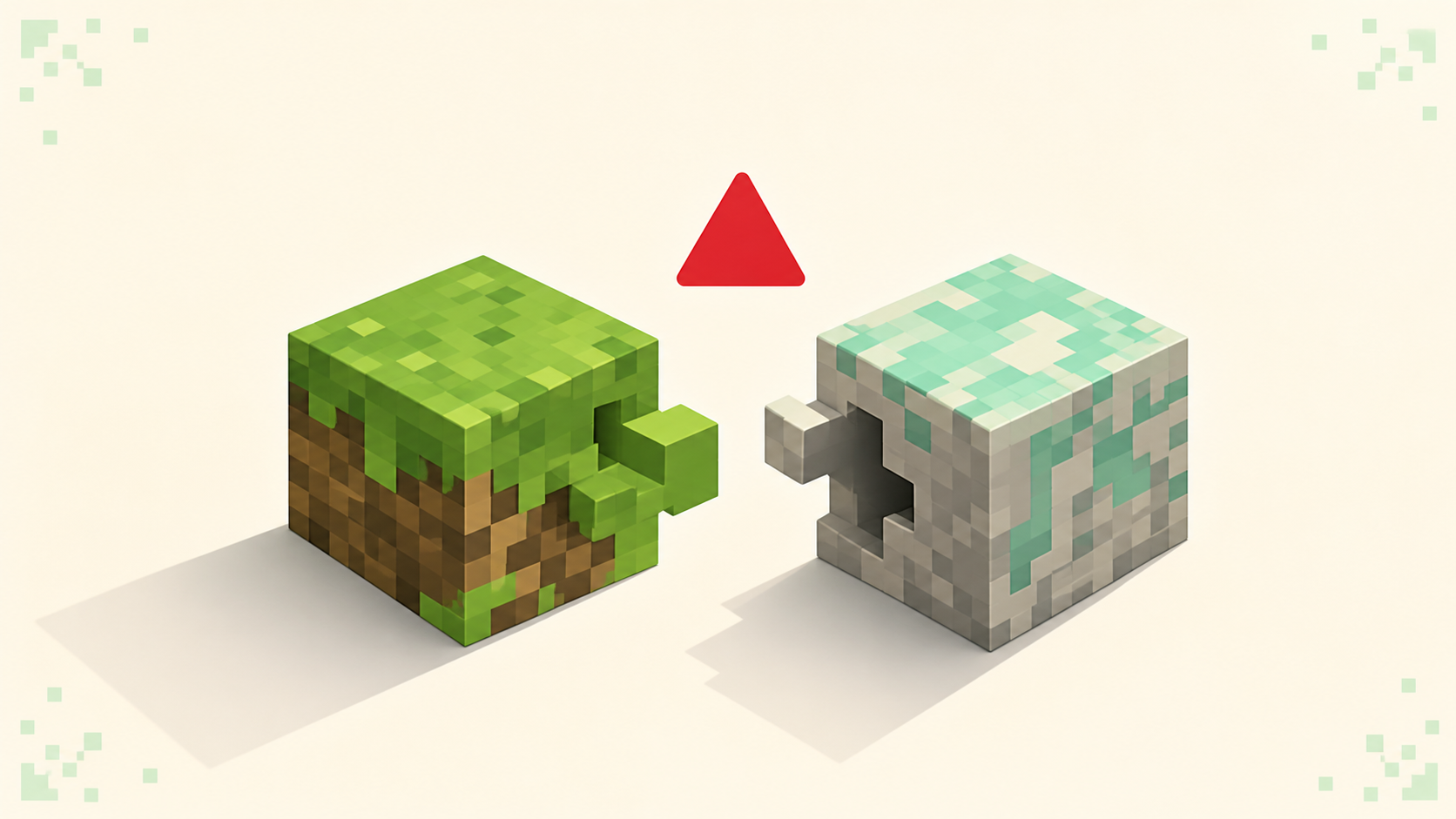
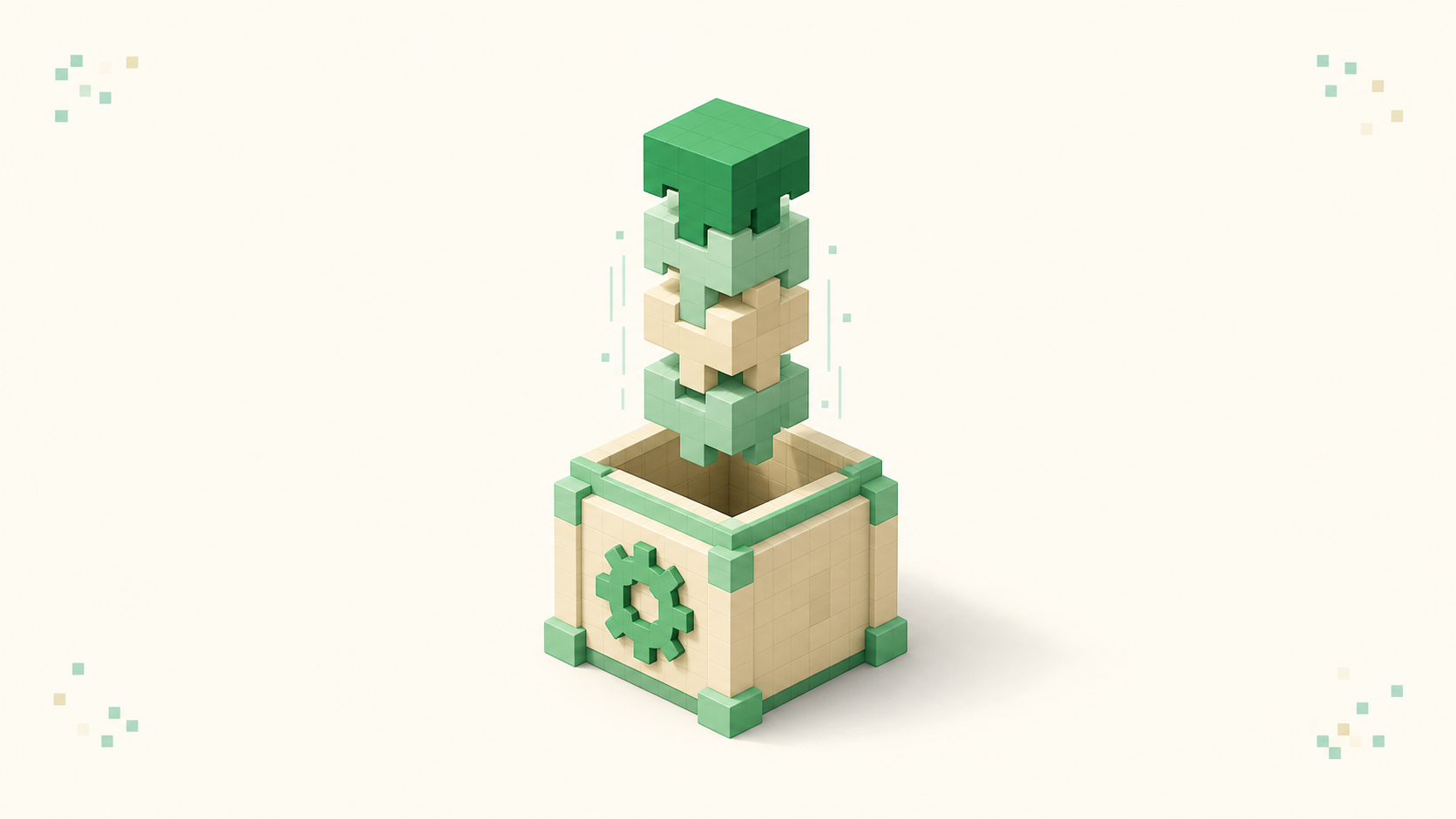
A Fabric jar sitting in a Forge instance isn't broken and it isn't corrupt — it's invisible. A .jar is a zip archive with a directory tree inside it, and every loader decides what counts as a mod by looking for one specific file at one specific path in that tree. Fabric Loader wants fabric.mod.json at the root. Forge wants META-INF/mods.toml. Neither cares what the file is named or where you downloaded it. If the descriptor isn't in the archive, the jar gets skipped or refused, and the mod behaves exactly as though you never installed it. So the diagnosis comes down to one move: open the archive and read one file name.
Open the jar without extracting it
On Windows, right-click the jar and pick 7-Zip → Open archive, which reads it in place. Don't rename it to .zip — with "hide extensions for known file types" on you get sodium-fabric-26.1.jar.zip, which the mods folder stops seeing at all. On macOS a renamed zip opens in Archive Utility and extracts a whole folder instead of letting you browse, so Terminal is cleaner:
unzip -l sodium-fabric-26.1.jar
That prints an Archive: sodium-fabric-26.1.jar header and a Length/Date/Time/Name table. To skip a few hundred lines of class files, filter it:
unzip -l sodium-fabric-26.1.jar | grep -E "fabric\.mod\.json|quilt\.mod\.json|mods\.toml|mcmod\.info|plugin\.yml|bungee\.yml|velocity-plugin\.json"
A jar that prints nothing there has nothing your loader can read. jar tf sodium-fabric-26.1.jar does the same if you have a JDK. Leave the original file alone either way — this check is read-only.
Now read what sits at the root:
| What's in the archive | What the jar is |
|---|---|
fabric.mod.json |
Fabric Loader mod |
quilt.mod.json |
Quilt mod |
META-INF/mods.toml |
Forge |
META-INF/neoforge.mods.toml |
Modern NeoForge — same TOML format, renamed file |
mcmod.info |
Forge from a much older generation of the game |
plugin.yml or paper-plugin.yml |
Bukkit/Spigot/Paper server plugin |
bungee.yml or velocity-plugin.json |
BungeeCord or Velocity proxy plugin |
Nearly every jar also contains META-INF/MANIFEST.MF. That's Java's own manifest; no loader reads a mod descriptor out of it, though Forge does check one attribute there, as below.
Two wrinkles. Quilt Loader reads both quilt.mod.json and fabric.mod.json, so most Fabric mods run fine on Quilt — provided anything depending on Fabric API has Quilted Fabric API in its place. But plain Fabric Loader doesn't read quilt.mod.json, so a Quilt-only jar is invisible on Fabric the same way a Forge jar is. And some projects ship a multi-loader build with more than one descriptor in one archive; a listing showing fabric.mod.json and a neoforge.mods.toml isn't a contradiction, and that jar loads on either side.
If what you found was plugin.yml, stop — that's server software and it will never load in a client mods folder. Mods and plugins are different things that share a file extension, and the mirror mistake is just as common: a mod jar in a Paper server's plugins/ folder logs Jar does not contain plugin.yml, and Paper skips it and keeps booting. The plugin fails to load, not the server.
Forge complains, Fabric says nothing
Forge and NeoForge do tell you. In logs/latest.log you get a WARN naming the file and the descriptor it wanted. The classic Forge wording:
Mod file C:\Users\you\curseforge\minecraft\Instances\Pack\mods\sodium-fabric-26.1.jar is missing mods.toml file
NeoForge prints its own version of that sentence. The generation gap matters more than the wording: older Forge builds warned and booted on to the title screen, while modern Forge and NeoForge treat it as a mod-loading failure and stop on the FML error screen with the file named. On a current build the wrong jar doesn't quietly do nothing — it takes the launch down with it.
One thing that trips people mid-audit: not every jar in a Forge mods folder is meant to have a descriptor. A jar whose META-INF/MANIFEST.MF says FMLModType: LIBRARY is a deliberate library that Forge loads without any mods.toml. "No descriptor" proves the file isn't a Forge mod, not that it's junk.
Fabric is the harder case, because Fabric Loader doesn't error and doesn't put a screen in front of you. It skips the jar and boots — a working game that behaves like the mod was never installed, which is how people lose a week to reinstalling Java. The ground truth is a block near the top of logs/latest.log:
[16:23:45] [main/INFO] (FabricLoader) Loading Minecraft 26.1 with Fabric Loader 0.17.2
[16:23:45] [main/INFO] (FabricLoader) Loading 42 mods:
	- fabric-api 0.116.4+26.1
	   |-- fabric-api-base 0.5.1+26.1
	- modmenu 12.0.2
That first line confirms which game version and which loader actually launched. Then look for your mod's id in the list underneath. Do not compare that number against how many jars you put in the folder — Loading N mods: counts the built-in pseudo-mods minecraft, java and fabricloader, plus every jar-in-jar submodule bundled inside a parent, so N runs far higher than your file count. Presence of the id is the check.
Read the log from the game directory you actually launched. On the Fabric case, skip crash-reports/ — nothing crashed, so nothing was written there. And logs/latest.log is overwritten every launch, with the previous run rotated into a gzipped file named for the date, so grab it before you relaunch.
"My mod list is empty"
Forge and NeoForge put a Mods button on the title screen by default, and that screen is never genuinely empty — it always lists the built-ins, Minecraft plus the loader itself. If those are the only entries, none of your jars registered, which usually means you launched the wrong profile and not that every mod you own is bad.
Fabric ships no mod-list UI at all. There's no list until you install Mod Menu (modmenu), which itself needs Fabric API, so "the list is empty" on Fabric is very often just a missing modmenu jar. Installing Mod Menu on a Forge instance does nothing — the button is already there, and it's a Fabric mod anyway. Mod Menu can also filter library mods out of what it shows, so a mod can be loaded and still not appear. When the GUI and the log disagree, the log wins.
The folder is full and nothing loads
This is the other half of the problem, and on instance-based launchers it's the bigger half:
| Launcher | Mods folder |
|---|---|
| Official launcher (Windows) | %appdata%\.minecraft\mods |
| Official launcher (macOS) | ~/Library/Application Support/minecraft/mods |
| Official launcher (Linux) | ~/.minecraft/mods |
| Prism Launcher / MultiMC | instances/<InstanceName>/.minecraft/mods — some older or imported instances use minecraft/mods |
| CurseForge App | Instances/<Pack Name>/mods |
| Modrinth App | profiles/<Profile Name>/mods |
A jar dropped into the official launcher's .minecraft/mods while you actually launch a Prism instance sits in a directory that instance never opens, and no amount of archive-checking rescues you from that. In Prism, open the instance's own Mods tab or hit the Folder button on the instance page, rather than typing a path by hand. The CurseForge and Modrinth apps each have a per-instance Open Folder button; since their install roots have moved between releases, let the app take you there.
The official launcher has the reverse trap. Every installation reads the same .minecraft/mods unless you override it, so a new profile doesn't give you a new mods folder. Edit the installation, expand More Options, and point Game Directory at a folder of its own.
While you're in there: loaders only pick up files ending in .jar. Forge and NeoForge read only the top level of mods; current Fabric Loader also reads game-version subfolders like mods/26.1/, but not some subfolder you made yourself. Prism's per-mod disable toggle renames to <name>.jar.disabled, which is exactly why it stops loading.
Filter it at the source
Filter at the download page and you mostly stop hitting this. On Modrinth, every row on a project's Versions tab carries its loader and game-version tags, so narrow by both before clicking. On CurseForge the Files tab filters the same way, and authors usually spell it out in the filename — create-fabric-26.1-1.2.3.jar next to create-neoforge-26.1-1.2.3.jar. Either source is fine; what differs between them is browsing and packaging, not correctness. Filenames are convention, not proof, though — plenty of jars carry no loader in the name at all.
Things that don't fix it
Renaming the jar does nothing — the loader isn't reading the name, and adding -forge doesn't change a byte inside the archive. Hand-writing a mods.toml or fabric.mod.json into the jar is worse: best case the loader registers it and the game dies on the first missing class, because the code was compiled against a different API. Deleting META-INF is an old fix for signature errors that doesn't apply here. Extracting the jar into the mods folder loses the mod entirely; loaders read .jar files, not unpacked folders. Installing Fabric API won't help a Forge jar, and none of this touches Java or your game files, so reinstalling Minecraft just gets you back to where you started.
If the instance is a modpack, don't hand-repair it. Swapping jars inside a pack desynchronises it from its manifest.json or modrinth.index.json — reinstall or repair the pack in the launcher instead.
The two failures this gets confused with
A jar with the right descriptor but built for the wrong game version does get registered, then fails a dependency check naming minecraft. On Fabric that's the Incompatible mods found! block, and that error prints its own fix a few lines down. Registered-then-rejected is the opposite of never-registered, so a loader that names your mod and complains about a version puts you in that article, not this one.
A mismatch that only appears when you click Join is the server handshake. Older Forge builds threw up a Missing Mods screen; current Forge and NeoForge disconnect with Connection closed - mismatched mod channel list. Either way the game reached the title screen, so your jars loaded fine, and matching what the server runs is the job there.
One bridge exists and it's narrow: Sinytra Connector runs many Fabric mods on NeoForge, alongside Forgified Fabric API, from a project-by-project tested-compatibility list. It's one-directional — nothing runs Forge or NeoForge mods on Fabric — and it isn't a general switch. Settling which loader you're on up front saves more time than bridging after the fact. Once your jars load, the last thing to match is game version: modded packs tend to trail the newest line for a while after each drop (26.3 arrived on September 15, 2026), so check what the server you want runs — the 26.2 and 26.1 server lists show who's still on those.
FAQ
A jar has both fabric.mod.json and a mods.toml inside. Does the descriptor I'm not using cause a conflict?
No. The loader you launched opens only the descriptor it owns and never reads the other, so a multi-loader jar's spare file just sits there inert. The assumption that bites is the reverse — that a jar carrying only the other loader's descriptor will adapt to yours. There's nothing for your loader to find, so it skips the jar like any wrong-side jar.
Can my Fabric instance and my NeoForge instance share one mods folder to save disk space?
No. Whichever instance launches reads the entire folder, so every jar belonging to the other loader is dead weight at best, and on a current Forge or NeoForge build a boot-stopping invalid-mod-file error at worst. One mods folder per instance is the whole reason instance-based launchers exist, and the duplicated disk space is worth paying for.
Do shader packs and resource packs hit this same wall?
No, because neither one goes in mods/. Resource packs live in resourcepacks/ and load straight from the in-game menu with no loader involved. Shader packs go in shaderpacks/ and need a shader mod like Iris or OptiFine to read them — and that mod is an ordinary jar, so it can absolutely be sitting in the wrong loader's folder. The shader mod itself hits this problem; the packs it reads never do.
Does any of this apply to Bedrock?
No. Bedrock has no Forge or Fabric, and it has no jar mods at all. A .jar from Modrinth or CurseForge is Java Edition only, and there's no folder on Bedrock to drop one into. Bedrock add-ons are a separate system with their own packaging.