
Why Your MSPT Is High but TPS Still Shows 20
Why TPS holds at a flat 20.0 until MSPT crosses the 50ms tick budget, how to read the margin, and how to fix the load before you hit the cliff.
Why TPS holds at a flat 20.0 until MSPT crosses the 50ms tick budget, how to read the margin, and how to fix the load before you hit the cliff.

Purpur vs Paper: Purpur is a Paper fork that adds hundreds of gameplay toggles, not speed. Who should switch, who should stay, and how to swap the jar.
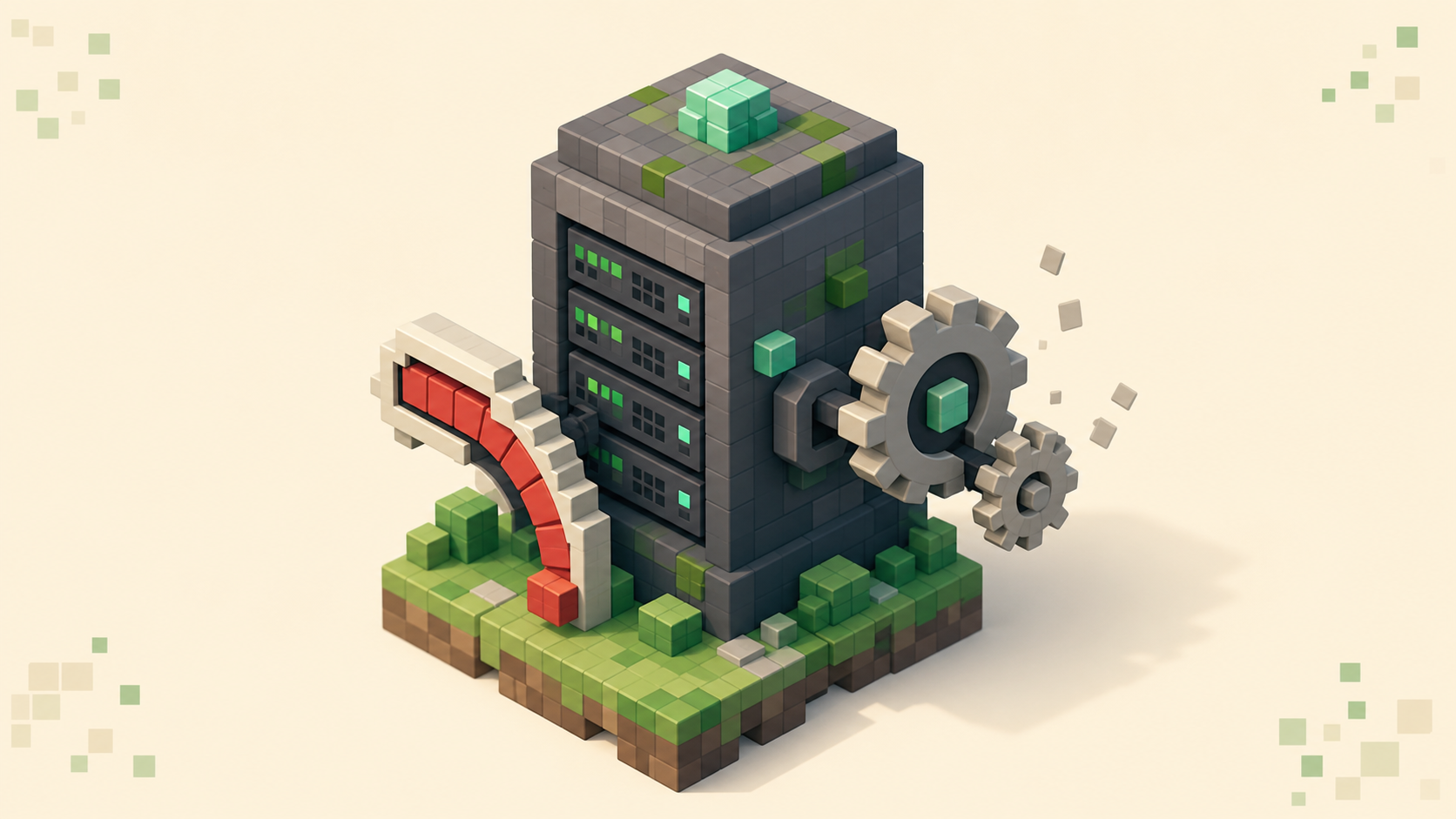
Can't keep up is the server overloaded Minecraft means low TPS, not a bug. Read /tps and /mspt, use Spark to find the tick that ran long, and fix it.

Install the spark profiler, run /spark profiler during the lag, then read the call tree to name the exact plugin, entity, or task eating your tick time.

Vanilla vs Paper server: Paper is a drop-in fork that adds plugins, more TPS headroom, and deeper config while keeping the same world and port 25565.
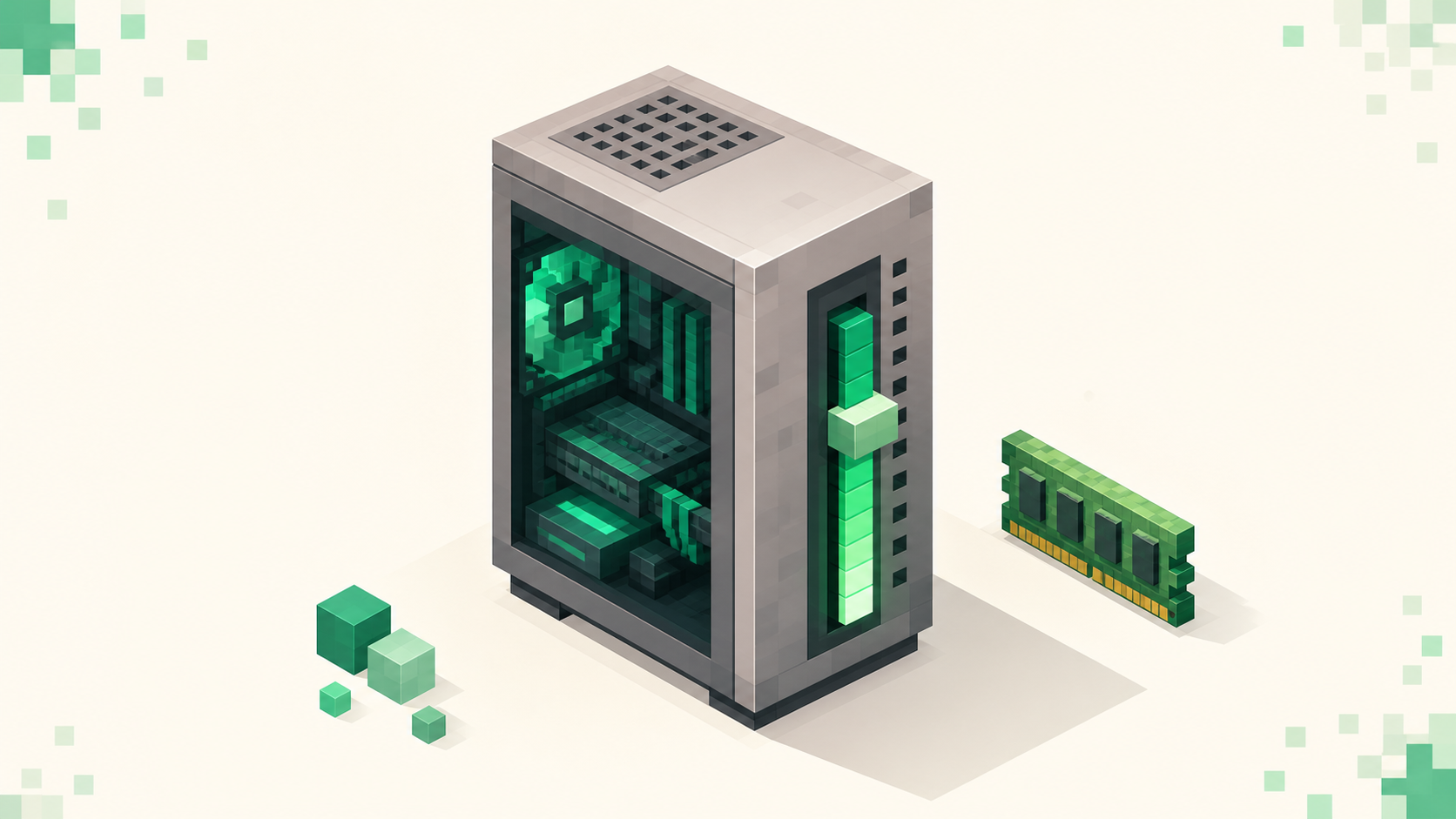
Allocate more RAM to Minecraft Java by editing -Xmx in your launcher. How much to give it, why maxing it out backfires, and how to verify the change took.

Why a daily restart clears memory leaks and steadies TPS, plus three ways to schedule it: a start-script loop, a cron job, or a plugin with countdown warnings.

What view distance and simulation distance actually control on a Minecraft server, why simulation distance hits TPS and RAM harder, and how to tune both.
How North American players find low-ping Minecraft servers: filter the live US and Canada rankings, expect realistic ms by coast, and stop PvP rubber-banding.
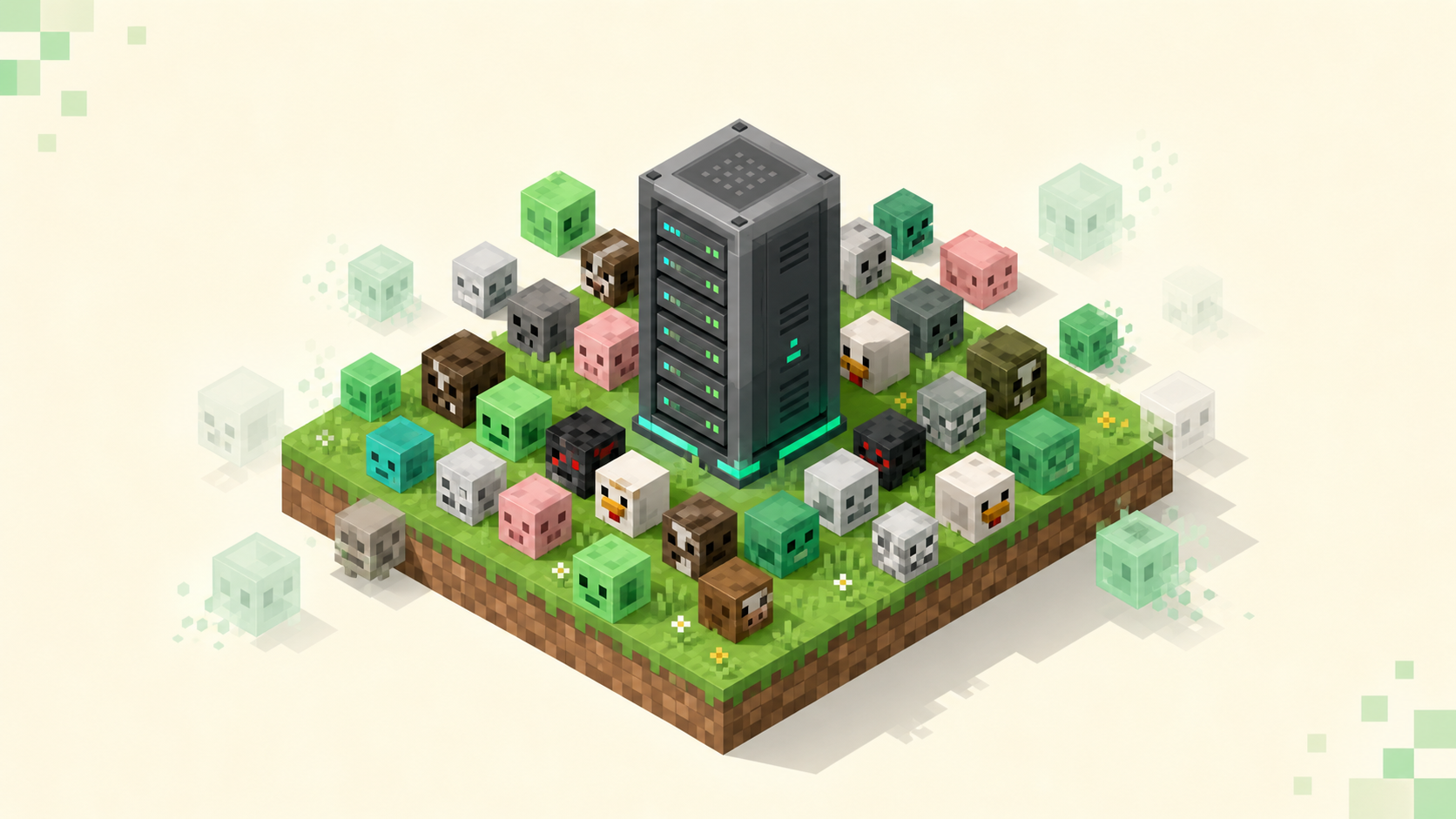
Diagnose and fix entity lag on a Paper server — measure with spark, then tune mob caps, activation range, despawn, and merge-radius in the right order.

TPS is how many ticks your server runs per second (target 20); MSPT is how long each tick takes. Here's how they connect and how to read them.

Lower your Minecraft ping by picking a closer server and switching to a wired connection — plus how to tell your own latency apart from the server's lag.

Chunks not loading on a Minecraft server is either client-side (render distance, network, GPU) or server-side low TPS. Tell them apart, then fix it.

Your singleplayer world runs smooth but FPS tanks on servers — why crowds, entities, chunk loading, and server resource packs hit your frame rate, and the fix.

Tell client lag, server TPS drops, and high ping apart on a multiplayer server, then fix the lag spikes you can actually control with F3 and render distance.