Why Your MSPT Is High but TPS Still Shows 20
Why TPS holds at a flat 20.0 until MSPT crosses the 50ms tick budget, how to read the margin, and how to fix the load before you hit the cliff.
Why TPS holds at a flat 20.0 until MSPT crosses the 50ms tick budget, how to read the margin, and how to fix the load before you hit the cliff.
Updated to Minecraft 26.3 and your usual server won't let you in? Here's why 26.2 and 26.3 can't connect and the fastest ways to get back in.
Can't keep up is the server overloaded Minecraft means low TPS, not a bug. Read /tps and /mspt, use Spark to find the tick that ran long, and fix it.

Install the spark profiler, run /spark profiler during the lag, then read the call tree to name the exact plugin, entity, or task eating your tick time.
"End of stream" in Minecraft Java means the connection closed mid-handshake with no disconnect packet — what causes it, and how it differs from a reset.
"The server is full" in Minecraft means the server hit its max-players cap, not a problem on your end. Here's why, and how to actually get in.

"You are not whitelisted on this server" isn't a ban or a bug — it means your username was never added to the server's list. Here's the player-side fix.

"Read timed out" (java.net.SocketTimeoutException) means the connection opened but no data arrived in the read window — fix it player- and server-side.

On Bedrock, the "not compatible with your current version" message means your app and the server run different drops. How to update or when to wait.
Fix "java.net.SocketException: Connection reset" in Minecraft Java — what the TCP reset means, how to tell your network from the server, and what to check.

Console lag is usually ping or Wi-Fi, not your Xbox, PS5, or Switch. Pick a nearby server, go wired, close background downloads, find low-ping crossplay.

Xbox Minecraft has no Add Server button by design, not a bug. Why consoles block custom server IPs, and how the BedrockConnect DNS workaround gets around it.

Yes, joining public Minecraft servers is safe — here's what a server can and can't see, why no real server asks for your password, and how to spot phishing.

Minecraft won't connect but your internet is fine? Map each error string to its layer — firewall, DNS, port, or version — and fix it in order.

Fix Minecraft Java's "authentication servers are currently not reachable" error — tell a Microsoft outage apart from your DNS, firewall, or VPN, then fix it.

Chunks not loading on a Minecraft server is either client-side (render distance, network, GPU) or server-side low TPS. Tell them apart, then fix it.

Fix Minecraft's "Flying is not enabled on this server" kick — what trips it, the player-side relog and lag checks, and the owner's allow-flight fix.

Your singleplayer world runs smooth but FPS tanks on servers — why crowds, entities, chunk loading, and server resource packs hit your frame rate, and the fix.

Tell client lag, server TPS drops, and high ping apart on a multiplayer server, then fix the lag spikes you can actually control with F3 and render distance.
Fix Forge/NeoForge "Missing Mods" and mod channel mismatch kicks — what the handshake checks, why it rejects you, and how matching the exact pack solves it.
Minecraft drops you mid-game when keep-alive packets stop landing. Read the kick line, steady your connection, then sort player-side from server-side.
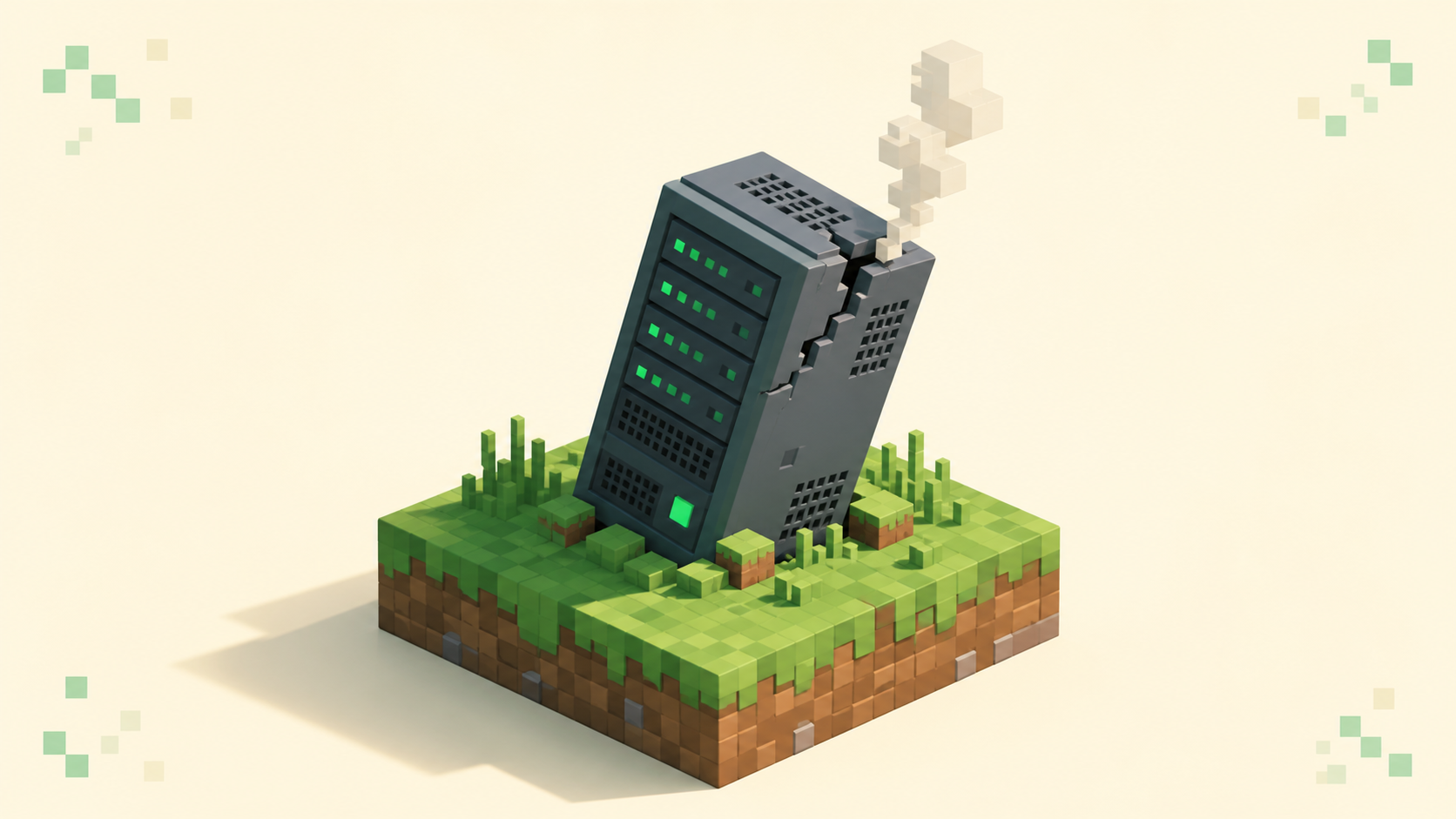
Find out why your Minecraft server keeps crashing — read the crash report and logs/latest.log, then check memory, the watchdog, plugins, chunks, and Java.

Why a server kicks you with "Failed to verify username!" — what the online-mode auth check is, and how to re-log, check auth status, and fix your clock.
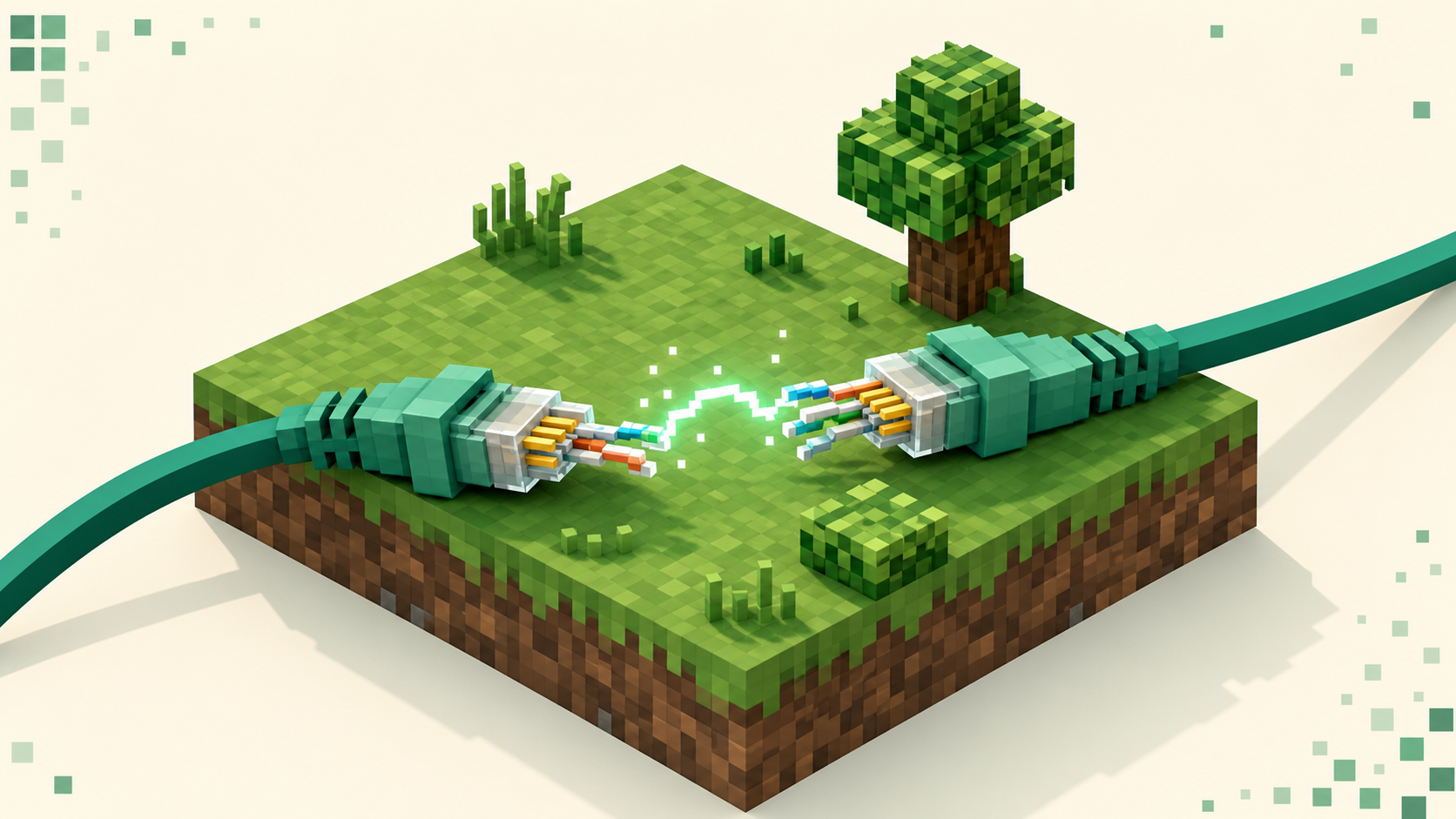
Internal Exception java.io.IOException in Minecraft is a family of network errors, not one bug — what each variant means and how to fix it in order.