Fix "Multiplayer is Disabled - Check Your Microsoft Account Settings"
Multiplayer is disabled, check your Microsoft account settings? Set the Xbox privacy toggle You can join multiplayer games to Allow for Java and Bedrock.
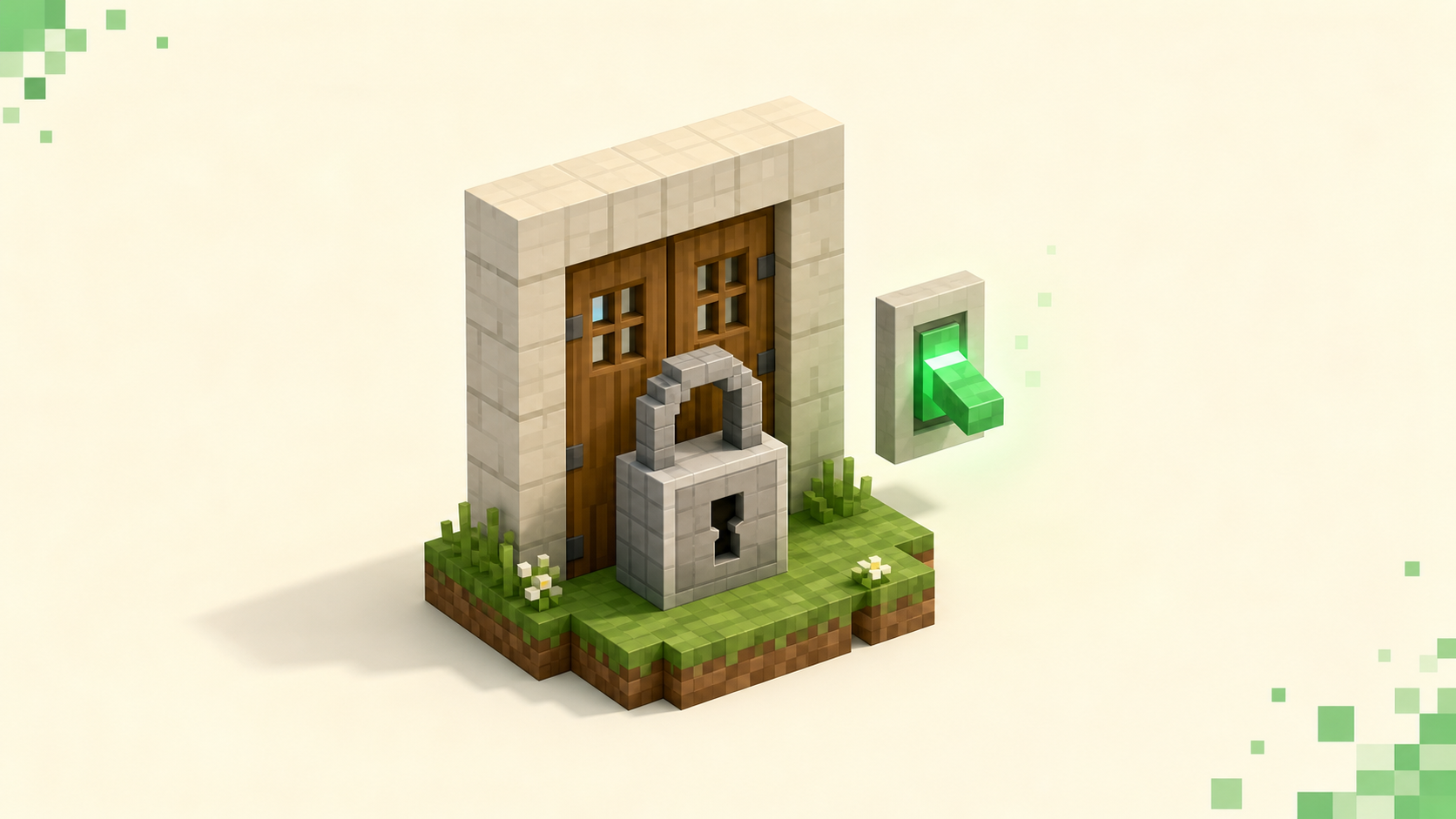
"Multiplayer is disabled. Please check your Microsoft account settings" is an Xbox privacy toggle on your account, not a fault with any one server, which is exactly why it blocks every server at once and why flipping one setting fixes all of them. Sign in at account.xbox.com, open Xbox privacy, and set "You can join multiplayer games" to Allow. That same setting governs both Java and Bedrock, so you only have to fix it once.
What this message actually means
This is account-level, not server-level. No amount of re-adding the server, reinstalling Minecraft, or restarting your router will touch it, because the block lives on your Microsoft/Xbox account rather than on the connection or the server you're aiming at. Both editions now ride on that same account, which is why the toggle reaches both of them; if you're new to how Bedrock ties into it, what an Xbox account does for Bedrock servers covers the sign-in side.
The message surfaces a little differently per edition. In Java, the Multiplayer button on the main menu is greyed out, and hovering it pops the tooltip "Multiplayer is disabled. Please check your Microsoft account settings" so you can't even reach the server list. On Bedrock you don't see it until you try to join a server or a Realm, and then a popup blocks the join with the same wording.
The culprit is one setting: the Xbox privacy option "You can join multiplayer games" is set to Block. That's the default on plenty of new accounts, and it's forced on any account flagged as under-18, which is why this hits fresh accounts and kids' accounts most often.
Fix it on the web (Java and Bedrock, same place)
The web path works no matter what device you actually play on, so this is the one to use if you're unsure. Go to account.xbox.com/en-us/Settings and sign in with the same Microsoft account you use in Minecraft. Then:
- Open the Xbox privacy tab.
- Click View details & customize.
- Go to Online safety.
- Find "You can join multiplayer games" and set it to Allow.
- Hit Submit (or Save) at the bottom, or the change won't take.
While you're on that row, look at the neighboring toggle "Others can communicate with voice, text, or invites." If friend invites or "join game" from a friends list are also failing, that second toggle is usually the reason, and it's separate from the multiplayer one.
Change it on the console instead
If you'd rather not open a browser, Xbox has the same controls built in: Settings → Account → Privacy & online safety → Xbox privacy → View details & customize → Online safety → You can join multiplayer games → Allow. It writes to the exact same account setting the web page does.
For PlayStation (PS4/PS5) and Nintendo Switch, there's no equivalent menu, because the toggle lives on the linked Microsoft/Xbox account, not the PlayStation or Nintendo account. Use the web path above and sign in with the Microsoft account you linked to Minecraft. Keep in mind those platforms also enforce their own local family and communication limits that can stack on top of this, so a PlayStation account under a family manager might still need a change in PlayStation's own settings. If your trouble is specifically that you can't even add a server entry on Xbox, that's a sibling restriction covered in why you can't add a server on Xbox.
The child-account case
Under-18 accounts block multiplayer by default, and the child can't lift it on their own no matter how many settings they poke at. A parent has to do it. Sign in at family.microsoft.com (or open the Microsoft Family Safety app), select the child from the family group, open their Xbox privacy / online safety settings, and set "You can join multiplayer games" to Allow.
There's a faster route from inside the game too: when the child hits the block, Minecraft offers to send a request, and that lands in the parent's email or Family Safety app for a one-tap approval. Either way, remember that Family Safety overrides whatever the child sets on their own device, so the fix has to come from the parent's account, not the kid's console settings.
Make the change actually stick
Changes take a few minutes to propagate to Mojang's side, so it won't always flip the instant you hit Save. Give it a moment, then fully quit and relaunch Minecraft; backing out to the title screen isn't enough, because the app caches your account permissions at launch. If it's still blocked after a full restart, sign out of the Microsoft account in-game and sign back in to force a fresh pull.
The most common miss by far: you're signed into a different Microsoft account in Minecraft than the one you edited on the web. Check the gamertag showing in-game against the account you changed, and make sure they match. Once Multiplayer is on and un-greyed, you're back to the normal how to join a Minecraft server flow, address in hand.
When it's not this setting
If Multiplayer is clearly enabled but one server still won't let you in, you've moved on to a different problem, and toggling this setting again won't help. The usual suspects are a whitelist you're not on, a server that's full, a version mismatch that throws "Outdated client!" or "Outdated server!", or just a flaky connection dropping you mid-handshake. Those show up as normal connect errors on the server list, not as the greyed-out Multiplayer button.
A dropped connection after you've already gotten past the account block is its own rabbit hole; why Minecraft keeps disconnecting from servers walks through the timeouts and resets. And if you just want a live server that's actually up right now, the vote-ranked lists at /servers and, for a nearby ping, /servers/country/us are the place to start.
FAQ
Why is my Multiplayer button greyed out in Java, not Bedrock?
Java migrated to Microsoft accounts, so the Xbox privacy toggle now gates Java's main-menu Multiplayer button the same way it always gated Bedrock. It's not a mods, Forge, or version problem, and no launcher reinstall will change it. Set "You can join multiplayer games" to Allow, then fully relaunch, and the button un-greys on the next start.
I set it to Allow but it's still disabled, now what?
You hit Submit, waited out the few minutes it takes to reach Mojang, and it's still blocked. Two fresh things trip people up here. On PC, close the Minecraft Launcher itself, not just the game window; the launcher holds your session token, and a game-only restart just re-reads the stale one. And confirm you're signed in with a personal Microsoft account, not a work or school (Entra/Azure AD) account. Those don't expose the Xbox privacy controls the same way and can't run Minecraft multiplayer at all, so the real fix is to sign in with your personal account instead.
Does turning this on affect my other games too?
Yes. "You can join multiplayer games" is an account-wide Xbox network setting, not a Minecraft-only one, so flipping it to Allow also switches on online multiplayer for every other game signed into that Microsoft account. There's no per-game version of this toggle, so you can't allow it for Minecraft alone; it's set once at the account level and applies everywhere you use that account.
Does allowing this let strangers message me?
No, those are two separate switches. "You can join multiplayer games" only controls whether you can connect to servers and Realms, while "Others can communicate with voice, text, or invites" is a different toggle for messages and invites. You can allow joining servers while keeping communication locked to friends only, or turn it off entirely.