What Is a Modpack Server in Minecraft?
A modpack server runs a whole bundled set of mods at once, so you join it by loading that exact pack in a launcher — not vanilla Minecraft. Here's how.
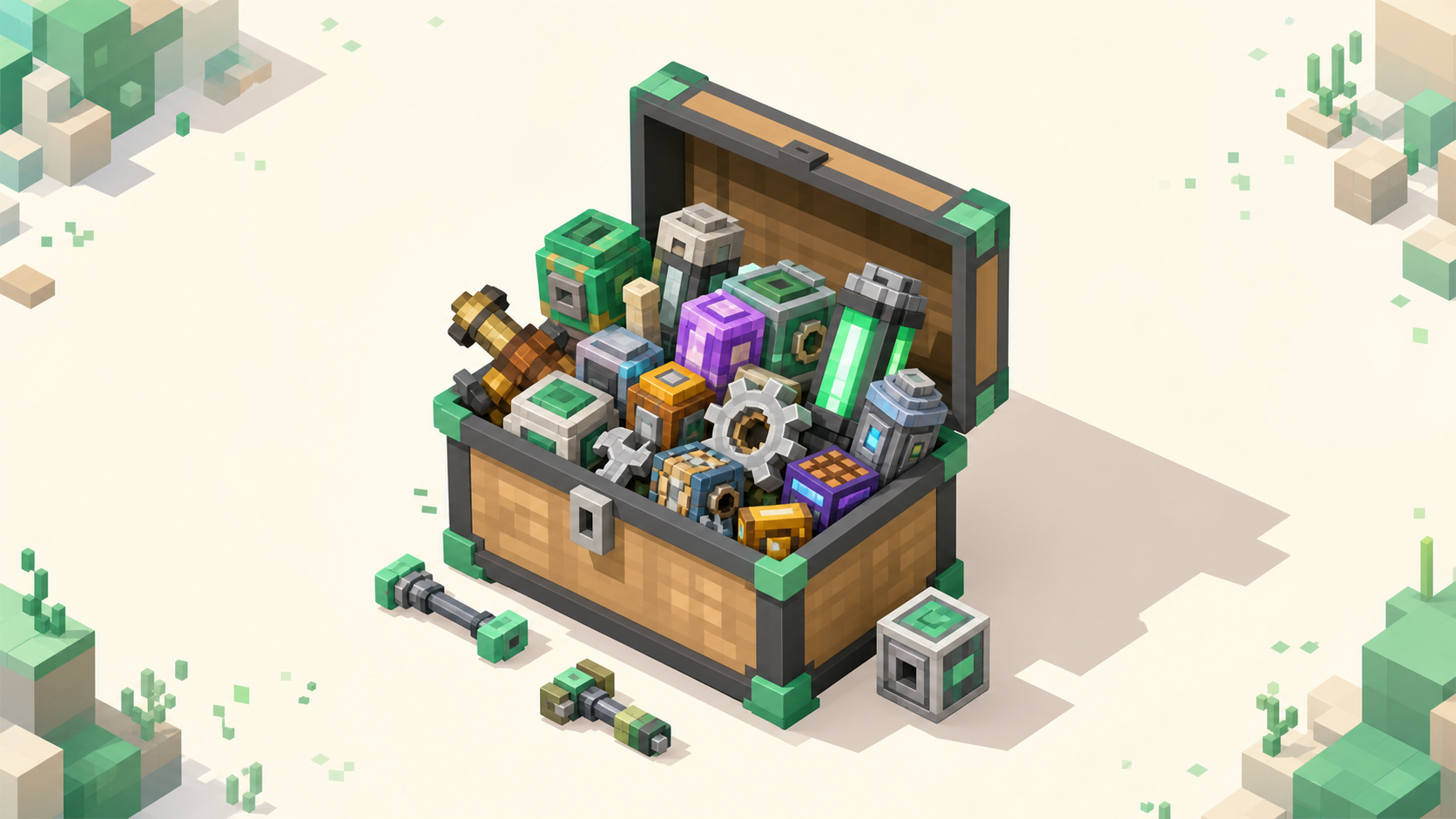
A modpack server is a Minecraft server that runs a bundled, curated set of mods together — often dozens, sometimes a few hundred — and to join it your game has to be running that exact pack: the same mods on the same loader, built for the matching Minecraft version. Plain vanilla Minecraft won't connect. That's what throws new players, since a vanilla server takes any client on the matching version with no setup at all. A modpack server is defined by the pack it runs, not by a gamemode the way "survival" or "skyblock" is, so the real work happens before you ever type the IP: you install the pack first, then you connect. The modded server list is ordered by votes this month, and that's where you actually find one.
A modpack is a bundle of mods, not a single mod
A mod is one modification to the game — say a machine that automates your mining, or a set of new creatures to catch. A modpack is a curated collection of many of those, picked so they run together without fighting each other. That second part matters more than it sounds, because mods don't cooperate by accident: drop forty random mods into one folder and a good number will clash over the same blocks, IDs, or recipes. A pack author tests a combination, sorts out the conflicts, and locks the result so it loads cleanly as one unit.
A pack carries more than the mod jars, too. It pins the loader (Forge or NeoForge, or Fabric), a specific Minecraft version, the exact version of every mod, and the config files, plus often custom recipes or a quest line for the pack's progression, all shipped together so everyone gets an identical setup.
Packs come in a lot of flavors. A big "kitchen-sink" tech pack throws a bit of everything at you and leaves you to find your own path through it; others are tighter, like a creature pack built around Cobblemon or Pixelmon, and some are built around a single mod like Create. The point is that "modpack" covers a wide range of very different games. If you're still deciding whether to go modded at all, modded vs vanilla servers lays out that choice.
What actually makes a server a "modpack server"
The server runs the server-side half of one specific pack, and that pack is the server's identity. It does the same job a gamemode tag does for a vanilla listing: when a server says it runs a certain pack, that's telling you exactly what your client needs to be running to get in. Mods change shared game logic, so the server isn't only checking your Minecraft version; it expects your client to mirror its pack, and if it doesn't, the two can't agree on how the world works and the connection fails.
Most modpack servers run a published pack on purpose, so every player can install the identical build from the same source. An owner can hand-pick their own set instead, but that's rarer and harder to match, since you can't download "their pack" in one click.
Underneath all that, the plumbing is normal. It's still a Java server on the default port 25565, reached through the Multiplayer menu like any other server. The only difference is what your client has to be running before you connect.
Why your client has to match the pack exactly
There are three things that have to line up, and skipping any one of them bounces you.
The loader has to match. Forge-family mods and Fabric mods are not cross-compatible, and a server runs exactly one loader. A Fabric client cannot join a Forge pack, full stop; it's not a version mismatch you can work around, they're just two different systems. Forge vs Fabric for a server covers what that split actually means if you want the detail.
The Minecraft version has to match. Client and server need the same version and protocol. Because mods update one at a time and the loader itself lags behind Mojang's releases, packs often sit on a slightly older target — say 26.1 — until every mod in the pack has been ported forward. So a modpack server being a version "behind" the latest Minecraft isn't a problem; it's normal, and your client needs to match that older target, not the newest release.
The mods and their versions have to match. On Forge and NeoForge, joining runs a second handshake after the normal login that compares both sides' mod lists and registry IDs. A missing mod, an extra one, or one that's the wrong version fails that check and kicks you. Fixing a mod mismatch walks through the exact kick screens you'll see when this happens.
One nuance so you don't over-install out of fear: not every mod has to match on both ends. Purely client-side mods like a minimap or a render mod such as Sodium, along with purely server-side mods, don't need a counterpart across the connection. Only gameplay and content mods have to line up, and you don't have to sort out which is which yourself, because installing the whole pack handles all of it for you.
Where modpacks come from and the launcher you need
Packs are published on two main places, CurseForge and Modrinth. A server's listing or owner page names the exact pack and build to install, and that name is what you go looking for.
Here's the catch the standard Minecraft launcher creates: it won't auto-install a modpack for you. So players use a launcher that reads pack files. The CurseForge App handles .zip packs, the Modrinth App handles .mrpack files, and Prism Launcher handles both.
What that launcher does is install the pack into its own isolated instance, sometimes called a profile. It pulls the correct loader build, every mod, and the config at the pinned versions, and walls all of it off from vanilla and your other packs. That isolation is the point, since you can have several packs installed and none of them touch each other.
One thing to watch on a pack's Files tab: there's usually a client pack and a separate server-files download. As a player you want the client pack, at the exact version the server is running, not whatever's newest at the top of the page. The server files are for hosting, not joining.
One requirement that's easy to forget: you need to own Java Edition to play on these servers at all. Owning the base game is the only thing you have to have on that front.
How joining differs from a vanilla server
For a vanilla server the flow is short: open Minecraft, go to Multiplayer, add the server's IP, and connect, with nothing installing on your machine. A modpack server adds steps in front of that. You install the matching pack in its own instance through your launcher, launch that instance instead of vanilla, and then add the server's IP under Multiplayer or use Direct Connect from inside the modded game. The connect step itself is identical; it's everything before it that's new.
Match the specific build the server names rather than grabbing "latest," which is how you quietly end up a version ahead and get bounced at the handshake.
Some owners run an auto-downloader like AutoModpack that pushes the pack to your client when you join, which smooths the whole thing out. But that's the owner's setup, not something you can bolt onto a server that doesn't have it. If a server offers it, great; if it doesn't, you install the pack yourself the normal way.
Finding a modpack server to join
Open the modded rankings. They're ordered by votes earned this calendar month and reset when the month flips, so the entries near the top are the communities that are actually active right now.
Each listing should spell out the pack and build, the loader, and the Minecraft version it targets. Those are the details you feed into your launcher: install that pack at that version, then connect from inside its instance. Shortlist two or three that look right and give each one a real session before you commit, because the pack tells you what the game plays like, but how busy a server is and how well it's run are what decide whether it's worth your time.
When you find one that runs well, voting for it keeps it visible to the next player looking. That's the loop the rankings run on: active servers stay near the top because the people on them keep voting.
FAQ
Do I need the exact same modpack as the server, or can I just install the mods I like?
You need the same pack at the same build. A modpack server expects your client's gameplay mods and their versions to mirror its own, so assembling your own favorite set won't connect, and even one content mod a version ahead or behind can fail the join. Install the specific pack and build the server's listing names. The only things you can safely add on top are purely client-side extras like a minimap or an FPS mod, since those don't affect compatibility.
Is a "modpack server" the same thing as a "modded server"?
It's the most common form of one. "Modded server" is the umbrella term for any server running mods. A modpack server specifically runs a published, bundled pack so every player can install the identical build. A modded server could instead run a small hand-picked mod set the owner put together themselves, which is harder for players to match exactly. In practice most modded communities run a named pack precisely because it makes joining repeatable for everyone.
What happens when the server updates its modpack?
You update your client to match before you can get back in. When an owner moves the server to a newer build of the pack, your old instance falls behind and the handshake rejects it, usually with a mod-version mismatch. Pack-aware launchers make this painless: the CurseForge and Modrinth apps will offer the new version on the instance, and you let it update to the build the server is now running. Check the server's listing or announcements for the version it expects before you reinstall blindly.