How to Join a Friend's World on Minecraft Bedrock (All Platforms)
Join a friend's world Minecraft Bedrock through the Friends tab, not a server address: add each other on Xbox, have them open multiplayer, then hit Join.
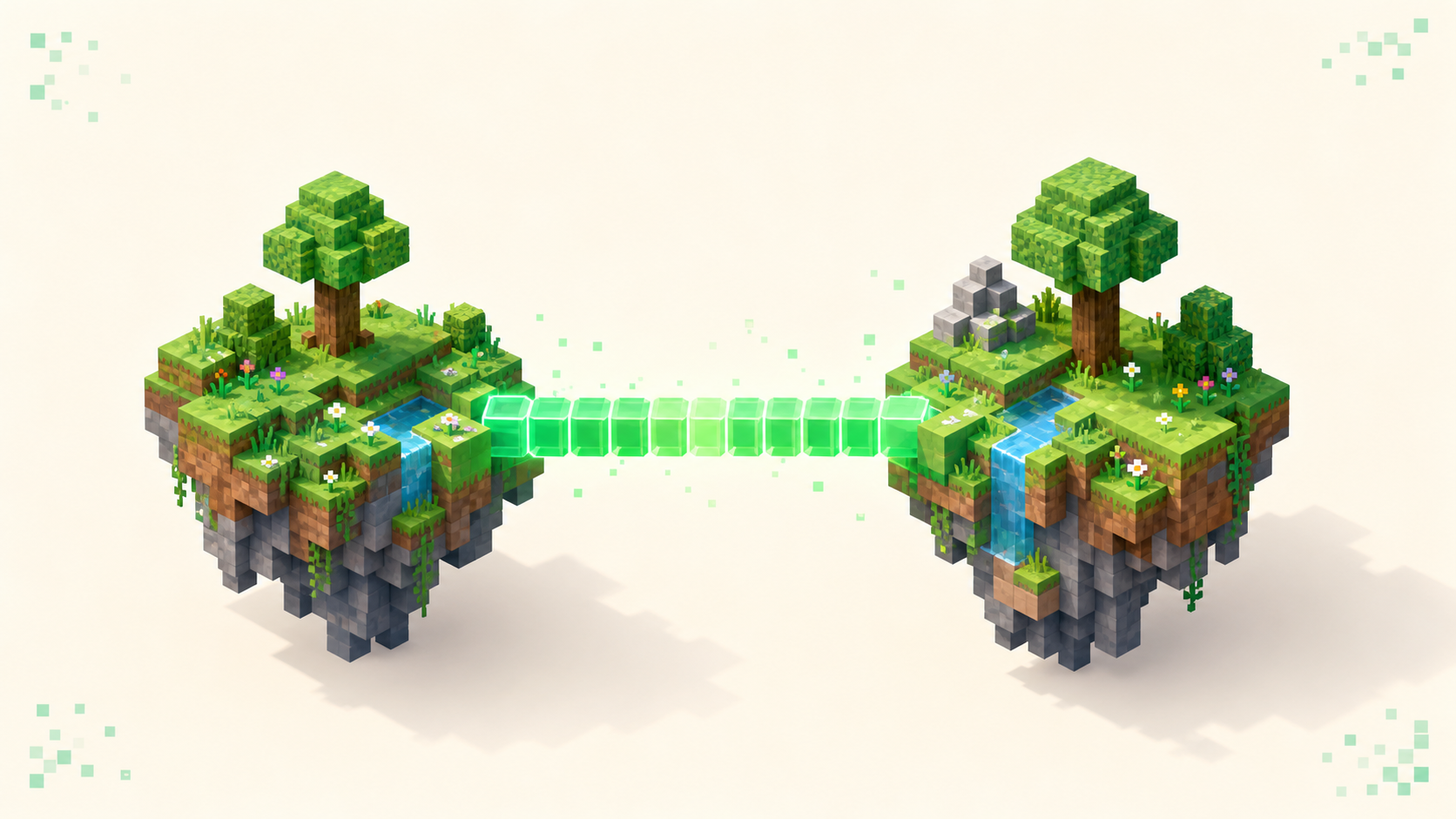
To join a friend's Bedrock world you never type an address — you add each other as Xbox friends, they open the world to multiplayer, and then it shows up under the Friends tab in-game where you hit Join. That's a different path from adding a server or joining a Realm, and it only works while your friend is actually sitting in the world, because Bedrock hosts the world on their device. Close the world and there's nothing left to join. So if you can't see it, the problem is almost always on the host's side — world closed, multiplayer toggle off, or you two aren't mutual friends yet — not some address you typed wrong.
The whole flow in five clicks
Here's the happy path, in order. Your friend is in the world with multiplayer turned on. You open Minecraft, hit Play, and move to the Friends tab — it's the right-most of the three tabs across the top, after Worlds and Servers. Your friend shows up under Joinable Friends (or under LAN Games if you're both on the same Wi-Fi). You select their world and hit Join. That's it.
Notice what you were never asked for: no Server Name, no Server Address, no Port field anywhere in that flow. If a screen is asking you to type any of those, you've wandered into the Add External Server popup, which is a completely separate thing. Back out of it — that's not how you reach a friend's world.
The nice part is this exact Friends-tab flow is identical on Windows 10/11, mobile, Xbox, PlayStation, and Switch. Unlike Add Server, which the consoles hide entirely, every Bedrock platform puts the Friends tab in the same place and it behaves the same way.
What both of you need before it works
Run through this checklist and most "it won't show up" problems disappear.
Both of you signed in to a Microsoft (Xbox) account. It's free, one per person, and it works on every platform including PlayStation and Switch. You need to be mutual Xbox friends — a one-way follow does not count, and this trips people up constantly.
Both accounts need two privacy toggles set to Allow: "You can join multiplayer games" and "You can play with people outside of Xbox" (that second one matters the moment either of you is on a different platform). You change these at account.xbox.com under Privacy & online safety, not inside Minecraft. If you want the full walkthrough on the account and these exact toggles, do you need an Xbox account to join Bedrock servers covers it.
And you both need to be on the same edition — both Bedrock — on a compatible game version. A Java player simply cannot appear here, which I'll come back to.
Add each other by gamertag, not by IP
The friend link gets made by gamertag. In-game, go to Play → Friends tab → Add Friend, then type your friend's exact gamertag. Spelling matters; capitalization doesn't. You can also add them from the Xbox app or your console's friends list — anyone you friend there shows up in Minecraft automatically, because it's all riding on the same Xbox network.
Say it plainly: on Bedrock, a person's "address" is their gamertag. Not a 192.168.x.x LAN address, not a play.example.net hostname. Those belong to servers, not people.
Before you go hunting for other problems, both of you should open the friends list and confirm the other shows as Friends — not Pending, not Follower. Pending means the request hasn't been accepted; Follower means one of you followed instead of friending. Neither lets the world appear.
The host has to open the world to multiplayer
This is the single most common fix, so if you're the host, check it first. Inside the world, open the pause menu → Settings → Multiplayer, and turn on Multiplayer Game and Visible to LAN Players. Then set the Microsoft Account Settings broadcast to Friends (or Friends of Friends), not Invite Only.
If Multiplayer Game is off, or the broadcast is stuck on Invite Only, the world just never appears in anyone's Friends tab — and there's no error message telling you why, which is what makes it so frustrating. This is entirely host-side. If you're the one trying to join, there is nothing you can change to fix it; your friend has to flip those switches on their end.
This is not a server and not a Realm
A lot of wrong turns come from mixing up three different things, so let's separate them.
A friend's world lives on the host's device. They have to be online and actually in the world for anyone to join, and there's no 24/7 uptime — when they log off, it's gone.
A Realm is Mojang-hosted and always online. You join it from the Realms button, it's invite-only, and a friend leaving doesn't shut it down. If what you actually want is a world that stays up when the host isn't around, that's a Realm, not this. The difference between a server and a Realm breaks down which one fits.
An external server is an IP plus port you type into Add External Server. Bedrock's default port is 19132/UDP — never 25565/TCP, which is Java's. If your friend is running their own server rather than opening a save file, that's a different guide: how to join a friend's Minecraft server walks through the LAN IP and forwarded-port case. And if it turns out you just need the generic address-entry screen, how to join a Minecraft server is the handoff. If your friend's world is dead and you want a public alternative to drop into, the live rankings at /servers are there too.
"I can't see their world" — the real reasons
Ordered by how often each one is actually the culprit:
- The host isn't in the world. Bedrock worlds only exist while the host is playing. If they alt-tabbed to the main menu or closed the game, the world is gone — nothing to see. Want it to persist regardless? That's a Realm.
- Multiplayer is off, or broadcast is set to Invite Only in the host's world settings. Send them up to the section above.
- You're not mutual friends yet. The request is still Pending, or one of you followed instead of friending. Fix it to Friends on both ends.
- A privacy toggle is off on one of the accounts. You'll either get a multiplayer-disabled message or the list just spins with no error at all. After flipping the toggle at account.xbox.com, give it time — changes can take a few hours to sync. Sign out of Minecraft and back in to force a refresh.
- Your friend is on Java. A Java player cannot appear in a Bedrock Friends tab, full stop. The only shared ground between the two editions is a crossplay-enabled server — see can you join the same server on Bedrock and Java for what that actually takes.
- Version mismatch. One of you is on an older Bedrock update. When a join fails outright, the strings you'll see are "Unable to connect to world" and, if the host closed it mid-join, "This world is no longer available".
FAQ
My friend is online but their world still isn't in my Friends tab — why?
Check which section you're expecting them in. Joinable Friends goes over the internet and needs a real mutual friendship, while LAN Games only shows worlds on the same Wi-Fi as you — and a LAN world can appear even without friending if the host has Visible to LAN Players on. If neither shows the world, the host's broadcast is probably set to Invite Only, which hides an otherwise-open world from the list entirely.
Can I join my friend's Bedrock world when they're offline?
No. The world only exists while the host has it open on their device, so there's nothing live to connect to once they're gone. If you want that to change, the host has two moves. They can upload the save into a Realm — in the Realm's settings there's a Replace World option that copies an existing world onto Mojang's servers, and from then on it stays joinable around the clock even when everyone's logged off. Or they can export the world to a .mcworld file (Play → Worlds, tap the pencil next to the world, scroll to Export World) and send it to you, so you play your own local copy — just know that's a separate save, and your changes won't flow back to theirs.
Do we both need to buy Minecraft to play together?
Yes — each device needs its own copy of Minecraft to launch the game. The Xbox/Microsoft account layered on top is the free part, and it's what actually links the two of you as friends and lets the world show up in your tab.
It says "Unable to connect to world" even though I can see it — what now?
The world entry can hang around in your list for a few seconds after the host closes it, so first just retry, or back out to the Friends tab to refresh the list. If it keeps failing, check that you're both on the same Bedrock version — a client gap throws this exact message rather than the "Outdated client!" string you'd get on a server. And a flaky connection on the host's household can drop the join even when the world is genuinely open, so have them check their end too.