Vanilla vs Paper Server: What Changes When You Switch?
Vanilla vs Paper server: Paper is a drop-in fork that adds plugins, more TPS headroom, and deeper config while keeping the same world and port 25565.
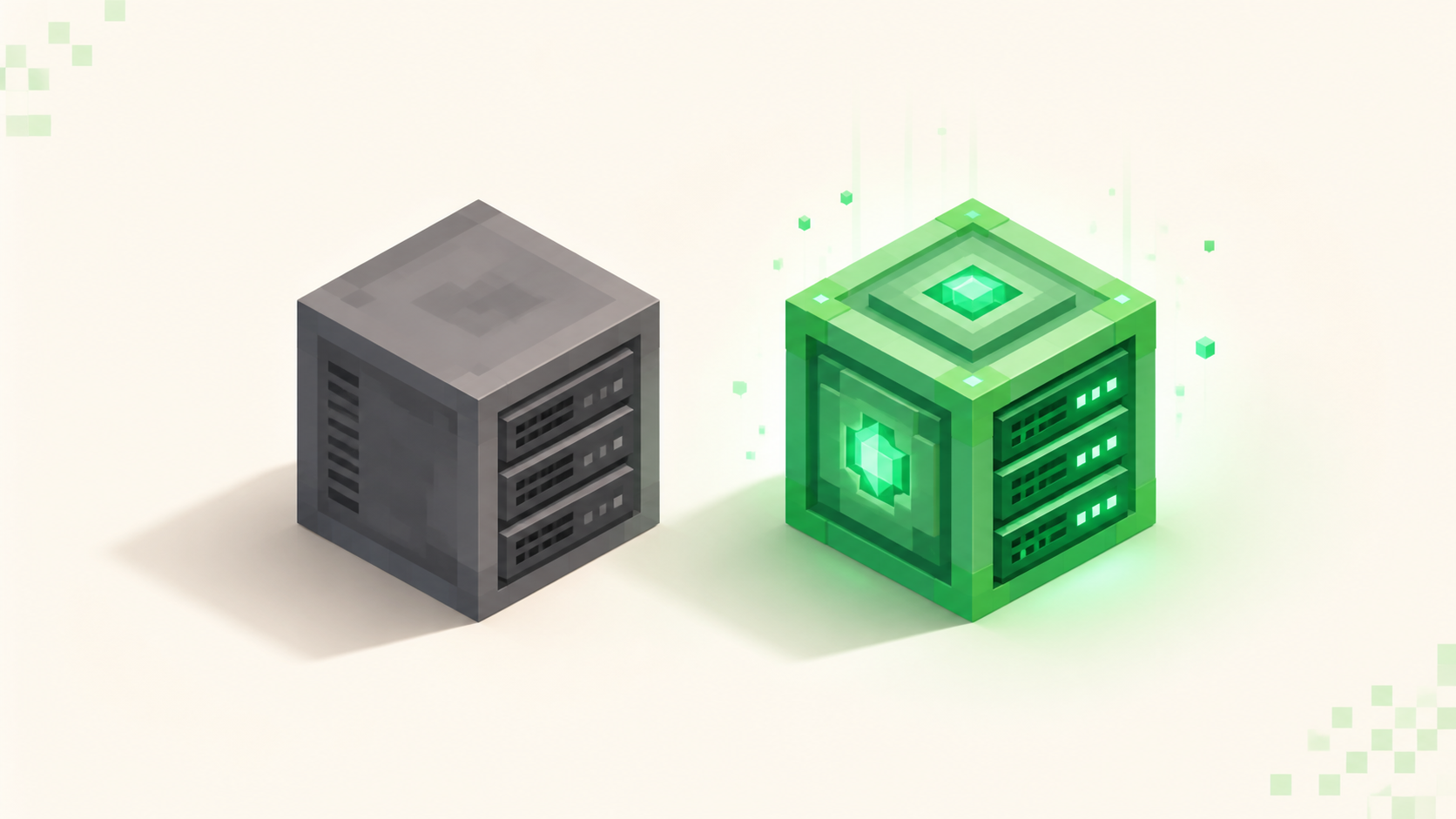
Swap Mojang's server.jar for the Paper jar and your players notice nothing: same client, same port 25565, same world save. You, the owner, get what the vanilla jar can't touch: plugins it won't load at all, a large TPS cushion under load, and config files that actually let you tune the server. Paper is a drop-in fork of the vanilla server: it reads your existing world folder, keeps vanilla mechanics on by default, and is the right base for nearly every server that isn't a Fabric or Forge mod pack. This is not a genuine toss-up. Paper is the default; running the vanilla jar is for the narrow case where you want bit-for-bit vanilla behavior and refuse to run any server-side code.
One scope note before anything else: this is about the two server jars you run on the box, not about client-side mods. Players never install a thing either way. If your actual question is whether players need to download something to join, that's a different fork in the road; see modded vs vanilla servers.
What "vanilla server" actually means
The vanilla server is Mojang's official server.jar, the file you download straight from minecraft.net. It runs the base game exactly as shipped: every block, mob, and mechanic behaves the way it does in single-player, and its entire config surface is one file, server.properties. There's no plugin API and no plugins/ folder, because nothing exists to load plugins into. Drop a jar next to it and it sits there ignored.
Both jars stop on their first launch and need a one-time acknowledgment before they boot on the second run. That part is identical, and the Paper setup walk-through covers clearing it in full.
Vanilla players are on 26.3 "Wilderness Bound," and Mojang ships a matching server.jar with every drop, so if all you want is the pure base game for a small group, the official jar does run it. It just doesn't do anything beyond that. You can see what's live on the pure base game on the vanilla server list.
What you actually gain by switching to Paper
Plugins, first and biggest. Paper descends from CraftBukkit and Spigot, so it loads Bukkit, Spigot, and Paper plugins out of a plugins/ folder the moment you make one. That's permissions, land claims, scheduled world backups, warps, an in-game economy, and minigames. None of that runs on the vanilla jar at all. Even a server meant to feel vanilla wants this, because "vanilla-feeling" still needs basic admin tooling: a way to set homes, protect spawn, and hand out ranks without typing raw commands all day. Once you're on Paper, the must-have plugins for a new server is the first list to work through.
Second, performance headroom. Paper ships a stack of optimizations that let a server hold well over 50% more players before it starts lagging compared to vanilla or plain CraftBukkit. Async chunk loading, entity activation range, tuned mob spawning and redstone, and built-in anti-xray all shave work off each tick. The same hardware serves more players and ticks stay smoother. It also ships the Spark profiler, so when a lag spike does hit you can pull an actual report instead of guessing. If the terms MSPT and TPS aren't second nature yet, what TPS and MSPT mean is the short version, and chasing server TPS lag spikes is where Spark earns its keep.
Third, config depth. Vanilla hands you server.properties and that's the whole menu. Paper stacks several more files on top: bukkit.yml, spigot.yml, paper-global.yml, and paper-world-defaults.yml. These are real knobs, not cosmetic ones: view distance, mob spawn limits, item merge radius, entity behavior, per-world game-mechanic toggles. That's the kind of tuning that turns "the server is lagging and I can't do anything about it" into "I'll drop the mob cap and widen merge distance." On vanilla those levers simply don't exist.
What stays exactly the same
This is the part that kills the "sounds risky" hesitation, because almost nothing changes on the outside. Players use the same plain Java client and install nothing new. The server listens on the same default TCP port 25565, so your address and any port-forward you set up keep working untouched.
The world save format is identical. Paper reads a vanilla world folder as-is: same level-name, same seed, same chunks, same player data. Point Paper at the folder your vanilla jar was already using and it loads the exact map with everyone's builds and inventories intact. Blocks, mobs, and mechanics stay vanilla by default; Paper doesn't turn your survival server into something else. From the player's seat the switch is completely invisible, and that's the whole point — you're upgrading the engine under the hood, not the car.
The real tradeoff: Paper isn't bit-for-bit vanilla
Here's the honest catch, because there is one. Paper intentionally patches several long-standing dupe bugs and changes a handful of defaults in the name of performance. For the vast majority of servers that's a straight win — you probably want the duplication glitches closed. But it means a few pieces of technical Minecraft can behave differently than on the pure vanilla jar: some exact-timing redstone contraptions and a few farms that lean on quirky vanilla behavior may not tick the same way.
The saving grace is that most of it is a toggle, not a wall. paper-world-defaults.yml has a game-mechanics section where you can flip specific behaviors back toward vanilla per world. So even if a farm breaks, you're usually one config key away from restoring it rather than stuck. The only real reason to stay on the vanilla server.jar is wanting guaranteed vanilla parity with zero server-side code running: a tick-perfect technical world where any deviation is a dealbreaker. Outside that, Paper wins on every axis that matters.
How to actually make the switch
The swap itself is short. Back up your world folder first: copy the whole server directory somewhere safe, and if you want the careful version, how to back up a server covers doing it without corrupting a live save. Then stop the server cleanly with the stop command so chunks flush to disk. Drop the Paper jar for your target drop into the same folder, and relaunch with the same java -jar command pointed at the same world. That's it. Paper reads the existing level-name and loads your map.
One version fact to get right: use the version Paper's downloads page offers as stable, not whatever vanilla just released. As of September 2026 that's 26.2 (protocol 776), with Paper's 26.3 builds still experimental. Build on 26.2 now, and the live 26.2 and 26.1 lists show what's running them; move to 26.3 once Paper marks it stable. The full Paper setup guide has the complete first-boot walk-through if you're starting fresh rather than converting.
Where Paper sits vs Spigot, Purpur, and the mod loaders
Once you're off vanilla, there's a second decision waiting. Inside the plugin family, Paper beats Spigot for almost everyone: it's leaner and gets optimizations Spigot never will, and Purpur is Paper-plus, a Paper fork that adds extra gameplay toggles if you want them. A completely separate question is plugins versus mods: Fabric and Forge run mods and require players to install a matching set, which works differently from Paper's server-only plugins. Rather than rewrite all that here, the Paper vs Spigot vs Fabric breakdown lays out which to pick and why. For most people building a community server, Paper on its current stable version is the answer, and you can browse the full rankings to see what the popular servers are running.
FAQ
Will switching to Paper break or lose my existing world?
No. Paper reads your vanilla world folder as-is, so nothing is lost in the swap, but back the folder up before you touch anything anyway, using the backup guide. The level-name value in server.properties stays exactly the same, which is why Paper loads the same map on first boot. The move even reverses cleanly: point the vanilla jar back at the folder and it loads too, just ignoring the few extra config files Paper left behind.
Do my vanilla farms and redstone still work on Paper?
Mostly, with one caveat worth testing. Paper deliberately closes several classic dupe exploits, and a small set of mechanics ships off by default, so exact-timing or tick-perfect contraptions can behave differently than on the vanilla jar. You re-enable those per world in the game-mechanics section of paper-world-defaults.yml. If you run technical farms, launch after the switch and actually test them rather than assuming parity. Most keep working, but check the borderline ones.
Does Paper need more RAM than the vanilla jar?
No, same ballpark, and often a bit less to serve the same players thanks to its memory handling. It's the identical launch, java -Xmx4G -jar paper.jar, just aimed at a different jar. Give it a fixed heap and pair it with Aikar's flags so garbage collection doesn't cause stutter. RAM scales with player count and view distance, not with which jar you picked.
Can Bedrock players join once I'm on Paper?
Not by default: Paper is Java-only, exactly like the vanilla jar. You bridge that gap with Geyser and Floodgate, plugins that let Bedrock clients connect on UDP 19132 without each player needing a Java account. The catch is that they're plugins, so switching to Paper is the thing that makes crossplay possible in the first place; on the pure vanilla jar there's no way to load them.