Best Family-Friendly Minecraft Servers for Kids
How to pick a safe, family-friendly Minecraft server for kids: strict chat filters, real human moderation, anti-grief land claims, whitelists, and no-PvP zones.
The safest family-friendly server for a kid isn't a specific name you can write down — it's any server that stacks four things together: a strict chat filter, real human moderators who are actually online, anti-grief protection so builds survive, and some way to keep strangers out, like a whitelist or a short application. A server with all four is a calm place for a younger player. A server missing two or three of them can go sideways fast, no matter what it calls itself.
There's a reason I can't just hand you a top-five list and call it done. The servers that are genuinely active and well-moderated change month to month, and a name that was great in spring can be a ghost town by summer. So instead of a frozen list, the live survival rankings surface what's active and well-liked right now, and you vet the rest yourself. Account safety — phishing and fake login prompts — is its own thing; the safety guide for public servers covers that side.
What makes a Minecraft server family-friendly
Strip away the marketing and a parent is really shopping for four pillars: chat moderation, active human staff, anti-griefing protection, and controlled access. Add an optional fifth — no-PvP zones — for younger kids who shouldn't be getting killed for their loot while they're trying to build a house.
The thing to understand is that "kid-friendly" describes a moderation culture, not a badge a server gives itself. Any server can put "family friendly" in its description. What you're checking for is whether the people running it actually back that up. Survival is the natural home for younger players because it's about building and low-stakes exploring, which is why most of this maps to the survival rankings. For the youngest builders, creative servers go a step gentler, with no combat or survival pressure to deal with.
No server is perfectly risk-free, so don't go hunting for one magic setting. The goal is stacking several protections so that when one misses something, another catches it.
Chat filters and active human moderation
A chat filter is the first layer. It automatically blocks or censors profanity, slurs, and often personal info like links and addresses, using a word list the server maintains. Stricter family servers go further and limit chat to approved phrases or shut down certain channels entirely.
But be honest with yourself about what a filter can and can't do. It catches the obvious words but misses creative misspellings, and it can't read tone or judge whether one kid is bullying another in perfectly clean language. A filter alone was never going to be enough, which is the whole reason the next pillar matters more.
Active human moderators are the real protection. These are staff who are online, who answer reports, and who can mute, kick, or ban someone quickly when it counts. The strongest single signal you can look for is a responsive Discord where reports actually get answered, not a dead channel where the last admin reply was three weeks ago. Before you let a kid on, read the rules board for a clear chat and conduct policy, look at how recently staff have been active, and join the server yourself first to watch general chat for a few minutes. If it feels off in five minutes, it'll feel worse over a weekend.
Whitelist and application servers keep strangers out
Here's the part people underrate: the single most reliable filter isn't a plugin at all, it's fewer strangers. A whitelist means only approved usernames can connect, so a troublemaker simply can't reach a server they aren't allowed to join in the first place.
If the term is new to you, a whitelist is an allow-list. The owner adds your child's username before they can log in, and trying to join before that shows a "you are not white-listed on this server" message — that's not an error, it just means they haven't been added yet. The deeper breakdown of what whitelisted means walks through it. Application servers add a light vetting step instead, usually a short form or a Discord application, which filters out drive-by players and tends to attract calmer regulars who actually want to be there.
Even without a full whitelist, a smaller community is usually calmer and more tightly moderated than a packed 2,000-player lobby. So don't be put off by a modest player count — for a kids' setup, quieter is usually what you want.
Anti-griefing so a kid's builds actually survive
Griefing is when a player breaks, steals from, or vandalizes builds and chests that aren't theirs, and for a young player it can wipe out an afternoon of work in minutes. There's a fuller explainer on how servers stop griefing, but the short version is two tools working together.
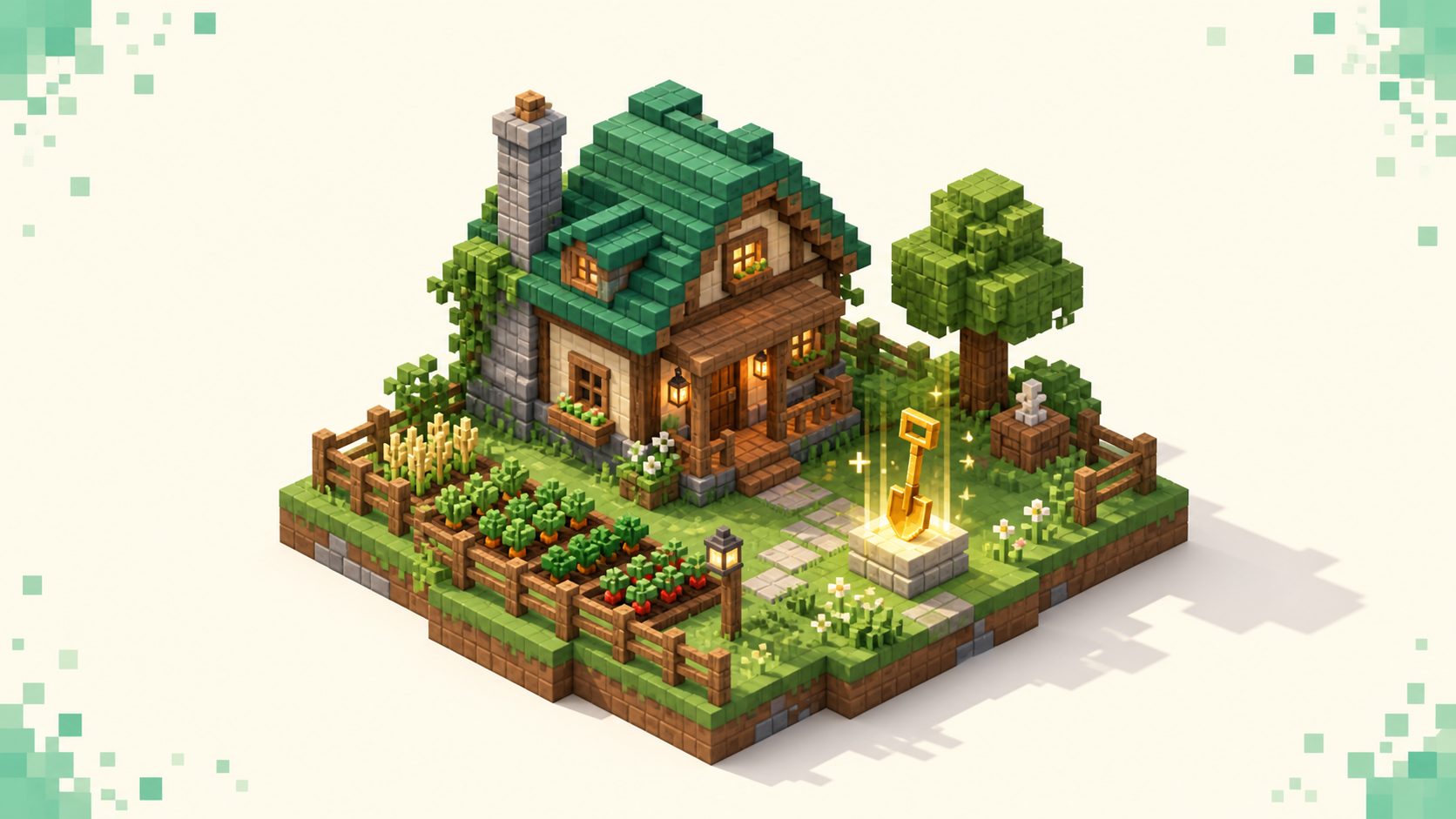
Land claims are the core defense. A claim tool — commonly a golden shovel — lets you mark the area around a base so untrusted players can't break or place blocks or open your containers inside it. Friends your child actually knows get added to a trust list, and everyone else is locked out. Block logging is the safety net behind that. Good servers record every block placed or broken and every chest opened, so when something does slip through, an admin can roll back one specific griefer's damage in seconds without restoring the entire world and wiping everyone else's progress.
For a kid, the realistic combination is claims plus an admin who can actually run a rollback. If a listing mentions both, that's a strong sign. There's a deeper read on low-grief, claim-protected survival worlds if you want to go further on this one.
No-PvP zones and gentler gameplay for younger players
PvP — players fighting each other — can be turned off across a whole server or restricted to specific arenas and zones. That matters because on a server with open PvP everywhere, a younger player can get killed for their loot while they're just trying to build, over and over, by people who think it's funny.
Look for listings that say PvP is off, opt-in, or zoned. On a no-PvP survival server, a younger kid can build and explore without that harassment hanging over them. For the youngest players who only want to build, a creative server removes combat and survival pressure entirely, which is often a better fit than survival with the difficulty turned down.
It's also worth checking difficulty and keep-inventory style settings, since those vary by server. If losing items on death would genuinely upset your child, find a server where that doesn't happen. Treat it as a fit question rather than a hard requirement — some kids shrug off a death, others take it hard, and you know yours.
A parent's checklist for vetting a server
Run a listing through this quick read before anyone logs in:
- Chat filter and conduct rules are clearly posted, not just implied.
- Staff are active, with a Discord where reports actually get answered.
- Land claims or region protection get a mention somewhere.
- A whitelist or application option exists, or the community is small enough to be calm.
- PvP is off or zoned, not open everywhere.
Beyond that, check that the population fits a calm experience — a steady small-to-mid community beats a chaotic mega-lobby — and that uptime looks healthy so the community sticks around rather than scattering. Make sure the edition and version match your child's setup, too: Java, Bedrock, or crossplay. A quick tell is the port. Java servers default to 25565 and Bedrock to 19132, and the two editions don't connect to each other by default, so a Java-only address won't work from a console.
The strongest practical step is the one that takes ten minutes: join the server yourself first. Test how fast a report gets a response, watch the tone of general chat, and only then bring your child on.
Red flags to skip
Some signs tell you to close the tab and move on:
- No posted rules, no visible staff, and no Discord — there's nobody to report a problem to.
- No mention of chat moderation or any anti-grief protection anywhere in the listing or rules.
- Open PvP with no safe zones on a server aimed at general play — high harassment risk for a young player.
- Any in-game prompt asking for an account password, or off-site "log in to claim a reward" links. That's always a scam, and the safety guide for public servers explains why no legitimate server ever needs your password.
- A near-empty player count for days, or a history of downtime in the uptime readout. Usually it means the admin is gone, and if the admin's gone, griefing won't get fixed.
How to use the live rankings to find one
The rankings work on a simple rule. Servers are ordered by votes earned in the current calendar month, and the count resets when the month flips, so the top of the list reflects what's genuinely active right now rather than what was popular a year ago. There's a full explainer on how the rankings work if you want the details.
Start at survival, or creative for combat-free, then read each listing for chat and moderation notes, claims, PvP status, population, version, and uptime. Shortlist two or three. Join each one yourself to gauge moderation and chat tone, and bring your child on once one of them passes. Lean on the always-current sources — the homepage rankings and the full server list — instead of any frozen list of names, including this one.
FAQ
Is a Minecraft Realm safer than a public server for my kid?
It's the most controlled option there is. A Realm is a small private server where only people you personally invite can join, so your child only ever plays with people you've approved — no strangers, no public chat with randoms. The trade-off is there's no built-in community and you manage the invite list yourself. A whitelisted or application-based public survival server sits in the middle: it keeps strangers out while still giving your child a moderated community to play with. If you want to weigh the two, the breakdown of how a server differs from a Realm covers the practical differences. For a very young child, a Realm or a whitelisted server is the safest starting point.
Can I turn off or restrict chat for my child?
Yes, and on two levels. In the game itself, Options then Chat Settings lets you set chat to Commands Only or Hidden, which stops your child from seeing public messages at all. Separately, if your child plays on a Microsoft or Xbox child account, you can use Microsoft family settings to limit who they can communicate with and restrict multiplayer across the whole account — and that control applies no matter which server they join. Pairing a well-moderated server with tighter account-level settings gives you layered protection instead of leaning on the server alone.
My kid plays on console — are crossplay servers safe for them?
They can be, but check two things. First, confirm the server is genuinely crossplay so a console (Bedrock) player can connect at all, since a Java-only address won't work from a console. Second, use the console's own parental controls — Xbox, PlayStation, and Switch all let you limit communication, friend requests, and online play for a child account, and those settings apply on top of whatever the server does. Vet the server for active moderation and a chat filter the same way you would on PC, then layer the console's family settings underneath.
What's a good age to let a kid join a public server?
There's no single number, and the setup matters more than the age anyway. Younger children do best on a whitelisted, no-PvP survival or creative server where everyone is approved and there's no combat or open chat with strangers. Older kids who can recognize a scam and follow rules can handle a moderated public listing with a chat filter and active staff. Either way, it helps to read the safety guide for public servers together so your child learns to spot fake login prompts and "free reward" links before they ever run into one.