How to Get the Free Aurora Cape in Minecraft
Watch a Dungeons II stream for 15 minutes on Twitch or 3 on TikTok between Sept 29 and Oct 14, then redeem the code at minecraft.net/redeem. Java and Bedrock.
Watch a Dungeons II stream for 15 minutes on Twitch or 3 on TikTok between Sept 29 and Oct 14, then redeem the code at minecraft.net/redeem. Java and Bedrock.
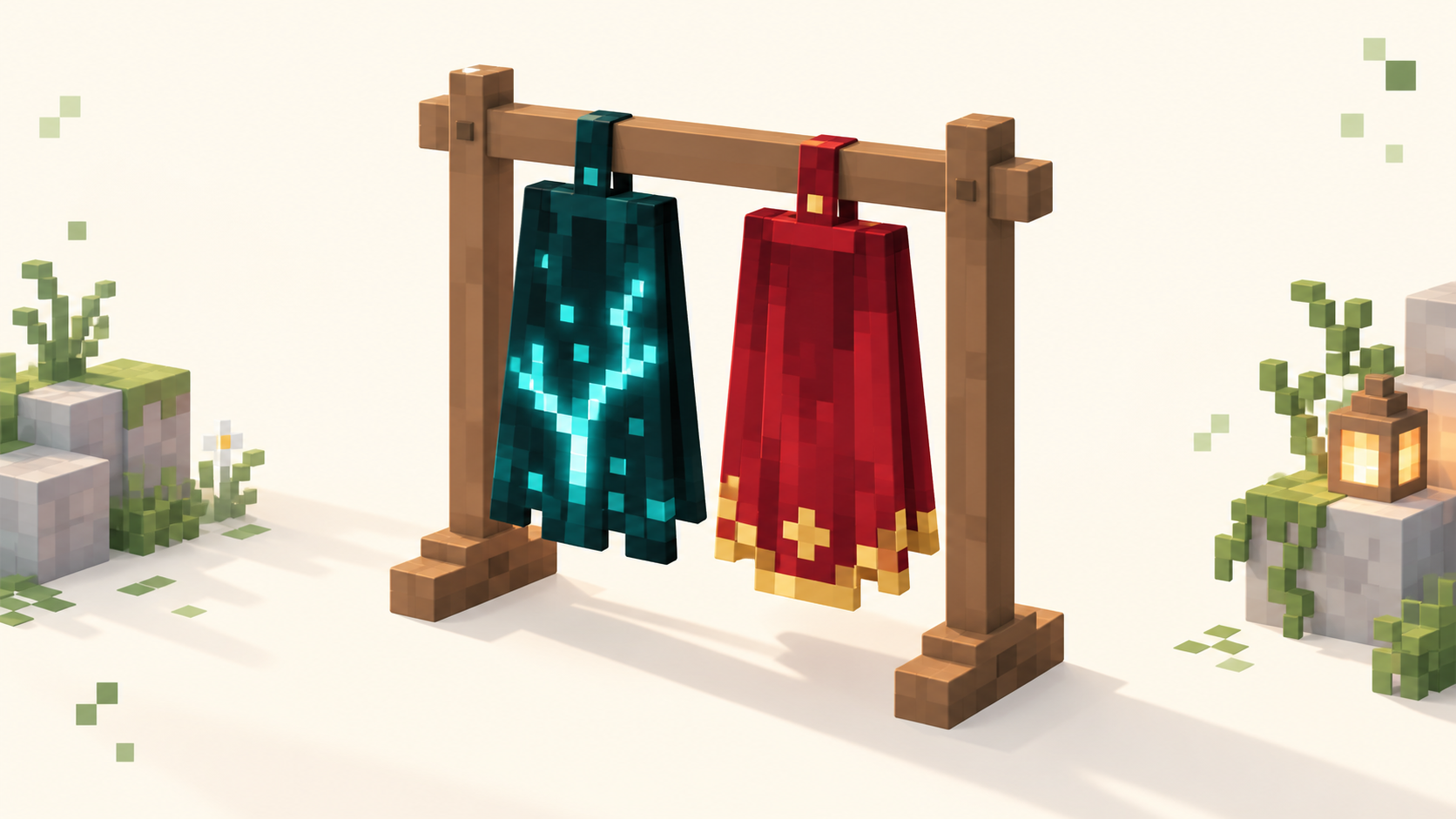
Both come from Minecraft Dungeons II and unlock on Java and Bedrock. Twisted: pre-order by Sept 28. Hero: play Dungeons I, then log into Dungeons II by Dec 31.
Bedrock servers require a signed-in Microsoft (Xbox) account on every device, plus the multiplayer privacy toggle switched on. Here's why, and how to fix it.
A Bedrock friend and a Java friend can't normally see the same server, but a crossplay server running Geyser lets both land in one world. Here's how it works.
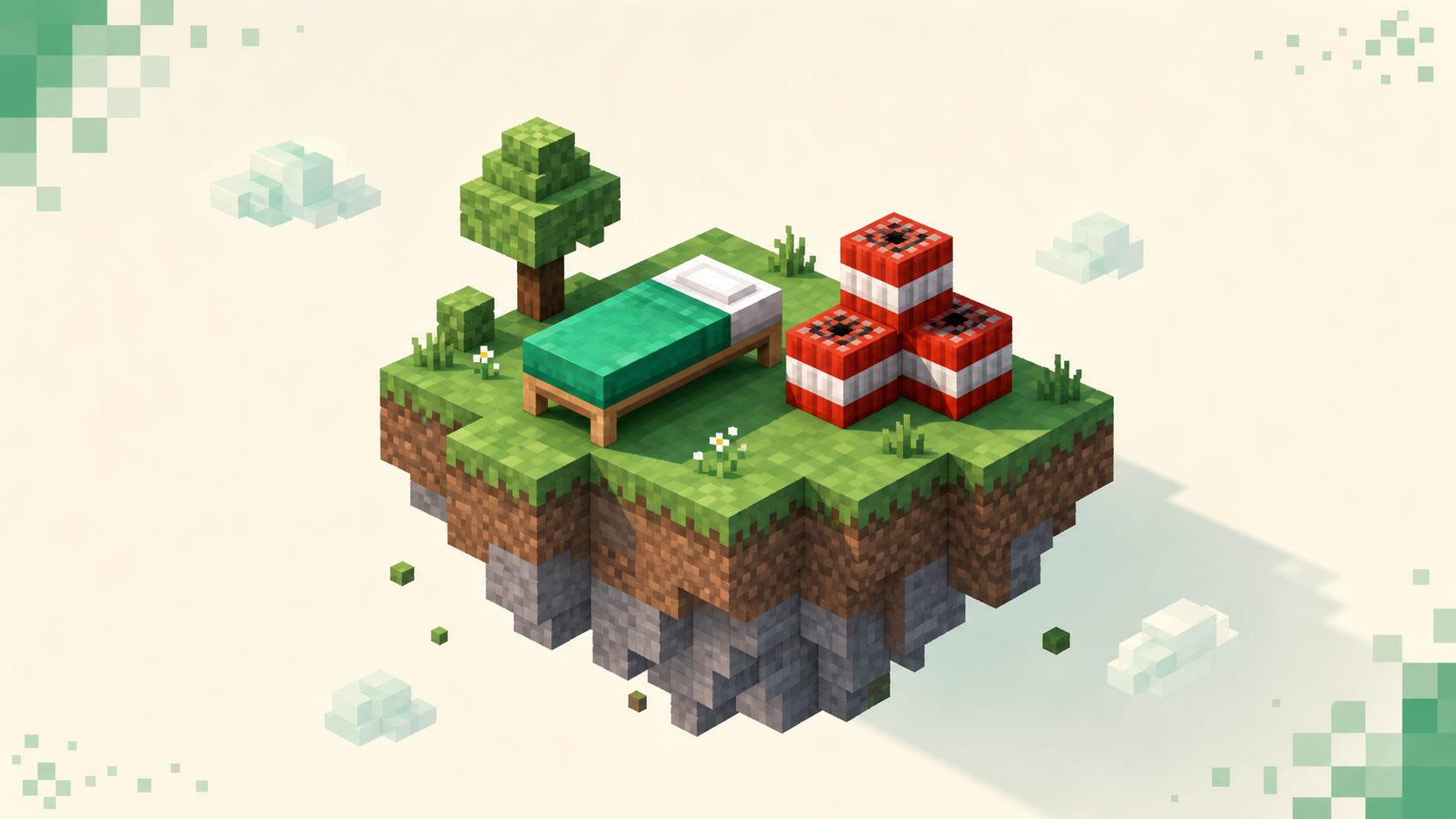
How to pick a Bedrock minigames server on Xbox, PlayStation, Switch, or phone — lobby population, queue speed, input fairness, controller modes, and ping.
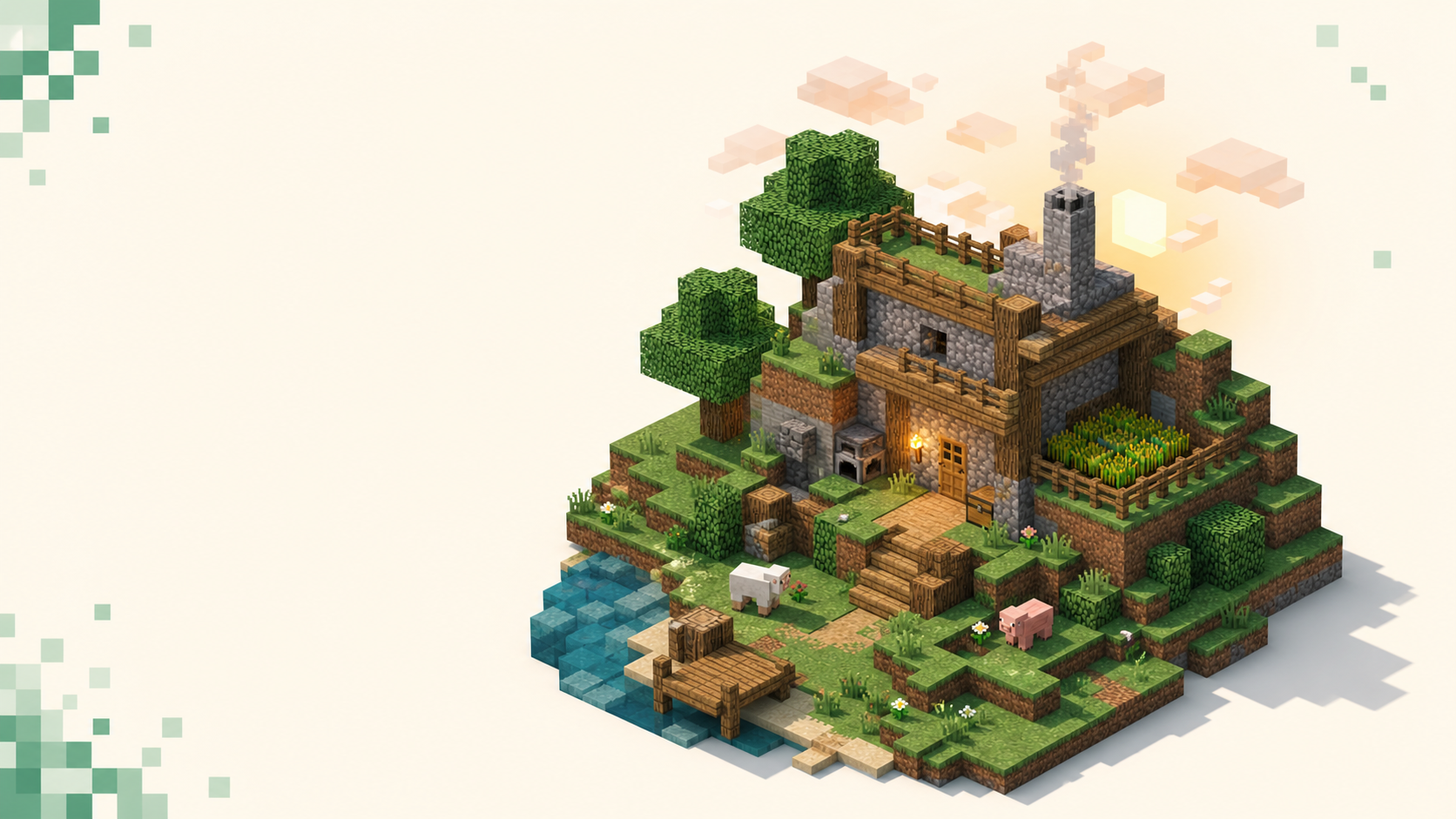
How Bedrock players on phone, console, or Windows pick a survival server they can actually reach — what to check on port 19132, then read the live rankings.
On Bedrock, the "not compatible with your current version" message means your app and the server run different drops. How to update or when to wait.
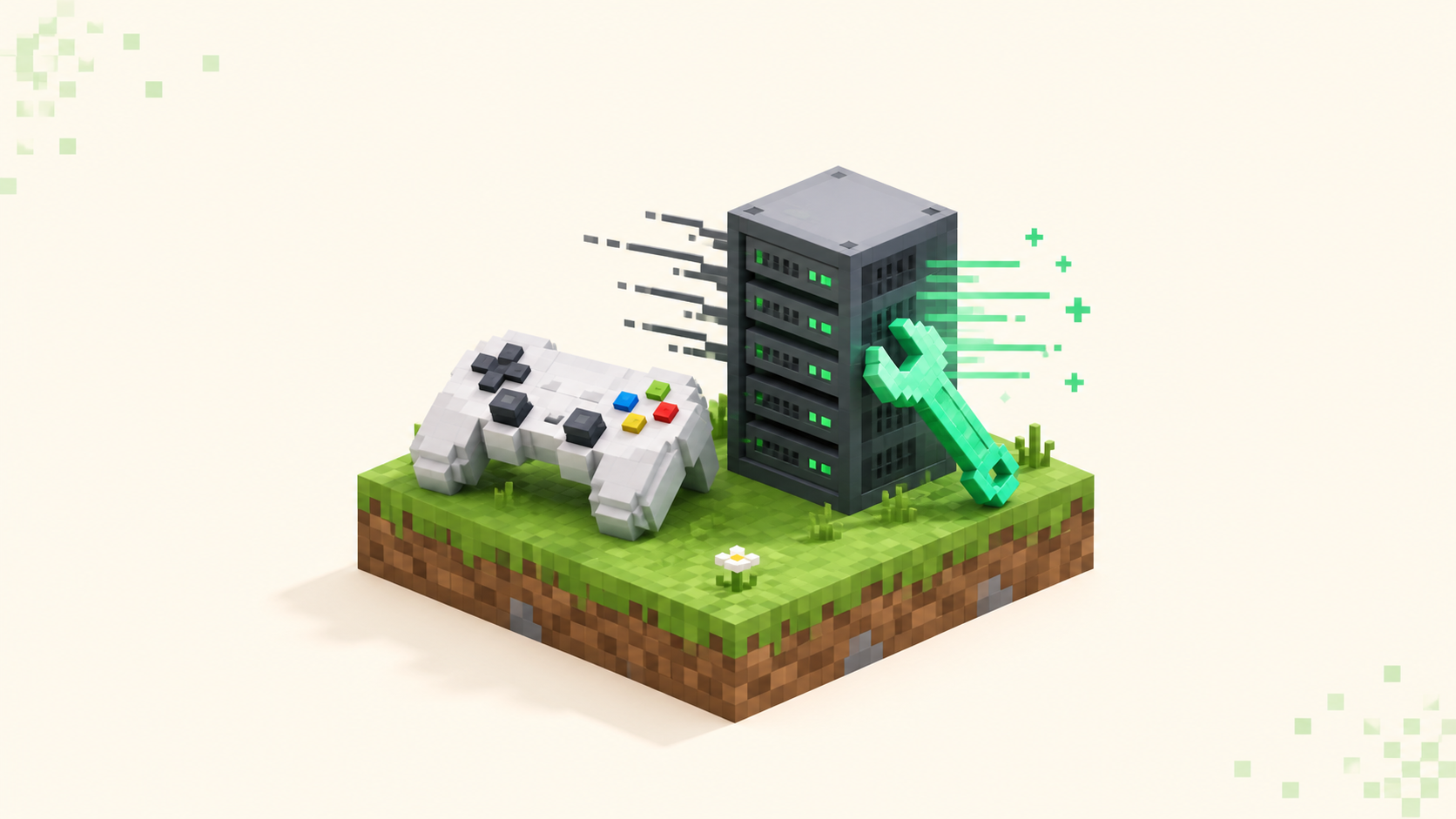
Console lag is usually ping or Wi-Fi, not your Xbox, PS5, or Switch. Pick a nearby server, go wired, close background downloads, find low-ping crossplay.
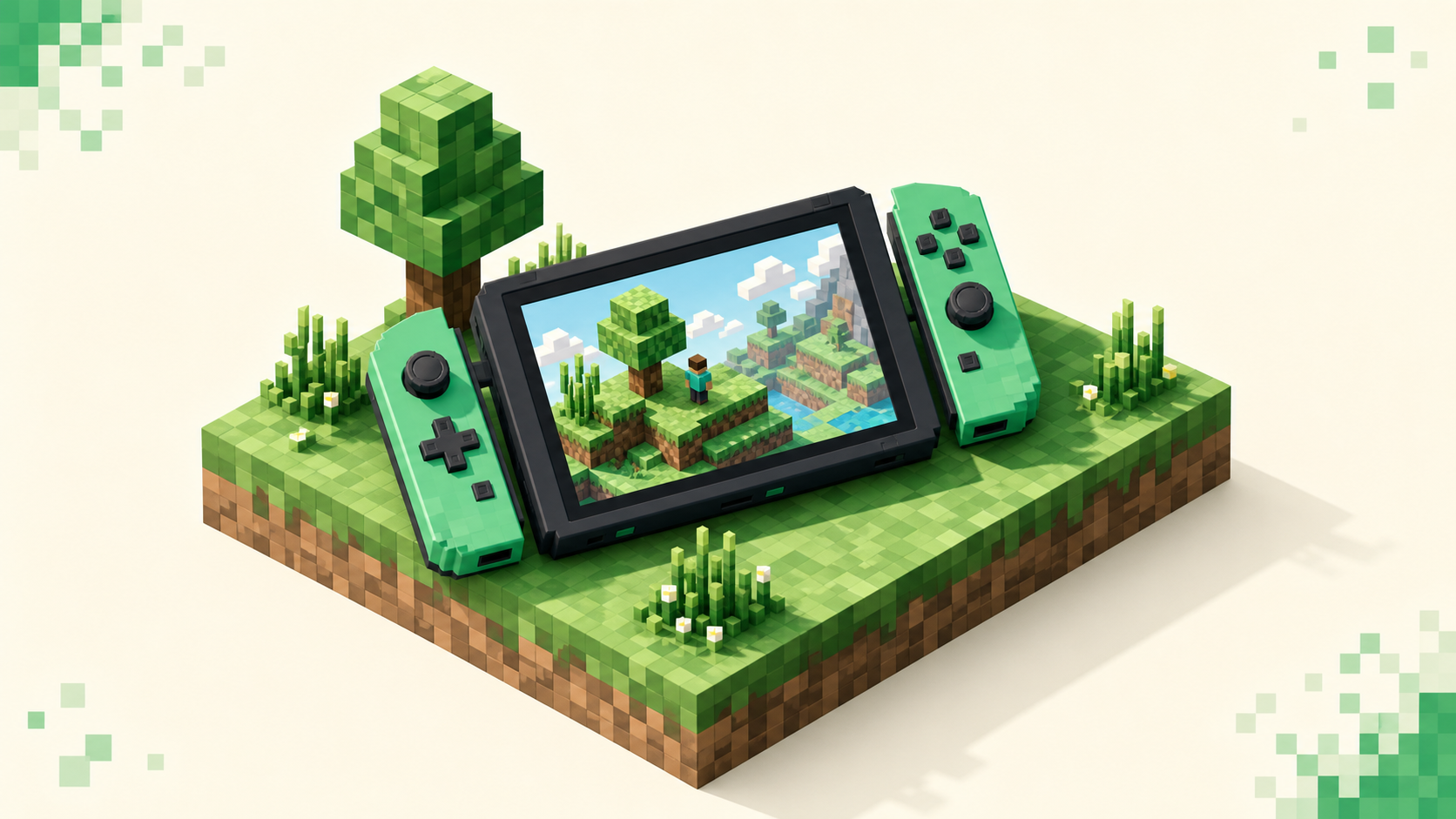
Yes — the Switch runs Bedrock Edition, but it hides custom server IPs behind a featured-server menu. Here's what you can join and the realistic workarounds.
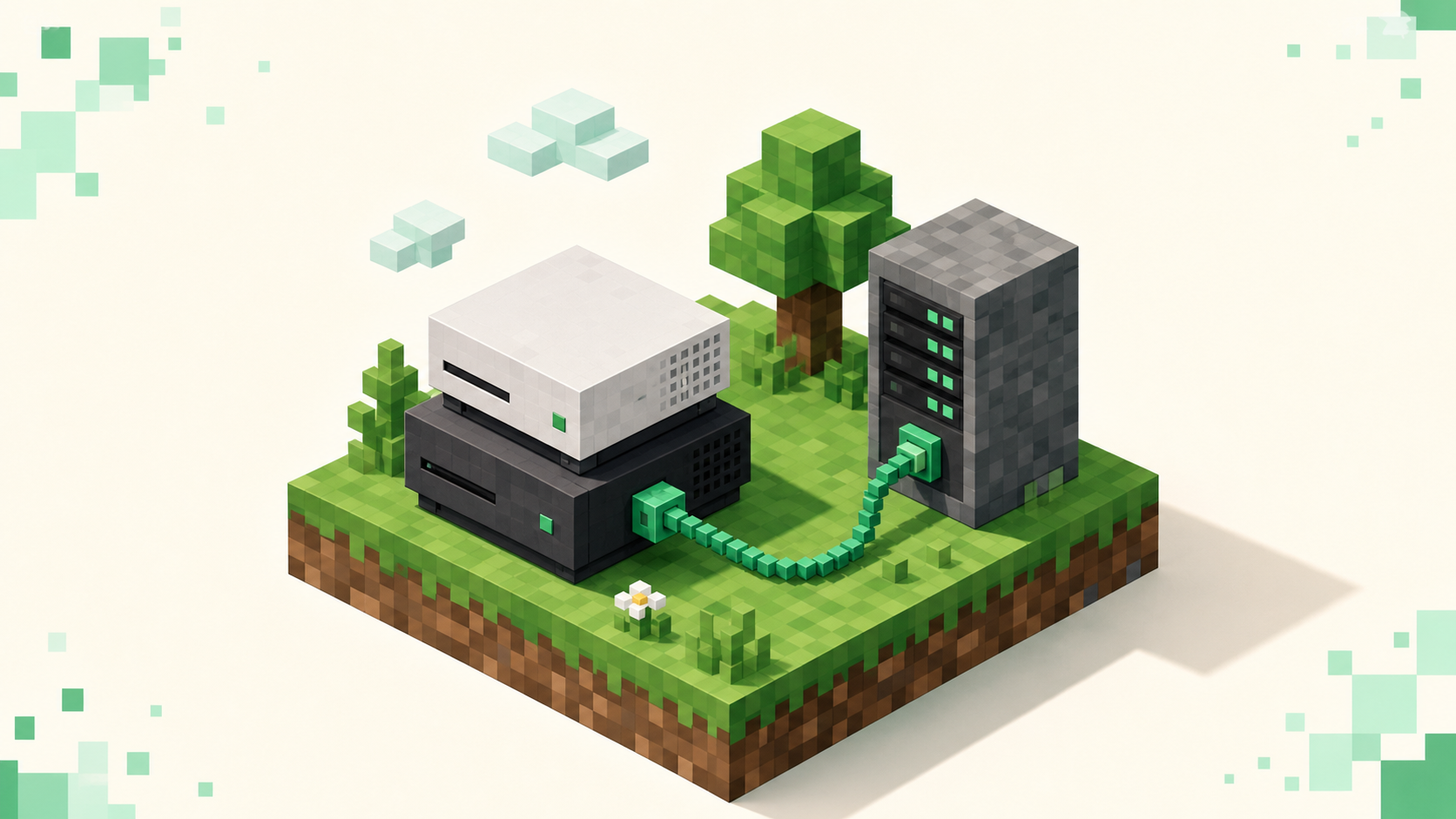
Yes, but PlayStation Bedrock only shows Featured Servers, Realms, and friends' worlds out of the box, with no custom IP box. Here's the workaround.
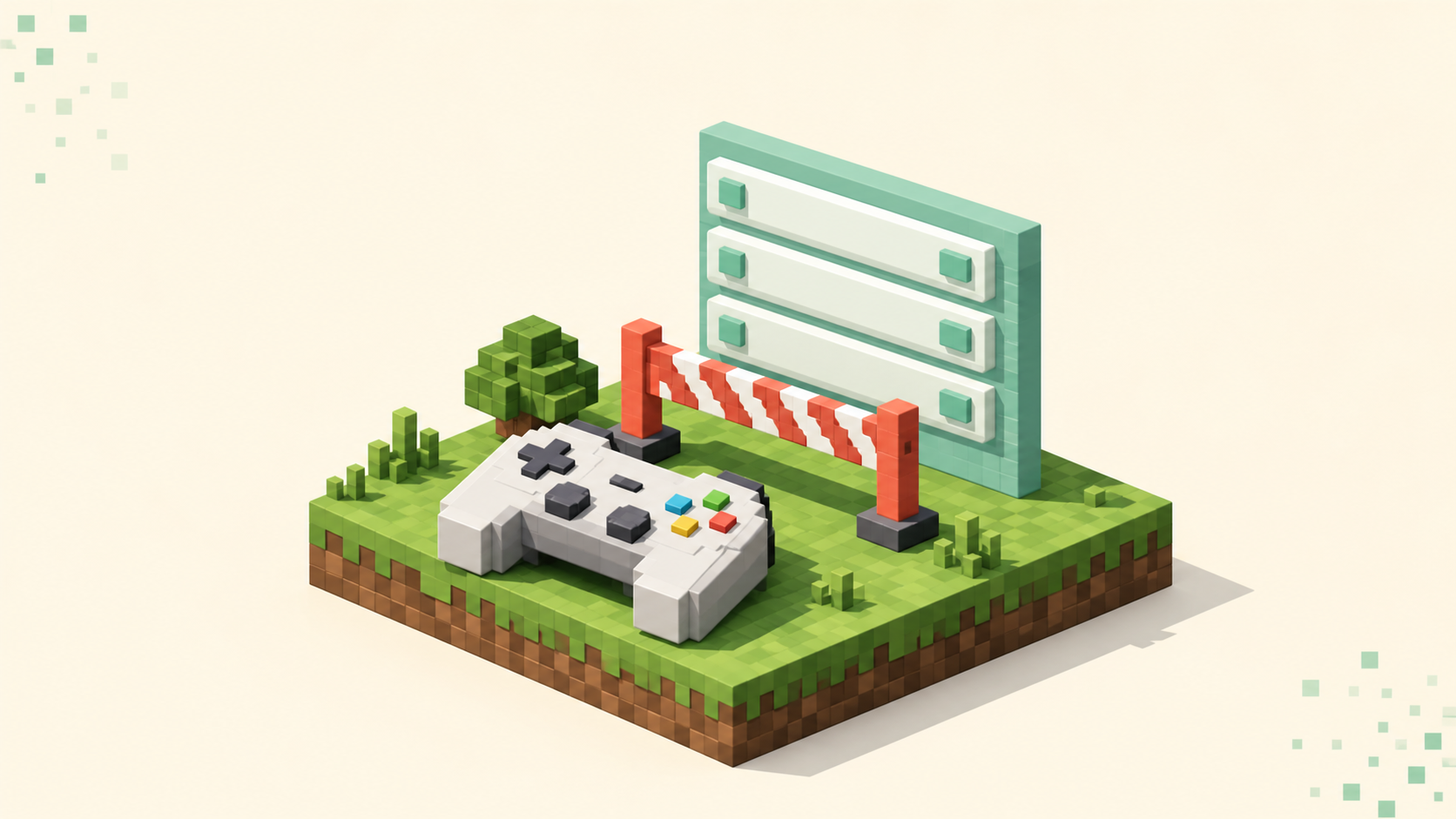
Xbox Minecraft has no Add Server button by design, not a bug. Why consoles block custom server IPs, and how the BedrockConnect DNS workaround gets around it.
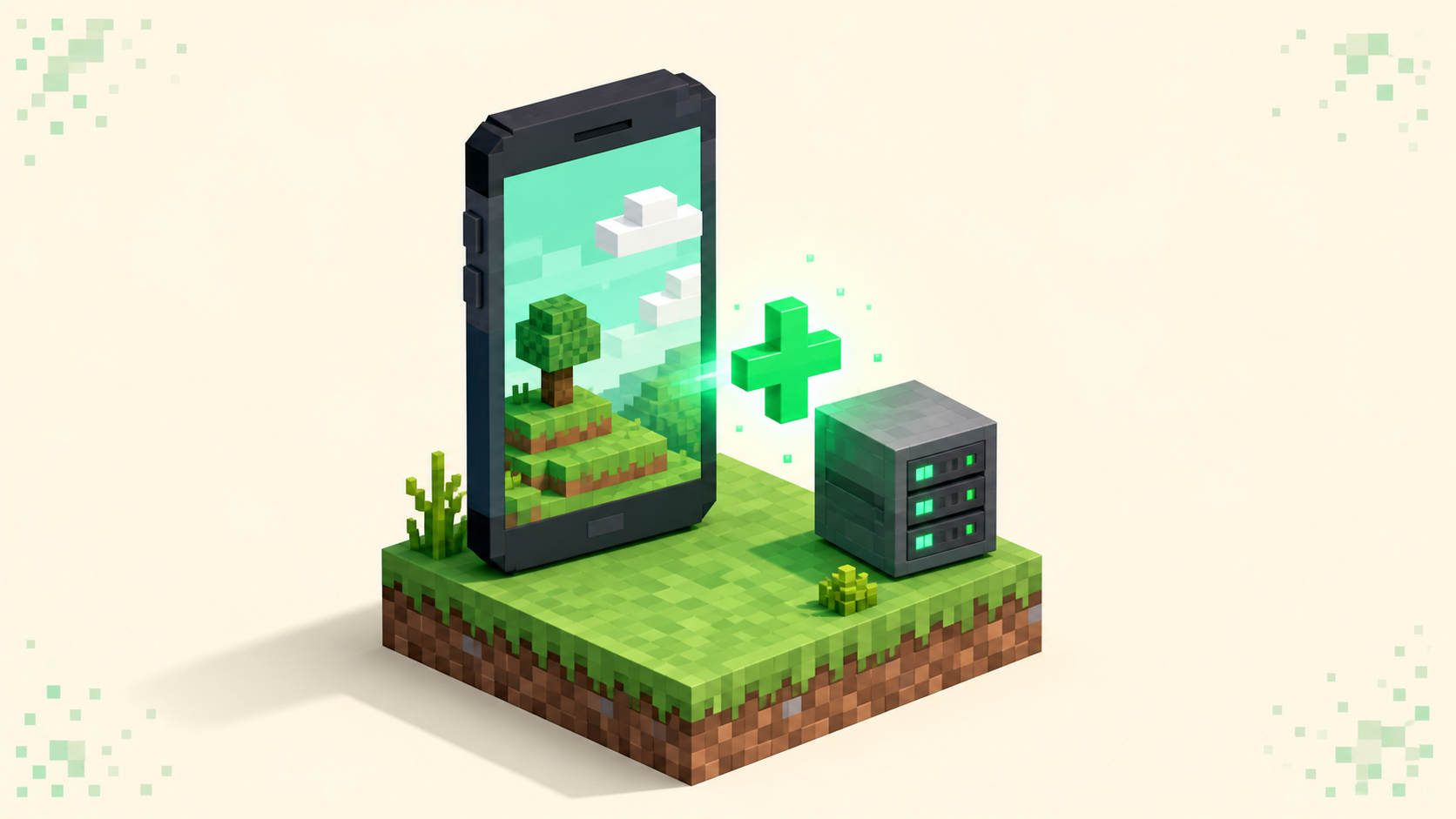
Add an external server in Bedrock from the Play screen — Server Name, Address, and the 19132 port — plus why consoles hide the button entirely.
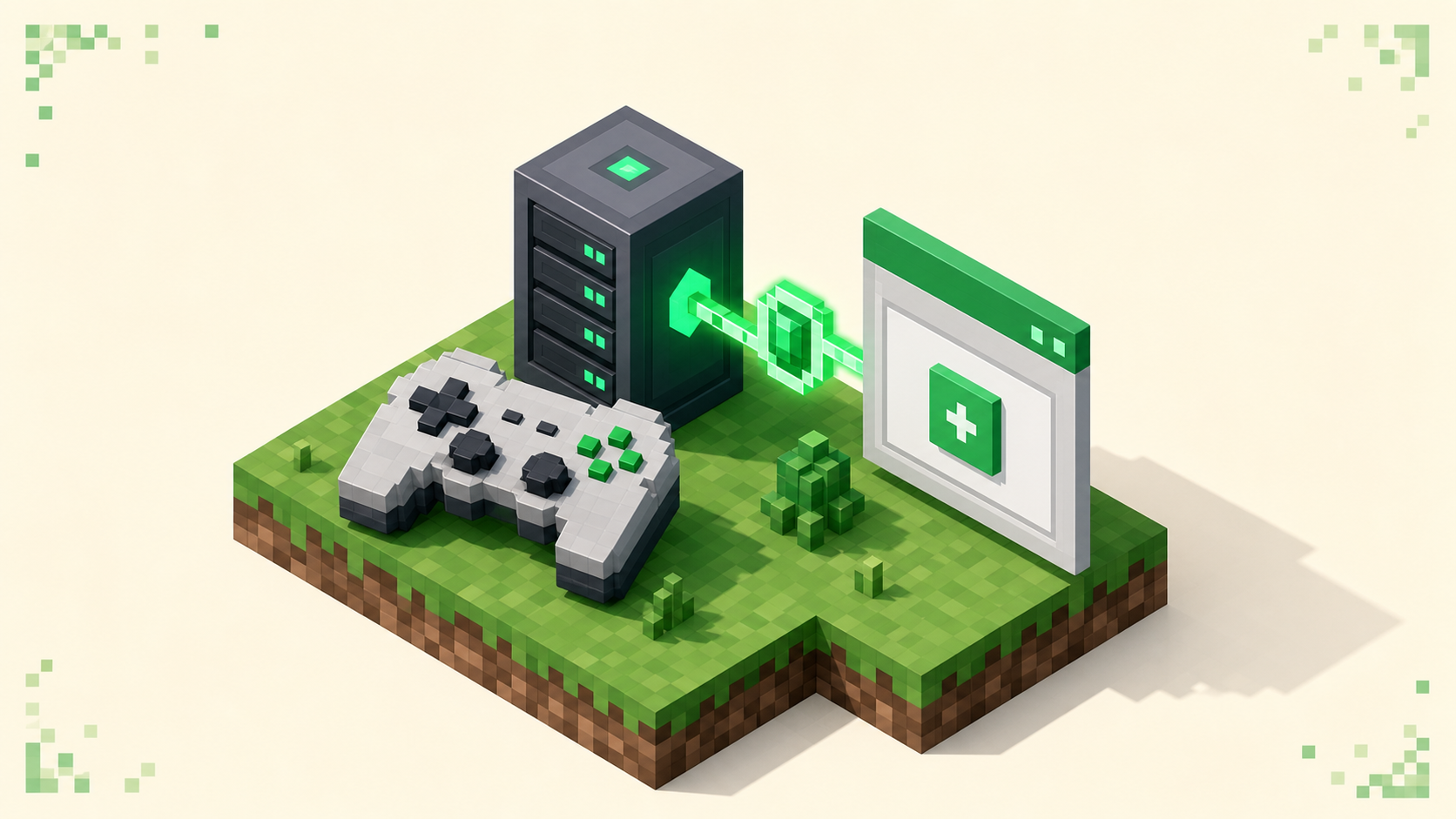
PS4 and PS5 Bedrock hide the custom-server field, so here's the DNS-based workaround, the port 19132 detail, and how to reach console-friendly servers.
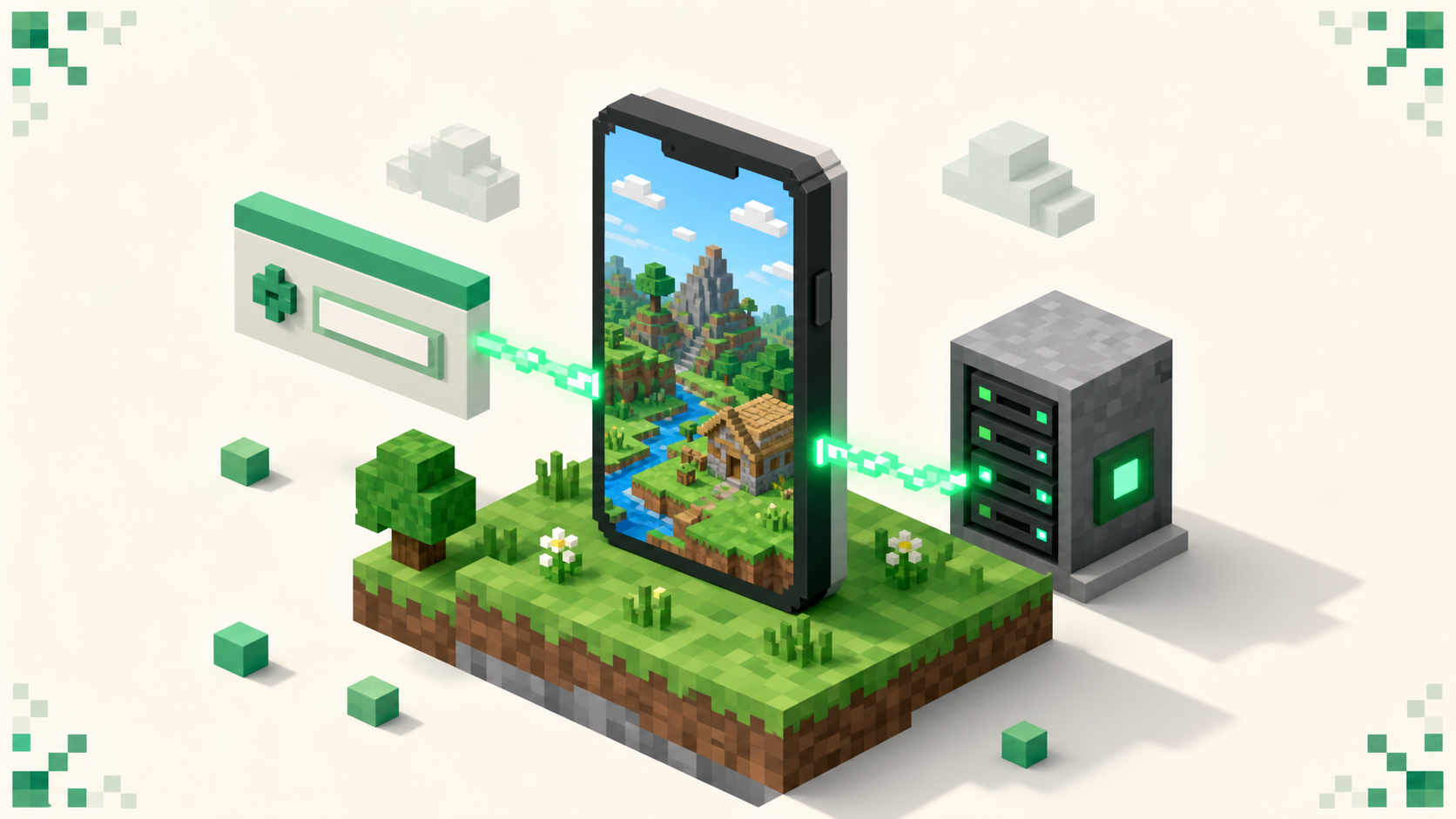
Minecraft on phones runs Bedrock and keeps the Add Server button, so adding an address and port 19132 on iOS or Android is the easy version of joining.
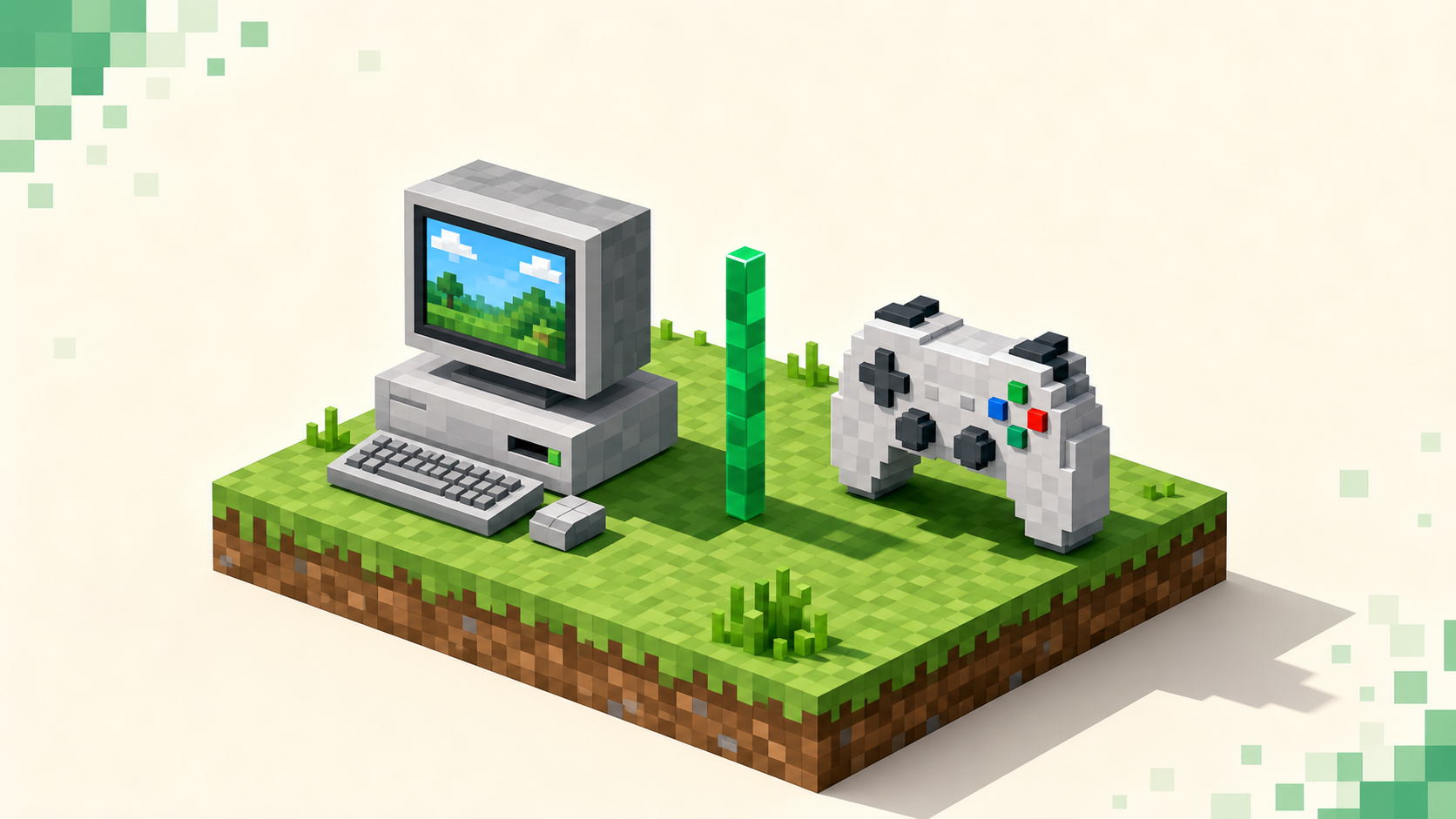
Xbox, PlayStation, and Switch all run Bedrock Edition, never Java — and that one fact decides which servers you can join and why a Java IP never connects.
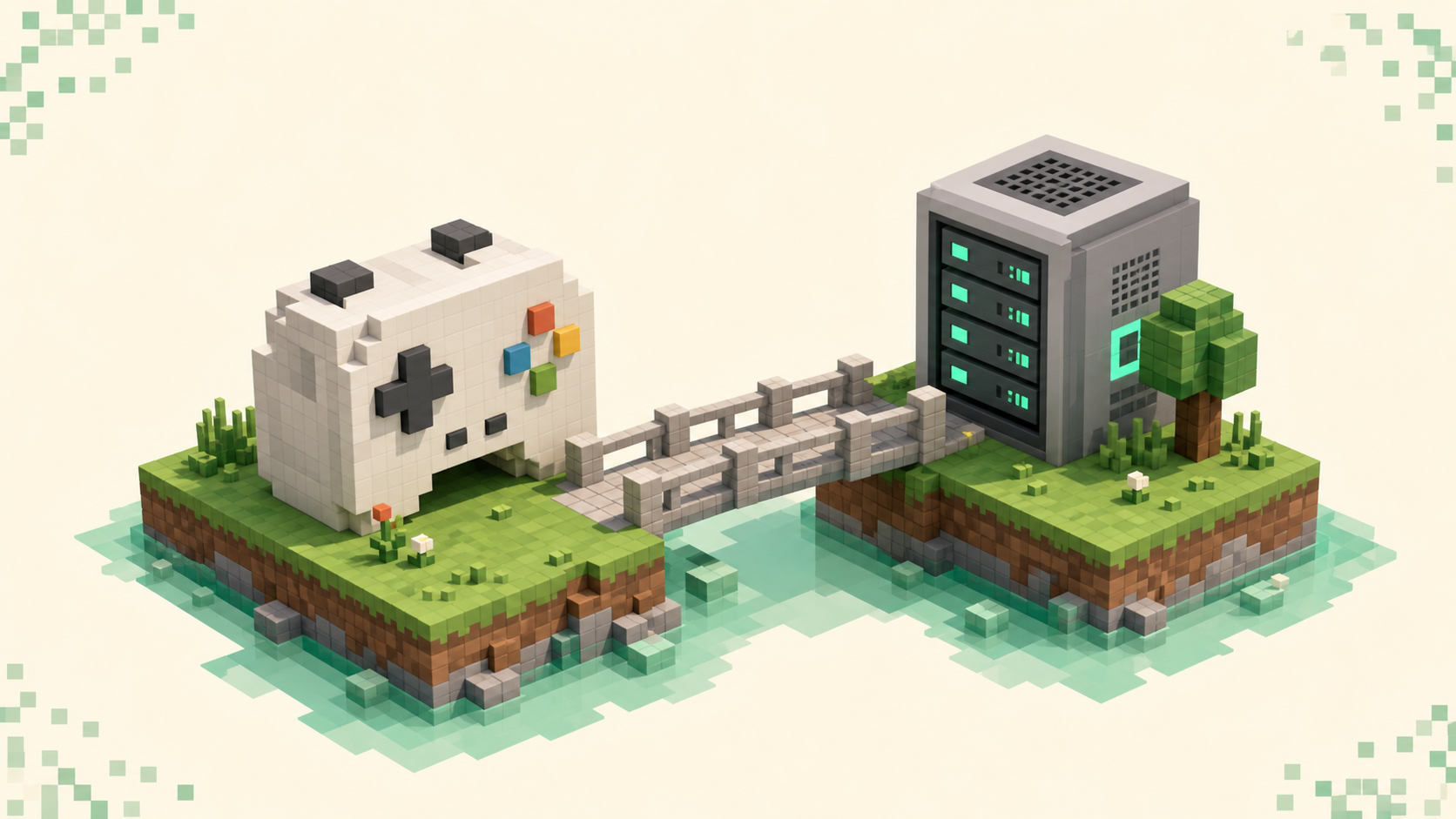
Set up Java-Bedrock crossplay: install Geyser and Floodgate on Paper, switch auth-type to floodgate, open the 19132 UDP Bedrock port, and link accounts.
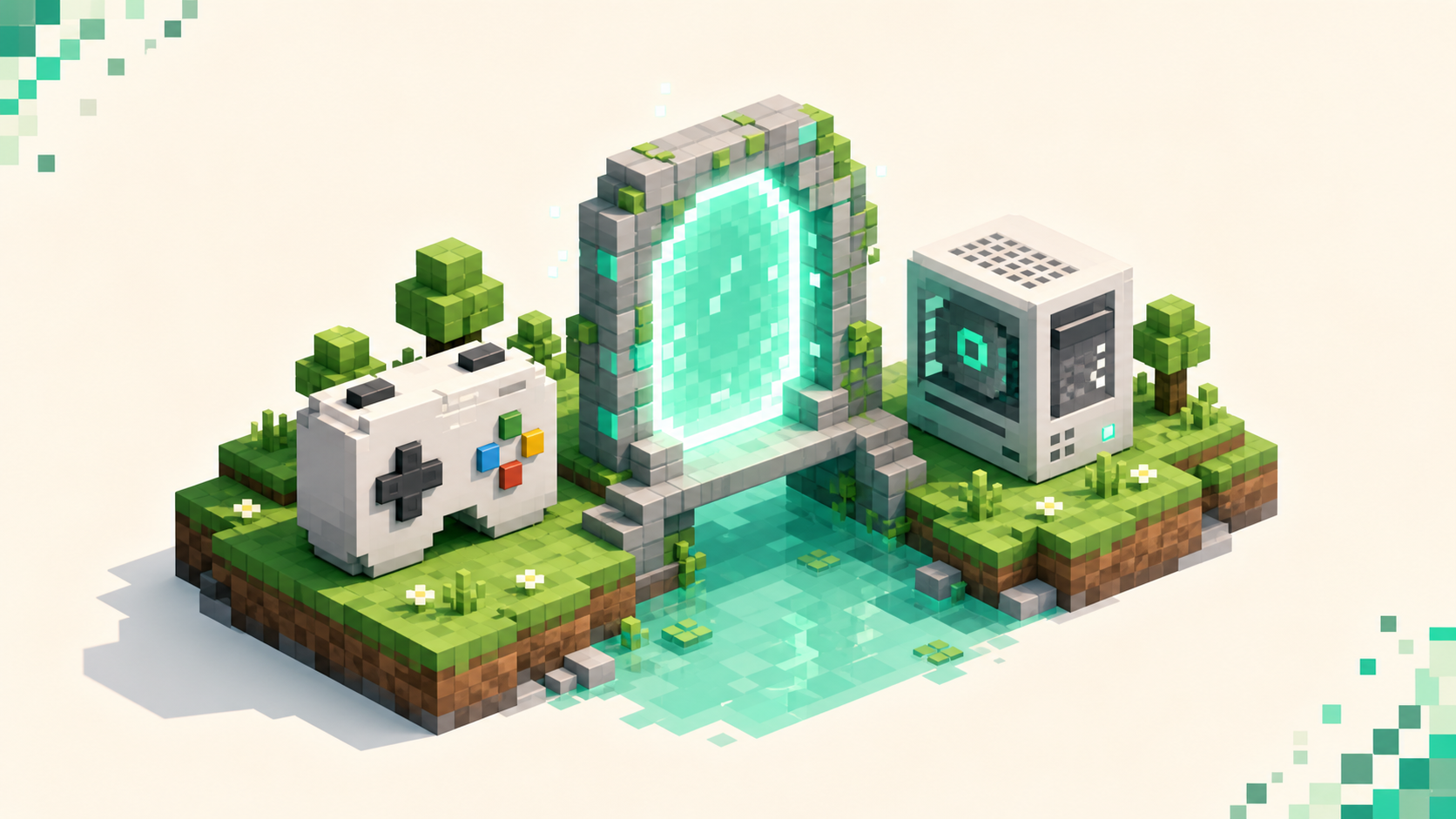
Geyser is a free proxy that lets Bedrock players join Java servers, and Floodgate drops the Java-account requirement — here's how they fit together.
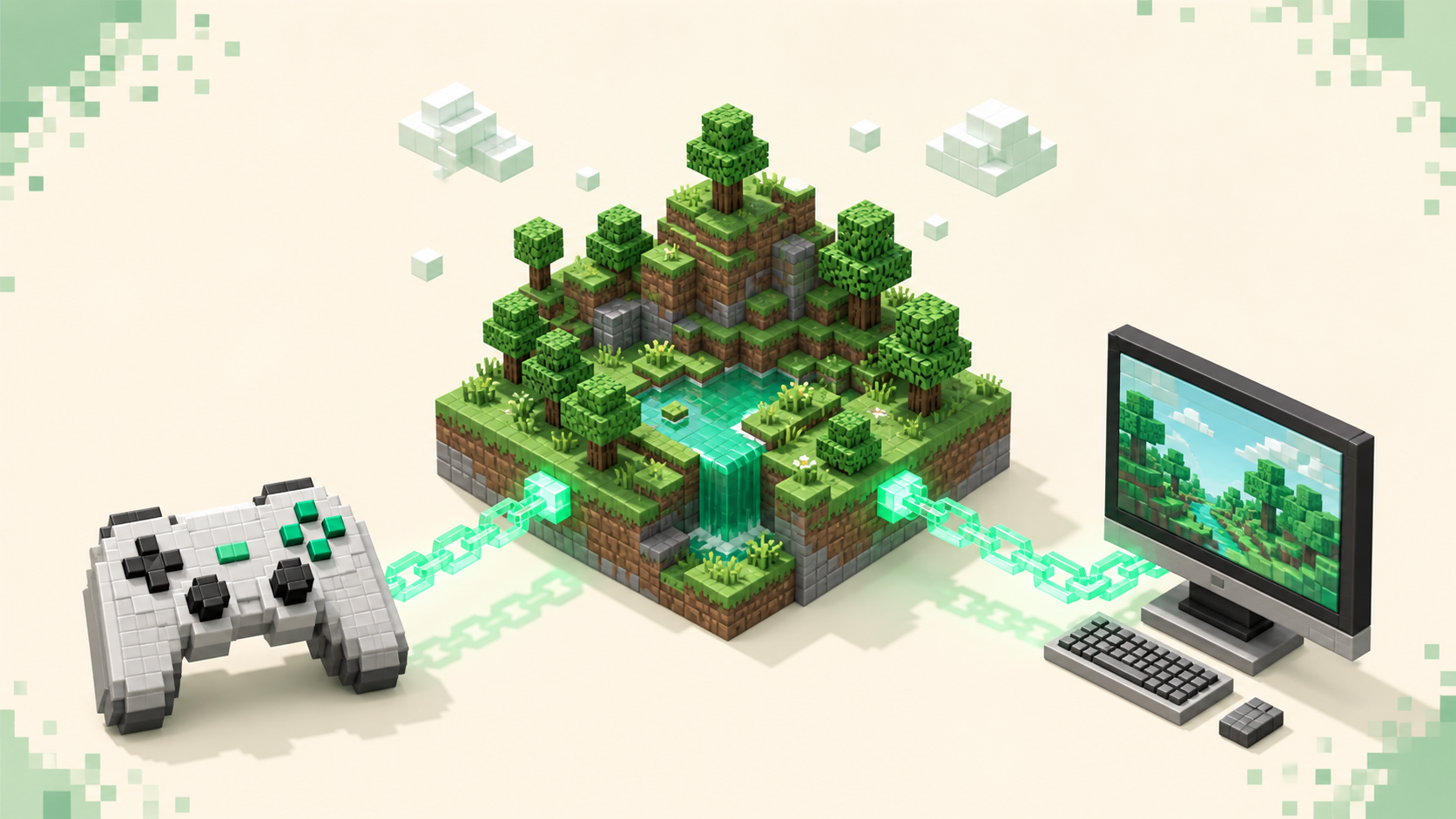
How Geyser-bridged crossplay lets Xbox and PC survival SMP players share one world, what to verify before joining, and where to find a live ranked server.
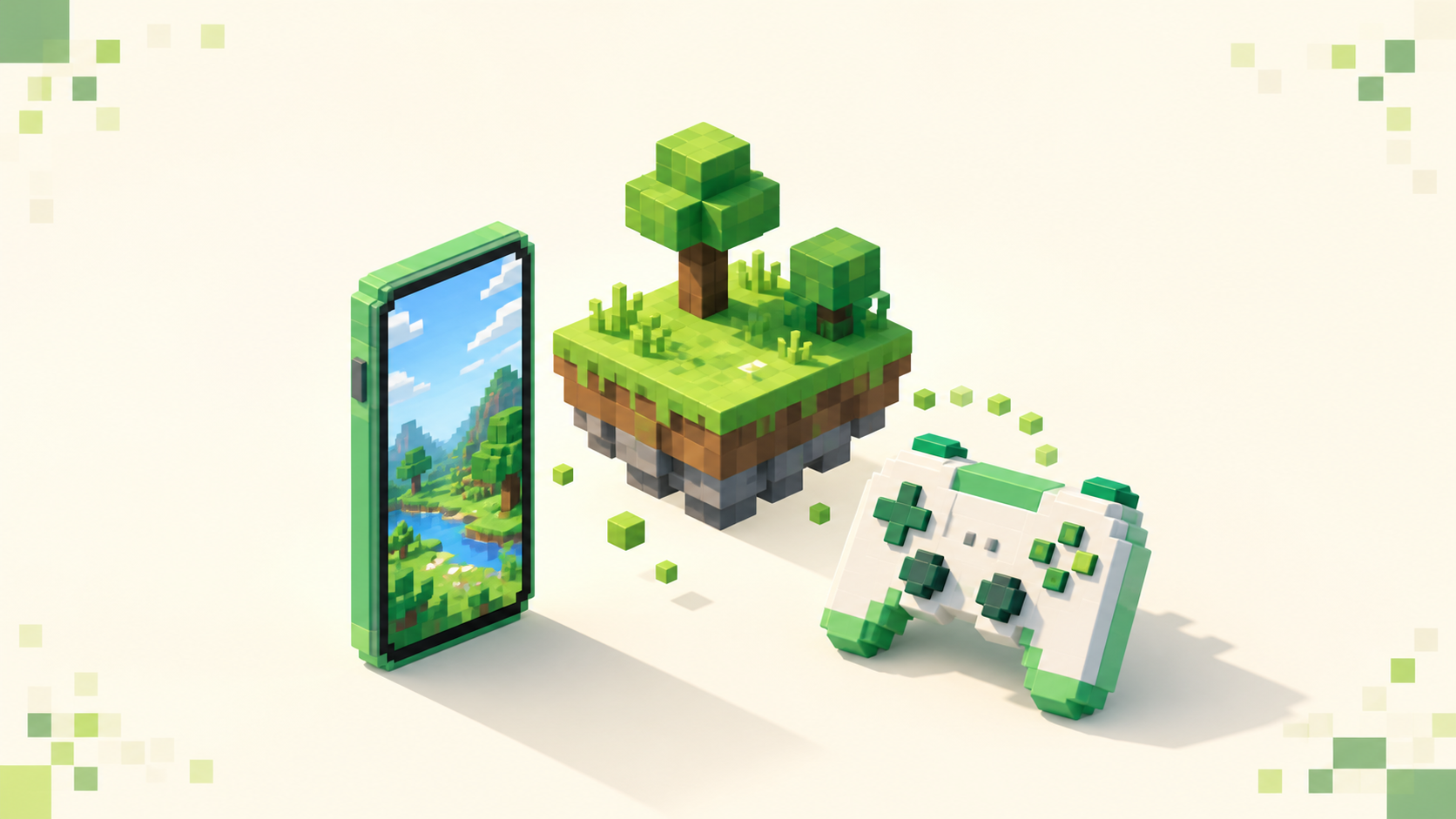
How to find a Bedrock skyblock server that runs smoothly on phone, Switch, and Xbox — connect on port 19132 and read the live monthly vote rankings.
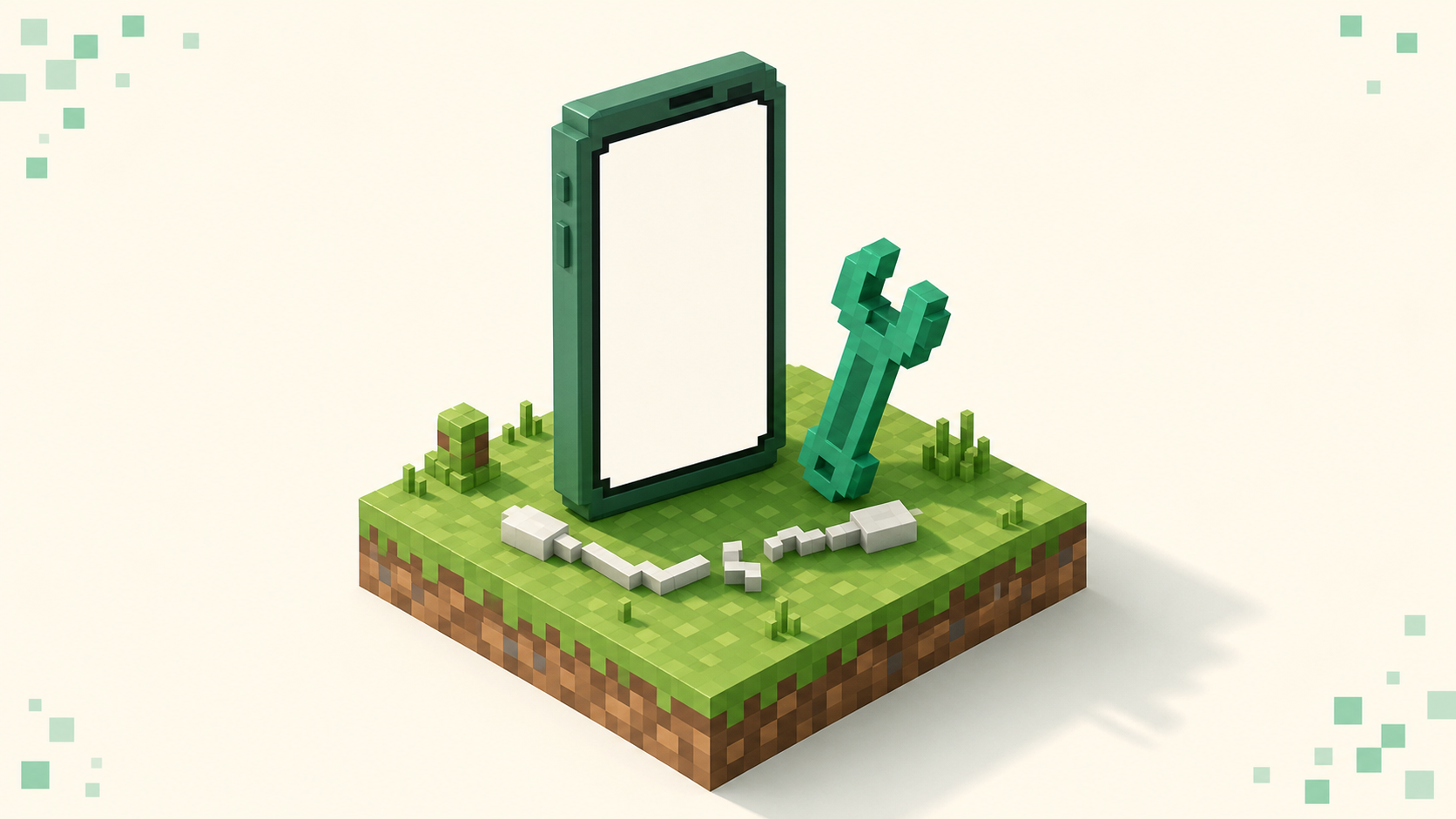
Fix Minecraft Bedrock's blank "Unable to Connect to World" with no error — port 19132, IPv6/DNS, NAT and Xbox privacy, plus console-only blockers.
Joining a Java Edition server from Bedrock with Geyser — the bridge, the 19132 port quirk, the console workaround, and why some servers still reject you.