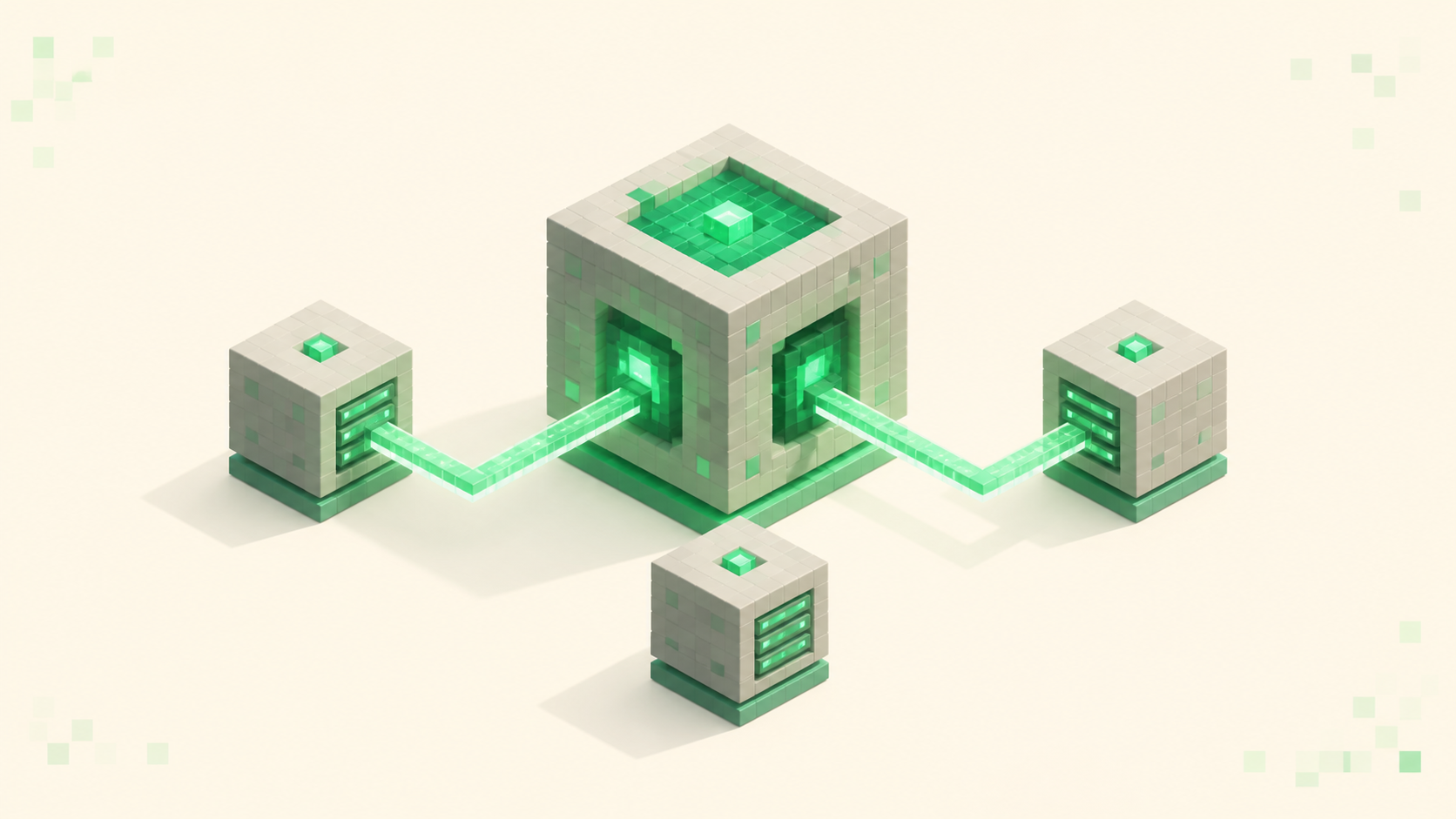
How to Set Up a Velocity Network (Link Multiple Servers Under One IP)
Set up a Velocity proxy network in Minecraft: put Paper backends behind one IP with modern forwarding, the secret, and the firewall step that seals it.
Set up a Velocity proxy network in Minecraft: put Paper backends behind one IP with modern forwarding, the secret, and the firewall step that seals it.
Datapacks vs plugins minecraft: datapacks rearrange vanilla data like recipes and loot with no jar; plugins are code for commands, ranks, and databases.

Add a server in Minecraft Bedrock on Windows 10 and 11 from the Play screen: open the Servers tab, hit Add Server, then enter a name, address, and 19132 port.
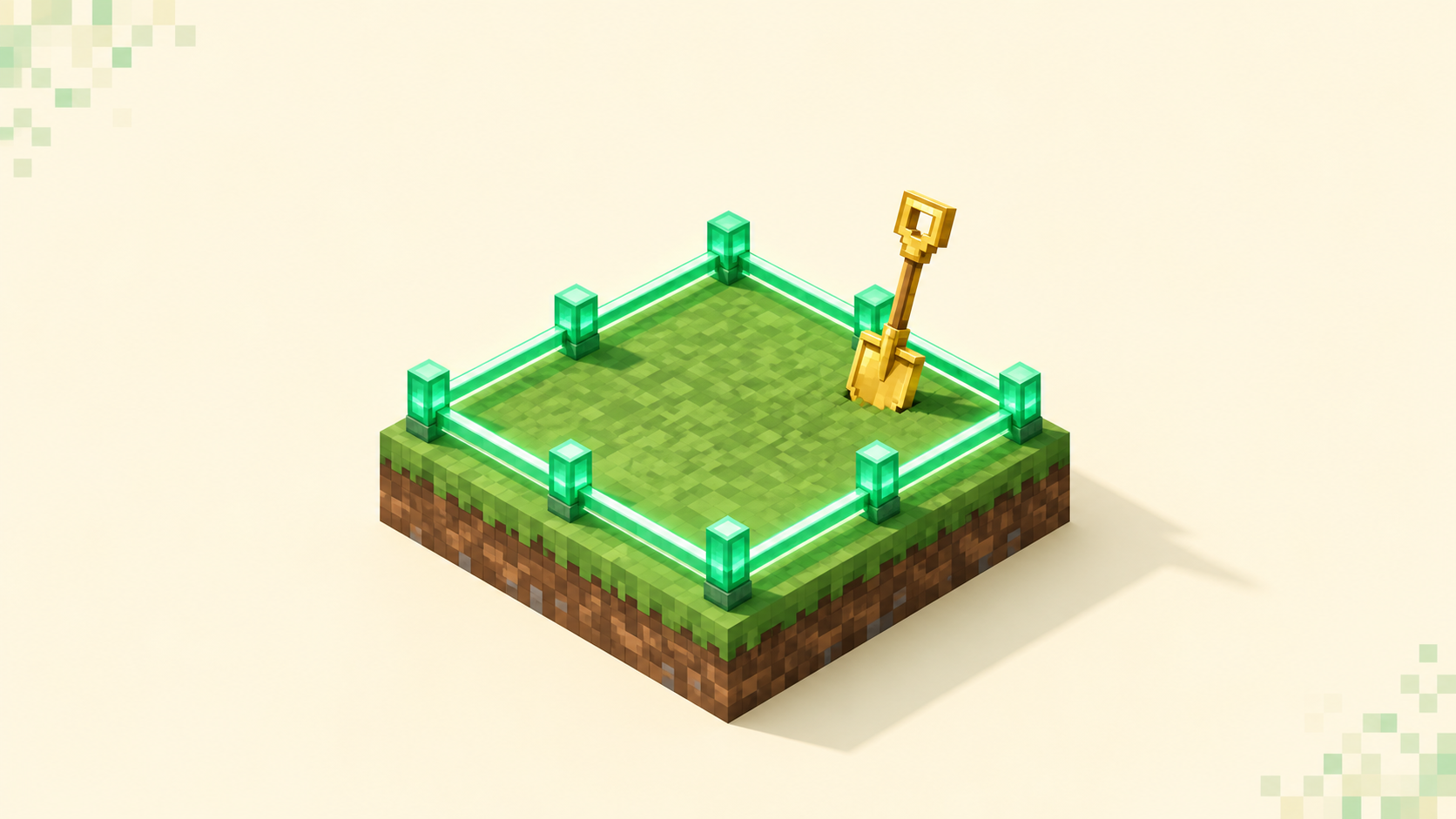
How to claim land on a Minecraft server: use the GriefPrevention golden shovel or found a Towny town, then set trust levels so only people you pick can build.

Minecraft server commands for players, explained: what /home, /sethome, /tpa, /warp, /msg, and /pay do, why they need EssentialsX, and how to find them.
Change your Minecraft server MOTD and icon by editing motd= and adding a 64x64 server-icon.png, then restart and refresh the Java client cache to see it.
Change gamerules minecraft server keepInventory, mobGriefing, doDaylightCycle with one /gamerule command that saves to level.dat and survives restarts.

Minecraft skin not showing on server usually means an offline-mode (cracked) server that never asks Mojang for it, or a stale cache a restart fixes.

Watch a Dungeons II stream for 15 minutes on Twitch or 3 on TikTok between Sept 29 and Oct 14, then redeem the code at minecraft.net/redeem. Java and Bedrock.
To join a modded server, install its exact modpack from a launcher like CurseForge, Modrinth, or Prism — match the pack build, loader, and Minecraft version.
Pick an EggWars server by whether its games fill and start, how well its anti-cheat holds up over the void, and whether every round begins on even footing.
CurseForge and Modrinth are the two safe places to get Minecraft mods — start on Modrinth for a cleaner, faster site, and use CurseForge for legacy packs.

Join a Minecraft server on a Mac through Java Edition: open the launcher, click Play then Multiplayer, and add the address. Why Bedrock servers can't connect.
Updated to Minecraft 26.3 and your usual server won't let you in? Here's why 26.2 and 26.3 can't connect and the fastest ways to get back in.
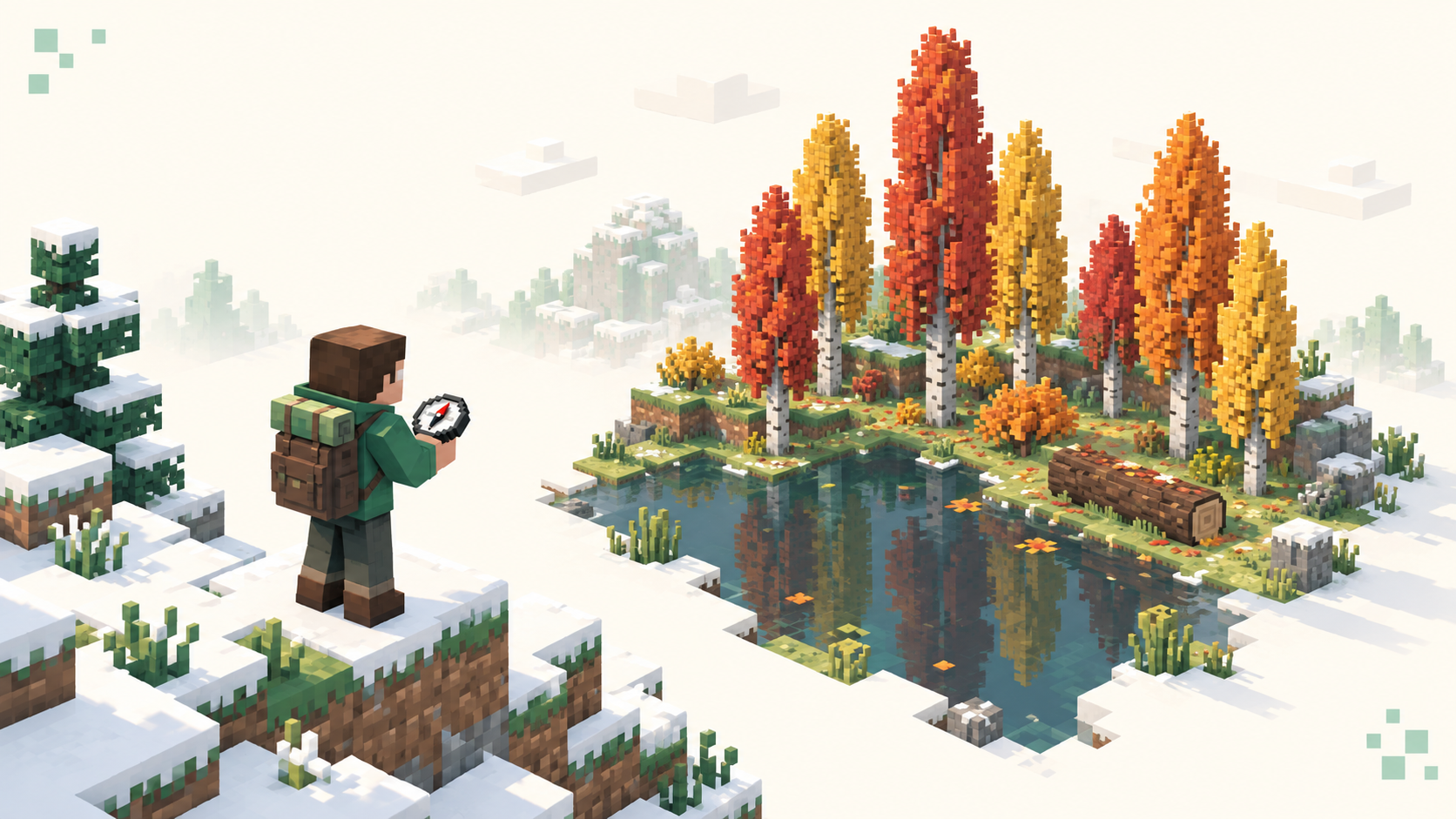
Find the dappled forest in Minecraft 26.3 with /locate or on foot near cold biomes, spot it from a distance, and know what to collect once you're there.

Purpur vs Paper: Purpur is a Paper fork that adds hundreds of gameplay toggles, not speed. Who should switch, who should stay, and how to swap the jar.
Minecraft Java 26.3 uses protocol version 777: what that number does, how it compares with 26.2 and 26.1, and where proxies and ViaVersion stand.
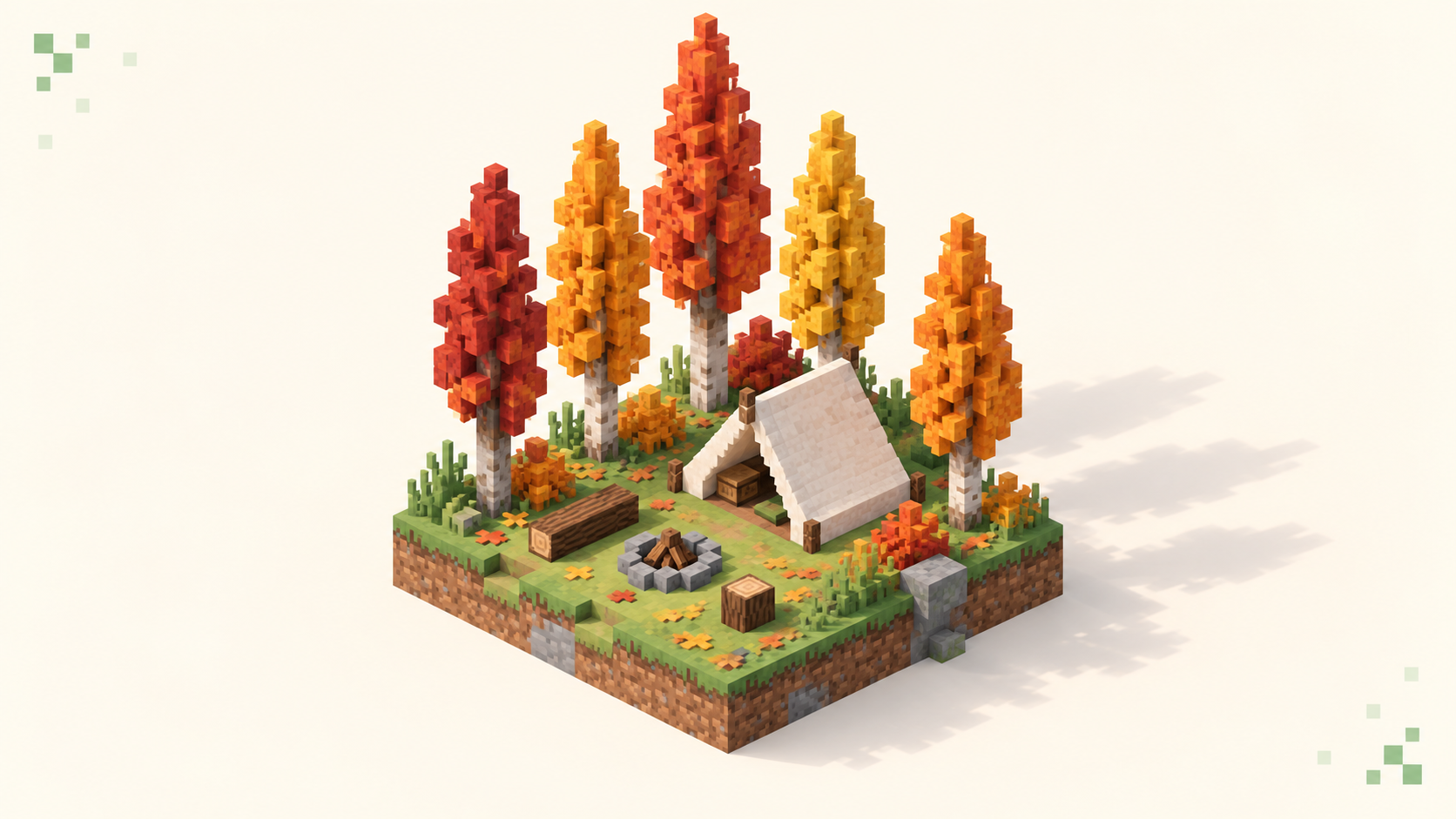
Everything in Minecraft 26.3 Wilderness Bound, from the dappled forest and poplars to abandoned camps, explorer maps, straw beds, cushions and wool stairs.
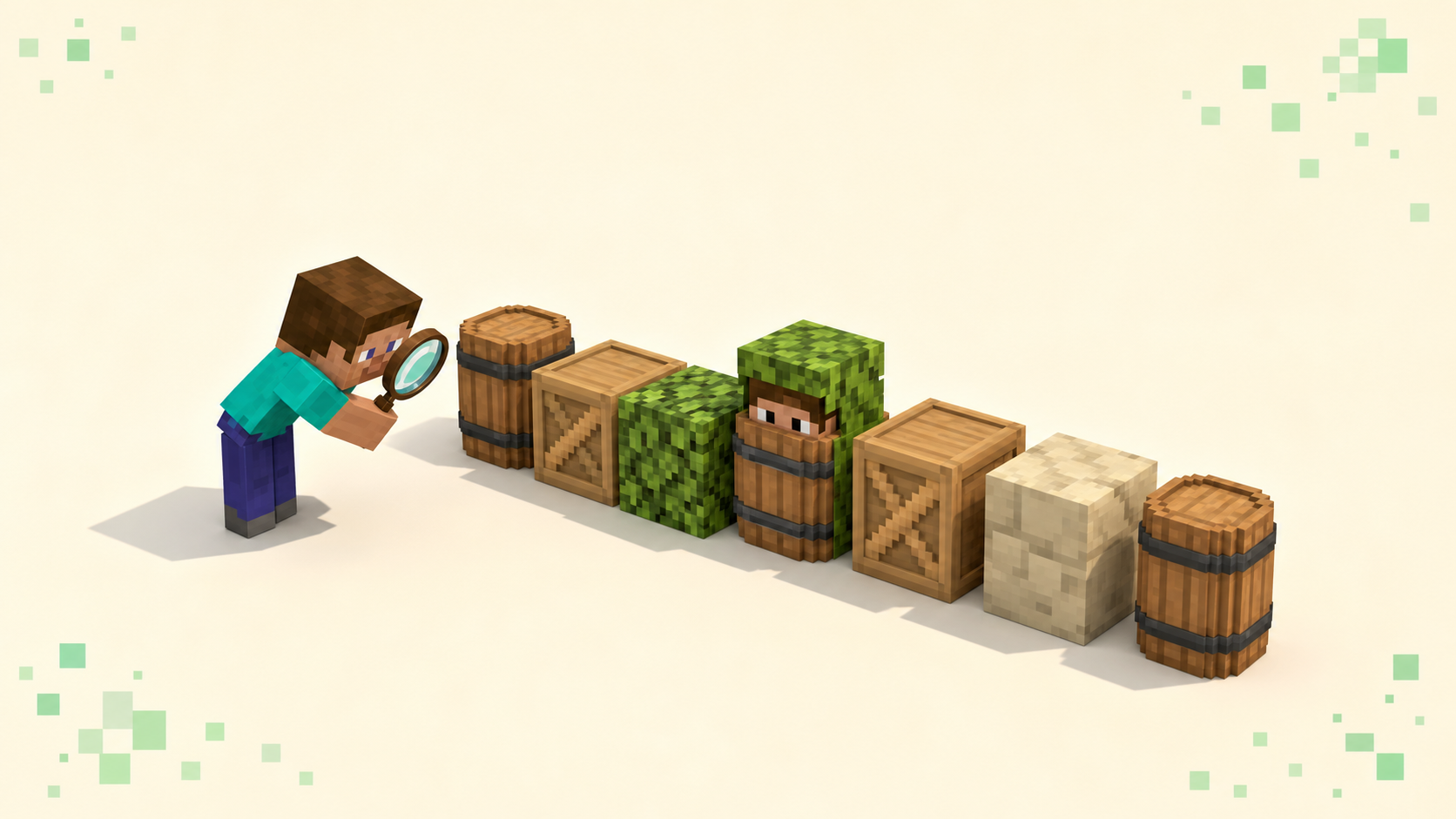
Prop hunt servers: how to judge map variety, anti-camp taunts and glow, round pacing, lobby size, and ping before you pick a hide-as-a-block lobby.

server.properties explained minecraft: what every key does, which defaults to leave alone, and the few that quietly break an existing world if you flip them.
The best first server for a beginner is a forgiving gamemode run by active staff, with land claims, rollback, and low ping. How to spot one, and where to look.
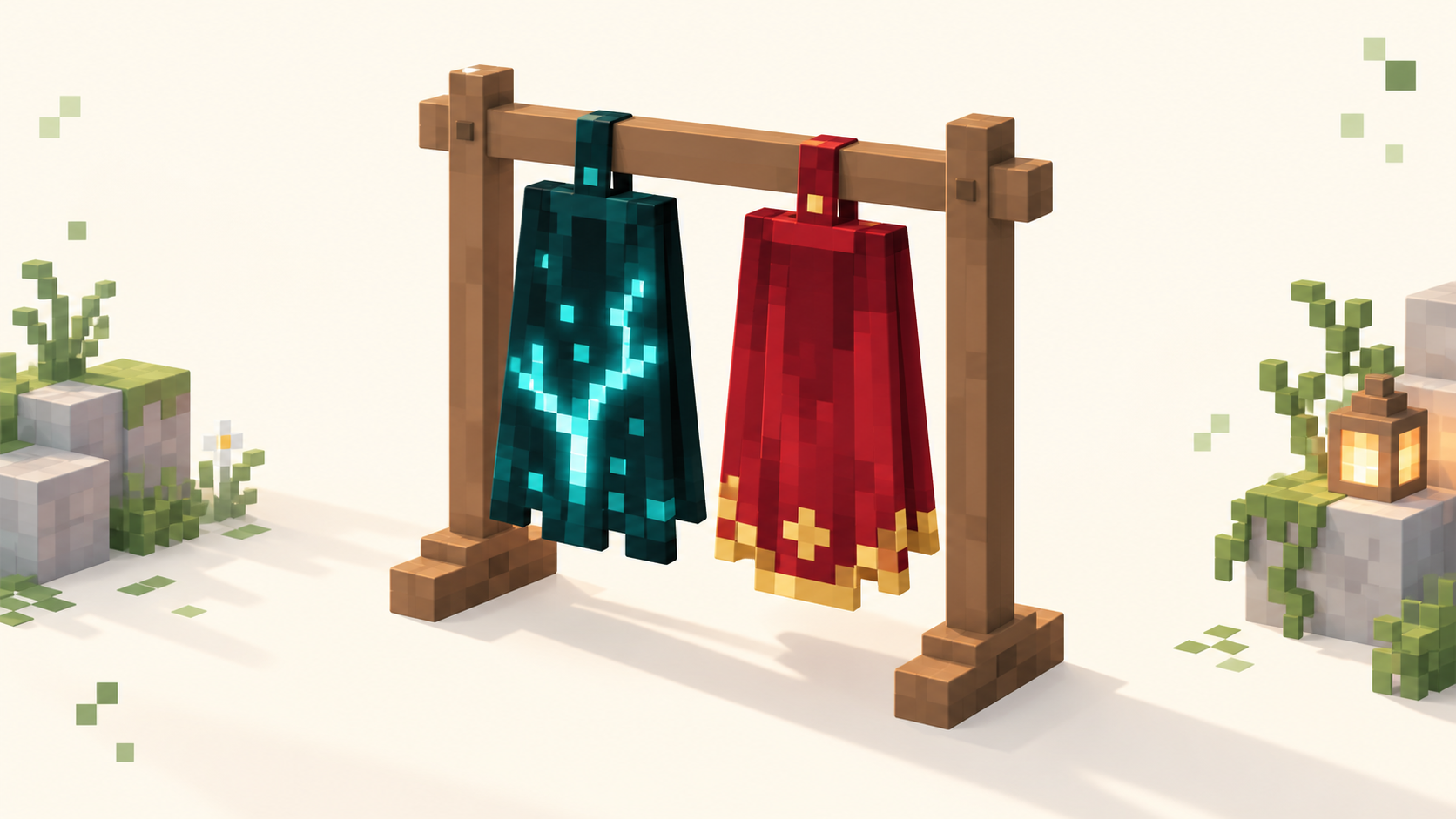
Both come from Minecraft Dungeons II and unlock on Java and Bedrock. Twisted: pre-order by Sept 28. Hero: play Dungeons I, then log into Dungeons II by Dec 31.
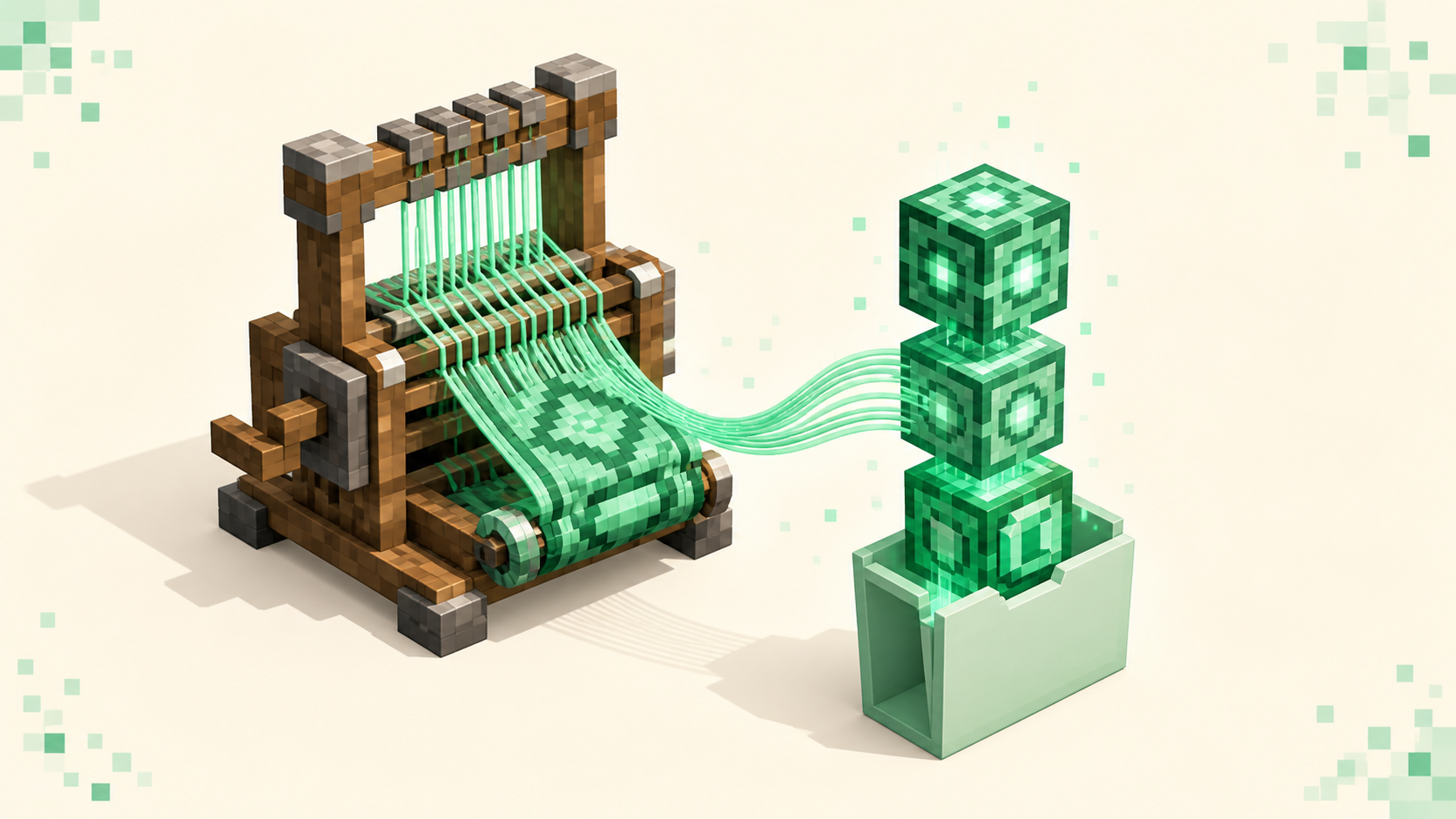
Install Fabric to join a modded server: match the Fabric loader and API to the server's Minecraft version, drop mods in .minecraft/mods, launch the profile.
Allocate more RAM to Minecraft Java by editing -Xmx in your launcher. How much to give it, why maxing it out backfires, and how to verify the change took.