What Are Geyser and Floodgate?
Geyser is a free proxy that lets Bedrock players join Java servers, and Floodgate drops the Java-account requirement — here's how they fit together.
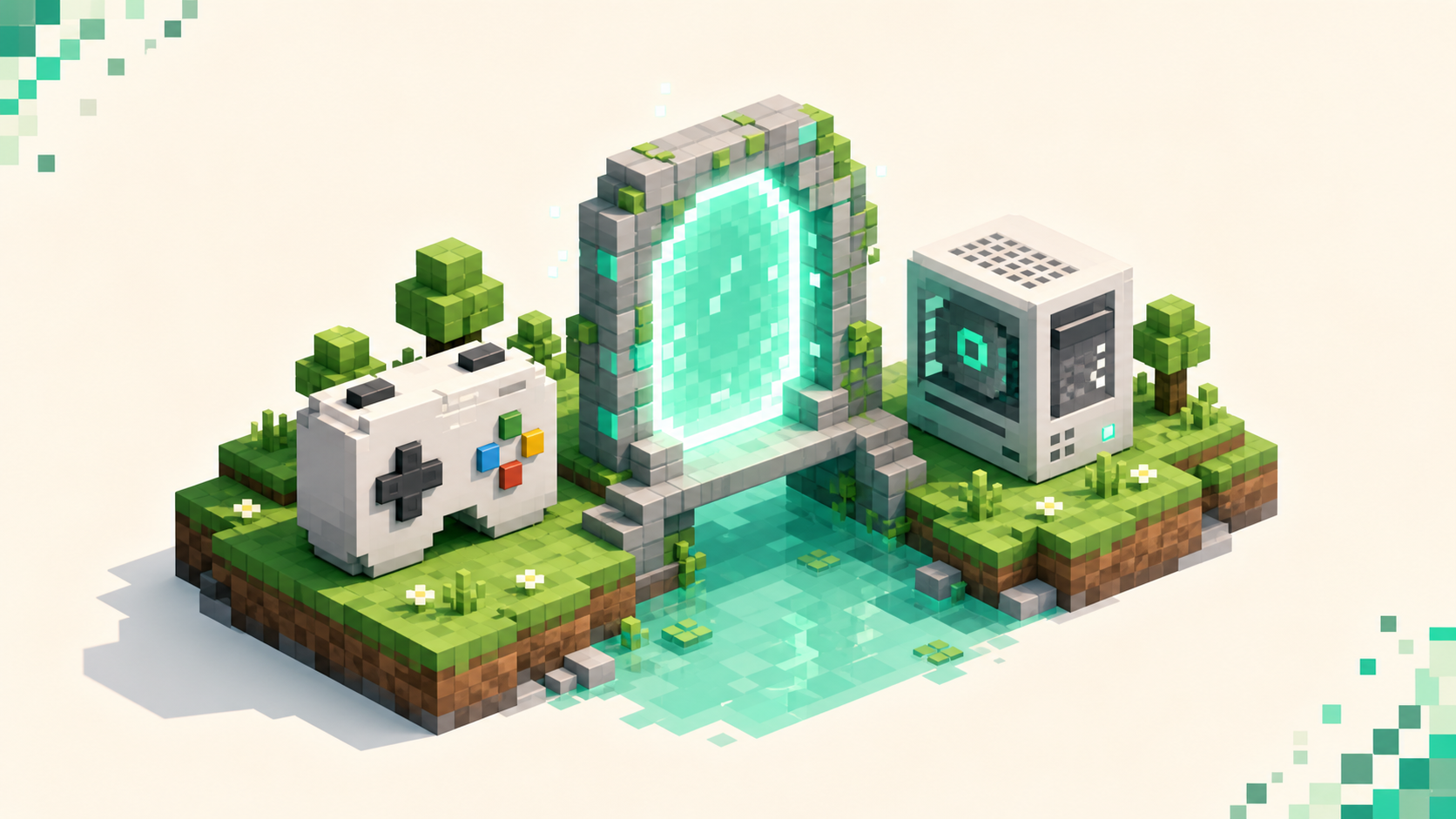
Geyser is a free, open-source proxy from the GeyserMC project that lets Minecraft: Bedrock Edition players join a Minecraft: Java Edition server, and Floodgate is the companion plugin that lets those Bedrock players in without owning a paid Java account. Geyser does the heavy lifting — it pretends to be a Java client and translates packets in both directions so the server thinks a Bedrock player is just another Java connection. Floodgate is the optional second piece that removes the Java license requirement. Both get installed by the server owner, not the player, so if a Java server hasn't set them up, Bedrock players simply can't connect to it, and the crossplay server list is filtered to the ones that have.
What Geyser actually does
Geyser sits between a Bedrock client and a Java server and translates the two protocols on the fly. The Bedrock player connects to it over the normal Bedrock port, and Geyser forwards that connection to the Java server as if it were a regular Java client. The official one-line description is "a bridge/proxy allowing you to connect to Minecraft: Java Edition servers with Minecraft: Bedrock Edition," which is exactly what it is — a translator, not a mod you install on your own game.
The direction matters, and it trips people up. Geyser is one-way: it lets Bedrock players onto Java servers, and that's the whole job. It does not work in reverse — a Java player can't use Geyser to join a Bedrock server. If you're on Java and want to play with Bedrock friends, the move is to all meet on a Java server running Geyser, not the other way around.
There's one hard limit worth saying plainly. Geyser translates the base game well, but it can't hand Bedrock clients access to client-side Java mods. A heavily modded Java server with custom blocks and items won't render those correctly on Bedrock, and a server that requires a client-side mod to join is unsupported for Bedrock players outright. For vanilla-style and plugin-based servers — survival, skyblock, minigames, the usual crossplay fare — it works the way you'd hope. For a modpack server, it doesn't.
Where Floodgate comes in
Geyser by itself still expects every connection to authenticate the way a Java client does, which means a Bedrock player would normally need to own Java Edition too. Floodgate removes that requirement. It's a hybrid-mode plugin that lets a Bedrock account onto a Java server without a paid Java license, and you turn it on by setting auth-type: floodgate in Geyser's config.
The important thing — and the part people get wrong — is that Floodgate is not an offline-mode or piracy bypass. Bedrock players still log in with a real Microsoft/Xbox Live account; what Floodgate drops is the Java license, not the authentication. The Floodgate docs put it directly: it "does not allow you to bypass logging into Java servers that require a Mojang Java account." So a Bedrock player who only owns the Bedrock copy can join, but they're still a verified, logged-in account — nobody's sneaking on anonymously.
You don't actually have to run Floodgate at all. If a server's audience already owns Java Edition, Geyser alone is enough, and Bedrock players authenticate normally with auth-type: online. Floodgate is the add-on you reach for when you want the broader Bedrock audience — console and mobile players who'll never own the Java edition — to be able to join.
The username prefix
When a Bedrock player joins through Floodgate, their name gets a prefix in front of it — a single dot (.) by default, set by username-prefix in Floodgate's config.yml. That's there to stop name collisions: if a Bedrock player and a Java player happen to share a username, the prefix keeps them distinct so the server doesn't confuse the two accounts. An owner can change that character or blank it out entirely, but the default . is why you'll sometimes see a Bedrock friend show up as .TheirName in chat and the player list.
How the connection works under the hood
The ports are the thing to get right, because they're different on each side. Bedrock players connect to Geyser over UDP port 19132 — the standard Bedrock port — and Geyser forwards that to the Java server, which is on TCP port 25565 by default. In the Geyser config those two live in separate sections: the Bedrock listener has port: 19132, and the remote (Java) section points at address: 127.0.0.1 and port: 25565 when Geyser runs on the same box as the server.
Because the Bedrock side is UDP, the firewall and port-forwarding rules have to allow UDP traffic on 19132, and this is where a lot of self-hosted setups stall. A TCP-only tunnel like Ngrok won't carry Bedrock traffic — it needs real UDP port-forwarding to reach the outside world. There's also a clone-remote-port option that tells Geyser to listen on the same port as the Java server instead of 19132, which is handy on some hosting setups but not the default.
Geyser ships in a flavor for whatever you're running — Spigot/Paper, BungeeCord/Waterfall, Velocity, Sponge, Fabric, and a Standalone build that runs as its own process. On a single Paper server you drop Geyser (and Floodgate) straight into the plugins folder, with config at something like Geyser-Spigot/config.yml. On a proxy network you install them on the proxy itself — BungeeCord, Waterfall, or Velocity — rather than on each backend server. The full owner-side walkthrough lives in setting up a crossplay server with Geyser and Floodgate.
Player view vs owner view
This is the distinction that decides what you can even do. Only the server owner installs Geyser and Floodgate. As a player, you cannot add them to a server you don't control, the same way you can't add a ViaVersion-style version bridge to someone else's server. If a Java server has no Geyser running, no amount of fiddling on your end gets a Bedrock client in — the option just isn't there.
So as a Bedrock player your job is to find servers that already run it, which is what the crossplay list is for, and then connect using the server's Bedrock address and port. The step-by-step from the Bedrock side is in how to join a Java server on Bedrock with Geyser. As an owner, you install it once and every Bedrock player benefits without doing anything special.
One nice side effect on the owner side: Geyser can auto-convert Java resource packs to Bedrock format if you drop them in its packs folder and push them to Bedrock clients, and Floodgate handles correct Bedrock skin rendering plus native Bedrock UI forms for plugins that support them. So a well-configured crossplay server doesn't just let Bedrock players in — it makes the experience feel native rather than bolted on.
FAQ
Do I need both Geyser and Floodgate, or just one?
Geyser is the required half — it's the protocol translator, and Floodgate does nothing without it sitting underneath. Floodgate only governs the account rule, and dropping its jar in the plugins folder isn't enough on its own: it stays inactive until you set auth-type: floodgate in Geyser's config. Leave that at auth-type: online and Bedrock players still need their own copy of Java Edition to log in, which is the setup you want when your whole audience already owns Java. What you can't do is run Floodgate by itself — there's no working version of this without Geyser doing the translation.
Does Geyser work with any Bedrock and Java version combination?
No — Geyser supports a specific range of Bedrock and Java protocol versions at a time, and the target moves with each drop. As of mid-September 2026, Geyser supports Java 26.2 and Bedrock 26.30–26.51 (Java 26.3 support was still in preview builds), and a particular server may still run an older backend. Check the server's listed drop and crossplay support rather than assuming the newest Bedrock client connects to everything.
What's the key.pem file Floodgate creates?
key.pem is Floodgate's authentication key, generated on first run. It's how Geyser and Floodgate verify that a Bedrock connection is legitimate. On a multi-server network every linked server has to share the same key.pem, and you never distribute it publicly — anyone with the key could forge Bedrock logins. Copy it between your own servers, keep it off public repos and pastebins.
Can a Bedrock player and Java player use the same account?
Through account linking, sort of. Floodgate supports linking (both Global and Local) so a player who owns both editions can tie their Bedrock and Java accounts together and share one identity and inventory on a server, instead of showing up as two separate players. It's opt-in per player and doesn't merge anything automatically — without linking, the .-prefixed Bedrock account and the Java account are treated as two distinct players.