Java vs Bedrock: Which Edition Do Console Players Get?
Xbox, PlayStation, and Switch all run Bedrock Edition, never Java — and that one fact decides which servers you can join and why a Java IP never connects.
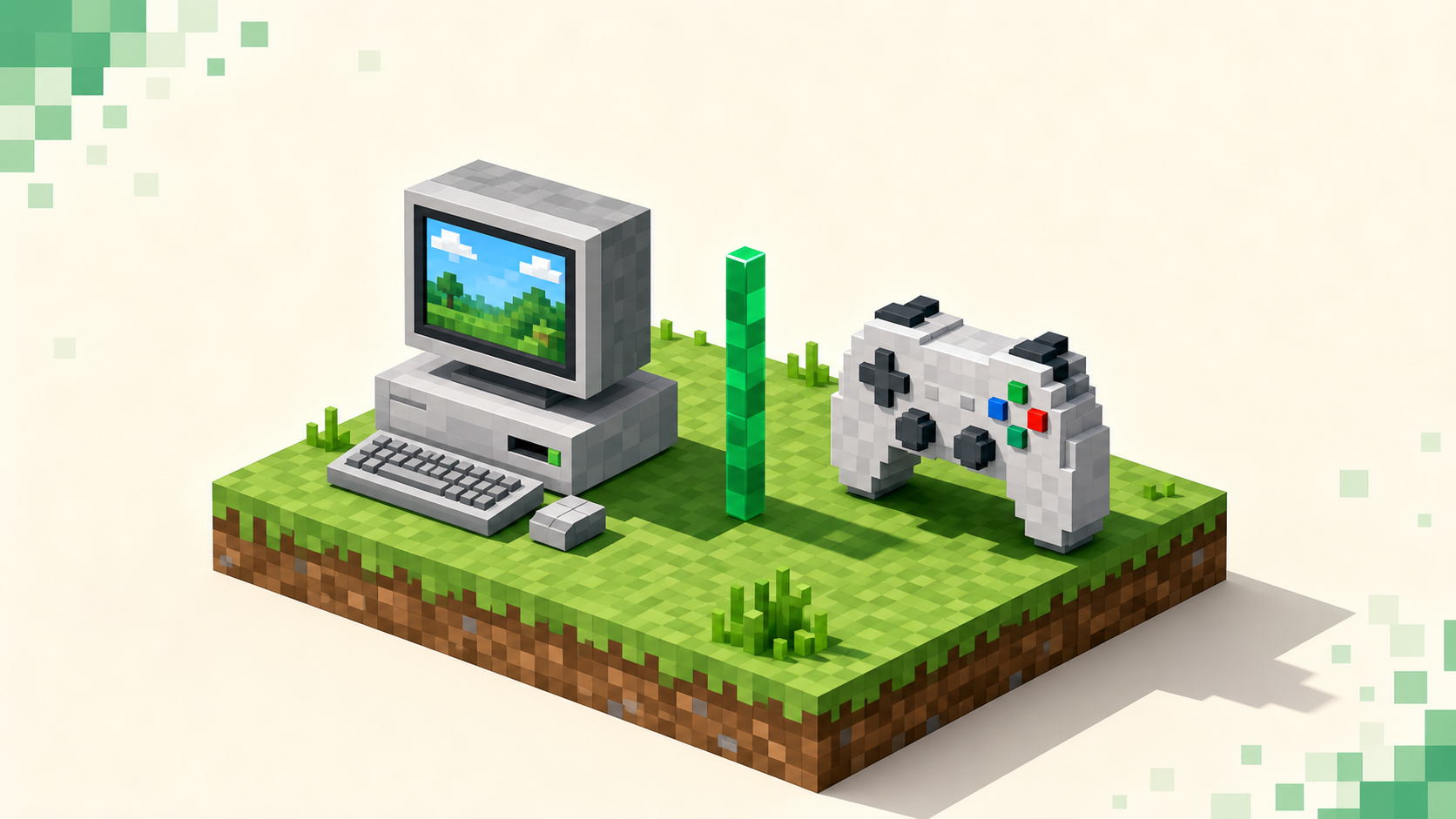
If you're on Xbox, PlayStation, or Switch, you don't pick an edition — your console runs Bedrock, and there's no Java version for any of them. So the "Java vs Bedrock" question is already settled before you open the game. What's left isn't choosing which one to install; it's understanding that the edition you already have decides which servers you can join and why some addresses just won't connect.
Because your console is Bedrock, the only thing left to sort out is which server addresses it can actually reach and which ones won't connect no matter what you do. The gamemode side of things — survival, skyblock, factions and everything else — is sorted in Minecraft server types explained, and the actual connect steps live in the join guide, so this stays a clean edition comparison. You do need to own the base game to play, but that's true on every platform and doesn't change which edition your console runs.
The one-line answer: every console is Bedrock
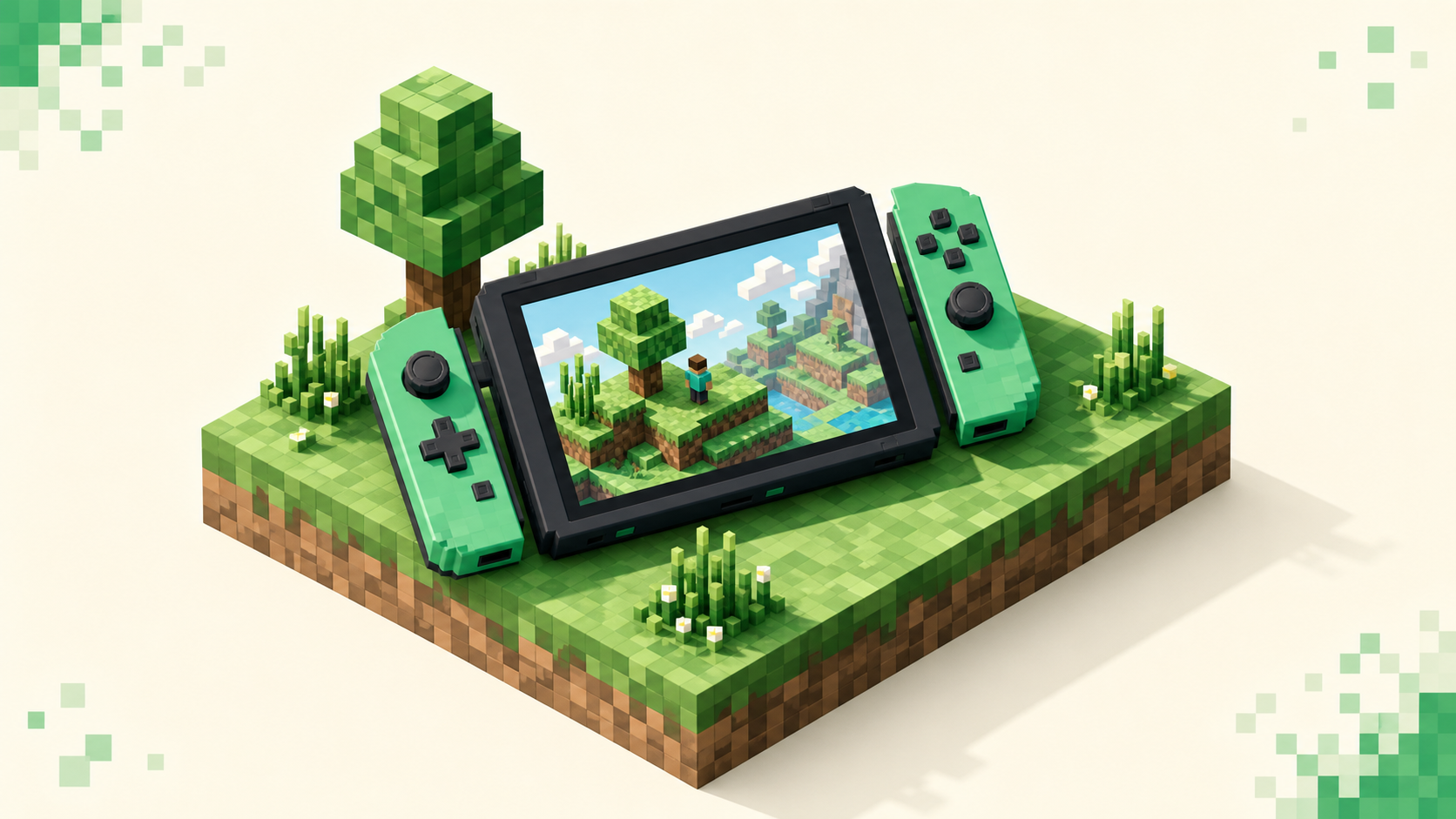
Xbox One and Series S/X, PlayStation 4 and 5, and the Nintendo Switch all run Bedrock — PS4 got it back with the 1.14.0 update in December 2019 — and they all share crossplay with each other plus Windows and mobile. Java Edition is PC-only: Windows, macOS, and Linux. No console has a Java client at all.
The reason is just how the two editions are built. Bedrock is the cross-platform edition Microsoft ships to consoles and mobile, written in C++ to run on all that hardware. Java is the original PC edition, and it stays on the PC. This isn't a setting you flip on a console — there's no Java client to install in the first place, so there's nothing to switch to.
The consequence, which the rest of this gets into: because your console is Bedrock, it can only reach Bedrock-compatible servers directly. A plain Java server address sits on a different network entirely, and your console has no way to dial it as-is.
Java vs Bedrock, from a join-ability angle
Forget the feature-parity debates for a second — redstone behavior, mod support, the marketplace, all of it. None of that decides anything for a console player. The only axis that matters here is whether your console can actually connect to a given server, and that comes down to how the two editions talk to servers.
Java and Bedrock clients connect to different server software, over different protocols, on different ports. They aren't interchangeable. A Bedrock console can't natively log into a Java server, and a Java PC can't natively log into a Bedrock server. It's the same game, but the two run on separate networks.
The ports are the easiest tell. Java servers default to port 25565 over TCP; Bedrock servers default to 19132 over UDP. So when a listing shows an address ending in :25565, that's a Java-only endpoint, and your console can't use it as it stands. A Bedrock or crossplay listing publishes 19132 instead — or a custom Bedrock port the owner chose — and that's the kind of address your console can work with.
There are really two server pools as a result. One Bedrock ecosystem covering console, mobile, and Windows 10/11, and one Java ecosystem on PC. As a console player you're shopping the Bedrock-reachable pool, which includes crossplay servers — not the Java-only side. So "Java vs Bedrock" for you isn't a question of which is better. It's a question of which addresses your console can actually dial.
Why a Java IP never works on your console
This is the usual way it goes wrong: someone copies a Java server IP from a friend or a list, tries to add it on console, and it either has nowhere to go or flat-out refuses to connect. There are two separate reasons for that, and it helps to keep them apart.
The first is the edition gap. A pure Java server speaks the Java protocol on 25565, and your Bedrock console has no Java client to speak it back. The names match — it's all "Minecraft" — but the networks underneath don't, so there's nothing to connect to.
The second is the console menu itself. On Xbox, PlayStation, and Switch there's no "Add Server" field for an arbitrary IP. The Servers tab only surfaces the approved featured servers, plus Realms and your friends' worlds. So even a perfectly valid Bedrock address has no obvious box to go into on console — that's a platform restriction, and it's why Windows 10/11 and mobile Bedrock feel easier here, since those do have the field.
Those two are genuinely separate problems. The edition gap is about networks; the menu gap is about the console UI. Even a Bedrock address you know is reachable still runs into the second one. The full console workaround for entering an address is its own thing covered in the dedicated guides — here it's enough to see why "just paste the IP" doesn't work on a console.
The bridge: how Geyser lets a Java server accept your console
There is a way a Java server can take your console, and it's called Geyser. The important bit up front: it's server-side. The owner installs it; you don't download anything on your Xbox, PlayStation, or Switch.
Geyser is a proxy that runs on a Java server and listens for Bedrock connections on the Bedrock port — 19132 over UDP by default — translating Bedrock packets into Java in real time, so the Java server treats your console like an ordinary player. From the server's side you look Java even though you're on a Bedrock console.
Owners usually pair it with Floodgate. That's a companion add-on that lets Bedrock-only players join without owning and signing into a Java account, which matters because most console players don't have Java at all. Without Floodgate, a Geyser server running in online mode would only admit Bedrock players who also own and authenticate a Java account, and everyone else gets stopped at login.
Here's the catch worth being clear about: Geyser closes the edition gap, but it does nothing about the menu gap. It can't hand your console the IP field it's missing. So even a Geyser-bridged Java server still needs the console workaround to enter the address — two separate hurdles, both handled in the dedicated guides. The bottom line is that a Java server can accept your console, but only when the owner set up Geyser, ideally with Floodgate. You can't make a non-bridged Java server work from your end no matter what you try.
What this means in practice: shop the crossplay pool
Rather than fighting Java addresses, the clean path is to look for servers that already advertise Bedrock or crossplay support. On those, the Geyser and Floodgate work is done, and they publish a Bedrock address your console can use.
Judge them the way you'd judge any server: how busy they are, whether they stay up, how well they moderate against cheaters, and the ping for your region. A busy, well-moderated crossplay server beats an empty one every time, and none of that depends on which edition you're on.
For an up-to-date read on what's actually active, the homepage monthly rankings are the signal to trust — they reset each calendar month, so the list reflects what's alive right now instead of what was popular a year ago. Send yourself to the crossplay servers category and copy a real Bedrock-friendly address straight from a listing. Confirm it's a Bedrock or crossplay address and note the port before you try to add it, because a Java-only address won't come through the Bedrock flow regardless. Once you've got a reachable address, the how to join a Minecraft server guide covers the connect steps from there.
FAQ
Can I switch my Xbox, PlayStation, or Switch to Java Edition?
No. There's no Java Edition client for any console — Java only runs on Windows, macOS, and Linux. Your console ships Bedrock, and nothing you do in the menus turns it into Java. If you specifically want Java, you'd need a PC. On console the edition decision is made for you, and everything about which servers you can join follows from that.
If two of my friends are on Bedrock console and Java PC, can we play the same server?
Only if the server is built to bridge both. Neither a plain Java server nor a plain Bedrock one will take that mixed group — each only speaks to its own edition. The fix is a server running Geyser, usually with Floodgate, which lets Bedrock clients — consoles included — join a Java world while Java players connect normally. The crossplay-tagged servers in the crossplay rankings are the ones set up for exactly this mixed group.
How do I tell from a listing whether an address will reach my console?
Look at the port the listing publishes before you copy anything. A Bedrock-reachable address shows the Bedrock port — 19132 by default, or a custom one the owner picked — and often a separate Bedrock or crossplay label. If all you see is a :25565 address with no Bedrock port listed, that's the Java endpoint, and it won't come through on console even if the rest of the listing looks right. When a server bridges Java through Geyser, the listing gives you that Bedrock port to use instead of the Java one, so the port is the thing to check first.
Do console players miss out by not being able to join Java servers?
The honest answer is not much in day-to-day terms. The Bedrock pool you're connecting to is large, with plenty of crossplay servers that also welcome mobile and Windows players, and many Java communities run Geyser specifically so Bedrock and console players can come in too. The deciding factor for any given server isn't the edition label — it's whether the place is populated, stays up, and keeps cheaters in check. Sort by that in the live monthly rankings and the edition question mostly takes care of itself.