How to Set Up a Crossplay Server With Geyser and Floodgate
Set up Java-Bedrock crossplay: install Geyser and Floodgate on Paper, switch auth-type to floodgate, open the 19132 UDP Bedrock port, and link accounts.
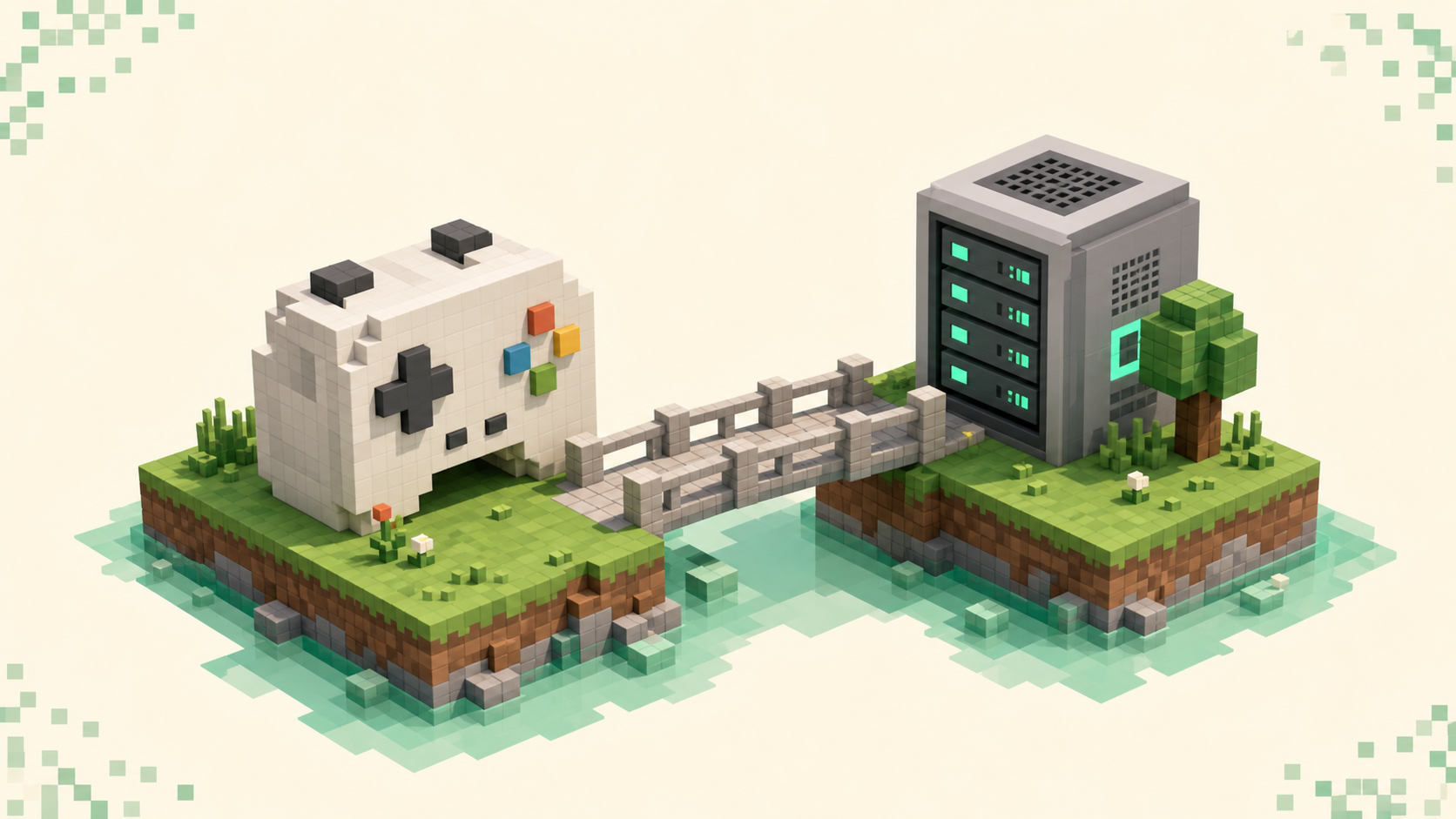
Geyser is a translator that lets Bedrock players connect to your Java server, and Floodgate is the companion plugin that lets them do it without owning a paid Java account. Install both on a Paper server, flip Geyser's auth-type to floodgate, and open port 19132 as UDP, and a phone or console player can join the exact same world your Java players are on. This is the owner side of the setup; if you're a player trying to get onto someone else's server, joining a Java server from Bedrock is the guide you want instead.
Geyser only runs one direction, and it's worth being clear about that up front: it lets Bedrock clients into a Java server, and nothing more. Java players can't use it to join a Bedrock server, so there's no mirror-image version of this that runs the other way.
What Geyser and Floodgate each do
Geyser sits between the Bedrock client and your Java server and translates packets both ways, so a Bedrock player's movement, block placements, and chat arrive at the server as if they came from a Java client. Because they're joining a real Java server and Geyser doesn't change how the server behaves, redstone, commands, farms, and plugins all work exactly like they do for Java players. Server-side plugins and datapacks apply to everyone.
Geyser on its own still expects every Bedrock player to own a Java account, which defeats the point for most people. That's what Floodgate fixes. It's a second plugin that lets Bedrock accounts skip Java authentication entirely, so a player on a Switch or a phone joins with their normal Bedrock identity. You almost always run the two together — Geyser to translate, Floodgate to handle the accounts.
Plugin or standalone: pick the install form
For a single Paper box, install Geyser as a plugin and don't overthink it. You drop Geyser-Spigot.jar into your plugins/ folder, it runs inside Paper, keeps serving Java on 25565/TCP, and opens a Bedrock listener on 19132/UDP. There's nothing extra to point at the server because it's already inside it.
The standalone form is a separate Java program — Geyser-Standalone is NOT a plugin or mod!, as the docs put it bluntly — that runs alongside your server and connects to it over the network through a java.address/port config. You'd reach for it if Geyser can't run on the server box itself, or you're putting it in front of a proxy network. It needs a Java 21+ runtime. Velocity and BungeeCord forms exist too, for networks running a proxy. For most owners reading this, the plugin is the right call, so that's the path the rest of this walks through.
Installing Geyser and Floodgate on Paper
The order matters a little, because Floodgate has to exist before Geyser will accept the floodgate auth setting.
-
Drop in Geyser. Put
Geyser-Spigot.jarinto your server'splugins/folder and restart. On boot it generates its config at/plugins/Geyser-Spigot/config.ymland starts a Bedrock listener. The defaults are sensible:bedrock: address: 0.0.0.0 port: 19132 clone-remote-port: falseLeave
clone-remote-portatfalse. If you set ittrue, Geyser overwrites the Bedrock port with your Java port, which is the opposite of what you want here. -
Add Floodgate. Put
Floodgate-Spigot.jarinto the sameplugins/folder and restart again. On first boot it generates a file calledkey.pem— that's the shared secret that lets Bedrock accounts bypass Java authentication. The docs are loud about this for a reason:DO NOT DISTRIBUTE THIS KEY TO ANYBODY! This key is what allows for Bedrock accounts to bypass the Java Edition authentication, and if anyone gets ahold of this, they can wreak havoc on your server.Treat it like a password. -
Switch the auth type. Open
/plugins/Geyser-Spigot/config.ymland changeauth-typefromonlinetofloodgate, then restart one more time. The three values areonline(the default, where Bedrock players need a Java account),offline, andfloodgate. You wantfloodgate.
That's the whole core setup. Bedrock players now connect using your Java server's IP or hostname but the Bedrock port, 19132 — not the Java port. That swap is the single most common thing people get wrong: they hand out the address with :25565 and Bedrock can't find anything.
If you're running Geyser standalone instead of as a plugin, there's one extra step: copy key.pem out of the Floodgate config folder and into the Geyser standalone directory, or the two halves won't trust each other.
Open 19132 as UDP, not TCP
This is the other place crossplay quietly fails. Java Edition uses TCP and Bedrock uses UDP, and they are not interchangeable. Your Java port 25565 is already forwarded as TCP; the Bedrock port 19132 has to be opened separately as UDP. Forwarding 19132 as TCP does nothing for Bedrock players.
A lot of "Bedrock can't connect but Java works fine" reports come down to a host that simply doesn't open UDP ports — some budget and shared hosts don't, and there's no config change on your end that works around that. If you control the firewall or router, make sure the rule for 19132 says UDP. One more constraint: other UDP services like a voice-chat plugin or Query can't share Geyser's port, so don't double-book 19132.
Match the Geyser build to your server's version
Geyser emulates one specific Java client version, so your Java server has to accept clients on that version or the handshake never completes. As of September 2026, Geyser supports Java 26.2 but not yet the newer 26.3, so match the Geyser build and backend to the drop your server actually runs. If a backend remains on an older version, follow Geyser's guidance for ViaVersion rather than assuming the newest Bedrock client will work.
If your server runs a drop newer than the version Geyser emulates, you'll need a multi-version bridge from the ViaVersion family installed on the server so it accepts the older client Geyser presents. That's an owner-side install — a player connecting to your server can't add it for you, and it has to live on the server, not the client.
Account linking and the dot prefix
By default Floodgate prepends a dot to every Bedrock username so the editions don't collide — a Bedrock player called Steve shows up as .Steve. This is deliberate and worth keeping. You can change it with the username-prefix key in plugins/Floodgate/config.yml, and setting it to "" removes the dot, but the docs warn against doing that unless you're certain no name is shared across both editions. Duplicate usernames cause "weird situations, like being unable to teleport to one of the players." If you whitelist a Bedrock player with /fwhitelist add <UserName>, leave the prefix off the name.
A Bedrock player can also link to an existing Java account so they keep one inventory and identity across both. Global Linking is on by default in Floodgate 2.0, so the flow is short: join GlobalLinkServer on one edition (link.geysermc.org, Java port 25565, Bedrock port 19132), run /linkaccount to get a code, then run /linkaccount <code> on the other edition. /unlinkaccount reverses it. Linking is optional — plenty of players never bother — but it's the clean answer to "I want my Java character on my phone too."
FAQ
How do I test whether Bedrock can actually reach my server?
Run geyser connectiontest <ip> <port> from the server console. It checks Bedrock reachability from the outside and tells you whether the listener is visible, which is far more useful than asking a friend to keep retrying. If it reports the port as closed, that's almost always the UDP firewall rule, not Geyser.
Bedrock players get "Unable to connect to world" — where do I start?
Run the geyser connectiontest from the previous answer first, since it tells you whether the listener itself is the problem or the path to it is. If the listener checks out but one particular player still can't get in, the firewall workaround often does it: have them open http://test.geysermc.org:19132 in a browser once, then go straight back into Bedrock and retry — it nudges some home firewalls into allowing the UDP connection the game couldn't open on its own. When every Bedrock player fails the same way, the cause is upstream, in the address you handed out or a host that won't open UDP, rather than anything on the player's side.
Can Bedrock players join my modded server?
Only if a plain vanilla Java client could also join it. Geyser has no way to translate the custom blocks and items most mods add client-side, so anything that requires a clientside mod is, in the docs' words, "unsupportable through Geyser." Server-side-only mods are fine, because nothing extra is asked of the player's client. If you want resource packs, drop Bedrock packs into Geyser's packs folder and clients download them automatically — there's no automatic Java-to-Bedrock pack conversion, though.
I run several servers behind a proxy — does anything change?
Yes. Install Floodgate on the proxy and on every backend server, set send-floodgate-data to true on the proxy, and copy the proxy's key.pem into every backend's Floodgate config folder so they all share the same secret. That send-floodgate-data key only matters for proxy networks; a single Paper server with Geyser and Floodgate installed together ignores it. Once it's running, list your finished setup on the crossplay rankings — it's also a good place to see how other crossplay survival SMPs handle the same wiring.