Best Crossplay Survival SMP Servers for Xbox and PC (Same World)
How Geyser-bridged crossplay lets Xbox and PC survival SMP players share one world, what to verify before joining, and where to find a live ranked server.
Yes, your Xbox friends and your PC friends can build in the same survival SMP world together — but whether it actually works comes down to how the server is built, not whether the listing says "crossplay" on it. Xbox runs Bedrock Edition, PC can run either edition, and those two editions don't normally talk to each other. Bridging them takes a specific bit of server software, and that's the difference between a server that genuinely puts everyone in one world and one that just claims it. I'm not going to hand you a list of named servers, because the real answer changes every month — the live crossplay rankings already show which ones are active right now, and that's a better starting point than a frozen list. So the job here is reading those listings right and checking a few things before you drag a mixed group in. By "survival SMP" I mean a shared survival world with light or no resets, where a community builds together over time rather than wiping every couple of weeks.
What "crossplay" really means here
There are two versions of Minecraft, and the split is the whole reason this is even a question. Java Edition runs on PC only. Bedrock Edition runs on Xbox, PlayStation, Switch, Windows 10/11, and phones. Xbox is always Bedrock — there's no Java Edition on a console, so don't expect one. PC is the only platform that can be either edition, which is also why your PC friends might not all be on the same one. Version matters alongside edition: a server still on an older release won't take a Java client that's already updated, and a crossplay server can only move as fast as its bridge. As of September 2026, Geyser supports Java 26.2 but not yet 26.3, so SMPs already running 26.2 are the ones worth filtering for, and Java friends on 26.3 may need to pick 26.2 in their launcher.
The catch is that a Java server and a Bedrock client can't normally connect to each other. So "Xbox and PC in one world" isn't something a server gets for free by flipping a setting. It needs a bridge that translates between the two editions, and the most common one is called Geyser, usually paired with a companion called Floodgate. Most of what follows is really about confirming that bridge works for your particular mix of devices.
How Geyser puts Xbox and PC in one world
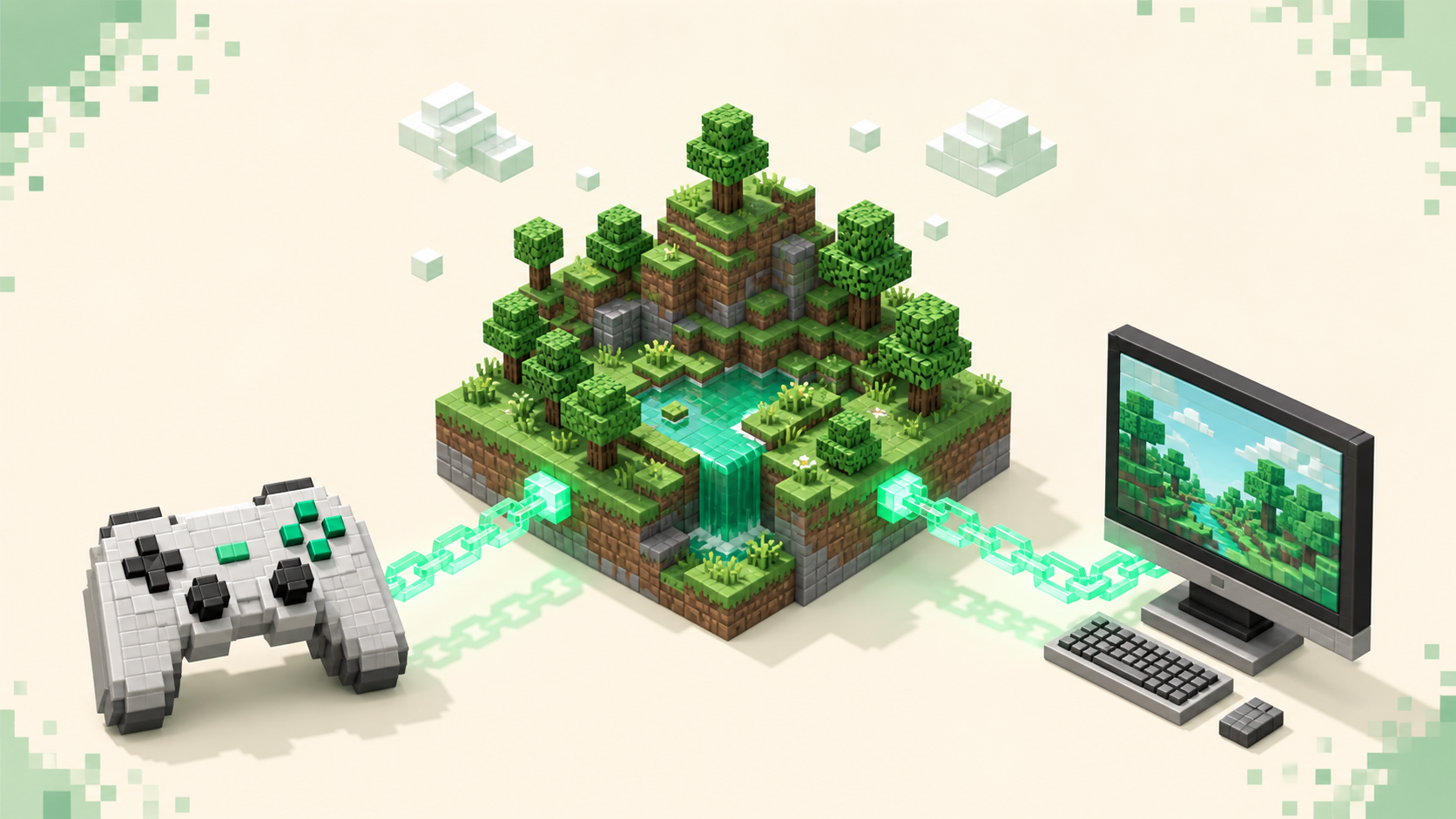
Geyser sits between a Bedrock player and a Java server and translates the network traffic going both directions, so a console player and a PC player end up in the same world, looking at the same blocks and at each other. The Bedrock player connects as normal from their end; the server quietly converts everything so the Java side understands it. Once that connection is up, an Xbox player and a Java PC player are mining the same caves and standing in the same base.
Floodgate is the piece that smooths it out. It lets a Bedrock player join without owning a separate Java account, and it makes Bedrock skins show up properly to the Java players instead of rendering as a default. It also supports account linking, so if you happen to own both editions and link them, you keep one identity whether you log in from your Xbox or a Java PC.
There's a technical reason some "crossplay" servers handle consoles better than others, and it's worth knowing as a player. Geyser runs on Bukkit-family servers like Spigot and Paper, and it doesn't bridge a pure vanilla or pure Forge/Fabric setup the same way. You don't need to memorize that, but it explains why one server's console support feels rock-solid and another's is patchy even though both use the crossplay label.
And to be straight with you: a bridged world is shared but not perfectly identical across editions. A handful of mechanics differ between Bedrock and Java — combat feel, some redstone, the odd inventory quirk — so it's the same world, just not identical for both sides. For most groups that's a non-issue, but it's better to hear it now than to be confused later.
What makes a good crossplay survival SMP
A few things separate a server worth moving your group to from one that'll disappoint half of them.
- A healthy population on both editions. This is the one that catches most people. A server can be busy with Java players and nearly empty of console players, or the reverse, and the headline player count won't tell you which. If you're bringing Xbox friends, you want to see console players actually online, not just a high total.
- Uptime and stability. A survival SMP only matters if your builds are still there next week. Favor servers with consistent uptime so a crash or surprise wipe doesn't erase a season of work. Every listing here shows uptime, so use it.
- Active moderation and anti-grief. Survival worlds live or die on griefing and theft control. Look for visible staff, land-claim or protection systems, and posted rules. On a more PvP-leaning SMP, anti-cheat matters more too.
- Gameplay that actually fits an SMP. Minimal forced resets, sensible world borders, claim tools, and a community vibe rather than a chaotic free-for-all. If progress gets wiped constantly, it isn't really an SMP.
- Ping that suits console players. Bedrock runs over UDP and console players feel lag hard, so pick a server hosted near your region. Rubber-banding wrecks survival fast for the people on a controller.
- Crossplay that's real, not a label. The listing or server should confirm it actively bridges editions. "Crossplay" in a title means nothing on its own.
The monthly rankings do a lot of this sorting for you. Start at the crossplay list for bridged servers, then cross-reference the survival and SMP rankings to match the gameplay style you want.
Red flags to avoid
- A dead or one-sided population. Zero console players online means the crossplay promise is untested for your group, however busy the Java side looks.
- Frequent unannounced wipes. Fatal for a survival SMP, where the whole point is that progress sticks.
- No visible staff or rules. That invites griefing, and a shared survival world gets frustrating quickly when there's nobody to report to.
- Chronic lag or far-away hosting. Console players over UDP feel latency more than Java players do, and rubber-banding ruins survival.
- "Crossplay" with no real bridge. A Java-only server isn't crossplay just because it says so. Verify it before you bring console friends in, or they'll get a connection error and you'll be the one explaining why.
What to verify before you and your friends join
Sort out a few things up front and you'll skip the most common "it won't let me in" mess.
First, confirm which edition each friend owns. Xbox is Bedrock, full stop. Your PC friends might be on Java or on Bedrock, and everyone has to connect through the path their edition supports.
Second, get both connection details. On a bridged server the Java players use the Java address (default port 25565) and the Bedrock players use the Bedrock address and port (default 19132, over UDP). Plenty of crossplay servers publish a separate address for each edition, so grab both rather than assuming one works for everyone.
Third, watch your versions. Geyser emulates a specific Java version, and Bedrock updates itself automatically, so right after a fresh Bedrock update the console can briefly run ahead of what the bridge supports. When that happens you'll see an "Outdated client" disconnect on the console even though the PC players are already in. That's not something broken on your end — it clears once the server's bridge catches up, so it's usually a wait-and-retry.
Fourth, the console reality. Xbox, PlayStation, and Switch don't have an "Add Server" button and only show Mojang's featured servers, so joining a custom crossplay server from a console normally takes a workaround — typically a BedrockConnect-style DNS redirect set in the console's network settings. The specifics shift by region and platform, so follow a current platform or host guide for the exact steps rather than anything written down here that'll go stale. Windows 10/11 Bedrock and Java PC have it easier: they add the server by IP directly, Bedrock through Play > Servers > Add Server and Java through Multiplayer > Add Server.
Last, test small before you commit a whole group. Have one console player and one PC player connect first and confirm they actually land in the same world. If you want the full step-by-step add-server flow for each edition, the walkthrough on how to join a Minecraft server covers it.
How to use the live rankings to pick one
The board works on one rule: servers are ordered by the votes they earn during the current calendar month, and the count resets when the month flips, so the list always reflects what's genuinely active right now instead of what was popular a year ago. The rankings explainer goes deeper if you want it.
The workflow is straightforward. Start at the crossplay rankings to find servers that bridge editions, then cross-reference survival and SMP for the gameplay you're after. Read each listing for the live player count, uptime, supported version, and region before you join, and remember that the live list — not a static top-ten in some article — is where the current real servers are. If your group is locked to a specific release, you can also narrow by version page, and those paths are dotted, like /servers/version/26.2. The homepage rankings are always the current source, so lean on those over any fixed list of names, including this one.
FAQ
Can Xbox players join a crossplay server without changing settings?
Not for custom community servers. Xbox, like PlayStation and Switch, only lists Mojang's featured servers and has no in-game Add Server button, so joining a bridged crossplay server usually needs a workaround such as a BedrockConnect-style DNS setup done in the console's network settings. Windows 10/11 Bedrock and Java PC players don't have that limit — they can add the server by IP directly.
Why does my console say "Outdated client" when my PC friends are already on?
Bedrock updates itself automatically, and the crossplay bridge emulates a specific Java version. When a new Bedrock update drops, it can briefly run ahead of what the bridge supports, which produces an "Outdated client" disconnect on the console even though the Java players aren't affected. It clears once the server's bridge updates to match the new Bedrock version, so it's usually a wait-and-retry rather than anything wrong on your side.
The server only published one address. Can my console friends still get in?
Maybe, but check before you count on it. A single published address is usually the Java one, and a Bedrock console can't connect to that directly even on a bridged server — Geyser still needs a Bedrock-facing port listening, normally 19132 over UDP. Some hosts run that port on the same hostname as the Java address, so it's worth asking the server (or checking its Discord) for the Bedrock connection details specifically. If there's genuinely no Bedrock endpoint, the server isn't bridged and your console friends won't get in no matter what the listing claims.
Will my Xbox and PC progress be the same character on a crossplay SMP?
In a single shared survival world everyone plays on the same map, so builds and world state are shared no matter who's logged in from where. Whether you're the same player across editions depends on the server's account linking — Floodgate supports Global Linking, so if you own both editions and link them, you show up as one identity whether you connect from Xbox or a Java PC. Without linking, each edition account is treated as its own player.