Can You Join the Same Server on Bedrock and Java?
A Bedrock friend and a Java friend can't normally see the same server, but a crossplay server running Geyser lets both land in one world. Here's how it works.
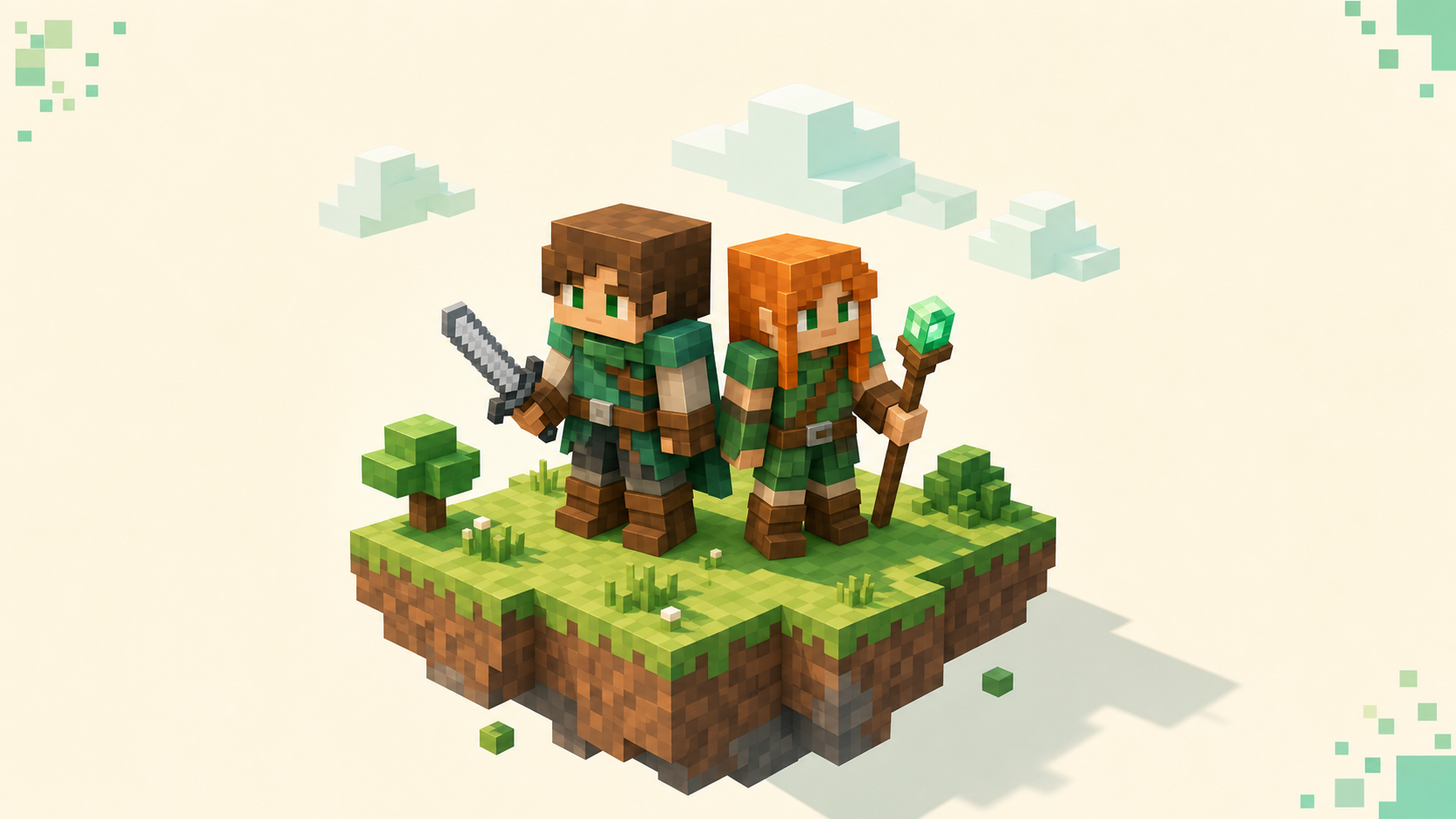
Normally no, and on a crossplay server yes. A Bedrock player and a Java player can't drop into each other's servers by default, but a server set up for crossplay lets both of you paste in the same address and end up standing in the same world. The usual setup is that one friend is on Bedrock — a Switch, an Xbox, a PlayStation, a phone, or the Windows 10/11 edition — and the other bought Java, and you want one shared world instead of two separate ones. Two facts decide whether that works. The editions normally speak different network languages, and a server-side bridge called Geyser is what closes the gap. None of it depends on what either of you installs, since it's the server's job, so if you just want the shortcut the crossplay rankings are already filtered to servers where this is handled.
Why the two editions normally can't see each other
The divide isn't just a setting — the two editions talk to servers in different ways. Java Edition talks to servers over TCP on default port 25565, and Bedrock talks over UDP on default port 19132 — those are genuinely different protocols, not just different port numbers, so a Bedrock client pointed at a plain Java server has nothing it can connect to. The handshake never even starts.
It's also not about the device you're on. Two people sitting at two Windows PCs are still split if one bought Java and the other bought Bedrock, because what divides you is the edition, not the hardware. If you're fuzzy on which is which, Java vs Bedrock for console players lays out the edition split.
This is why the things people try first don't bridge it. You can't open one friend's single-player world to someone on the other edition, LAN discovery won't show a Java game to a Bedrock client or the reverse, and Realms are edition-locked — a Java Realm only admits Java accounts and a Bedrock Realm only admits Bedrock ones. So "just give me your IP" falls apart between editions on an ordinary server. The address you're handing over is fine; the protocol sitting underneath it isn't.
The exception: a server running Geyser
A crossplay server is a Java server that also runs Geyser. Geyser is a free, open-source proxy from the GeyserMC project that listens on a separate Bedrock UDP port and translates Bedrock packets into Java ones in real time, so the Java server treats your Bedrock friend as just another Java connection. Nothing about the world itself changes — the translation happens at the door.
Floodgate is the companion piece. It lets a Bedrock-only player in without owning a Java account, and without it your Bedrock friend would also need to buy Java and sign into it just to connect. For the full picture of how the two work together, what Geyser and Floodgate are covers it.
The part that matters for the friend scenario is that the owner installs Geyser once, on the server. Neither of you downloads a thing, and there's no app or mod on the Bedrock side. It's all handled server-side.
There is one honest limit. Geyser can't translate client-side Java mods, so a heavily modded Java server stays out of reach for a Bedrock friend no matter how it's configured. The sweet spot is vanilla-style and plugin servers — survival, skyblock, minigames — where the gameplay lives on the server instead of in mods each player has to load.
Same server, same address, two different ports
Here's the bit that trips people up. Both of you connect to the same hostname or IP, but each edition uses its own port and its own add-server screen. It's the same address for both of you — only the port and the add-server screen are different.
The Java friend adds the server the Java way and connects on the Java port, which is 25565 unless the listing says otherwise. The Bedrock friend adds the same hostname but with the Bedrock port the listing publishes, 19132 by default. Don't point Bedrock at :25565 — that's the Java port and it won't connect.
Once you're both in, you share one world — same chunks, same chat, building right next to each other. The one visible quirk is that your Bedrock friend may show up with a dot in front of their name. That's Floodgate adding a prefix so Bedrock names don't collide with Java ones, and it doesn't change anything you do in-game. If your Bedrock friend wants the step-by-step from their side, how to join a Java server on Bedrock with Geyser walks the whole thing.
What the Bedrock player actually types
On Windows 10/11 and on mobile it's short. Open Play, go to the Servers tab, choose Add Server, then fill in a name, the server address from the listing, and the Bedrock port — 19132 unless the listing hands you a different one. Adding a server on Bedrock has the screens if you want to follow along.
Saved servers show a live ping and player count, so you can glance at one and confirm it's online before you commit to joining.
Console is the awkward case. Xbox, PlayStation, and Switch won't let you type an arbitrary external IP without a DNS workaround such as BedrockConnect, which is its own bit of setup. For a Bedrock world hosted on your own home network, use the Play > Worlds LAN discovery flow on the console; do not assume the stock console UI lets you enter an arbitrary local IP.
Whatever you're on, copy the address exactly. Get a single character wrong and it'll still look right to you, but the server just won't load.
How to spot a crossplay listing (and where to look)
On a listing, look for an explicit Bedrock or crossplay label and a published Bedrock address or port. If all you see is a Java :25565 address with no Bedrock port anywhere, your Bedrock friend can't get in — that server hasn't set up the bridge.
The reliable shortcut is the crossplay servers list, which only shows servers already running Geyser and Floodgate, so the plumbing is done before you ever click. From there, let activity guide the pick: a busy crossplay server with steady uptime is a better landing spot than an empty one, and the monthly rankings reset at the start of each calendar month, so what's near the top reflects what's alive right now rather than what was popular a year ago.
If you'd rather host the shared world yourself than join someone else's, that's the owner side of the same idea, and setting up a crossplay server with Geyser and Floodgate covers it. Just know going in that it's a real server, not a single-player world you opened up or a Realm you invited people to.
FAQ
Do our game versions have to match for crossplay to work?
Roughly, yes. Geyser targets a specific range of Bedrock and Java versions at a time, so the server has to be on a version Geyser supports, and your Bedrock client needs to be current enough to match. If you see an "Outdated client" or "Outdated server" message, the fix is on the server's side — updating, or running a version-bridge plugin — not anything you change as a player. You just wait for the two to line up.
Does the Bedrock side feel different to play on a crossplay server?
Not really. Because Geyser does its work on the server, your Bedrock friend keeps the normal Bedrock experience — touch or controller controls, the Bedrock inventory and crafting screens, all of it. It plays like any other Bedrock server. A few Java-only details render approximately on the Bedrock side, and some custom skins translate imperfectly, but the controls and interface stay native to whatever they're holding.
Can we use in-game voice chat across editions?
No — Minecraft has no built-in voice chat in either edition, so there's nothing native to carry across. The popular Java voice-chat mod needs each player to install it client-side, which a Bedrock player connecting through Geyser can't do, so it won't reach them either. Groups that want to talk while they play just run something external like Discord alongside the game.