Fix "This Server Is Not Compatible With Your Current Version"
On Bedrock, the "not compatible with your current version" message means your app and the server run different drops. How to update or when to wait.
Guides, roundups and tips for players and server owners.
On Bedrock, the "not compatible with your current version" message means your app and the server run different drops. How to update or when to wait.
Fix "java.net.SocketException: Connection reset" in Minecraft Java — what the TCP reset means, how to tell your network from the server, and what to check.
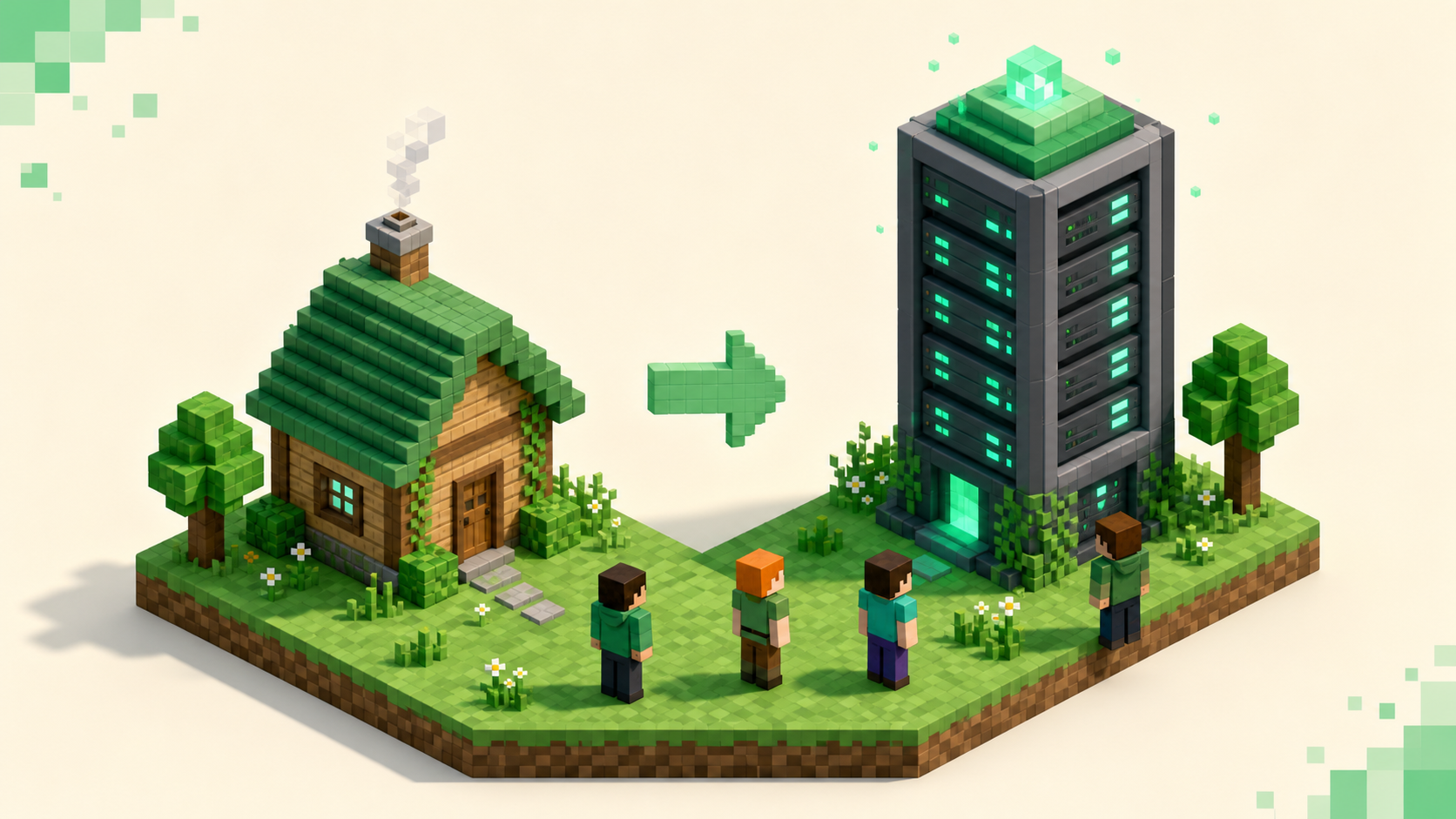
Move a singleplayer save onto a Java/Paper server step by step — back up first, copy the world folder, set level-name, and why your inventory won't follow.
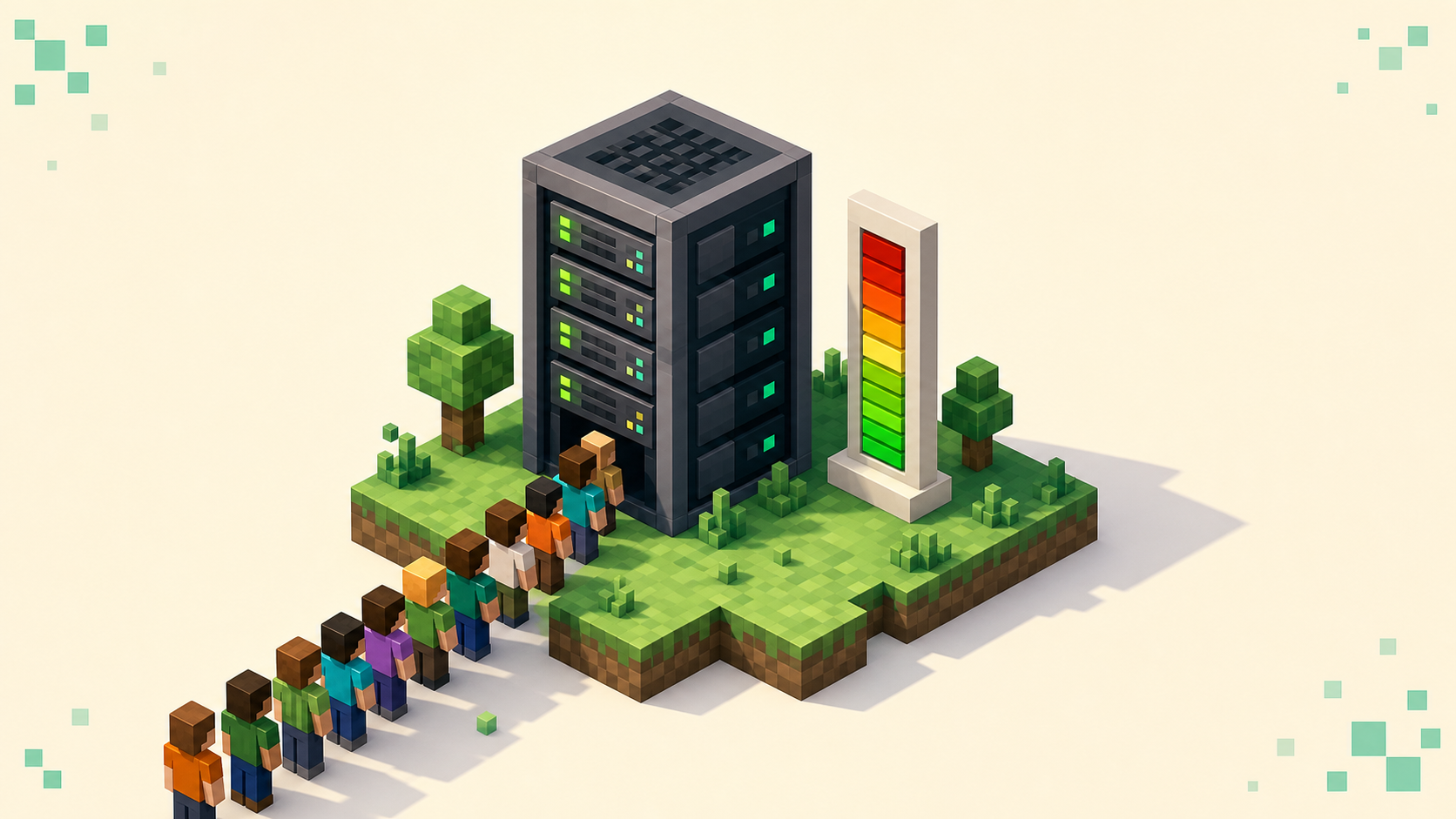
How many players a Minecraft server holds comes down to CPU, RAM, and world load — not the max-players cap. Here's what actually sets the ceiling.
Drop the zip into your world's datapacks folder, run /reload, and confirm with /datapack list — plus the per-world gotcha that breaks it on Paper.
A server owner's guide to setting up a whitelist properly: the commands, online-mode for accurate names, Geyser players, and the discoverability cost.
Paper runs almost any plugin server best; Fabric and Forge run the content mods that change the game — here's how the two families differ and which to pick.
Diagnose and fix entity lag on a Paper server — measure with spark, then tune mob caps, activation range, despawn, and merge-radius in the right order.
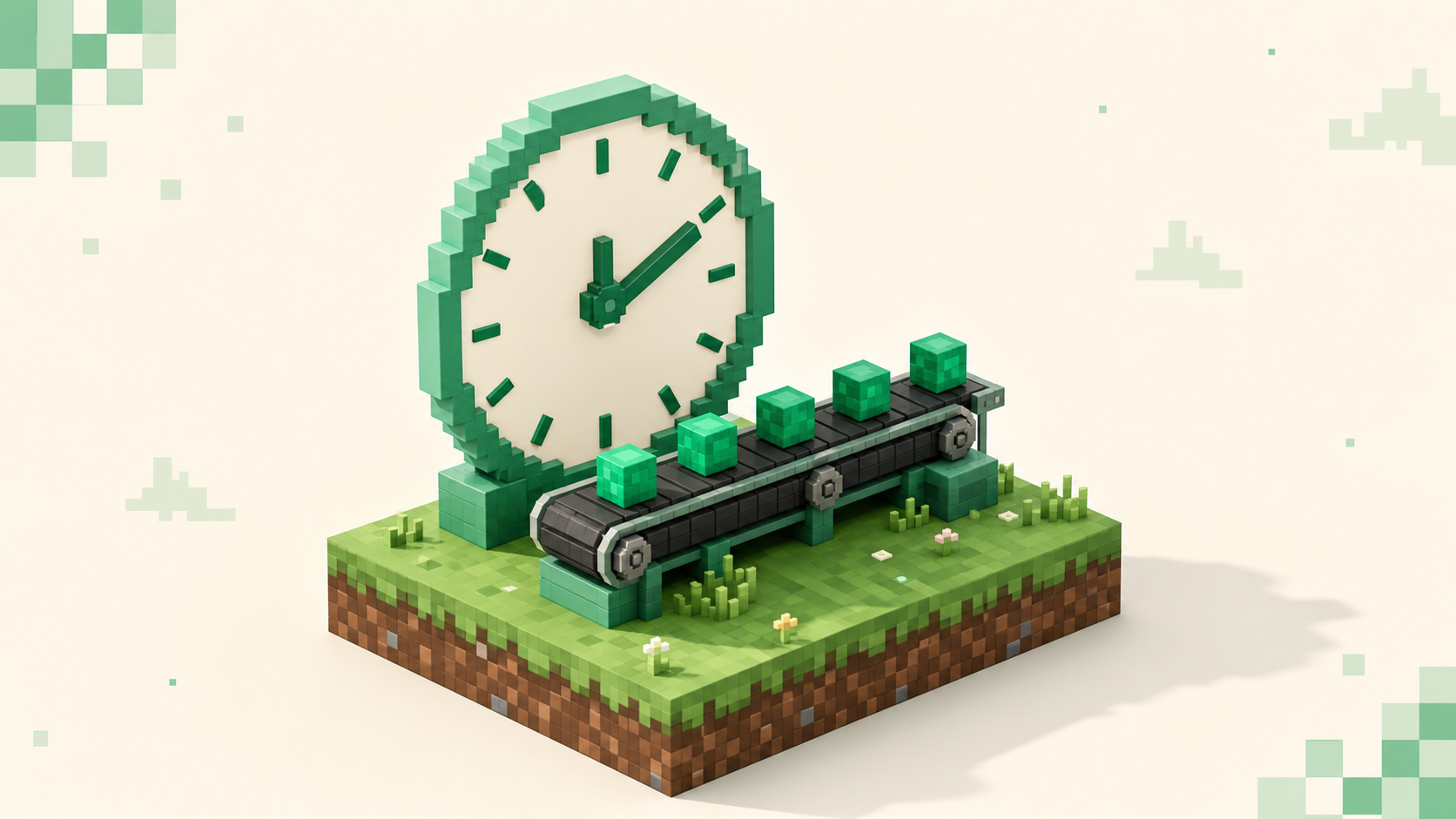
TPS is how many ticks your server runs per second (target 20); MSPT is how long each tick takes. Here's how they connect and how to read them.
Console lag is usually ping or Wi-Fi, not your Xbox, PS5, or Switch. Pick a nearby server, go wired, close background downloads, find low-ping crossplay.
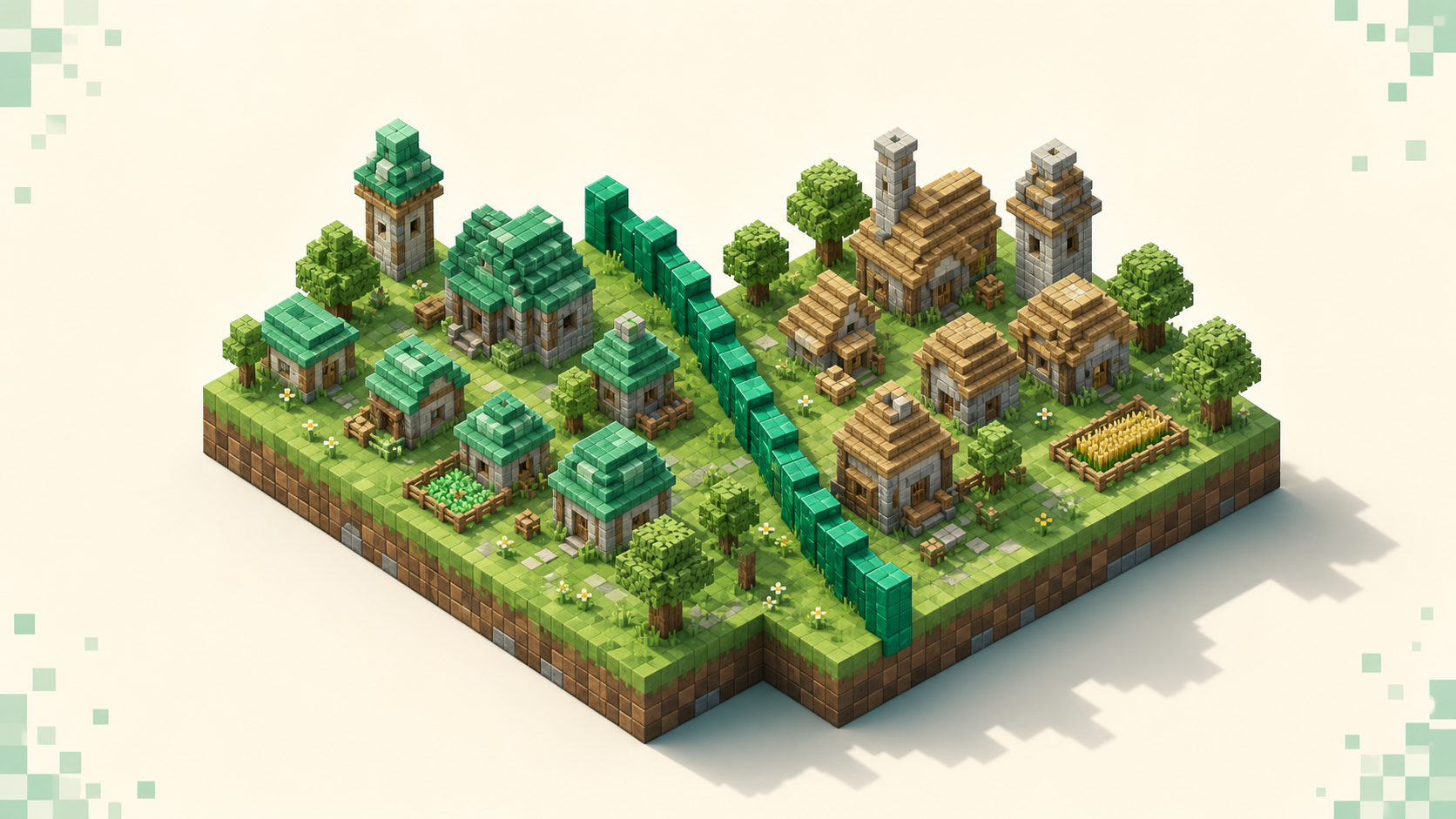
A practical Towny vs Factions comparison for big groups: land-claim mechanics, griefing exposure, and admin overhead, with concrete tradeoffs for each.
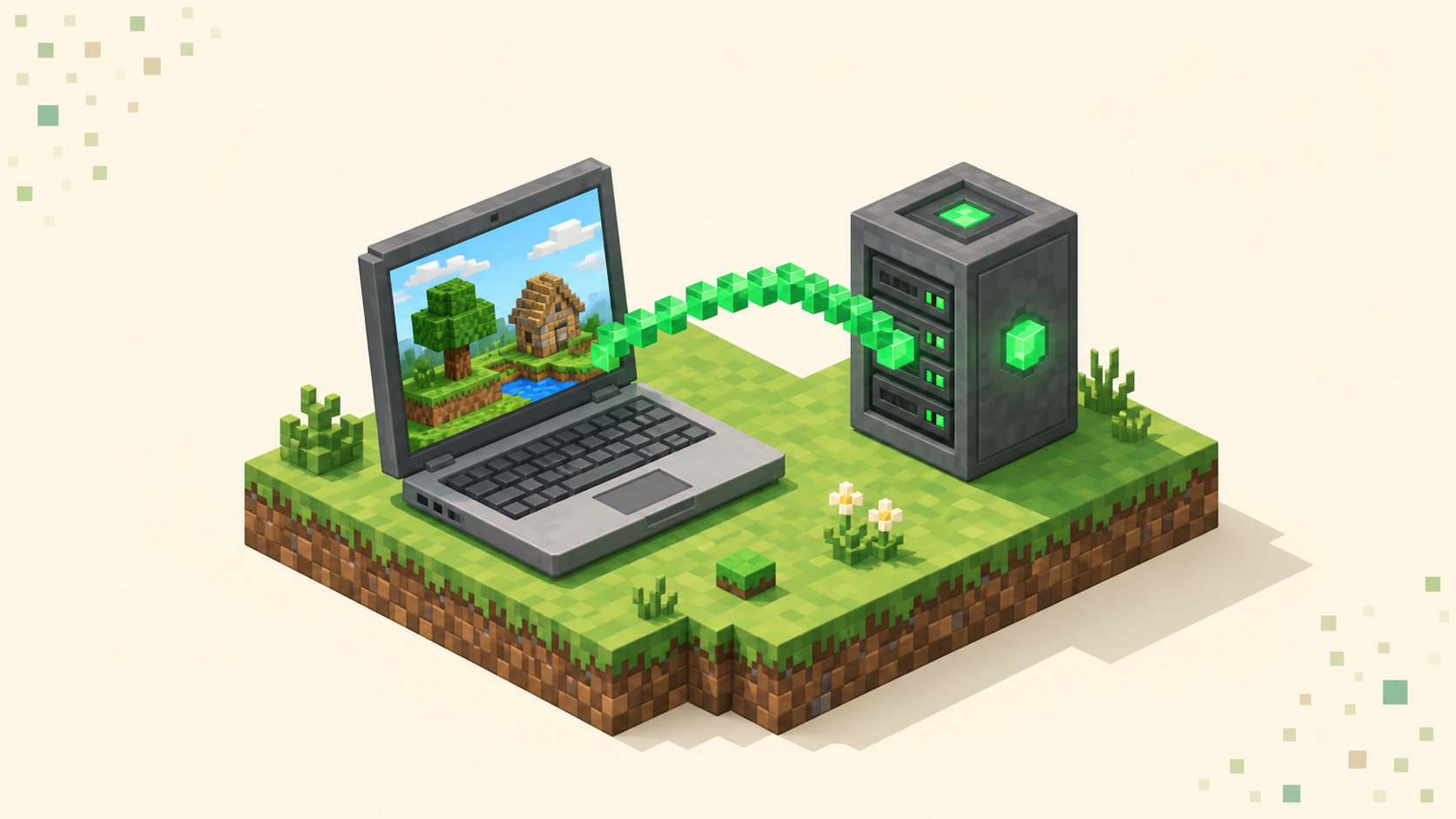
Yes — a Chromebook can run Bedrock from the Play Store or Java through Linux. Which edition you install decides which servers and ports you can join.
Yes — the Switch runs Bedrock Edition, but it hides custom server IPs behind a featured-server menu. Here's what you can join and the realistic workarounds.
Yes, but PlayStation Bedrock only shows Featured Servers, Realms, and friends' worlds out of the box, with no custom IP box. Here's the workaround.
Xbox Minecraft has no Add Server button by design, not a bug. Why consoles block custom server IPs, and how the BedrockConnect DNS workaround gets around it.
Read the live player count, ping bars, and version color to tell whether a Minecraft server is actually down or just on a different version.
Add an external server in Bedrock from the Play screen — Server Name, Address, and the 19132 port — plus why consoles hide the button entirely.
PS4 and PS5 Bedrock hide the custom-server field, so here's the DNS-based workaround, the port 19132 detail, and how to reach console-friendly servers.
Minecraft on phones runs Bedrock and keeps the Add Server button, so adding an address and port 19132 on iOS or Android is the easy version of joining.
Xbox, PlayStation, and Switch all run Bedrock Edition, never Java — and that one fact decides which servers you can join and why a Java IP never connects.
Vanilla servers run the base game with no client install; modded servers need Forge or Fabric on your end too. Here's how to choose between them.
How to choose a Minecraft anti-cheat by detection style, false-positive risk, performance overhead, and gamemode fit, so fair play keeps your players around.
How to install a Paper plugin the right way — match the .jar to your Minecraft version, drop it in plugins, do a full restart, and verify with /plugins.
The safe save-off, save-all flush, save-on backup sequence for a Java server, what to copy besides the world, and how to test a restore before you need it.