Best Semi-Vanilla SMP Servers for Small Communities
How to pick a semi-vanilla SMP for a small group: plugin restraint, grief protection, world longevity, and uptime, then the live rankings.
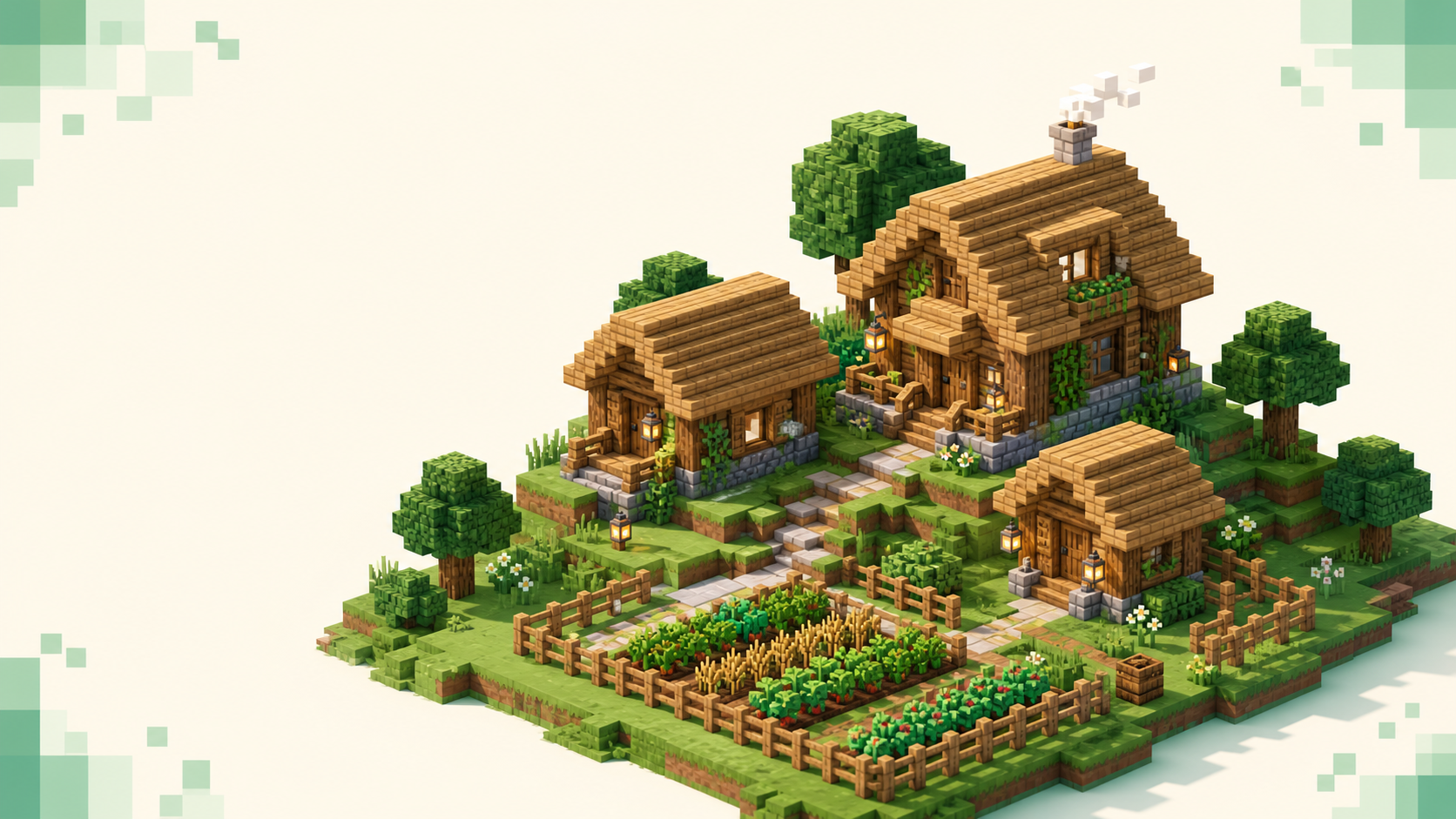
A semi-vanilla SMP is a near-vanilla survival world with a small set of quality-of-life and protection plugins layered on top — land claims, /sethome, anti-grief rollback — while the survival loop underneath stays the same. The best one for a handful of people isn't a name you can hand someone. It's a fit you judge on plugin restraint, community size, grief protection, world longevity, and uptime. The actual decision happens on the live board, because the servers near the top shift month to month, so I'm not going to list five names that'll be stale by the time you read this. The SMP rankings and the vanilla rankings are where you choose; this is how to choose well.
If you're still fuzzy on the format itself, what an SMP is covers the basics so this post can stay focused on the narrower question — finding a semi-vanilla one that suits a small, settled group. The thing worth deciding up front is where you draw the line between "semi-vanilla" and "just a plugin survival server," because that line is the whole call.
What "semi-vanilla" actually means
Picture a spectrum. At one end is pure vanilla: the official Mojang server jar, no plugins, no mods, the game exactly as shipped. At the other end is full plugin survival — economy, custom enchants, rankup ladders, the kind of setup that rewrites how the game plays. Semi-vanilla sits in between. It's usually a performance fork like Paper or Spigot running a short list of convenience and safety plugins, and the key is that those plugins don't touch the core loop. You still gather your own materials, fight the same mobs, and build the same way. What you get on top is convenience and a safety net, not a different game. The purist end of that spectrum gets its own treatment in best vanilla survival servers for purists if you want to see where the hard line falls.
There's no fixed plugin list that makes something semi-vanilla, which is why it stays a judgment call. "Semi-vanilla," "vanilla+," and "vanilla-tweaks" are owner signals — honest shorthand that some plugins or datapacks are present and the server isn't trying to be the bare jar. Datapacks and resource packs sit closer to vanilla than plugins do, because they run through the game's own command and data system rather than a server API, so a server calling itself "semi-vanilla" is sometimes really datapack-only. If you're weighing the bigger "do I install anything at all" question, modded vs vanilla draws that divide.
Judging plugin restraint, the core decision
Here's the one test that sorts every plugin: does it change how you manage your stuff and stay safe, or how you progress and fight? The first is fine and keeps the vanilla feel. The second moves the server off semi-vanilla, no matter what the listing calls it.
The green list — things that keep the vanilla feel — covers land claims (the golden-shovel claim workflow is the common one), /sethome and /tpa style teleport commands, block logging and rollback so an admin can undo grief, light moderation and anti-spam, a crossplay bridge, and datapacks. None of those change what you actually do in the world.
There's a yellow zone too. Light chest shops and player-to-player trading are a gameplay convenience, and in moderation they're fine on a semi-vanilla world. But a heavy trade system that starts dominating how people spend their time is pulling the server toward full plugin survival, even if it never crosses a hard line.
The red flags are the ones that change the survival loop itself: custom enchantments, an mcMMO-style skill grind, rankup ladders, kits and crates, or tuned mob and drop rates. Any of those and you're not on a semi-vanilla server anymore, you're on a survival server wearing the label. Minecraft server types explained lays out where each of those categories sits if you want the wider map.
You can read most of this off a listing before you ever join. Rank tags, a fat /warp menu, custom item lore, and rankup chatter are all plugin tells. The software name doesn't decide it — Paper and Spigot are just performance forks, and Paper vs Spigot vs Fabric gets into that — so what matters is what's loaded on top, not the jar underneath.
Community size: why small wins here
A semi-vanilla SMP lives or dies on its social layer. The regulars who are on most nights — people you trust enough to leave a chest unlocked — are what make a no-reset world worth weeks of building, and that kind of trust forms much more readily in a small, vetted group than in a crowd. So small isn't a compromise here — it's the natural shape of the thing.
The strongest protection a small server has is a whitelist or an application gate. Only approved accounts connect, which means a griefer can't damage a world they were never let into. What whitelisted means walks through how that works, but the short version is that it's the difference between locking the door and hoping nobody tries it.
There's a technical reason small helps too. The fewer players and loaded chunks, the steadier the server's ticks stay, and steady ticks are what keep farms and redstone timing predictable. Semi-vanilla on Paper or Spigot tolerates a few more players than the pure Mojang jar would, since those forks handle load better, but it still wants a modest count. When you're scanning the SMP rankings, read live player count and monthly vote activity together — that's how you tell a small-but-alive community from a ghost town that just happens to be quiet right now.
Grief protection on a near-vanilla world
This is where semi-vanilla genuinely beats pure vanilla. A strict vanilla world has only the whitelist to lean on; if someone you trusted turns, there's no rollback to save the build. A semi-vanilla server can run real protection without breaking the feel of the game.
For a small group the protection comes in layers. Land claims lock your area so nobody else can place or break blocks there. Block logging records who did what, so an admin can roll back one specific player's damage in seconds instead of restoring an entire world backup. And a whitelist or application keeps strangers out of the picture entirely. Stack those and a single bad actor becomes an annoyance you clean up, not a disaster.
The plugins only do half the work, though. Responsive staff and an active Discord matter just as much, because a rollback tool does nothing if nobody's around to answer the report for two days. Survival servers with no griefing for small groups goes deeper on what that responsiveness looks like in practice. One more thing to settle before anyone starts building: PvP is a server choice on an SMP, and many keep it off or opt-in to keep things cooperative, so confirm the stance rather than assuming.
World longevity: no resets and real backups
A semi-vanilla build is a months-long investment in one persistent world, which makes longevity matter far more here than on a minigame server you log into for twenty minutes. A quiet reset takes your work with it, and there's no getting it back.
So look for an explicit stance. "No-reset" or "seasonal with archives" tells you the owner actually intends the world to last, or at least to preserve what you made when a season ends. A vague policy, or none at all, is a real risk if you're planning a megabuild. Backups are part of the same picture — a server that backs up regularly can recover from corruption or a botched rollback, and how to back up a Minecraft server shows what a sane backup routine looks like if you want to know what to ask about.
The rankings give you a decent proxy for staying power. A server that's held near the top of the monthly vote count over time is probably one that'll still be there in six months. Weigh that against newness, though — a brand-new small server hasn't had time to build that track record, and that's not automatically a strike against it.
Uptime, version, and ping
Uptime track record is critical for a base you mean to keep, and every listing shows it. The monthly vote rankings tend to reward servers that stay up and keep players coming back, so a high spot is partly an uptime signal in itself.
Version match matters on a near-vanilla Java server, because your client generally has to sit on the server's version line to connect. Check the listed version against yours using the dotted path — for example 26.2. Hyphenated version paths 404, so it's the dot that works. The edition split matters too: Java's default port is 25565 and Bedrock's is 19132 over UDP, and the two don't talk to each other without a crossplay bridge, so make sure everyone in the group can actually connect before you settle in.
Redstone and farms depend on the server holding a steady 20 TPS, which is the host's job rather than your connection — low ping just makes interacting with the world feel responsive. Favor a server near the group anyway, since a closer route plays better; you can narrow by region, like country, to find one with a sane path. And the one practical baseline: you need to own Minecraft to play on any of these.
How to pick one from the live rankings
Compress it down. Confirm the plugin set is as restrained as you want, prefer small and whitelisted, check that claims and rollback both exist, look for a no-reset stance and healthy uptime, match version and edition, and mind the ping. That's the filter.
Then go to the live data, because that's the actual picking step. Start on the vanilla rankings and the SMP rankings, and if strict semi-vanilla is thin on a given month, widen the net with the broader survival list. The board is ordered by votes earned during the current calendar month and resets when the month flips, so a fresh server can climb fast — how server rankings work explains the mechanics.
Last thing, and it's the part people skip: try two or three with a throwaway session before you move the whole group. A semi-vanilla community is something you settle into over weeks, not something you judge from one login.
FAQ
Is semi-vanilla the same as "vanilla+" or "vanilla-tweaks"?
They overlap but aren't identical, and the difference is worth reading. "Vanilla+" is a loose owner label that usually means the same thing as semi-vanilla — a near-vanilla survival world with a handful of plugins layered on. "Vanilla-tweaks" points at something more specific: datapack and resource-pack tweaks that run through the game's own data system rather than a plugin API, so they sit even closer to untouched Minecraft. A server advertising "vanilla-tweaks only" is telling you it's leaning on datapacks instead of gameplay plugins, which a purist-leaning group may actually prefer over a claims-and-homes setup. Treat all three as honest hints about what's loaded, then confirm in the listing or Discord rather than assuming.
Does a chest shop or player economy break semi-vanilla?
This is the grey area, and it comes down to how central the trading is. A few player-run chest shops near spawn are a convenience — you walk up, swap items or a little currency for something you didn't want to grind, and the rest of your time is still gathering and building exactly as in vanilla. That sits comfortably inside semi-vanilla. The line gets crossed when the economy becomes the point: a server-wide market with sell-everything shops, a currency you're meant to chase, and prices that make grinding your own materials pointless is an economy server wearing a quieter label. The quick check is whether you could ignore the shops entirely and still play a normal survival game. If yes, it's semi-vanilla; if trading is how you're expected to progress, it isn't.
Do I need to install anything to join a semi-vanilla SMP?
No. Every plugin a semi-vanilla server runs lives on the server, in a plugins folder on Paper or Spigot, and never reaches your machine. You connect with the same plain Java client you'd use for single-player, on the usual port 25565, and download nothing. That's the practical line between semi-vanilla and modded: a Forge or Fabric server needs the exact mod set installed on your end before you can connect at all, while a plugin-based semi-vanilla world just lets you in. The one thing some servers send is an optional resource pack on join, which the game applies automatically — still nothing to install yourself.
Will my redstone and farms work the same as in single-player?
Mostly, but not always, and it's worth checking before you build something timing-critical. Plugins themselves rarely touch vanilla mechanics — claims and homes don't change how a hopper clock or a mob farm behaves. What can change things is the server software's own config. Performance forks like Paper expose settings for mob spawn limits, hopper transfer rates, and entity behaviour that owners tune to keep TPS healthy, and an aggressive setting there can make a farm run slower than it would offline. The bigger factor is whether the server actually holds a steady tick rate under load — a contraption built around tight timing wants a host that isn't dropping ticks during a busy evening. If you're planning a redstone-heavy base, ask in the server's Discord whether they've altered any spawn or tick settings, and watch how the place runs at peak hours before you commit.