Best RLCraft Servers: How to Pick One
Best RLCraft servers hinge on matching your client's exact 1.12.2 Forge pack build and finding one whose TPS holds when Lycanites mobs and dragons pile up.
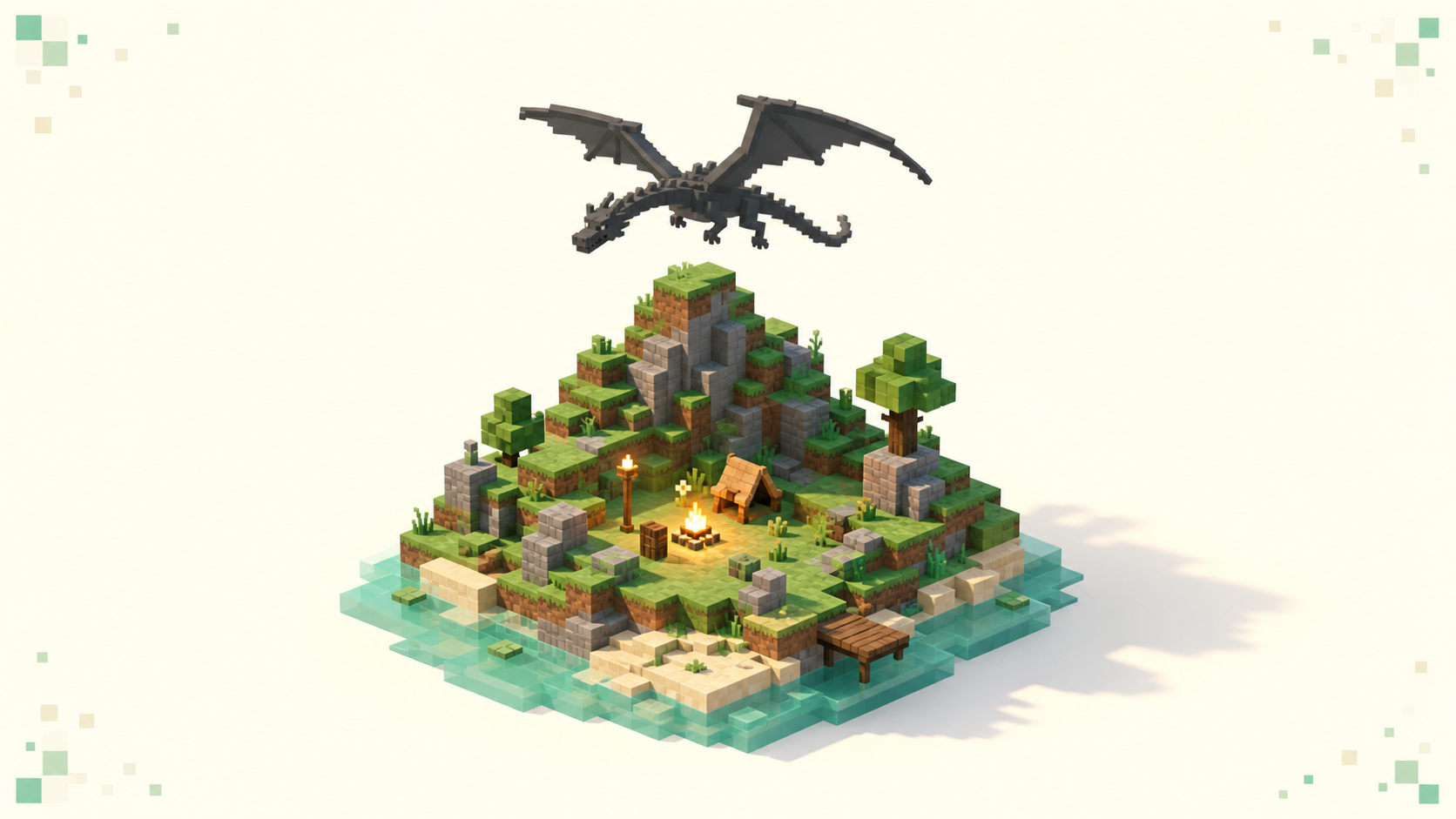
The best RLCraft server is whichever active community runs the exact pack version your client has and holds its tick rate steady when Lycanites mobs and dragons pile up — and because RLCraft is a Forge pack pinned to Minecraft 1.12.2, years behind the current 26.3 release, that version match and TPS under load decide far more than anything on a listing. I'm not going to name servers, because the live modded rankings already show which RLCraft communities are busy this month, and that list moves.
What RLCraft actually is
RLCraft is Shivaxi's hardcore-survival modpack, not a difficulty slider or a gamemode you toggle on. When a server says it runs RLCraft, it means it's running that specific bundle of mods with all the systems that come with them.
The big ones you'll feel in the first ten minutes: thirst, where drinking straight from a river gives you a Thirst debuff and you have to purify water and sip it from a canteen instead. Temperature, where you can freeze in cold biomes or overheat in hot ones and take damage for it. First Aid, which splits your health into separate pools for your head, body, arms, and legs, so a solid hit to the head can drop you on the spot no matter how full your other bars are. On top of that you've got Lycanites Mobs with their summoning altars and bosses, Ice and Fire dragons you can eventually tame if you survive long enough, and a skill-leveling system that gates what tools and armor you can even hold.
The honest pitch is that RLCraft is brutal by design and you will die constantly, especially early. That's the point of the pack, and it's why picking a stable server matters so much. If the phrase "modpack server" is new to you, what a modpack server actually is covers how it differs from a plain survival server before you go shopping.
Why RLCraft sits so far behind the current version
RLCraft runs on Minecraft 1.12.2 with Forge, which is many years behind 26.3 "Wilderness Bound." That gap isn't a bug or neglect; the whole pack is built on 1.12.2-era mods, and moving it forward would mean rebuilding it from scratch. There's been talk of a newer-base beta for a while, but the flagship pack has stayed on the old version for years, so in practice every busy RLCraft server you'll find is running the classic 1.12.2 build.
Two consequences follow, and both trip people up. First, the site's version filter won't help you here. Pages like /servers/version/26.1 and /servers/version/26.2 sort servers by those modern base versions, and RLCraft simply won't appear on them because it isn't on a 26.x base at all. Don't lean on the version filter for this pack; read the pack version straight off the listing or the server's Discord instead.
Second, 1.12.2 Forge needs Java 8 specifically. A modern Java runtime, the kind your system probably defaults to now, will crash the pack on launch rather than run it. You set the Java version per instance inside your launcher's settings (CurseForge, Technic, and ATLauncher all have a Java field in the profile options), pointing it at a Java 8 install. RLCraft is a Forge pack, not a Fabric one, which matters if you're used to lighter modern setups; the difference between Forge and Fabric is why the loader and Java requirements are what they are.
Match the exact pack version before you connect
Your client has to replicate the server's exact RLCraft build, which is currently the 2.9.x series. Same Forge loader, same Minecraft version, same mod list, down to the versions. This isn't like joining a Paper server where the client just needs a matching protocol; a Forge modpack does a full handshake where both sides compare their mod lists, and any mismatch stops the join cold.
The good news is you don't assemble it by hand. RLCraft ships as a one-click install through CurseForge, Technic, or ATLauncher, and installing it that way is the only reliable path. Hand-picking mods or mixing versions is exactly how you break the handshake.
When it goes wrong, Forge is loud about it. You'll see a Missing Mods screen or a MissingModsException in the log when your side is short a mod the server expects. You'll see Mismatched mod channel list when the mods are present but the versions don't line up. And sometimes you just get a bare Connection closed with nothing helpful attached. The fix in every one of these cases is the same: install the server's exact pack version, not a close one. Fixing missing-mods errors on a modded server walks through reading those messages if you're stuck.
One thing worth stating plainly: ViaVersion-style bridging can't paper over a modpack gap. That kind of tool handles protocol differences between vanilla versions, not entirely different mod sets, and installing it is the owner's call anyway, not something you add as a player. There's no shortcut around matching the pack.
TPS under load is the signal that matters most
For RLCraft, judge a server's TPS before you care about how many players it has, because the lag here is entity-driven, not player-driven. TPS is ticks per second, the rate at which the server updates the world, and a healthy server holds a steady 20; when it drops below that, everything slows down together. What TPS and MSPT actually measure is the quick version if you want it.
Lycanites spawns, roaming dragons, and dense mob counts are the tick-killers in this pack. One crowded area during a mob event can pull the server under 20 TPS while nobody new has even logged in, because it's the sheer number of complex entities doing the damage, not the player count. A server can look quiet on the listing and still stutter badly the moment a Lycanites altar goes off nearby.
An op can run /forge tps to see mean tick time and TPS broken down per dimension, which is the real number. As a player you can't run that, so do the next best thing: join at peak hours, then actively go looking for load. Pick a fight, wander into a Lycanites-heavy area, or camp near a spot other players are grinding, and watch for mobs rubber-banding, hits landing a beat late, or blocks breaking on a delay. If it holds up while the world is busy, that's the server you want.
RLCraft is also heavy on the client, not just the server, so a weaker machine can lag even on a perfect host. If your PC struggles with the pack itself, modded servers tuned for low-end PCs is the better place to start.
Grief protection, difficulty flavor, and population
Plenty of RLCraft servers run a Forge-plus-Bukkit hybrid, the Mohist-style setup, so owners can bolt on land-claim and grief-protection plugins that pure Forge doesn't offer. Check that claims actually exist and work, because RLCraft is brutally PvE but that doesn't stop other players from tearing down your base. A server that protects your build is worth more than one with a slightly higher population.
Difficulty flavor varies a lot, and it's worth matching to your taste. Some servers keep RLCraft pure and punishing exactly as shipped. Others soften it: keepInventory turned on so you don't lose everything on death, thirst and temperature disabled, custom quest lines layered on top. Neither is wrong, but decide which experience you actually want before you commit, and read the listing to find it.
Ping and region matter more than usual on this pack because First Aid combat is twitchy. When a single headshot can end you, a far-away host makes fights feel worse than the same latency would in ordinary survival. Favor a server hosted near you. And for population, use monthly vote freshness as the proxy: a server pulling votes this month is one people are actively logging into.
Using the live rankings
Open /servers/modded. The list is ordered by votes earned this calendar month and resets when the month flips, so the top entries are the ones active right now, not last year. How the rankings work explains why that monthly reset makes the count a live activity signal.
From there it's a short routine. Read each listing for the stated pack version and match it against your client. Shortlist two or three RLCraft servers, then give each one real playtime before you settle, joining at peak and stress-testing the TPS the way described above. The full /servers list is there if you want to browse wider, and /servers/country/us is an example region path you'd swap for your own to keep ping down. All of this is Java Edition on the standard port 25565. When you find the one whose tick rate holds up under a pile of dragons, vote for it.
FAQ
How much RAM should I give RLCraft on my PC?
Set roughly 4-6GB for the client in your launcher's per-instance memory slider, not the default 2GB, or the pack will stutter and crash on its own before any server lag enters the picture. Just as important, point that instance at Java 8 in the profile settings, since 1.12.2 Forge won't launch on a modern runtime. This is separate from the server's TPS; you can have a flawless host and still lag if your own allocation is starved.
Can I play RLCraft on Bedrock, console, or mobile?
No. RLCraft is a Java Edition Forge modpack, so there's no Bedrock version, nothing for PlayStation, Xbox, or Switch, and no Pocket Edition build. You need Minecraft: Java Edition on a PC, and you connect to servers on the standard port 25565. Any listing claiming an RLCraft server for consoles isn't running the real pack.
What Minecraft version is RLCraft on, and is it still 1.12.2?
Yes, and the number you actually compare against a server isn't the 1.12.2 base but the pack's own build. To read it, open the modpack on CurseForge and check the Files tab, where the newest entry shows the full build string; Technic and ATLauncher print the same version on the pack page and again in the instance name once it's installed. Two servers can both say "1.12.2" and still be on different RLCraft builds that won't let each other's clients in, so it's that pack build you line up with the listing, not the Minecraft version.
Do I need to own Minecraft to play RLCraft?
Yes, you need a Minecraft: Java Edition account; Forge and the pack launchers (CurseForge, Technic, ATLauncher) are all free downloads on top of that. The account is the one paid part, and it's the same one you'd use for any Java server. Whether you need to buy Minecraft to play on servers covers the account side in full.