View Distance vs Simulation Distance on a Minecraft Server
What view distance and simulation distance actually control on a Minecraft server, why simulation distance hits TPS and RAM harder, and how to tune both.
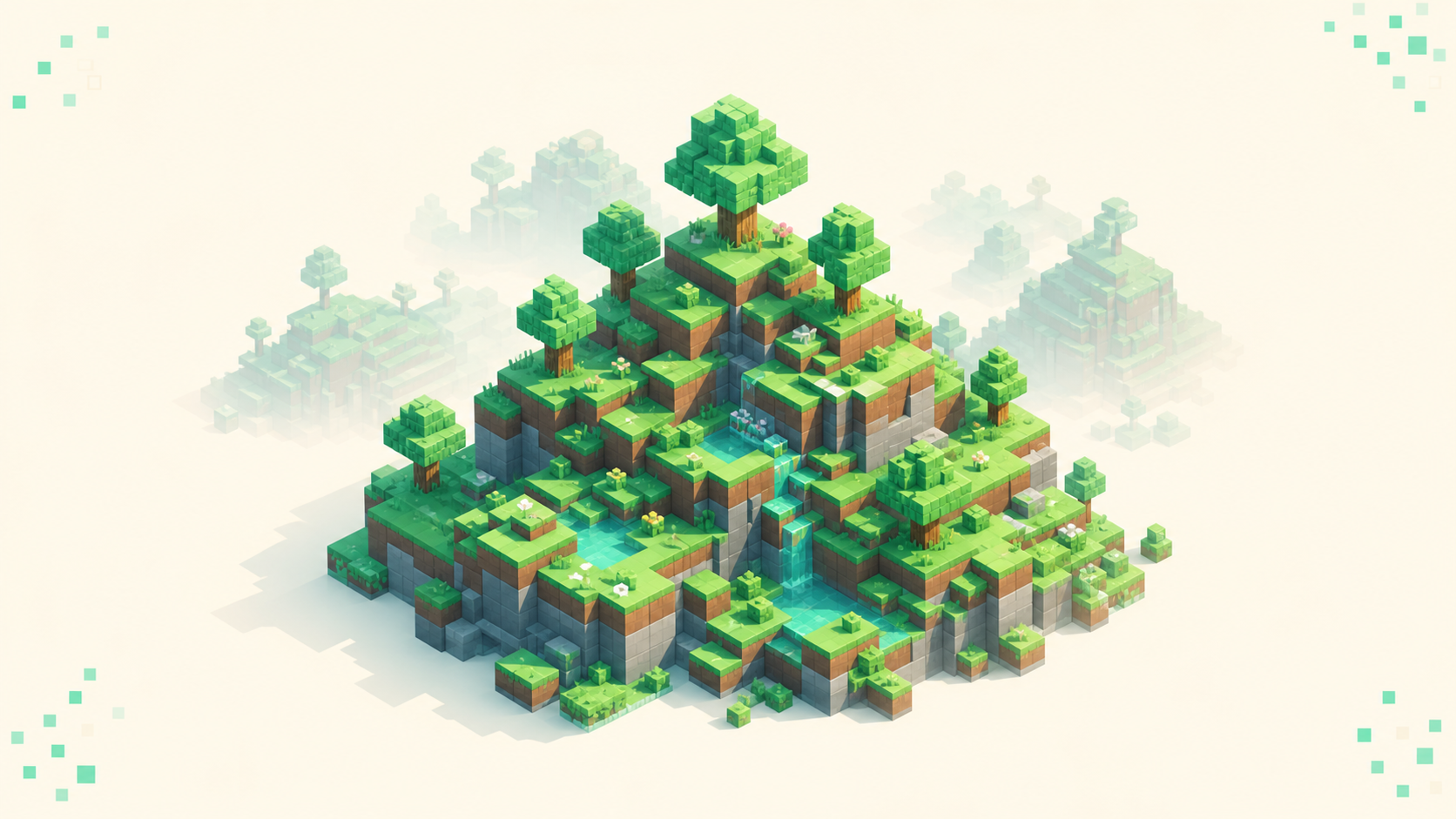
View-distance controls how far the server sends chunks for players to see, while simulation-distance controls how far the server actually ticks — the chunks where mobs spawn and redstone runs. Both sit in server.properties, both default to 10, and both are measured in chunks, which is exactly why people treat them as one dial and turn them together. They do very different jobs, and the cost of each lands in a different place. Get the difference straight and you can cut lag without making the world look empty, because the two settings — how far the world is shown and how far it's actually running — can be set separately.
simulation-distance is the heavier lever. It's the one that costs you TPS and per-tick CPU, while view-distance mostly costs memory and bandwidth. So when the server is struggling, the first move is usually to trim simulation-distance, not view-distance.
How the two differ
A distance value of N covers a (2N+1)×(2N+1) square of chunks centered on each player. So view-distance 10 is a 21×21 chunk window around everyone online, and simulation-distance 6 is a 13×13 square inside it.
view-distance is the rendered, sent chunks — the scenery and how far the horizon goes. Its cost is mostly RAM, because those chunks stay loaded, plus the bandwidth to stream them to clients.
simulation-distance is the ticked, active chunks — mobs, AI, crop and tree growth, fluids, hoppers and pistons. Its cost is mostly CPU time per tick, which is what shows up as MSPT and falling TPS.
The rule to keep in your head from the start: keep simulation-distance less than or equal to view-distance, and when TPS lag shows up, lowering simulation-distance is the first thing to try.
What view-distance actually controls
view-distance decides how many rings of chunks the server streams to each connected client so they can be drawn. It's the visual "how far can I see" radius, and on the server side it sets how many chunks stay loaded around each player.
That loaded-chunk count is the dominant driver of memory use, so view-distance is the setting that shows up when you're trying to reduce RAM usage. And it doesn't grow gently. Each extra ring is a larger square, so the chunk count climbs with the area rather than in a straight line — going from view-distance 10 to 16 is a big jump in loaded chunks, not a small step.
One thing owners often miss: the client renders the lower of its own render-distance slider and the server's view-distance. The server caps it. A player who cranks their slider to 32 against a server set to 10 still only sees 10, so raising the client past the server value does nothing.
Default is 10. For most multiplayer servers the practical sweet spot sits somewhere around 6 to 12. Push it much past that and you're mostly burning RAM and generating fresh exploration chunks for a horizon nobody's really looking at.
What simulation-distance actually controls
simulation-distance defines the square of chunks around each player that the server actively ticks 20 times a second. Everything "alive" happens inside it.
That means mob spawning and despawning, entity AI and movement, random block ticks — crop and sapling growth, trees, amethyst, fire and ice spread — fluid flow, and tick-driven redstone like hoppers, pistons, observers, and droppers. All of it only runs inside the radius.
Outside it, chunks freeze: mobs stand still and farms stop producing. There's one small exception worth knowing: a one-chunk-thick frame just outside the simulation region still allows limited redstone and fluid activity, so the edge isn't a hard wall.
Redstone is the part that trips people up. Pure signal components like dust and repeaters hold their state at any distance. But the moment a circuit drives something that needs a block tick, like a hopper or a piston, that part freezes once it's outside the radius. So a "stuck" contraption is usually a sim-distance problem, not a wiring one.
Default is 10, and the valid range on Java servers is 3 to 32. Drop below about 4 and the active spawn area around each player gets noticeably small — spawn and hub zones can start to feel dead because there's barely any live ground for mobs to appear on.
Why simulation-distance hits TPS and RAM harder
Every ticked chunk runs entity updates, mob spawn checks, redstone, fluids, and random ticks on every single tick. That's per-tick CPU work, and per-tick CPU work is exactly what MSPT measures — when it piles up, you get the TPS lag spikes everyone complains about.
Entity ticking is the biggest part of that cost. A larger simulation radius means more mobs and dropped items alive at once, which is why a heavy entity load and a high simulation-distance tend to show up as the same problem. And because the ticked area is a square, the cost scales with area: simulation-distance 8 ticks about 3.6 times the chunks that simulation-distance 4 does (17×17 against 9×9), so even one or two steps of simulation-distance change how much the server has to tick.
view-distance is cheaper per ring at the CPU level. Those extra chunks get loaded and sent, but they don't get simulated, so they cost you RAM and bandwidth rather than MSPT.
That gives you a clean split for diagnosis. When MSPT is high and TPS drops under 20, cut simulation-distance first. When RAM is the thing running out — and it's worth knowing roughly how much RAM a 20-player server needs before you start trimming — cut view-distance.
How the two settings work together
A chunk has to be loaded before it can tick, so the ticked region is always bounded by what view-distance keeps loaded. Set simulation-distance higher than view-distance and the extra is wasted — there's nothing loaded out there to tick.
Since 1.18, when simulation-distance was added, the chunks between the simulation radius and the view radius are sent and rendered but not ticked. That's baseline vanilla behavior now, not a plugin trick. And it's the whole reason you can keep a big-looking world cheaply: high view-distance for the scenery, low simulation-distance for the live zone, and a rendered buffer in between.
On Paper you can set both per world, in paper-world-defaults.yml or in <world>/paper-world.yml. The old separate no-tick-view-distance setting is redundant on modern versions, because vanilla view-distance already behaves as a no-tick distance beyond the simulation radius — if you're setting up a Paper server, you don't need to touch it. Per-world control is genuinely useful: a redstone-heavy economy world can run a low simulation-distance while a survival or exploration world keeps a higher view-distance.
Sensible values for small vs busy servers
These are starting points, not magic numbers. The right value depends on your player count, your entity load, and the CPU your host actually gives you. Measure after you change them.
- Small SMP or family server (1–10 players): view 8–12, simulation 6–8. The world feels full and you've got headroom to spare.
- Mid-size community (10–40 players): view 8–10, simulation 4–6. Keep the view for looks, trim the sim to protect TPS as concurrent entities climb.
- Large or busy server (40+ players, lots of contraptions): view 6–8, simulation 3–5. Lean on view-distance for the "big" feel and keep the live zone tight.
- Minigame lobby or arena PvP: view 5–6, simulation 4. Players don't need distant farms, and short ranges keep ticks cheap and movement snappy.
How to tune the pair without an empty-feeling world
Change one value at a time and re-test at real peak, not on an empty server at 3am. Watch TPS and MSPT through /tps, timings, or spark while you do it, rather than eyeballing whether it "feels" smoother.
If you're fighting per-tick lag — high MSPT — drop simulation-distance by 1 and check again. If you're fighting RAM, bandwidth, or exploration lag from players generating new chunks, drop view-distance instead. Keep simulation-distance at or below view-distance the whole time. If you set them equal, the entire loaded area ticks and you lose the cheap rendered buffer between the simulation and view radius.
Don't crater simulation-distance below about 4. That's the failure mode that makes a world feel dead — mob farms stall and crops near spawn quit growing while the place still looks fine. The core trick is the one the whole comparison points at: hold view-distance generous so the horizon stays full, and shrink simulation-distance so the CPU only animates the ground players are actually standing on.
For servers with spiky player counts, a dynamic view-distance plugin can auto-lower view-distance under load and restore it when things go quiet, so you get the big horizon when there's room for it and back off automatically when there isn't.
FAQ
Should the Nether and the End run the same distances as the Overworld?
Usually not, and Paper's per-world settings are where you take advantage of that. The Nether and End tend to hold far fewer players at once, so the live zone around each one can be smaller without anyone noticing. The Nether in particular packs a lot of lava and ghasts into a tight space, so a lower simulation-distance there buys back ticks cheaply. A resource or mining world that players only pass through can go lower still. Save the generous view-distance for the Overworld, where most bases and farms actually sit and the open horizon is the thing people look at.