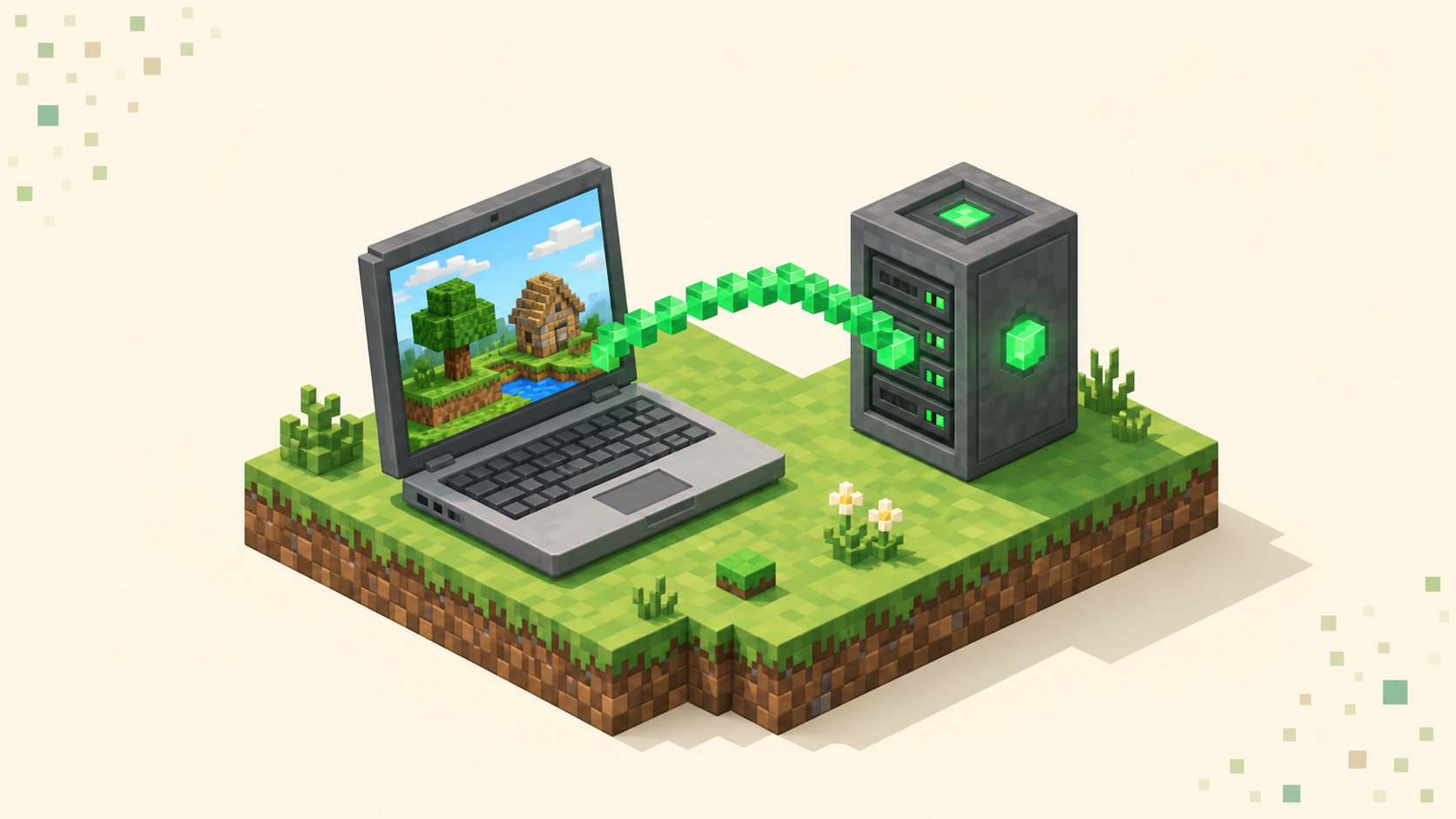
Can You Play Minecraft Servers on a Chromebook?
Yes — a Chromebook can run Bedrock from the Play Store or Java through Linux. Which edition you install decides which servers and ports you can join.
Yes — a Chromebook can run Bedrock from the Play Store or Java through Linux. Which edition you install decides which servers and ports you can join.

Yes — the Switch runs Bedrock Edition, but it hides custom server IPs behind a featured-server menu. Here's what you can join and the realistic workarounds.
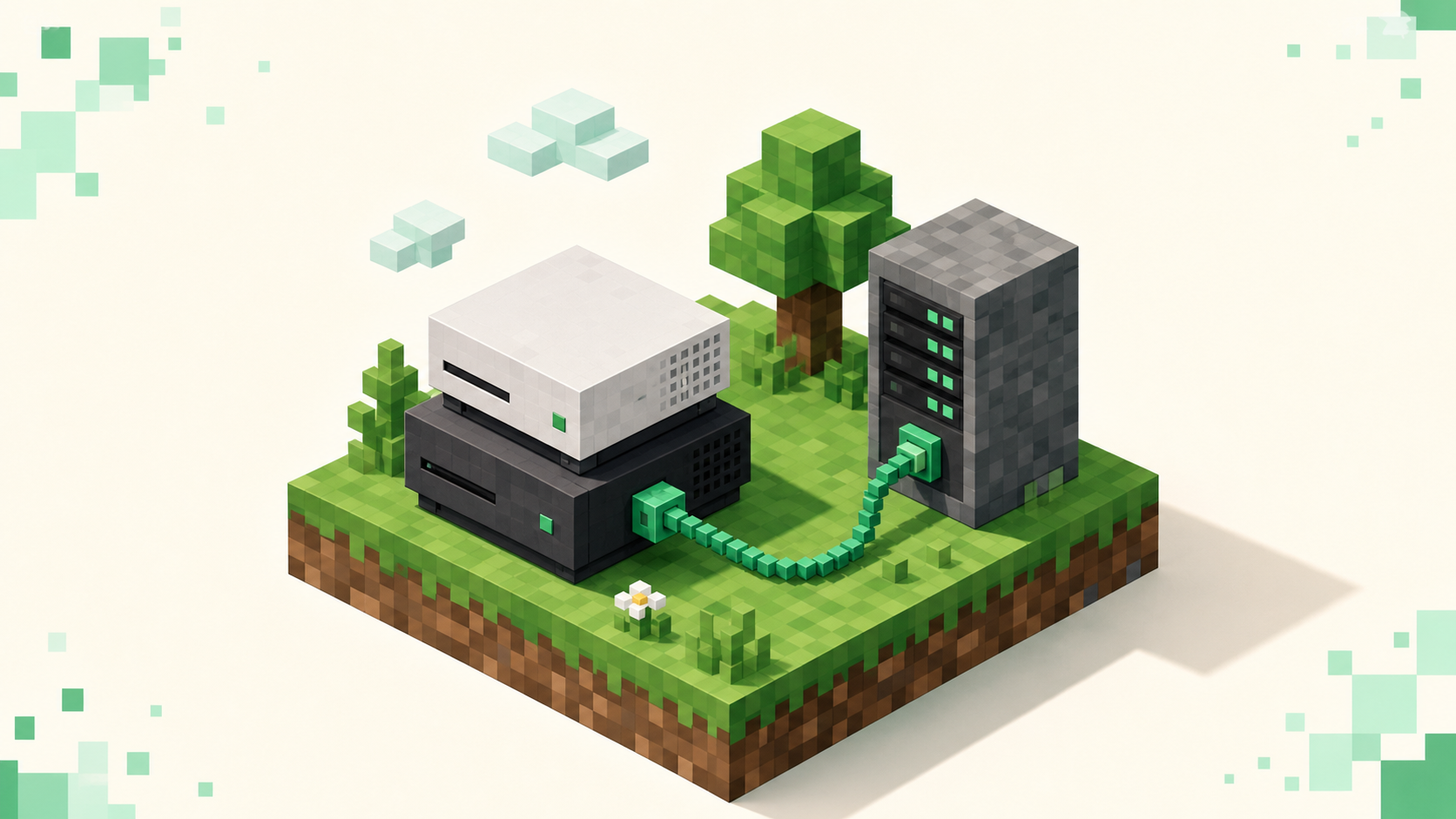
Yes, but PlayStation Bedrock only shows Featured Servers, Realms, and friends' worlds out of the box, with no custom IP box. Here's the workaround.

Read the live player count, ping bars, and version color to tell whether a Minecraft server is actually down or just on a different version.

Add an external server in Bedrock from the Play screen — Server Name, Address, and the 19132 port — plus why consoles hide the button entirely.
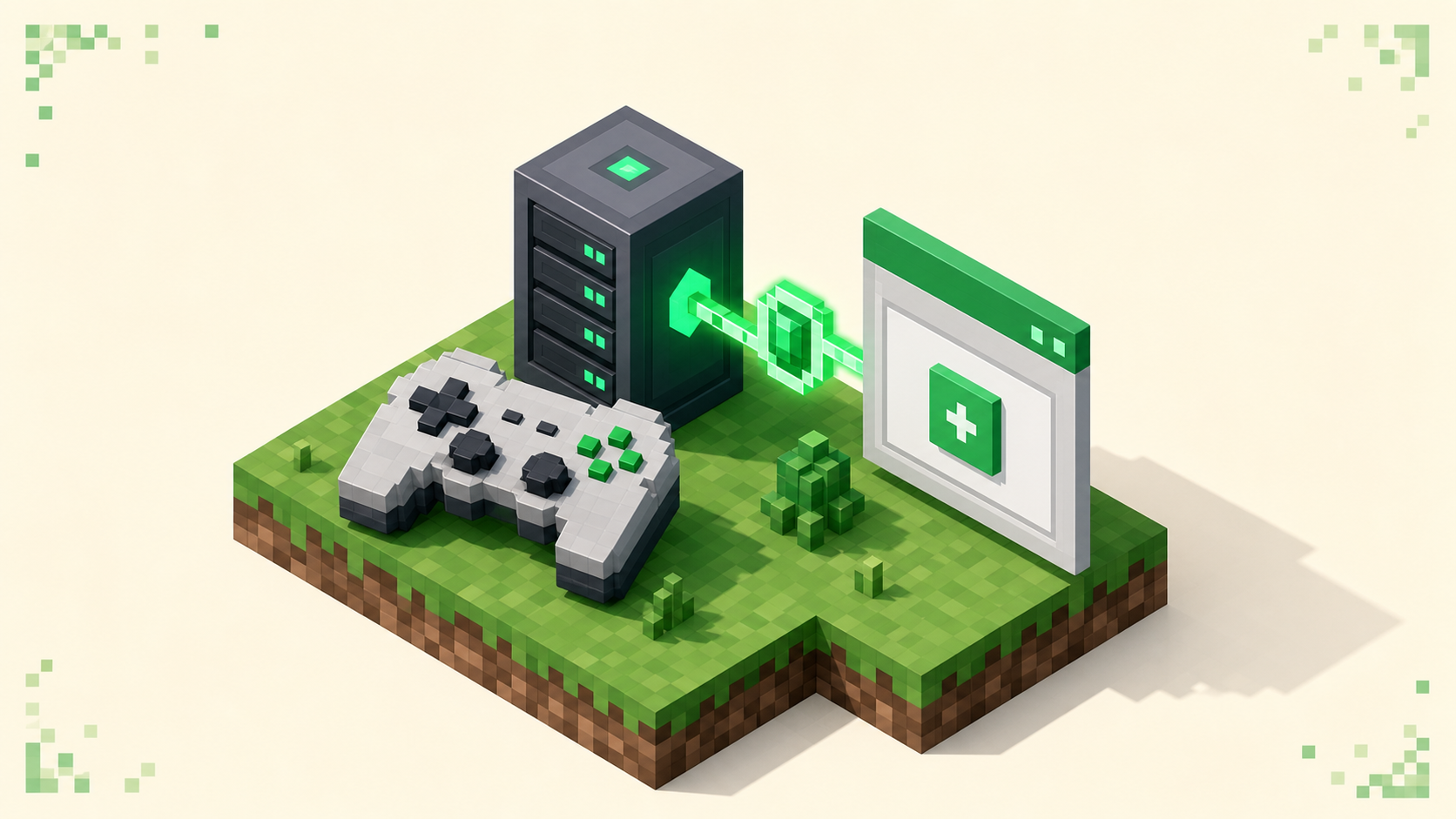
PS4 and PS5 Bedrock hide the custom-server field, so here's the DNS-based workaround, the port 19132 detail, and how to reach console-friendly servers.

Minecraft on phones runs Bedrock and keeps the Add Server button, so adding an address and port 19132 on iOS or Android is the easy version of joining.

Xbox, PlayStation, and Switch all run Bedrock Edition, never Java — and that one fact decides which servers you can join and why a Java IP never connects.
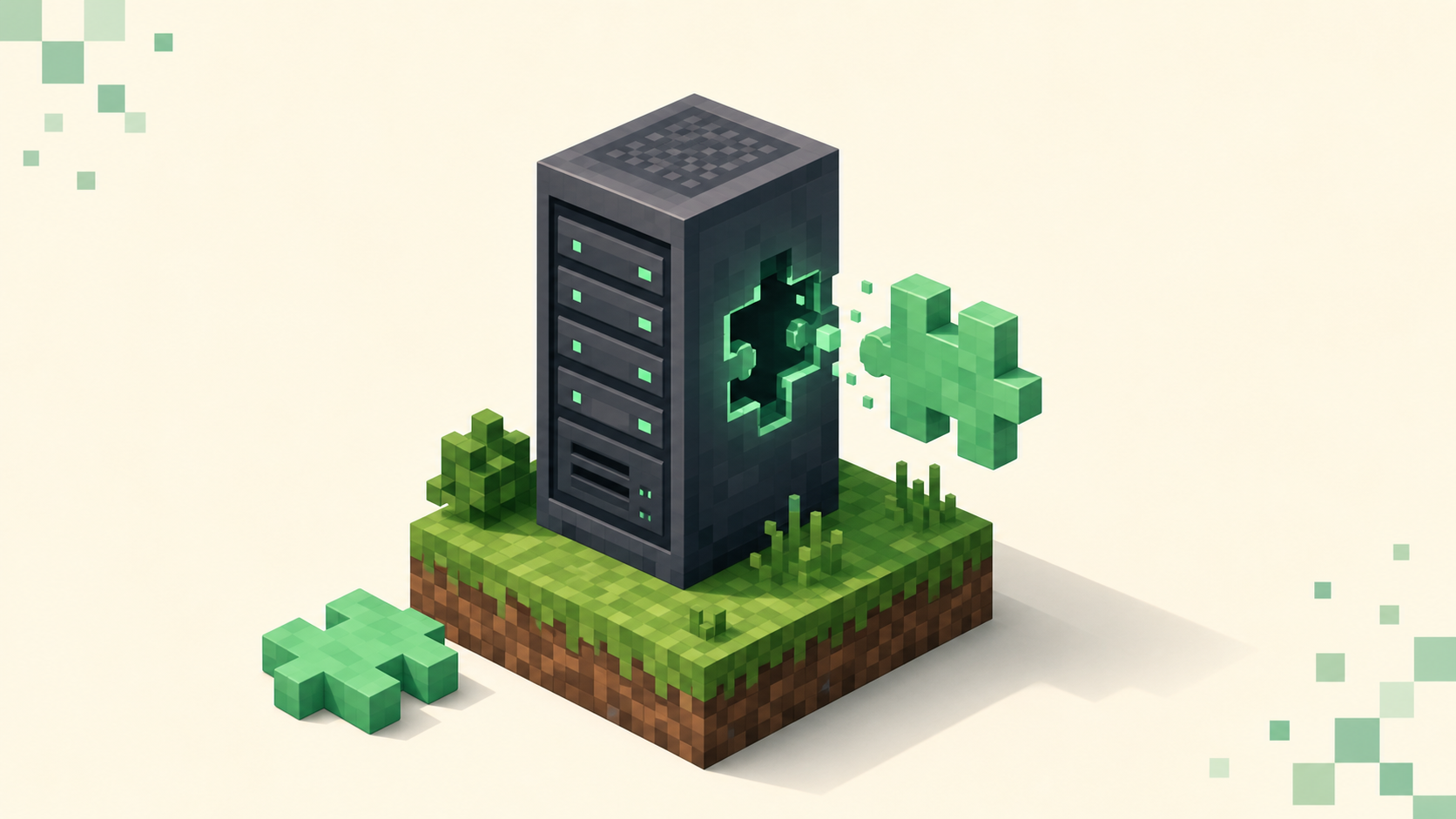
How to install a Paper plugin the right way — match the .jar to your Minecraft version, drop it in plugins, do a full restart, and verify with /plugins.

The address you type depends on where you are relative to the host — LAN IP, public IP and port, a Realms invite, or a Tailscale tunnel. Here's each one.
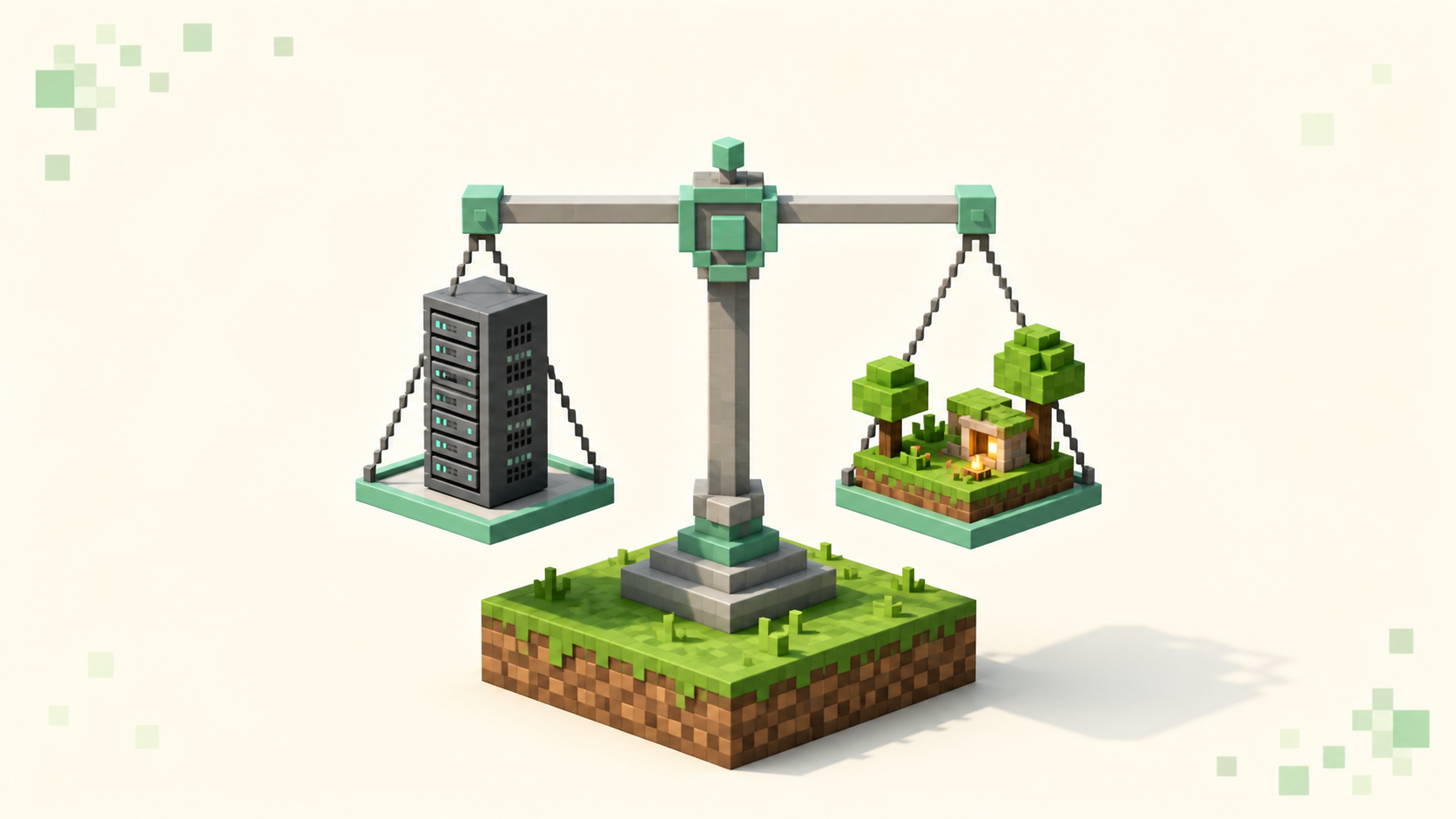
A Realm is Mojang's small invite-only world for friends; a server runs plugins, holds far more players, and gets ranked. Here's how to pick.
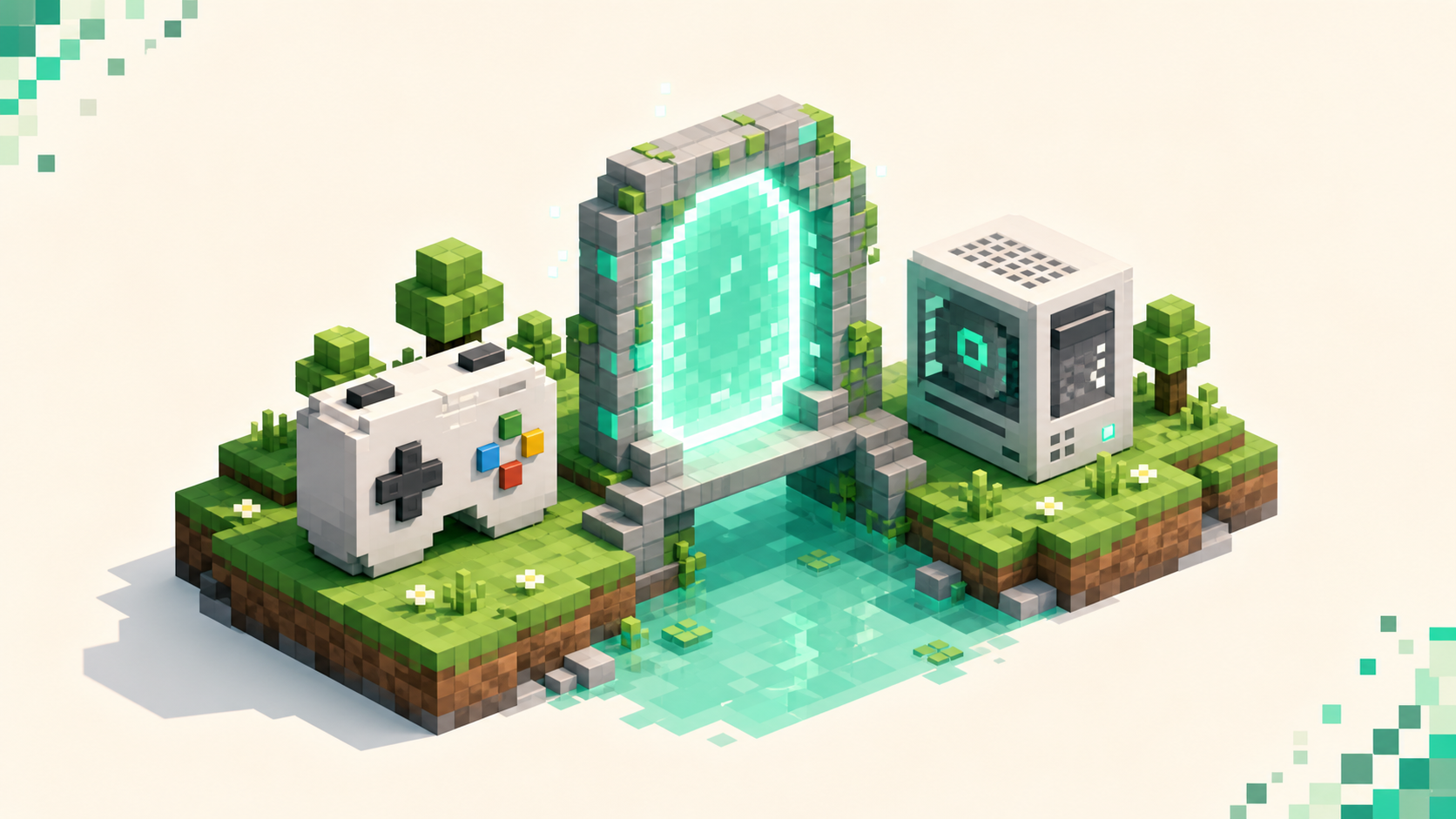
Geyser is a free proxy that lets Bedrock players join Java servers, and Floodgate drops the Java-account requirement — here's how they fit together.

Griefing is when other players wreck or steal what you built on a server. Here's the layered stack owners use to stop it, and how you protect your base.

How to pick an mcMMO server for serious skill grinding — which skills are enabled, how XP rates are tuned, leaderboard population, party features, and uptime.
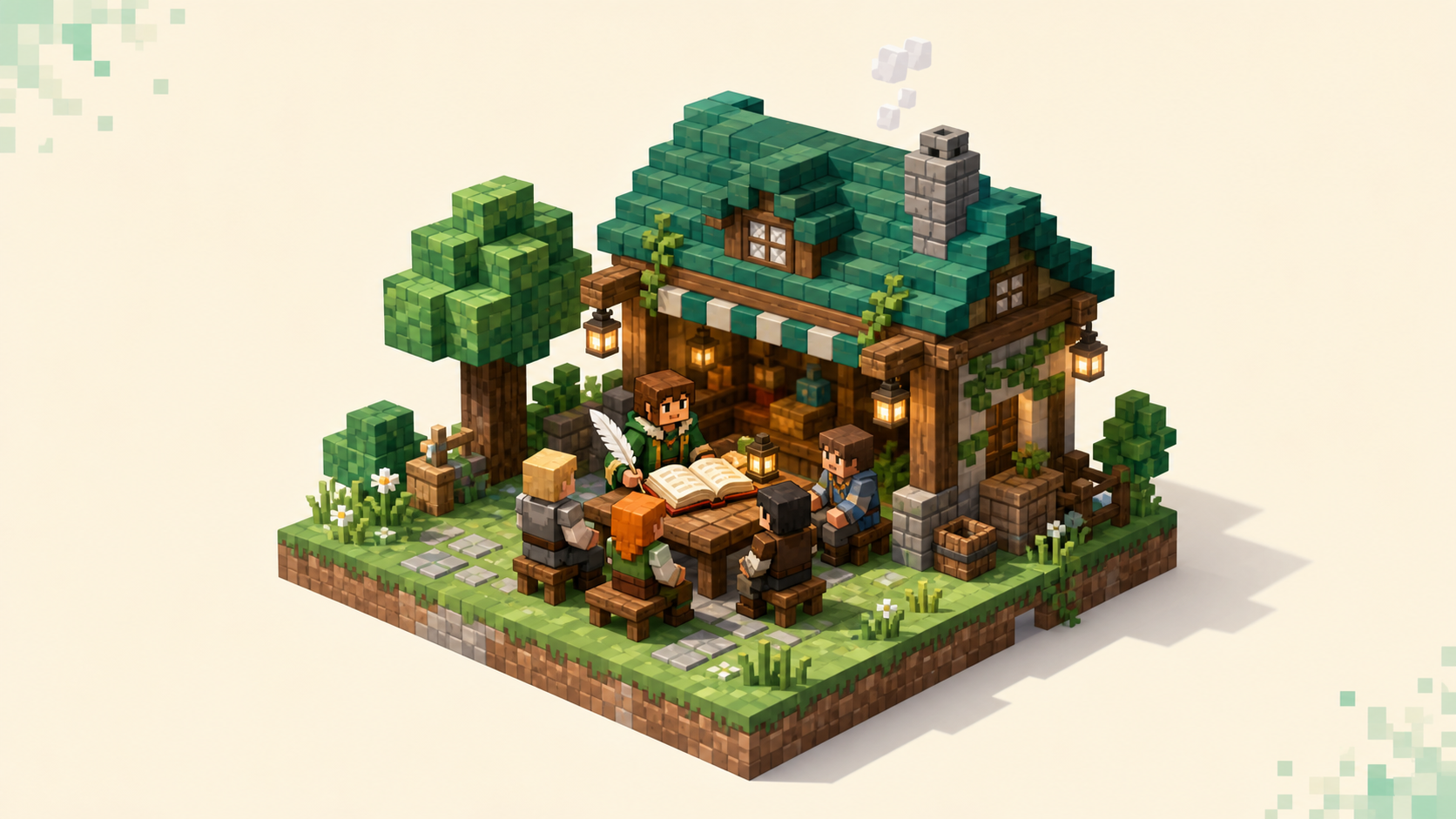
A guide to character-driven Minecraft roleplay servers — why whitelists, active staff, engaged population, and proximity chat make a community worth joining.
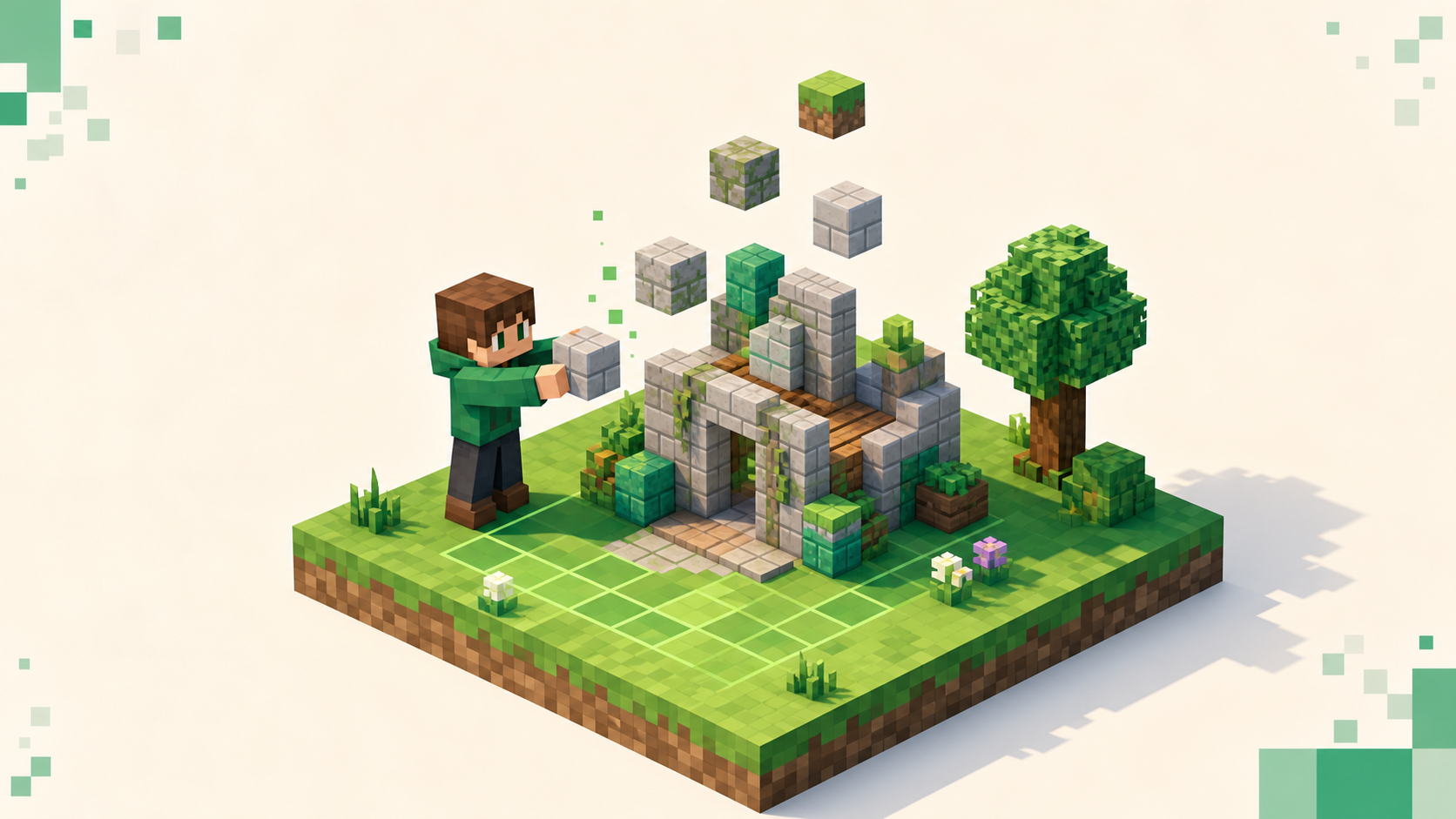
How to pick a creative server for plot building: judge plot size and limits, WorldEdit access, population for feedback, grief protection, uptime, and ping.
A guide for purists who want unmodified survival: how to spot truly vanilla servers, and why whitelists and small populations keep a world stable.
Whitelisted means a server only lets approved players in. Learn what the "not whitelisted" message means, why SMPs use it, and how to get added.
How Australian and Oceania players find low-ping survival servers — why server location drives latency, how to read ping in a listing, and the live picks.

Where to find a Minecraft server's address and port, when to add :port, why big servers show none, and how to paste the address without a single typo.
Lower your Minecraft ping by picking a closer server and switching to a wired connection — plus how to tell your own latency apart from the server's lag.

A good Minecraft ping is under about 100 ms, and the single biggest factor is how close the server is to you. Here's how to read it and what it changes.
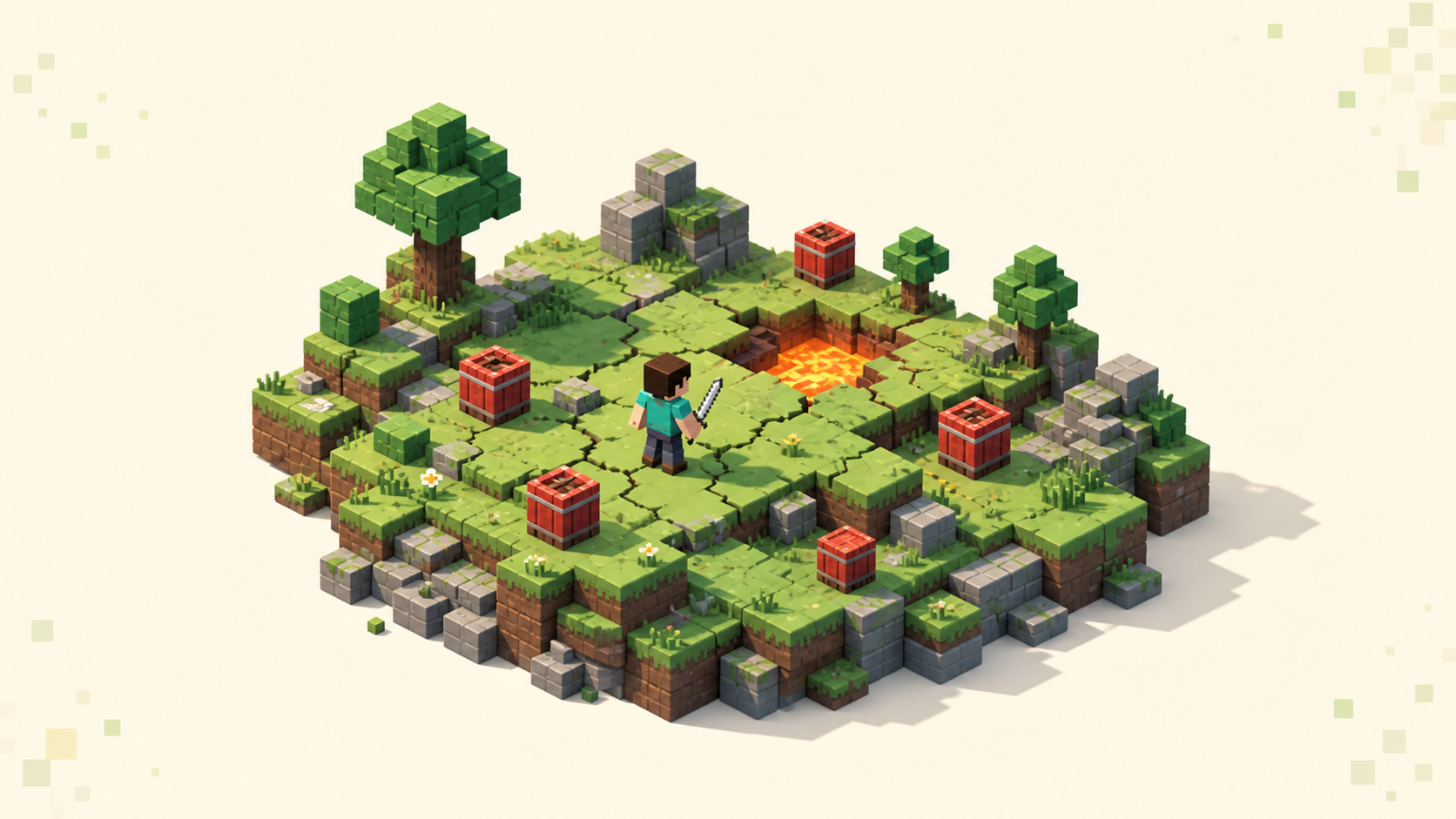
A beginner's guide to Minecraft anarchy servers — what no-rules really means, why spawn is the deadliest place, and how to read population, queue, lag and ping.
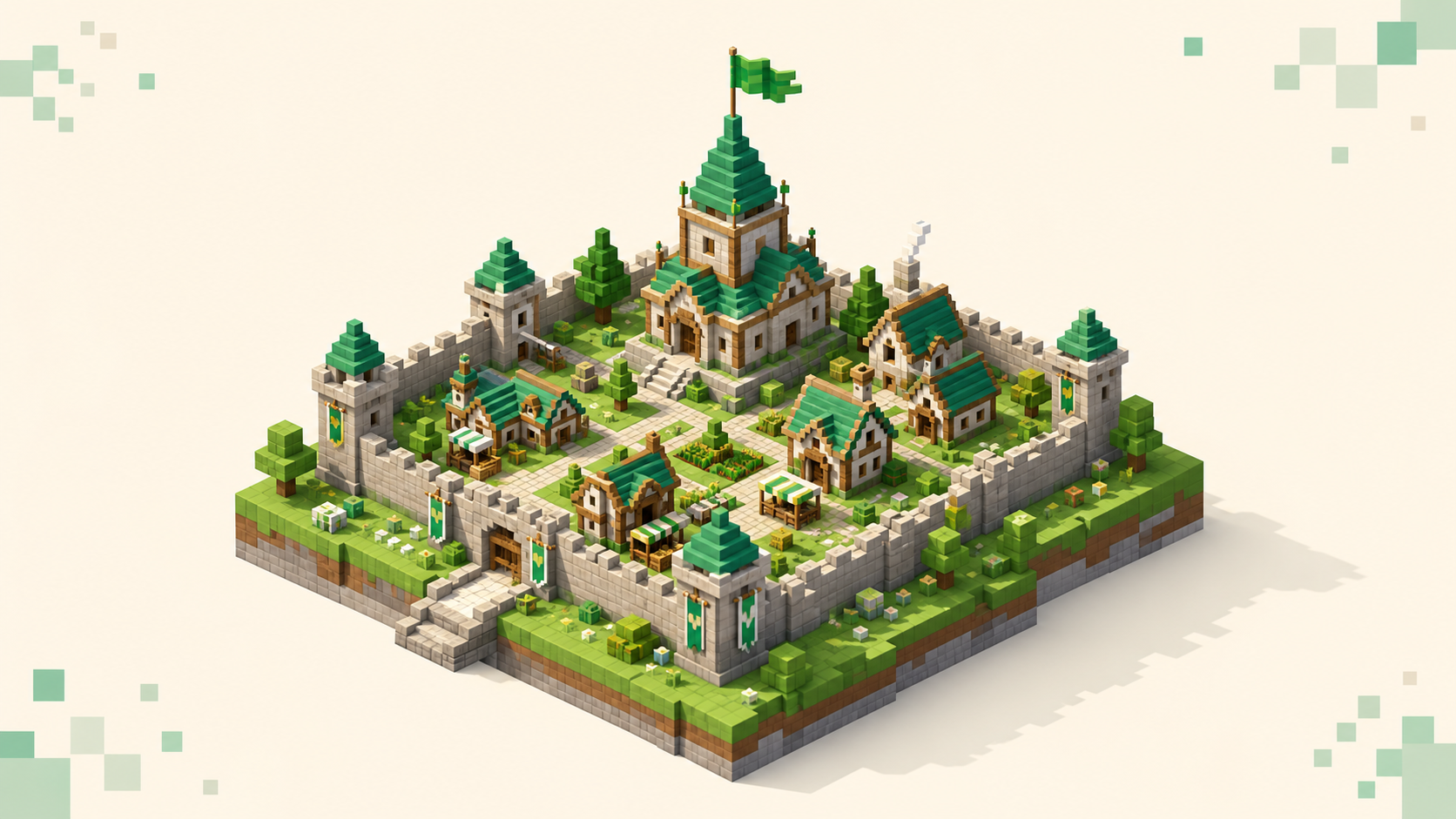
How to pick a Towny server where your group can found a town, grow it into a nation, and last: claim mechanics, alliances, economy, population, and ping.