Minecraft Server vs Realm: What's the Difference?
A Realm is Mojang's small invite-only world for friends; a server runs plugins, holds far more players, and gets ranked. Here's how to pick.
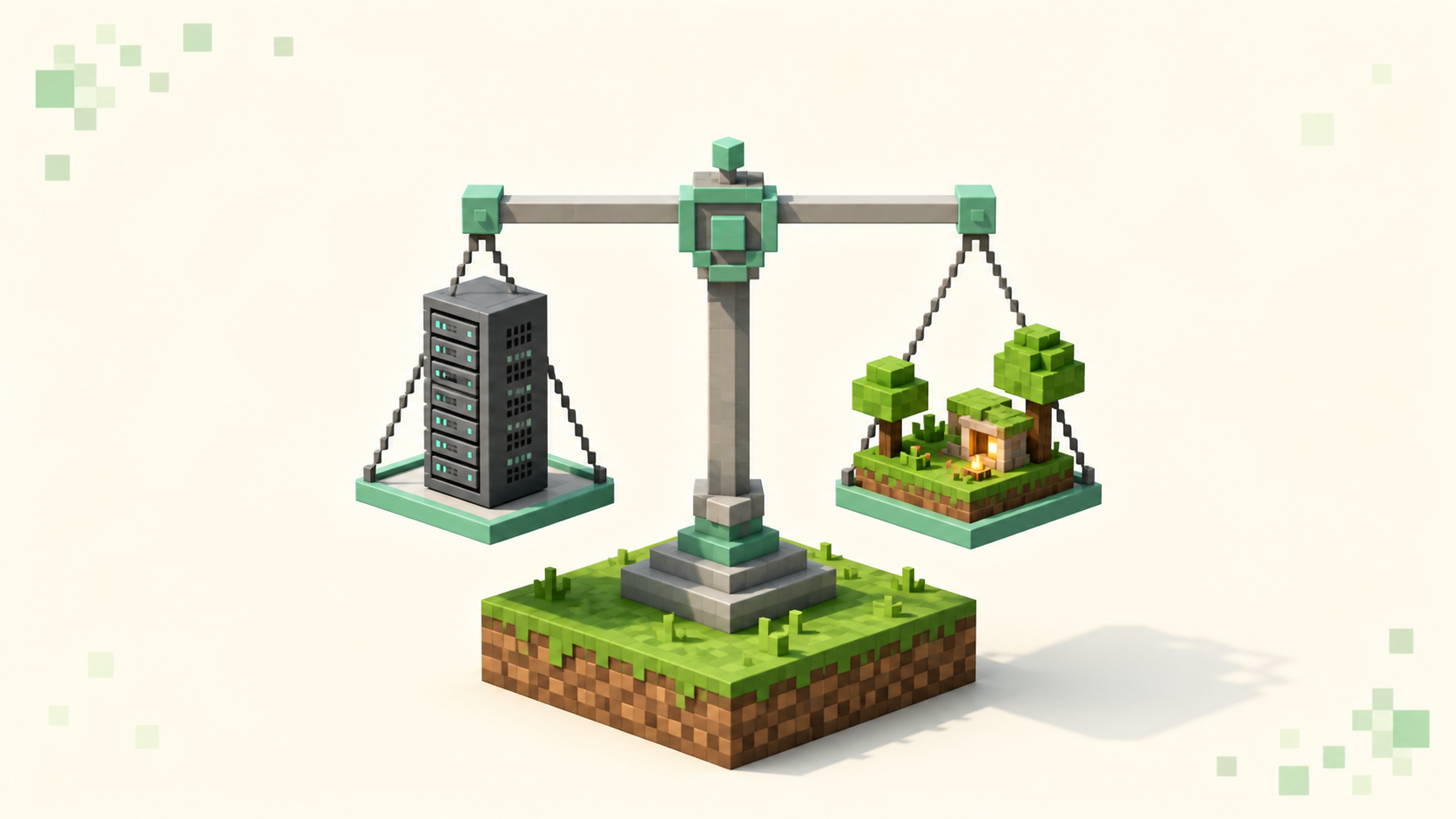
A Realm is a small private world Mojang and Microsoft host for you and a handful of friends, while a server is a world you (or a host you rent from) run yourself, with full control over the software, the player cap, and whether anyone can find it. A Realm is the easy, closed option built for a friend group; a server is the open one built for scale and customization. If you want a public, ranked community you can grow, you want a server — those are the ones listed on the full server list. If you just want a private space for five or six people without keeping your own PC on, a Realm does that with almost no setup.
That difference comes down to four things: how many people can be online, whether you can run plugins or mods, who controls the configuration, and whether the place can be discovered at all. A Realm is locked down on all four by design. A server hands every one of those decisions to the owner.
A Realm, plainly
A Realm is a private multiplayer world that Mojang Studios hosts for you. It runs 24/7 without you leaving a machine on, and it's invite-only — the only people who can join are accounts you've added to the member list. There's no public address to share and no way for a stranger to stumble onto it. A Realm is Mojang and Microsoft's official paid subscription option for hosting a private world, and that's the whole pitch: zero configuration, always online, just for the people you invite.
You join one differently than you join a server, too. Once the owner adds your account, the world shows up under the Realms button in the main menu, and you accept the invite there. You never type an IP. That convenience is also the ceiling — almost everything a server owner can tune is handled for you and out of reach.
A server, plainly
A server is a Minecraft world the owner runs themselves, either on their own hardware or on rented hosting. The owner picks the server software, edits the config, manages who can connect, and decides whether the place is open to the public or whitelisted down to a few friends. That's the core distinction: on a Realm, Mojang is the host and you get a handful of in-client toggles; on a server, you are the host, and the whole stack is yours to set up. If you've never stood one up before, how to make a Minecraft server for free walks through getting one running without paid hosting.
Players connect the way you'd expect: in the client, Multiplayer > Add Server (or Direct Connection), then the address goes in the Server Address field. If the server runs on the default port you can leave the port off entirely — Java defaults to TCP 25565, Bedrock to UDP 19132. The one catch is version: your client's protocol has to match the server's, or you get bounced before you load in. How to join a Minecraft server covers the connecting steps if you want them.
The four differences that actually matter
Player count
A Java Realm holds the owner plus up to 10 other players online at once — 11 in the world total. You can add more than that to the member list (the old invite cap was lifted well past 200), but only 11 can be logged in simultaneously. That's the current published figure, and Mojang has moved Realm capacities around before, so treat it as today's limit rather than a constant.
A server's limit is whatever the owner sets. The max-players key in server.properties defaults to 20, and the real ceiling is hardware — figure roughly 100–200 MB of RAM budgeted per player. That's why public networks routinely run dozens, hundreds, or thousands of people at once. If you want a world that grows past a friend group, this is the line that decides it.
Plugins and mods
This is the big one. You cannot install mods or plugins on a Java Realm — it's a deliberate Mojang choice for stability and compatibility, and there's no Bukkit, Paper, Fabric, or Forge layer underneath it to hook into. Java Realms do support standard data packs uploaded with the world, but experimental settings aren't allowed, and that's the extent of it.
A server runs whatever the owner installs. Pick a server platform like Paper, Spigot, or Bukkit and you can load plugins; run a loader like Fabric and you can run mods; either way you can add data packs on top. Plugins and mods aren't the same thing — plugins are server-side add-ons on the Bukkit/Paper line, mods are Fabric/Forge code that usually runs on both client and server — but the point holds: a Realm supports neither, and a server supports one or the other depending on the software the owner chose. Whole gamemodes like Skyblock or Towny only exist because of that plugin layer.
Control
On a server the owner opens server.properties and the plugin configs and sets the rules directly: gamemode, the difficulty, the motd, a white-list to lock down who joins, the op list, and the Minecraft version the server targets. Update a plugin, swap the world, change the spawn — it's all on the table.
On a Realm you get the in-client Realms menu and nothing below it. World settings, the member list, and backups are yours; the host configuration isn't. You can't edit server.properties because you never see it, and you can't add server software because there's no slot for it. For a private world that's fine. For anything you want to shape, it's the wall you hit.
Discoverability
A Realm can't be listed or ranked anywhere. It's private by design and reachable only by invite, so it will never show up on a directory like this one. A server can. Make it public, submit it through the owner dashboard, and it lands on the server list, the tag pages like /servers/pvp, the dotted version pages such as /servers/version/26.2, and the country pages. Here the homepage rankings order servers by votes earned during the current calendar month, and that tally resets at the start of each month — voting is free and rate-limited per player. None of that applies to a Realm, because no one outside the invite list can reach it to vote.
Which one should you run?
Run a Realm if the goal is a small, always-on world for people you already know and you don't want to think about configuration. Run a server if you want more than ~11 players, plugins or mods, real control, or a public presence you can grow and get ranked for. The two aren't really competing for the same job — one is a private clubhouse, the other is a venue you can open to the public.
The other thing a server can do that a Realm can't is bridge editions. Java and Bedrock Realms are separate and each stays inside its own edition — Bedrock players can't join a Java Realm and vice versa. A Java server running GeyserMC with Floodgate lets Bedrock players connect to it, which is real Java-to-Bedrock crossplay that Realms simply don't offer. That's the owner's setup to enable, though; a joining player can't add it.
FAQ
Why do I see "Outdated server!" trying to join right after I updated?
Because you became the newer side. The moment your client moves to 26.3 (protocol 777) you'll read any server still on 26.2 (protocol 776) as behind, and the kick string is literally Outdated server! I'm still on <version>. The reverse, Outdated client! Please use <version>, means you're the one behind. Nothing is broken either way — match your client to whatever drop the server runs. A Realm never throws this, since it always runs the current version for you.
Can a Realm be on a different version than the public servers I play?
A Realm tracks the current Minecraft version automatically, so it's effectively always on the latest drop — there's no version dropdown for it the way there is for a server. Servers may lag on purpose when their plugins need more time: as of September 2026, Paper's stable builds are for 26.2 while its 26.3 builds are still experimental, and 26.1 remains a valid target for stacks that require it. That's why you'll find strong servers sitting on 26.1 or 26.2 while other servers already run 26.3.
Can I add plugins to my Realm if I find the right tool?
No. There's no server software running under a Realm to load anything into, so there's no plugin or mod path at all, only data packs uploaded with the world. If a plugin or modded experience is what you're after, that's a server decision, and you'd want one running Paper or Fabric — browse the modded servers to see what that actually looks like in practice.
Do Bedrock Realms work the same as Java Realms?
Mostly, with one difference worth knowing: Bedrock Realms can use Marketplace add-ons and behavior packs, while Java Realms can't run mods or plugins at all. So if you read "Realms support add-ons" somewhere, that's the Bedrock edition — don't assume it carries over to a Java Realm, which stays vanilla by design.