Best Creative Servers for Plot Building and Sharing Builds
How to pick a creative server for plot building: judge plot size and limits, WorldEdit access, population for feedback, grief protection, uptime, and ping.
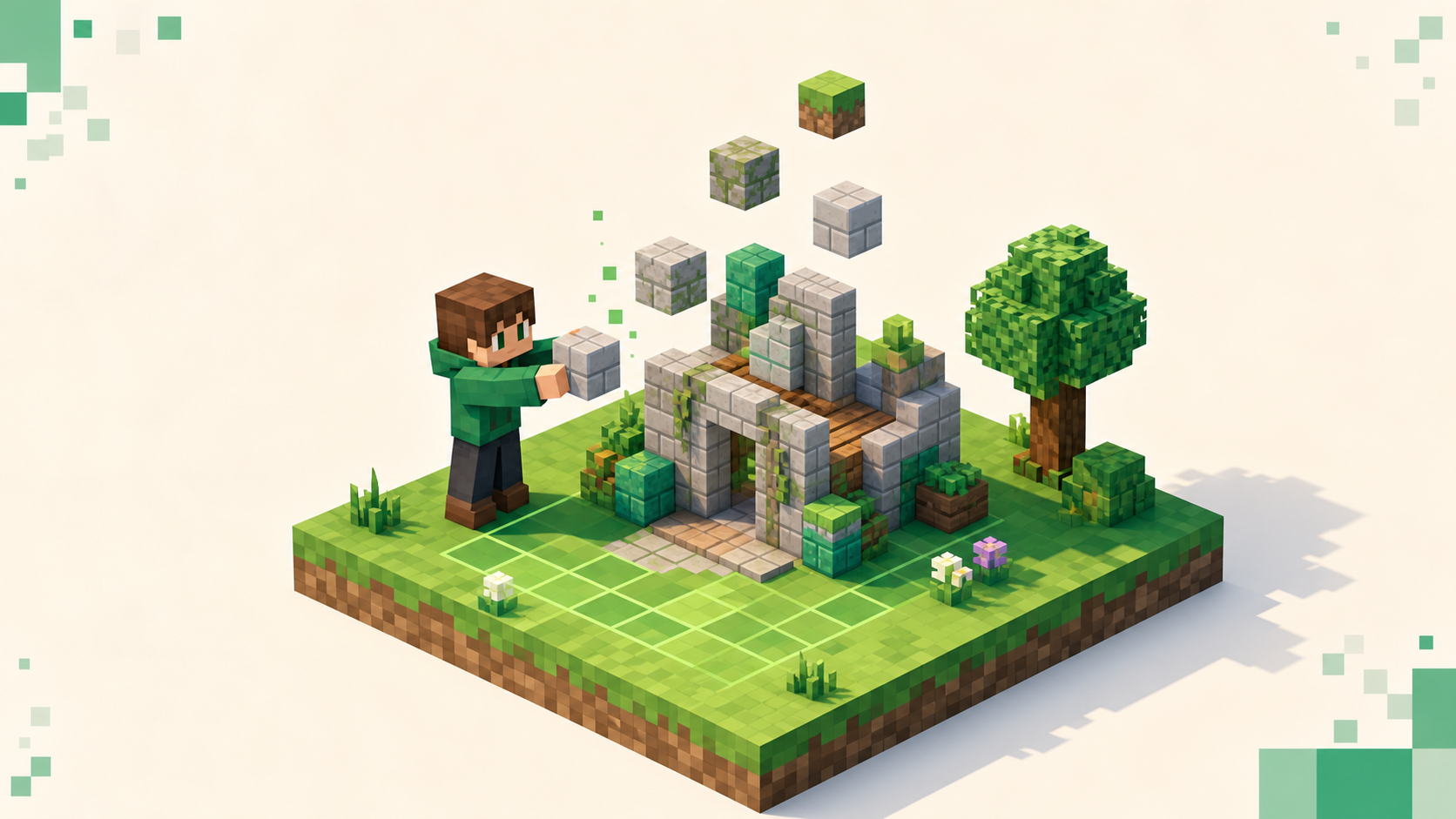
A creative server is a place to claim your own plot, build without any survival pressure, and show the result to people who actually look at builds. So what's worth judging is how much plot space you get, what build tools you're handed, and whether there's a real community to share with. Everything else most servers advertise is secondary to those.
Creative is the relaxed, no-stakes mode — no mobs hunting you, no resource grind, infinite blocks, and flight from the start — which means servers can't really compete on progression the way a Skyblock or survival server does. What's left to set them apart is plot mechanics and community. That's a good thing for a beginner, because it makes the choice simpler. The current creative servers are ranked by this month's votes and the list updates as votes come in, so the rest of this is about reading that list well. If you're still deciding whether Creative is the mode you want at all, Minecraft server types explained lays the gamemodes out side by side.
How plot-building creative servers actually work
Most public creative servers hand each player a flat plot in a grid world. You claim an empty one — commonly with a command like /plot claim, or by walking onto a free plot and using a sign or menu — and from then on it's yours to build on, with a road or border separating it from your neighbors. That's the whole model, and it's been standard for years.
The part that makes it beginner-friendly is the protection that comes built in. Only you, and the people you allow on, can place or break blocks on your plot. A stranger can walk over and look at what you've made, but they can't touch it. That single rule is the biggest reason plot worlds suit newcomers — you don't have to learn a claim system or worry about someone bulldozing your work overnight, because the protection is on the moment you claim the plot.
Plots are usually generated flat and pre-cleared, so you start from a blank canvas rather than spending your first hour flattening terrain, and you can normally reset a plot back to empty if you want to scrap a project and start over. None of this depends on which server you pick; it's how the standard plot plugin most creative servers run behaves. You don't need to know plugin names to use it, but it helps to know the mechanics are consistent from one server to the next.
Plot size and limits: how much room you actually get
Check plot size first, because it's the hardest thing to change later. Plots come in a fixed size per server — a modest square is common on casual servers, while bigger servers offer larger plots — and a build you've already pictured in your head may or may not fit inside one. There's no point falling in love with a server only to find your cathedral runs off the edge.
Two settings decide whether a big project is workable. The first is merging: many servers let you claim a plot bordering yours and join the two into one larger canvas, usually with a command, and you can keep merging outward for bigger builds. The second is the plot count cap — servers limit how many plots one player can hold, sometimes a single starter plot, sometimes several. If you want a few separate projects going at once, or one project that sprawls across merged plots, those two limits are what to read before you settle in.
The fastest way to know is to just claim a plot and pace it out. Walk the edges, confirm it's big enough for what you have in mind, and try merging one neighboring plot to see whether merging is even switched on. Ten minutes of that tells you more than any feature blurb, and it costs you nothing since you can reset or abandon the plot after.
Build tools: is WorldEdit available to you, and how much
WorldEdit is the plugin that lets you place, replace, copy, and shape thousands of blocks at once instead of one at a time. It's the difference between laying a castle wall by hand, block by block, and filling the whole thing in a second. For anyone building at scale it's the tool that makes big projects realistic instead of a weeks-long chore, so whether you have it matters a lot.
But tools aren't handed out the same way everywhere. Some servers give every player WorldEdit on their own plot from the moment they join. Others gate the more powerful commands behind builder ranks you earn over time, or cap how many blocks a single operation can change so one person can't lag the whole server with a giant fill. None of those setups is wrong — they're just different, and the only way to know which one you're dealing with is to check.
Finding out is quick. Read the server's rules or help pages if they have them, or just join and try a basic WorldEdit command on your own plot. If it works on your plot but not when you point it at the road or a neighbor's land, that's the normal plot-scoped setup, and it's working as intended rather than broken. On plot servers WorldEdit is usually restricted to inside your own plot and the plots of people who've trusted you, which is a feature — it stops anyone from editing the whole world out from under everyone — not a limit to be annoyed by. If a server makes you earn the bigger commands through a builder rank, treat that as a progression step, not a barrier.
Population: who's around to give feedback and build with
The point of building on a server rather than in single-player is partly to be seen. A creative server with people online means feedback when you finish something, inspiration from wandering other players' plots, and the chance to actually build with someone. A dead plot world isn't much different from playing creative on your own.
Read the live player count on each listing, and read it in context. You want a server that shows people across the day, not one brief peak that empties out the rest of the time. In game, when you add a server in the Multiplayer menu, the green signal bars and the player count off to the right confirm it's busy at the moment you join. Watch for hollow numbers — a big max-player cap sitting next to a near-zero current count usually means a server that mattered years ago and doesn't now.
This is also why a month of votes beats a single snapshot count. A count taken once tells you nothing about whether anyone comes back, but a vote total reflects players returning day after day, which is exactly what you want from a building community. How rankings work covers the mechanics if you want them. And when you're scouting for people to build with, look for whether you can trust other players onto your plot — a common command grants a friend build access to your plot, and that's how co-building and showing off works-in-progress actually happens.
Moderation and grief protection on shared plots
Plot protection walls off your own build, but moderation still matters for everything around it. Chat needs tending. Plot-trust can be abused, since anyone you trust onto your plot can edit it, so the protection only holds if you're careful about who you grant access to. And the shared spaces — the spawn build, community plots, public warps — depend on staff keeping them clean, because those aren't protected the way a personal plot is.
Good moderation shows up in plain ways: rules posted at spawn, staff or an active Discord that answers questions, a working report system, and the standard plot protection actually enforced so non-owners genuinely can't edit your plot. The Discord is one of the better reads you've got from outside the game — a Discord dead for months means the staff have checked out, and that's the single clearest reason to walk away.
If you're a beginner, the reassuring part is that plot protection is on by default, so the worst grief risk on a well-run creative server is usually trusting the wrong person — and that's something you control. Don't grant build access to people you don't know, and you've handled most of the danger yourself. That makes this mode far more forgiving than survival or factions, where a stranger can wreck your work without any invitation at all.
Uptime and ping: keeping a long build session smooth
A big build is many hours of work spread over days or weeks, so a server that goes down or rolls back can cost you real progress, not just a session. Check the uptime figure on each listing and lean toward the stable ones. A server that's frequently offline isn't just annoying to log into — it's a risk to the thing you're pouring your evenings into.
Ping matters more here than people expect for a mode that gets called casual. Low ping — latency, measured in milliseconds — makes placing and breaking blocks feel instant, and it makes large WorldEdit operations land cleanly instead of lagging and rubber-banding. Block placement is the entire activity on a creative server, so responsiveness is the whole experience, not a nice-to-have. The green signal bars in the Multiplayer list give you a rough read, and picking a server hosted near you keeps the latency down. You can narrow the directory by region with the country filter, which takes an ISO code — something like /servers/country/US pulls servers in that region toward the top.
The in-game test is the same quick one as before. Join, place and undo a few blocks, run a small fill on your own plot, and see whether it feels snappy before you sink an evening into the place. If it stutters on a handful of blocks, it'll be worse on a real project.
Putting it together: using the live rankings to pick
The checklist, in order: plot size and merge or limit rules that fit the build you have in mind, build tools you can actually use, a real and consistent population for feedback, active staff, solid uptime, and ping you can live with. None of those is hard to read once you know to look for it, and most you can confirm in the first ten minutes of joining.
Open the creative servers category, shortlist the two or three near the top, then join each one, claim a plot, and run the checklist before committing your time. If you're not sure how to connect to a server on your shortlist, how to join a Minecraft server walks through it, and the full server list is there if you'd rather sort across everything more broadly.
When a server clicks — the plots are the right size, the tools work, and there are people around who care about builds — vote for it. That's how the good building communities stay near the top of the list.
FAQ
Can I move a finished build to another server?
Not in a way that's guaranteed to work. A build lives on the server it was made on, and there's no universal export button that carries it to a different one. If the server runs WorldEdit you can sometimes save a selection to a schematic file, but loading it elsewhere depends on that second server allowing schematic imports, which most public plot worlds don't hand to ordinary players. The practical takeaway is to pick a server you actually want to stay on, since the build is going to live where you make it.
What happens to my plot if I stop logging in?
It depends on the server, and it's worth checking before you sink weeks into a build. Some plot servers clear plots after a long stretch of inactivity to free up space for new players, sometimes after a few months untouched. Others keep your plot for as long as the server itself stays up. There's usually no warning when a plot gets reclaimed, so if you care about a build, log in occasionally or read the server's rules for an inactivity policy rather than assuming it'll be there forever.
Can I build with friends who play on a different platform?
Only if the server itself supports both — Java and Bedrock players can't normally see the same server unless it's set up for crossplay. If your group is split across editions, filter for a crossplay server so everyone can join the same plot world and trust each other in. On a Java-only or Bedrock-only server, the friend on the wrong edition simply won't be able to connect, no matter how the plot trust is set up.
Is there a block limit on how much I can build?
Per build, generally no — you can fill a plot completely if you want, floor to sky. The limits you'll actually hit are the plot's edges and, on some servers, a cap on how many blocks a single WorldEdit operation can change at once, which is there to stop one huge fill from lagging everyone. That per-operation cap doesn't stop a big build; it just means you place it in a few passes instead of one. The real ceiling on total size is how many plots you're allowed to claim and merge.