'Internal Exception: java.io.IOException' in Minecraft, Explained
Internal Exception java.io.IOException in Minecraft is a family of network errors, not one bug — what each variant means and how to fix it in order.
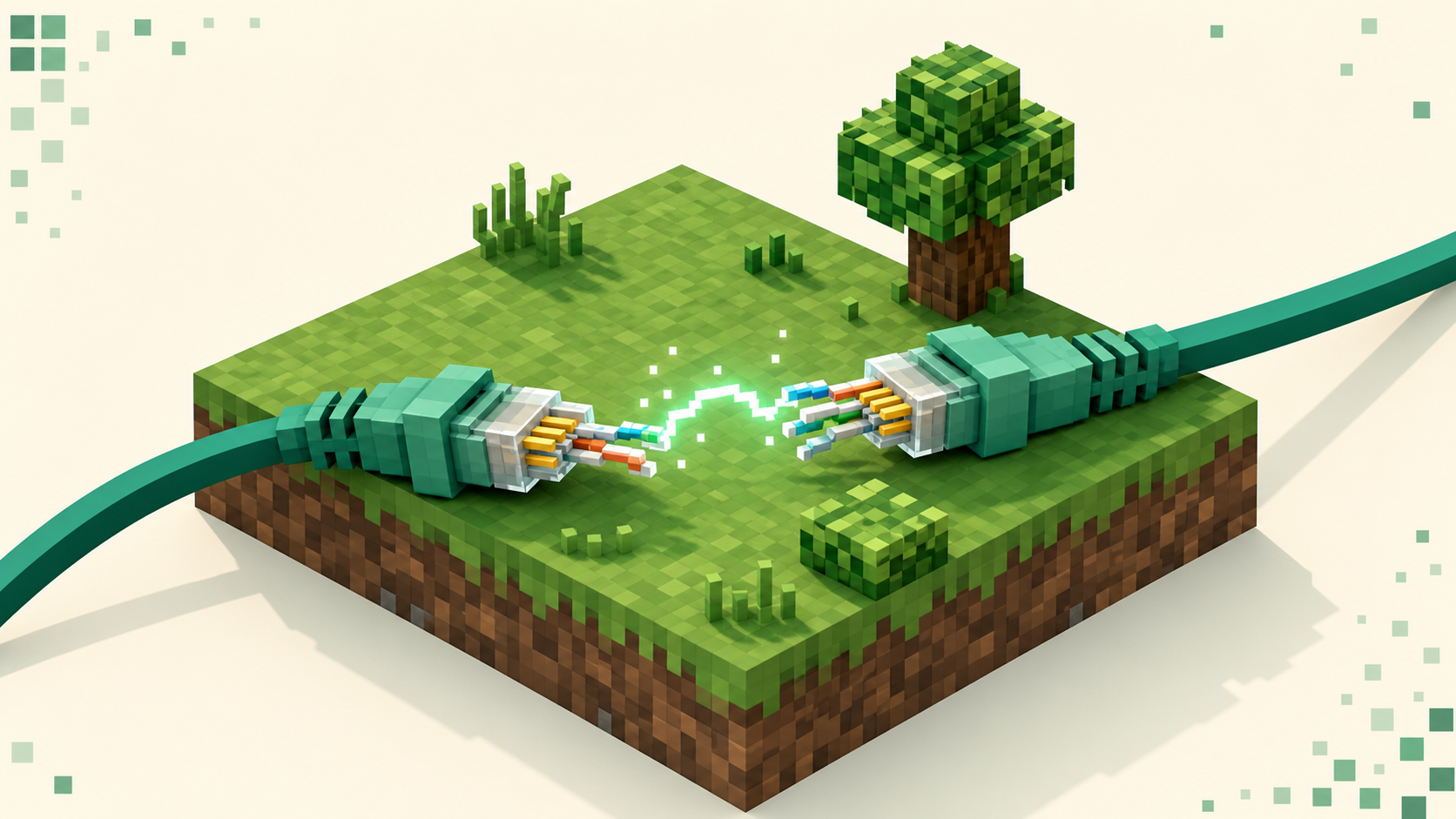
Internal Exception: java.io.IOException isn't one error — it's a whole family of low-level network failures, and the only part worth reading is the text after that last colon. Java Edition throws an IOException from its Netty networking layer whenever the TCP connection between your client and the server breaks or the byte stream comes back unreadable. The tail tells you which way it broke: Connection reset by peer, An existing connection was forcibly closed by the remote host, Broken pipe, Bad packet id 64, or io.netty.handler.timeout.ReadTimeoutException. Most of those are generic transport failures — a dropped connection — and the wording often reveals only your operating system, not who's at fault.
Because the message rarely names the culprit, the fix is a checklist worked in order, not a single answer. Start with your own connection, since that's the cheapest thing to rule out and the most common cause, then move to the server's status and finally to version matching. This is close kin to the io.netty.channel connect errors you see before a connection opens and the plain connection timed out failure — the difference here is that in most IOException cases you'd already connected, and then the link died mid-conversation.
It's a transport error, not a game bug
java.io.IOException comes from the networking stack, not from anything Minecraft does with blocks or saves. Java listens on TCP port 25565 (Bedrock uses UDP 19132 entirely separately), and once that socket is open the game streams packets across it. When the socket dies unexpectedly, or the bytes coming through don't parse, Netty raises an IOException and hands you whatever reason the operating system gave. That OS reason is the tail text — which is why the same underlying event can read two completely different ways depending on whether you're on Windows, macOS, or Linux.
None of this touches your account, your single-player worlds, or your install. The connection failed; nothing else changed. So reinstalling the game is almost never the move, and it's certainly not the first one.
Reading the tail — what each variant means
Connection reset / forcibly closed
Internal Exception: java.io.IOException: Connection reset by peer and Internal Exception: java.io.IOException: An existing connection was forcibly closed by the remote host are the same event in two dialects. Both mean the other end sent a TCP RST — an abrupt, ungraceful close. The first is the Linux/macOS wording, the second is Windows. Don't treat them as two separate problems to diagnose; they're one. Something on the far side (the server, or a proxy or router between you and it) killed an open connection without a polite goodbye, usually because it crashed, restarted, or got overloaded at the moment you were connected.
Broken pipe
Internal Exception: java.io.IOException: Broken pipe means your side tried to write to a socket the remote end had already closed. The sequence matters: the server (or something in front of it) dropped the link a moment earlier, and your client only found out when it next tried to send. The practical cause is the same as a reset — the other end went away.
Bad packet id
Internal Exception: io.netty.handler.codec.DecoderException: java.io.IOException: Bad packet id 64 is the one variant that points somewhere different. Here the bytes arrived but the receiver read a packet header it doesn't recognize, meaning the stream is desynced or garbled. The number varies and isn't meaningful to a player — don't try to decode it. What it's really telling you is a mismatch — usually a protocol gap between client and server, or mods and plugins that don't line up on the two sides. A genuinely corrupted stream is possible but rarer. This is the lane where version matching, below, actually matters.
Read timeout
Internal Exception: io.netty.handler.timeout.ReadTimeoutException (and the client-side disconnect reason Timed out) is the keep-alive watchdog firing. In the vanilla protocol the server sends Keep Alive packets and kicks a client that doesn't reply within about 15 seconds; in the other direction, a client that hears no keep-alive for roughly 20 seconds disconnects itself and shows a timeout. That's the freeze-then-kick pattern: the connection stalled long enough for the watchdog to give up — usually a server lagging so hard it can't answer in time (TPS collapse or a long garbage-collection pause), sometimes one in the middle of restarting. Those numbers are the vanilla baseline — Paper, Spigot, and especially Velocity or BungeeCord proxies can change the effective timeout, and some hosts override it.
Fixes in order, starting with you
Work these top to bottom. The early ones are cheap and catch the common cases.
- Reconnect. A lot of these are transient — a reset right after a server restart, a one-off congestion blip. Hit the server again before doing anything else.
- Stabilize your connection. This is the single highest-value step for the reset, broken pipe, and timeout variants. Switch from WiFi to wired Ethernet if you can, close anything chewing bandwidth (downloads, streams, big updates), power-cycle your router and modem, and run a quick speed test. A congested or dropping line produces exactly these symptoms and comes and goes, which is what makes it hard to pin down.
- Restart the client, then the whole PC. Clears a stuck socket or a wedged Java process.
- Confirm the server is actually up. Check its live status on the monthly rankings or the full server list — the listing pings the server the same way your client does. Then join a second known-good server to split the question: if that one connects, the problem is the first server, not you; if it fails the same way, the problem is local and you should go back to step 2.
- Match versions. This is the fix for
Bad packet idand for anyOutdated client!/Outdated server!message. Client and server must share the same protocol — 26.3 runs protocol 777, 26.2 runs protocol 776, 26.1 runs protocol 775, and a newer client is not backward-compatible, so updating right before the server does is a common way to break things. You can filter for servers on your exact version (note the dotted form —26-1style URLs don't resolve). For modded play, every mod version has to be identical on both sides, not just the loader. - Clear the cached resource pack. Delete the contents of
.minecraft/server-resource-packs/but keep the folder itself. A corrupt downloaded pack can trigger the disconnect, and this is a widely-reported community fix — not an official Mojang remedy, and it won't rescue a real version mismatch or a dead line, but it's quick. - Clear firewall, antivirus, and VPN. Allow Java through your firewall, temporarily disable antivirus to test, and turn off any VPN or proxy. Any of these can sever a connection mid-stream.
- Remove or update client mods. A broken mod can emit an oversized or malformed packet that garbles the stream — exactly the
Bad packet idscenario. Pull OptiFine and the like to rule them out. - Update or reinstall Java, then reinstall Minecraft. Last resort, and rarely the answer.
When it's the server's side
Some of these a player simply can't fix from the client. If the listing shows the server live for everyone else, your second test server connects fine, and your version already matches, then a recurring reset or ReadTimeoutException is the host's problem. On their end the fixes are to reduce lag and allocate more resources so keep-alives get answered in time, audit any plugin or mod added recently, and restart the server. And the multi-version bridging that lets a 26.1 client onto a 26.2 server is the owner's choice to install — a ViaVersion-style setup you cannot add to someone else's server from your side. If a server is chronically unstable, the rankings surface steadier alternatives in the same category.
FAQ
Where does this show up in the server console?
The owner sees the other half of the same event. A drop logs as <player> lost connection: Internal Exception: ... carrying the same tail the player saw — Connection reset by peer, Broken pipe, and so on — while a keep-alive timeout logs as <player> lost connection: Timed out. The pattern is the tell: one player dropping with these points at that player's line, but a row of players dropping at the same timestamp points at the server lagging or restarting.
Which server.properties settings can make connections drop?
A few are worth an owner's check. max-players=20 is the full-server cap — once it's reached, new joins get refused and can read as an abrupt close. rate-limit=0 disables the packet-rate kicker; set it above zero and a client sending too many packets gets dropped. player-idle-timeout=0 never kicks for idling, while a non-zero value (in minutes) will. prevent-proxy-connections=false left at its default lets VPN and proxy users in; flipped on, it kicks players whose network doesn't match Mojang auth. There's also network-compression-threshold, often 256, the byte size at which packets start compressing — but its default has shifted across server software, so don't assume one value everywhere.
Does this error happen on Bedrock too, or only Java?
It's a Java Edition string. The java.io.IOException and the Netty class names come straight from Java's networking stack, which runs over TCP on port 25565. Bedrock is a separate engine on UDP 19132 and reports its connection failures differently, so if you're seeing this exact wording you're on Java. The underlying problem can hit either edition, but this message is Java's.
It started right after I updated Minecraft — why then?
That timing is the giveaway for a version mismatch. Your client jumped to a new protocol the server hasn't moved to, so it either refuses the handshake with Outdated server! or desyncs into a Bad packet id. Server software and plugins update on different schedules, so an updated client can outrun the server it used to join. Roll your client back to the server's version, or wait for the server to catch up — you can't force a 26.3 client onto a 26.2 server.