How to Join a Java Server on Bedrock Using Geyser
Joining a Java Edition server from Bedrock with Geyser — the bridge, the 19132 port quirk, the console workaround, and why some servers still reject you.
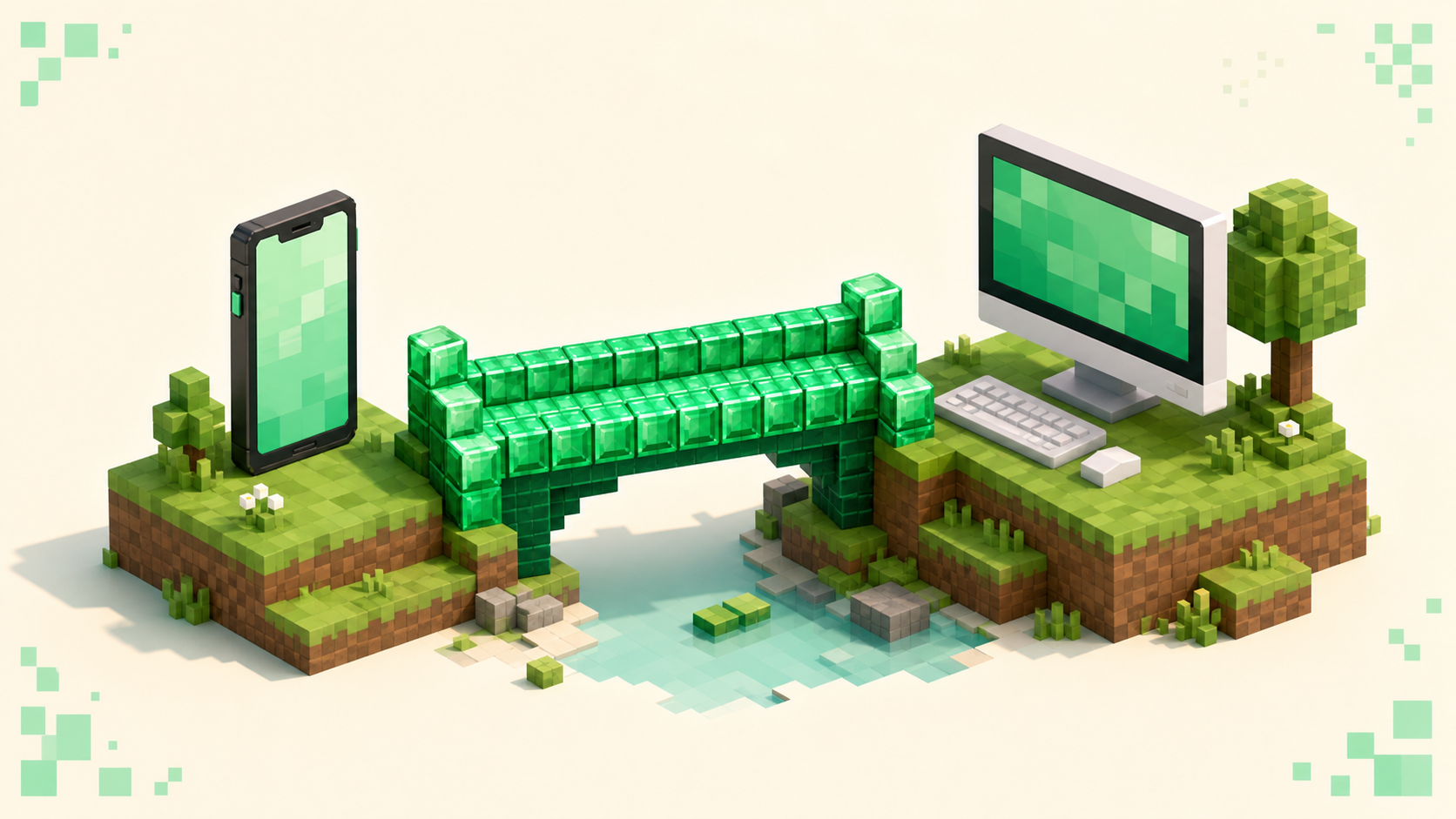
You can join a Java Edition server from Bedrock, but only when the server owner has set up Geyser — the bridge that translates your Bedrock client into something a Java server understands. The thing most people get wrong is assuming Geyser is an app you download — it isn't. It's a server-side tool, so you don't install anything on your phone, Windows PC, Xbox, PlayStation, or Switch. You just connect to a server that already runs it, and the bridge does the work on their end. So what you actually need to figure out is which servers run it and how to add them on your device. Both of those have clear answers, and the general how to join a Minecraft server steps still apply once you're pointed at the right address.
What Geyser actually does
Geyser sits between you and the Java server as a proxy. It takes Bedrock's network protocol and translates it into Java Edition's in real time, so from the server's side you look like an ordinary Java player. The GeyserMC FAQ puts the scope plainly: regardless of the server or what plugins it runs, you can join it through Geyser as long as the server is on the latest vanilla Minecraft version. The one thing it can't do is fake client-side mods — anything that needs a mod installed on your end won't translate, which is why a modded Java server can still be out of reach.
Owners usually install two pieces: Geyser, the bridge itself, and Floodgate, the add-on that lets Bedrock-only players in without owning and signing into a Java account. You don't touch either one — you just benefit from them being there. The practical takeaway is that you're shopping for servers that advertise crossplay or Bedrock support, because those have already done this setup. The crossplay servers list is the fastest way to find ones that run it.
The port quirk: 19132 vs 25565
Java Edition's default port is 25565 and Bedrock's is 19132, and that mismatch is where most connection attempts go wrong. When you connect through Geyser you are not using the Java port. Geyser listens for Bedrock traffic on the Bedrock port, which defaults to 19132 over UDP, so that's the number your device needs.
If the server runs Geyser on the default 19132, you can usually leave the Port field in Bedrock at its default and just enter the address. If the owner put Geyser on a custom port, you have to type that exact number — whatever the listing publishes. The mistake to watch for is copying a Java address that ends in :25565 and dropping that into Bedrock's port field. That's the Java port, and it won't connect you. Use the Bedrock port the server gives you, not the Java one.
How to add the server on Windows and mobile Bedrock
Windows 10/11 and mobile Bedrock can add an external server straight by IP, which is the easy path. The flow:
- Open Minecraft and go to Play, then the Servers tab.
- Scroll past the featured servers and tap Add Server.
- Enter a Server Name (anything you like), the Server Address (the hostname or IP from the listing), and the Port — 19132 unless the listing specifies another.
- Save it, then tap the server to join.
Once it's saved, the server shows a live ping and player count in your list, which is a quick way to confirm it's online before you commit. Copy the address exactly as the listing shows it. Get a single character wrong and it'll still look right to you, but the server just won't load.
Consoles (Switch, Xbox, PlayStation): the DNS workaround
Console Bedrock doesn't let you add an arbitrary server IP the way Windows and mobile do. That's a platform restriction baked into the console versions, not anything to do with Geyser. So the community route is a DNS-based redirect, most commonly a tool called BedrockConnect. You change your console's Primary DNS to a BedrockConnect address, and that turns the built-in "Featured Servers" list into a server browser where you can type any address you want.
Two things to be honest about here. BedrockConnect is third-party software the GeyserMC wiki describes as not affiliated with GeyserMC, so treat it as community-made, not official. The wiki also notes that the main BedrockConnect IP is often blocked on consoles, which means you may need one of the alternate servers it lists.
I'm not going to paste a specific DNS number, because those change and a stale one can break your console's connection entirely. Get the current Primary DNS value from the BedrockConnect project page itself, pair it with a public secondary DNS like 8.8.8.8 or 1.1.1.1, and then set your DNS back to automatic when you're done playing. Changing the console's DNS affects all your online play, so if you start seeing sign-in trouble, reverting to automatic usually clears it up.
Why some Java servers still reject you
Everything below is about how the server is configured, not your device. Working through them tells you whether a given server is even reachable from Bedrock.
- The server doesn't run Geyser. If there's no Geyser or Bedrock port published, a Bedrock client has nothing to connect to — a pure Java server simply isn't reachable from your device. The fix is picking a server that runs the bridge, like one from the crossplay list.
- No Floodgate, and the server's in online mode. Without Floodgate, Geyser only admits Bedrock players who also own and authenticate a Java account. Console and mobile players who don't have Java get kicked at login. Floodgate, installed by the owner, is the piece that removes that requirement.
- You're not whitelisted. A whitelisted server needs the owner to add your Bedrock name (often with a
.prefix). Until they do, you'll see a "not white-listed" message no matter what else is correct. - Version mismatch. "Outdated client" or "Outdated server" shows up when the version Geyser targets doesn't line up with the server. It works when the server is on the latest version, or runs ViaVersion to bridge older releases. If neither is true, you wait for the server to update — there's nothing to change on your end.
- The server needs client-side mods. Geyser can't translate mods that live on the client, so a modded Java server stays out of reach even when everything else checks out.
Pick a server that already supports Bedrock
The easiest way around all of that is to start from servers that advertise crossplay, because the Geyser and Floodgate plumbing is already in place. The crossplay servers list is built for exactly this.
From there, let quality guide you. A busy crossplay server with solid uptime is a far better bet than an empty one, and the homepage monthly rankings are a good read on what's actually active — they reset each calendar month, so the list reflects what's alive right now rather than what was popular a year ago. Match the gameplay you're after too. If you want a long-term world, browse survival servers, then check that the listing shows a Bedrock or crossplay address before you add it. Once you've got one, the add-server steps above (or the general join guide) take you the rest of the way.
FAQ
Do I need to own Minecraft: Java Edition to join a Java server from Bedrock?
Not if the server runs Floodgate. Floodgate is an owner-side Geyser add-on that authenticates your Xbox/Microsoft account, so a Bedrock-only player can join a Java server without a Java account. If the server runs Geyser but not Floodgate and is in online mode, only Bedrock players who also own and sign into a Java account get in — most console and mobile players will be kicked at login. You do need to own the base game to play either way; that's the one requirement that always holds.
Why does my Bedrock name have a dot in front of it on a Java server?
That . prefix is Floodgate's doing. It tags Bedrock players' usernames with a leading dot so they can't collide with an existing Java player's name, since the two account systems are separate. It's normal and you can't drop it from your side. The one place it actually matters: if the owner whitelists you or runs a command aimed at your name, they have to include the dot exactly as it shows in-game, or it won't match.
Will my Bedrock skin show up on a Java server through Geyser?
Usually, yes. Geyser translates your Bedrock skin so Java players see it, and that covers most 3D and 4D skins. A few edge cases don't carry over cleanly — some custom geometry or cape setups render differently or fall back to a default. If your skin shows up blank or wrong, it's almost always a translation quirk on that specific skin, not a problem with your account or the server.
Can my console reach a Java server running on my own home network without the DNS trick?
Yes. If the Java server and Geyser are on a machine on your own home network, your console connects to a local IP rather than an outside address, so the BedrockConnect DNS workaround isn't needed for that — the workaround only exists to get past the console block on typing in external server IPs. For a server you host at home, the things to check are that Geyser is bound to the right local address and that 19132/UDP is open between the console and that machine.