How to Pregenerate Chunks on a Minecraft Server With Chunky
Install the Chunky plugin, set a radius, and pregenerate your Minecraft world while it's quiet so chunks hit disk before players explore and cause lag.
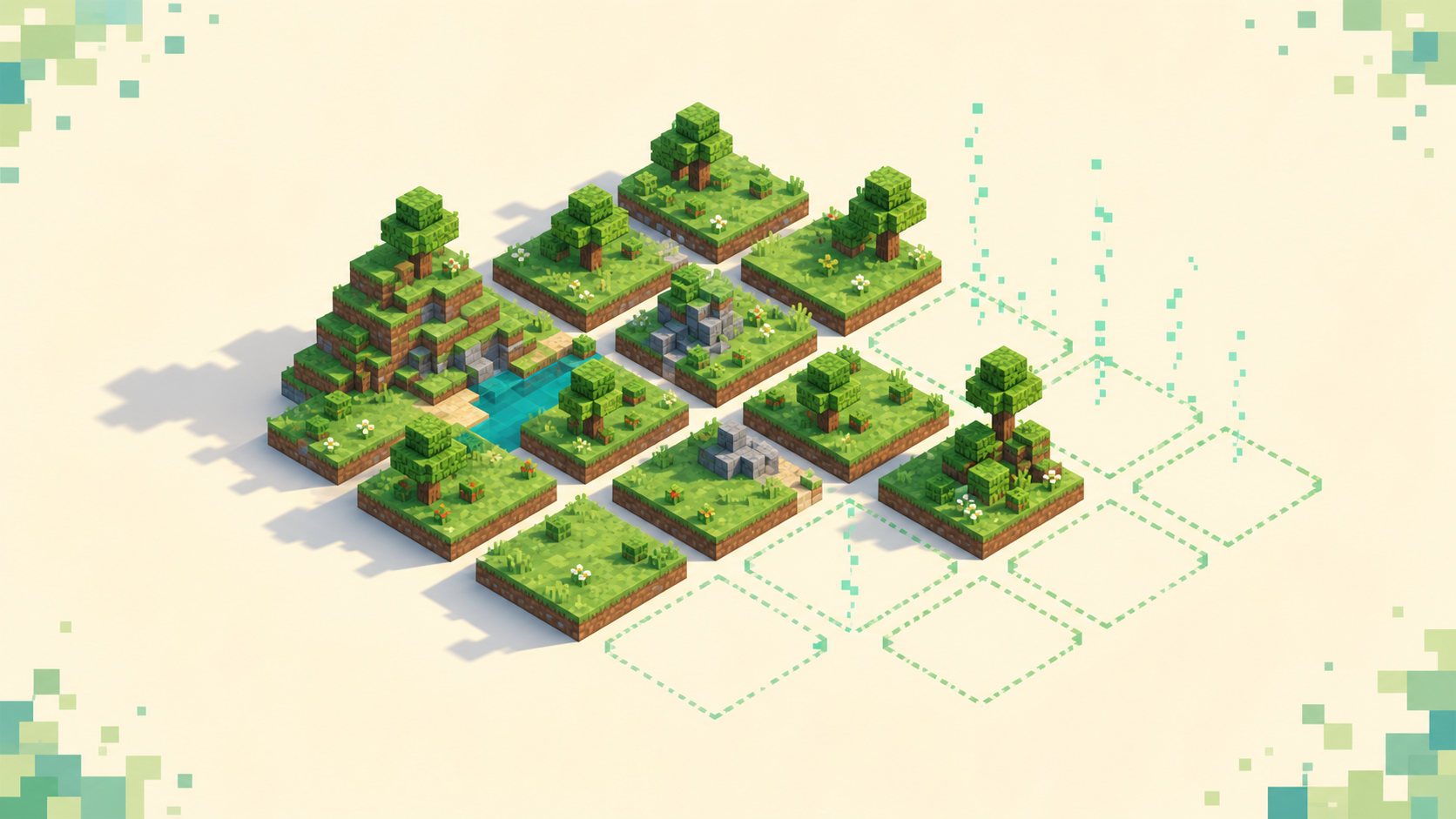
To pregenerate chunks you install the Chunky plugin, pick a center and a radius, then run chunky start and let the server write that terrain to disk ahead of time. Once it's done, anyone exploring inside that area is just reading chunks that already exist instead of forcing the server to build them on the spot — and building them on the spot is what drops your TPS the moment someone pushes into fresh land. It's a config-and-tuning job: a plugin and a few commands, run on an empty server. Chunky is free and ships as a plugin for Paper/Spigot and as a mod for Fabric/Forge/NeoForge; this walkthrough uses the Paper plugin.
Why on-the-fly chunk generation causes lag
When a player walks or flies into land that's never been visited, the server has to build those chunks right then — terrain shape, biome placement, structures, and the first pass of lighting. That's real work, and it happens on the main server thread, which is the same thread that has to finish every tick in under 50 ms. So generation shows up as mspt spikes and TPS dips right at the edge of explored terrain, even when the rest of the server feels fine. If the difference between TPS and mspt isn't clear yet, what TPS and mspt mean covers it.
Fast travel makes it worse, because anything that moves a player at speed pulls in new chunks faster than the server can build them — elytra, boats, horses, and the Nether most of all, where one block of travel covers eight overworld blocks. The symptom owners notice is a server that plays smooth near spawn but stutters and rubber-bands the second somebody goes exploring, which is closely related to chunks not loading. Pregeneration takes that one-time cost and moves it off the live server. The chunks get built in advance, and exploring later is just a cheap disk read.
What Chunky does, and what it doesn't
Chunky generates a region of chunks for a world you select — you give it a center and a radius, and pick the shape — then saves them into that world's region files. It only ever generates chunks that don't already exist, so running it on an established world fills in the gaps and leaves your existing terrain and builds untouched. There's one command that deletes — chunky trim — and you have to run it on purpose; chunky start never removes anything.
It also paces itself. Chunky generates a limited number of chunks per tick and saves progress as it goes, so a big run can churn for hours and survive a restart without losing its place. What it can't do is fix runtime lag coming from plugins or a mob pile-up. Those are separate problems with separate fixes. Chunky removes exactly one thing — the lag at the worldgen frontier — and that's the thing to keep in mind so you don't expect it to clean up a laggy farm.
Installing Chunky on a Paper server
Grab the current Chunky build from Modrinth, Hangar, or SpigotMC that matches your server's Minecraft version, drop the jar into the /plugins folder, and restart. If you haven't added a plugin before, adding plugins to a Paper server covers the basics, and the same goes if you're still setting the Paper server up in the first place.
After the restart, run chunky (or /chunky in-game) to confirm it loaded, and check your plugin list. The commands work from the console or in-game with the chunky.* permission. A config.yml generates on first run — the two options worth knowing up front are continue-on-restart, which lets a task resume after a reboot, and the quiet update interval that controls how chatty it is in the console. Best practice is to run all of this from the console while the server is empty, so generation isn't fighting live players for CPU.
Set a world border first so pregen and play match
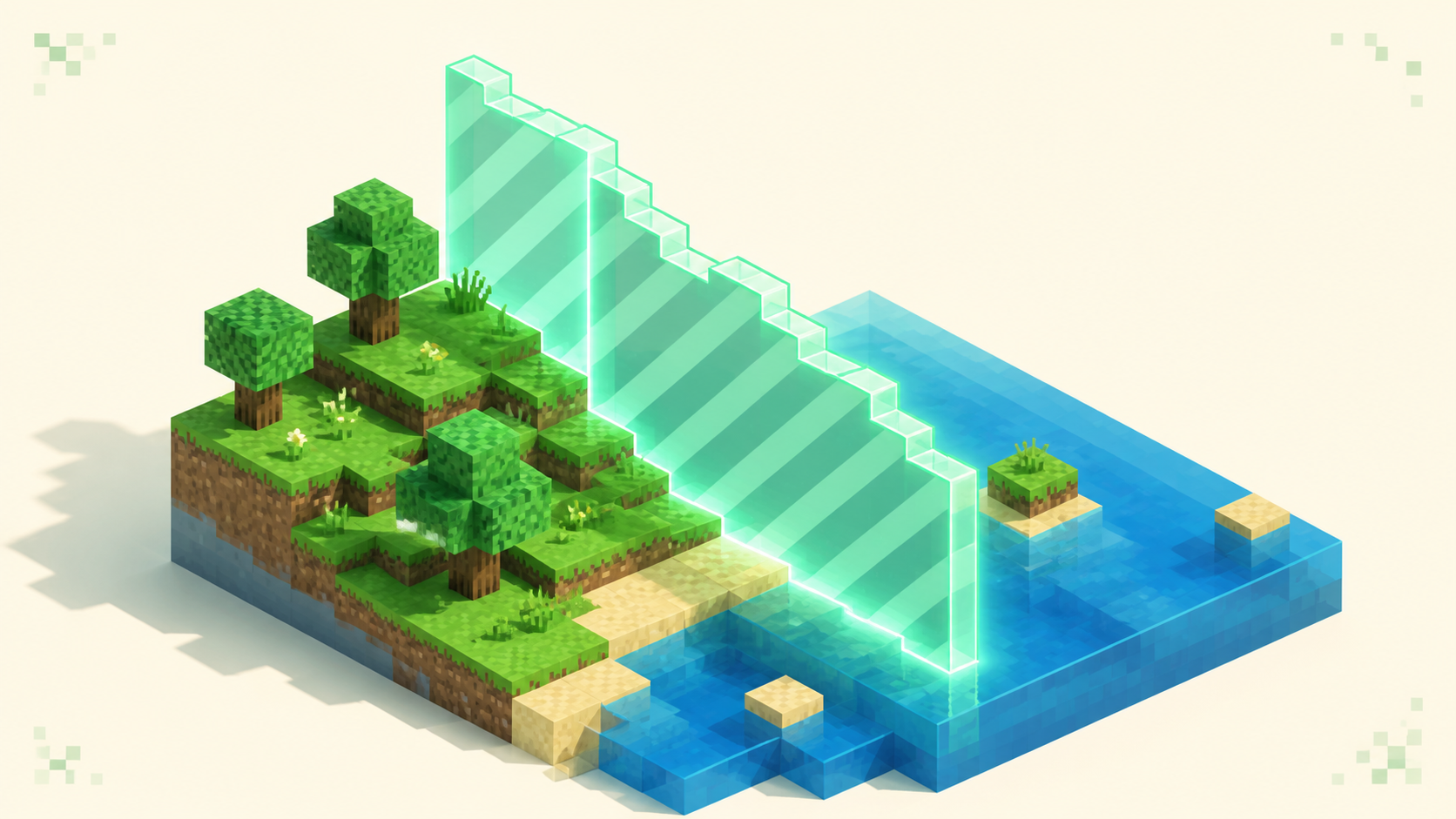
Before you generate anything, decide how big the world should actually be, then set a vanilla border to that size. The commands are /worldborder center 0 0 and /worldborder set <diameter>, where the diameter is twice the radius — so a 5000-block radius is /worldborder set 10000. The border stops players from walking past the pregenerated zone into ungenerated land, which would hand you back the exact edge lag you just spent hours removing.
Chunky can read that border directly. Run chunky worldborder and it copies the world border's center and radius into the selection, so the area you generate lines up with the area people can actually reach. Pick a sane size while you're at it. A bigger radius means more disk used and a longer run, so tie the number to your player count and your disk rather than ambition — a small SMP rarely needs more than a few thousand blocks, while a busy public survival world might want 5k to 10k.
Run the pregeneration: world, center, radius, start
With the border set, select the world: chunky world world, using the exact world name (with no argument it uses the current world). Set the center with chunky center 0 0, or chunky spawn to center on spawn; chunky corners x1 z1 x2 z2 defines a box from two corners instead.
Then set the radius with chunky radius <blocks>. It takes modifiers that save typing — k for thousands and c for chunks, so chunky radius 5k is 5000 blocks, and +/- adjust an existing radius. You can pick a shape with chunky shape square or circle, and a fill pattern with chunky pattern concentric or loop. Concentric fills outward from the center, which gets the most-used area near spawn done first — handy if you want to open up before the whole run finishes.
Start it with chunky start. One thing to watch: with no selection set, the default is a square in the overworld centered at 0,0 with a radius of 500 blocks, a 1000x1000 area. That's almost never what you want, so set the world and radius deliberately before you start.
Pregenerate the Nether and the End too
Each dimension is a separate world file, so you repeat the selection per dimension: chunky world world_nether, generate, then chunky world world_the_end, generate. The Nether wants a much smaller radius because of that 1:8 ratio — a Nether radius of about 625 covers a 5k overworld border for travel. Generating the Nether ahead of time matters more than it looks, since Nether highways and portal hops are where players cross ungenerated ground fastest. Run the dimensions one at a time rather than all at once, so memory and CPU pressure stay manageable.
Monitor progress without overloading RAM
Watch the run with chunky progress for a percentage, and quiet the console with chunky quiet <seconds> so the logs don't flood (set it to 0 and it prints a message per chunk, which you don't want). The reason RAM climbs during a run is that pregeneration is memory-intensive by nature — the server rapidly loads and unloads a huge number of chunks, and it's that churn, not Chunky leaking, that eats the heap. The project's own FAQ says as much.
Keep an eye on /tps and /mspt, or a profiler like spark, while it runs. If TPS sags or RAM pins near the heap ceiling, pause with chunky pause and pick it back up later, or move the run to an empty, off-hours server. Chunky already paces itself, so there's no rate dial in config.yml to turn down — the only way to throttle it further is a JVM system property set at startup, which most servers never need. Don't overcorrect on memory either way — pair pregen with a sensibly sized heap rather than throwing every gigabyte at it, and reducing server RAM usage covers right-sizing it. The cleanest approach is to run during off-hours on an empty server, or let Chunky pause when a player logs in, so generation never competes with real gameplay.
Pause, resume, and finishing up
chunky pause saves progress and stops; chunky continue picks it back up; chunky cancel stops and drops the remaining task, though anything already generated stays on disk. Progress saves automatically, and with continue-on-restart enabled the task resumes after a reboot, so a multi-hour 10k run can span several restarts without you babysitting it.
When it finishes, players exploring inside the border are only reading chunks that already exist, so the edge stutter is gone. Verify it by flying the perimeter and watching mspt stay flat where it used to spike. You only need to run Chunky again if you expand the world border later — otherwise the world is done, and you can leave the plugin installed and idle.
FAQ
How long does pregeneration take?
It scales with radius and hardware, not a fixed clock. Doubling the radius roughly quadruples the chunk count, because area grows with the square of the radius — so a 5k overworld run can take a few hours, and a 10k run can go overnight or longer on a modest host. Since Chunky saves progress and resumes, you don't have to do it in one sitting. Start it, let it pause when players join, and finish it across several sessions.
Should I pregenerate right before updating Minecraft?
Hold off if the new version changes world generation. A chunk's terrain is locked in by whatever version generated it, so anything a newer version adds only appears in chunks built after you update — the sulfur caves biome that came with 26.2 wouldn't show up anywhere inside an area you'd already pregenerated on 26.1. If a worldgen update is close, get your server onto the new version first, then run the pregen so the whole area matches what fresh exploration would produce.
Can I run Chunky while players are online?
You can, but it competes for the same CPU and memory your players need, so an empty or off-hours server is much better. If you have to generate with people on, let Chunky pause automatically when someone logs in, or run chunky pause manually during peak hours and chunky continue overnight.
Does pregenerating chunks increase disk usage a lot?
Yes — pregen trades worldgen-at-runtime for permanent disk storage, because every generated chunk gets written into the region files whether or not a player ever visits it. A large radius can add several gigabytes per dimension, so size your world border to what players will realistically explore rather than generating a huge area you don't actually need.