Modded vs Vanilla Servers: Which Should You Pick?
Vanilla servers run the base game with no client install; modded servers need Forge or Fabric on your end too. Here's how to choose between them.
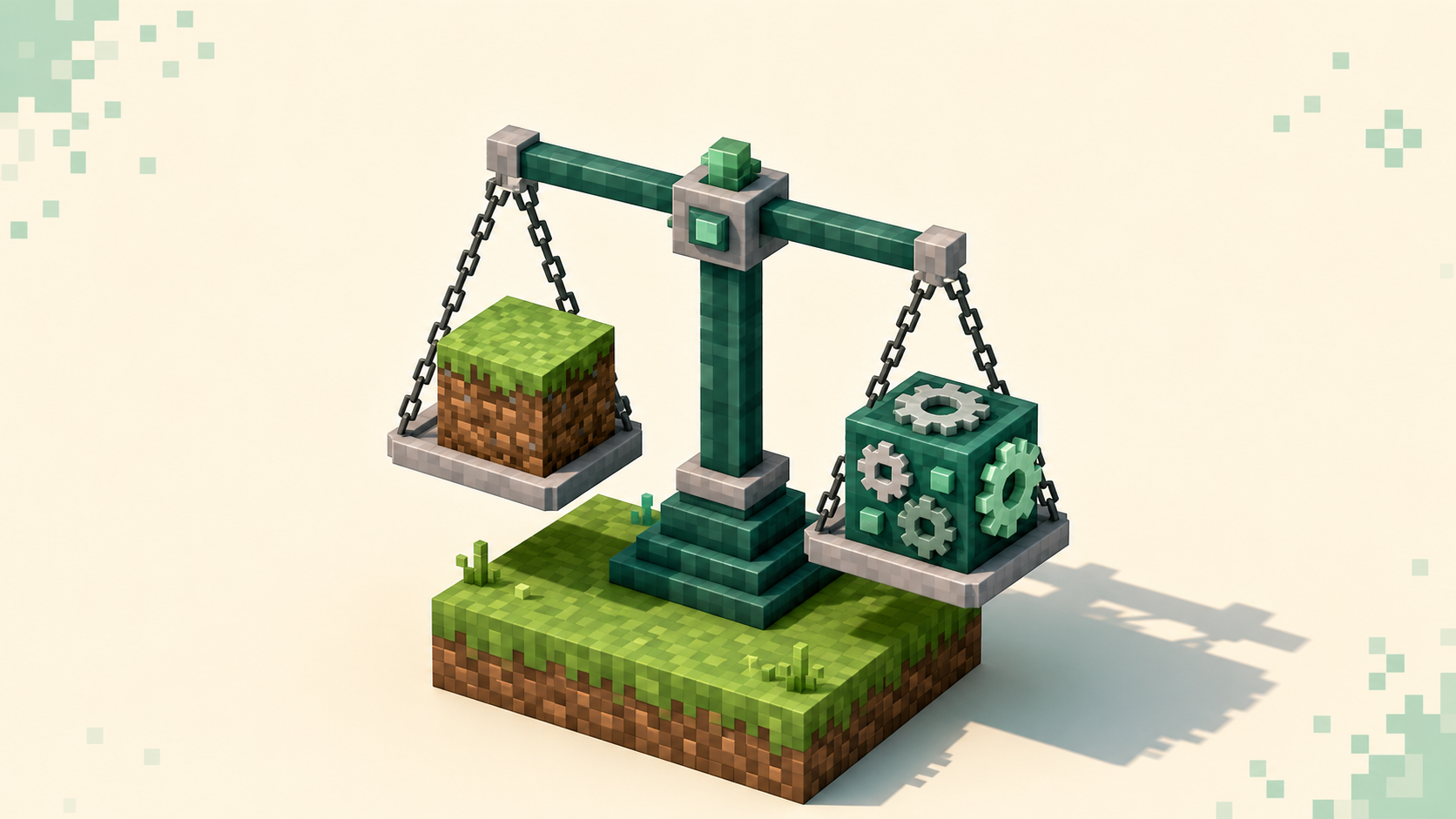
If you want to log in and play without installing anything extra, pick a vanilla server; if you want new blocks, mobs, machines, and dimensions that aren't in the base game, you'll need a modded one — and a matching mod setup on your own machine. That second part is the real divide. Vanilla servers (including the plugin-based ones most big communities run) let you join with the plain Minecraft client you already have. Modded servers built on Forge or Fabric require you to install the exact same mods the server runs before you can connect at all. Everything else — gamemode, community, how grindy it is — sits on top of that one technical fact, so start there. You can browse the vanilla server list and the modded server list side by side once you know which side you're on.
What "vanilla" actually means here
Vanilla means the unmodified game: the blocks, mobs, and mechanics Mojang ships, with nothing added to your client. A truly untouched server is rare on a public directory, though, and that's worth knowing up front. Most servers that list themselves as vanilla are running plugins.
Plugins live entirely on the server. They sit in a plugins/ folder on platforms like Paper or Spigot, and they change how the server behaves — adding an economy, claim protection, custom commands, minigames — without touching your client one bit. You join with the same plain Java client you'd use for single-player, on the usual port 25565, and you never download a thing. From your seat it still looks and feels like Minecraft, because every block and item is one the base game already knows how to render.
That's why a "vanilla" Survival or Towny server can have a deep in-game economy and land claims and still count as vanilla to you, the player: the extra logic is server-side only. If a server's listing mentions Paper, Spigot, or "plugins," that's what you're getting — full base-game compatibility, no install. The server types explainer goes deeper on the gamemodes those plugin servers tend to run.
What "modded" actually means here
Modded servers run a modloader — Forge or Fabric — and a set of mods that genuinely change the game: new ores, tech and magic systems, dimensions, mobs, automation. The catch that trips up new players is that these mods must be installed on both the client and the server. The server can't just send them to you. You install a modloader, drop the same mods into your own mods/ folder, and launch that profile from the Minecraft Launcher. If your mod list doesn't match the server's, you get kicked at the handshake before you ever load in.
In practice you almost never assemble that list by hand. Most modded servers run a published modpack — a curated bundle of mods pinned to specific versions — and you install the same pack through a launcher like CurseForge, Prism, or Modrinth's app. Match the pack, match the version, and you're in. The server's listing or its community will name the exact pack to grab.
The cost of all that content
The trade for the extra content is weight. A heavy modpack can pull in hundreds of mods, and that lands on your hardware, not the server's — longer load times, a lot more RAM, and a real toll on an older machine. If your PC is on the modest side, it's worth steering toward lighter packs on purpose; the best modded servers for low-end PCs roundup is built around exactly that. Vanilla and plugin servers, by contrast, ask nothing extra of your machine because there's nothing extra to load.
Which one should you pick
Pick vanilla if you want to play right now with zero setup, hop between servers freely, or you're on hardware that struggles with heavy loads. Pick modded if a specific kind of content is the whole reason you're logging in — a tech progression, a magic system, Pixelmon, a particular survival overhaul — and you don't mind the install to get it.
For most people new to multiplayer, vanilla or plugin-based servers are the easier first move, and not by a small margin. You skip the modloader, the version-matching, and the kicks that come from a mismatched pack, and you can try five servers in an afternoon without reinstalling anything. Modded is absolutely worth it when you want what it offers — there's no plugin substitute for a real tech mod — but it's a commitment per server, not a casual browse. Treat it as something you set up for a community you intend to stick with, the way you'd settle into a single SMP rather than server-hopping.
One thing that catches people: a modpack is usually tied to one game version, so a pack built for 26.1 won't run on a 26.2 client. That matters more on the modded side because mods update one at a time, and the pack only ships once they've all caught up. The version-filtered server lists — like the one for 26.2 — let you confirm a server's version before you commit to matching it.
A quick note on Bedrock
Everything above is Java-side. Bedrock (default port 19132, UDP) handles add-ons differently — there's no Forge or Fabric, and the closest equivalents are resource packs the server pushes to you on join plus behavior packs that run on the server itself. If you're a Bedrock player, "modded" in the Java sense mostly doesn't apply, and the practical split for you is more about which gamemode and community you want than about installing a loader. The full server list lets you filter by what you're actually running.
FAQ
Why do I get kicked from a modded server the moment I connect?
Two different causes look almost the same from your side. If your installed mods don't match the server's, the connection is refused during the mod-list check — usually with a message naming the mods you're missing or that are the wrong version. If instead your game version is off, you'll see "Outdated client!" when your side is behind or "Outdated server!" when the server is (you'll often hit that one right after you update). The fix for both is to install the server's published pack at the exact version it lists, then launch that profile.
Can I join a Paper or Spigot server with mods installed?
Usually yes, if they're client-side-only mods — things like a minimap or OptiFine-style performance tweaks don't change the network handshake, so a plugin server won't notice them. Mods that add new blocks or items, though, expect a matching server side and won't work against a plugin server. When in doubt, join a plugin server with a clean vanilla profile and add cosmetic mods later.
Do Forge mods work on a Fabric server, or the other way around?
No. Forge and Fabric are separate modloaders with incompatible mod formats, and a server runs one or the other. A Fabric mod won't load on Forge, so check which loader a server uses before you build your profile — the listing or modpack will say. Picking the wrong loader is one of the more common reasons a first connection fails.
Can I keep modded and vanilla servers on the same Minecraft install?
Yes, and it's the normal way to do it. The Minecraft Launcher keeps separate profiles under the Installations tab — a plain vanilla one for plugin servers, plus one per modpack pointed at its own mods folder. You pick the right profile before you launch depending on where you're headed, so a heavy modpack never has to load when you just want to hop onto a plugin server.