How Many Players Can a Minecraft Server Hold?
How many players a Minecraft server holds comes down to CPU, RAM, and world load — not the max-players cap. Here's what actually sets the ceiling.
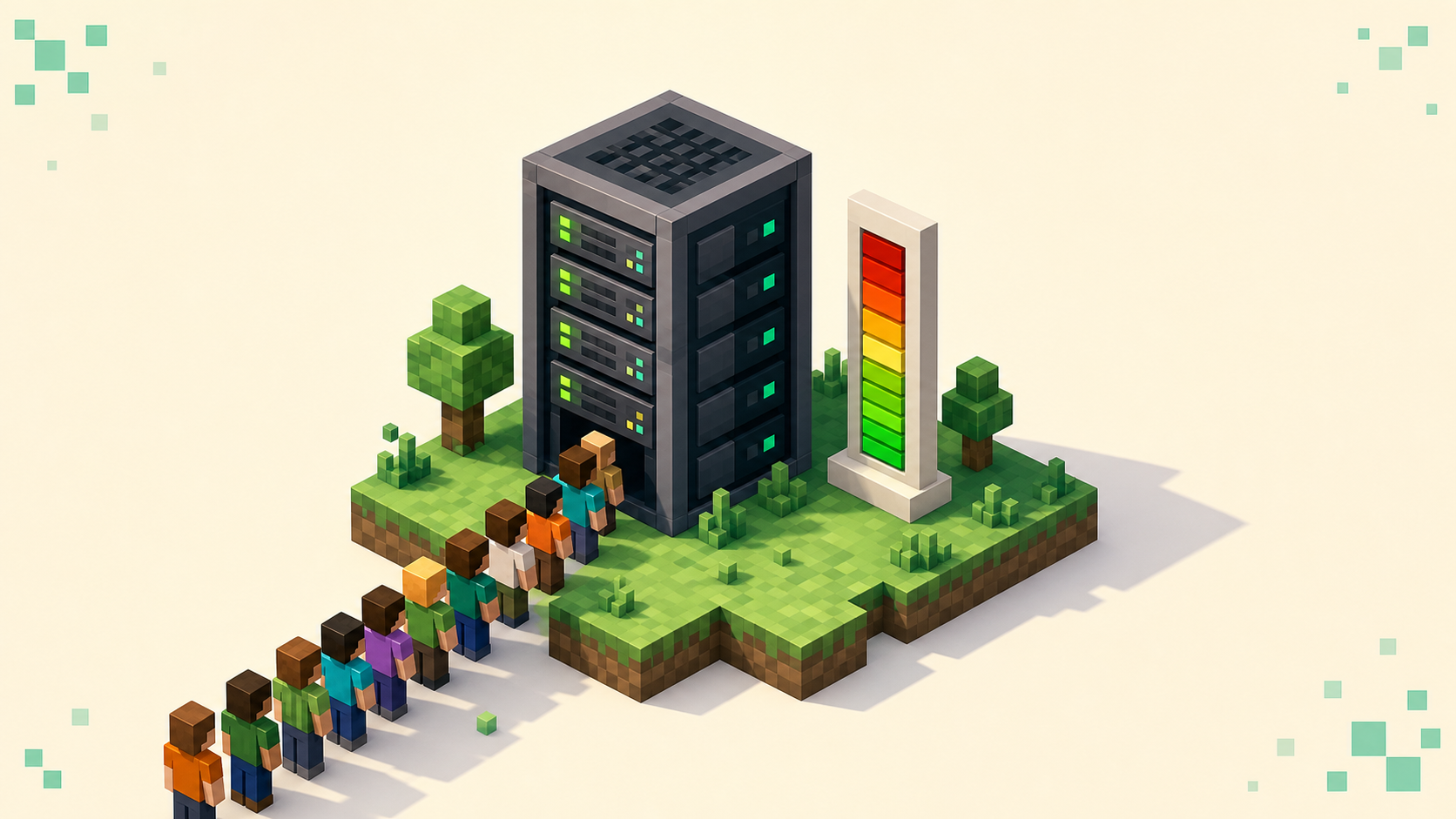
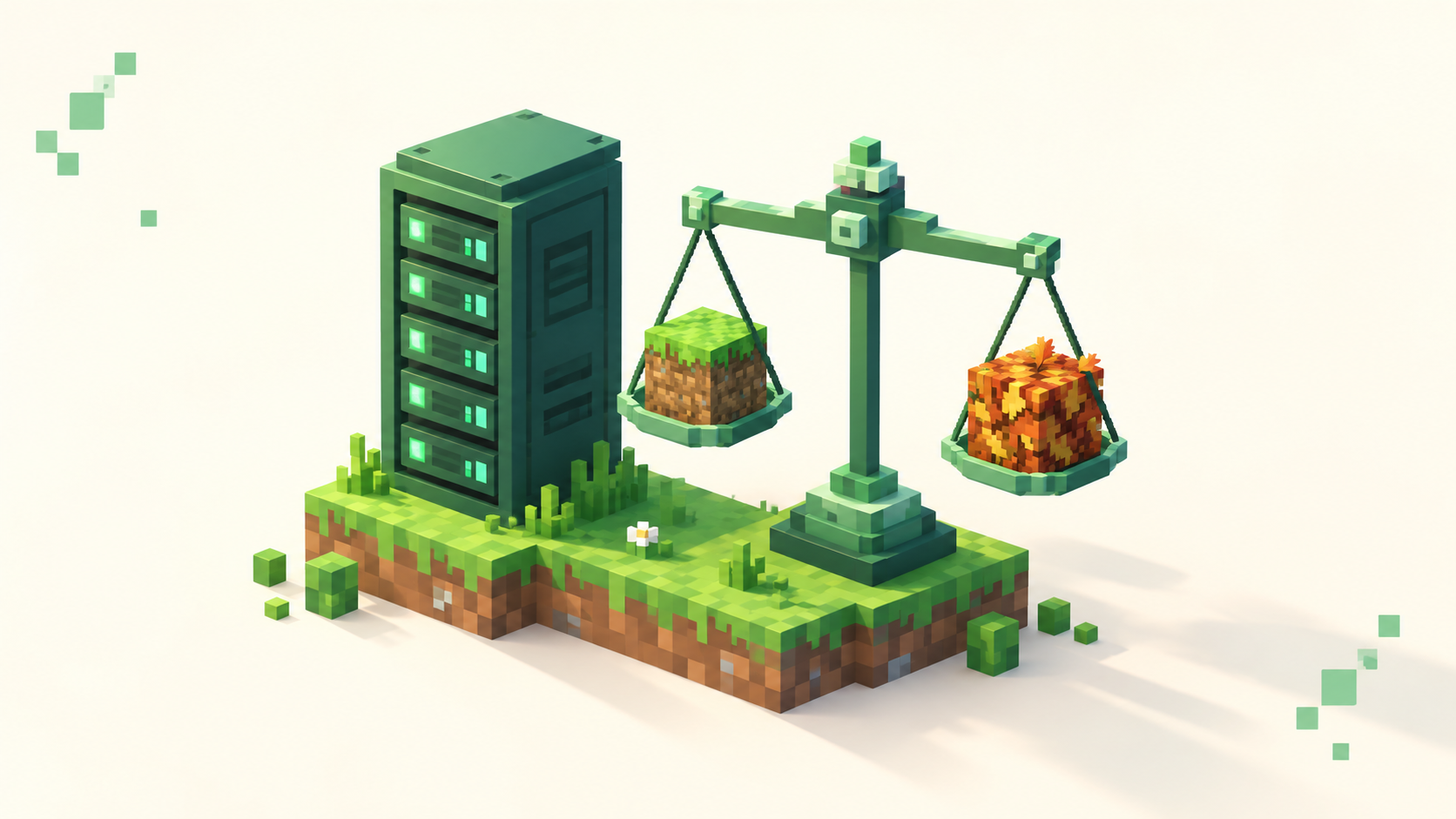
A Minecraft server holds as many players as its hardware can tick in under 50 milliseconds — not the number you typed into max-players. That setting is just a cap on the connection count; it does nothing to make the machine faster. A fresh server ships with max-players=20, but you can set it to 500 on a weak box and the server will still choke long before 500 people are online. The real ceiling comes from how much work the main thread can finish each tick, and that's a question of CPU speed, RAM, your view and simulation distances, and how heavy your world is — roughly in that order. If you're sizing a box, how much RAM for a 20-player Minecraft server covers the memory side of this in detail.
The cap is not the capacity
max-players only decides when the server starts refusing new joiners. Raise it and more people can connect; the server gets no extra CPU, RAM, or bandwidth out of the deal. Lower it and you've put a hard lid on connections regardless of how strong the host is. It's a door policy, not a measure of how big the room is.
The number that actually matters is the tick budget. The server runs its core game loop 20 times a second, which gives it 50 ms to finish each tick — that's the meaning of "20 TPS." In one tick the server processes mob AI, block and redstone updates, entity movement, chunk loading, and everything every player did since the last tick. Finish inside 50 ms and the next tick starts on schedule. Blow past 50 ms and the next tick has to wait, TPS slides below 20, and everyone online feels it: rubber-banding, blocks that take a beat to break, mobs stuttering in place, commands lagging. The cap had nothing to do with it.
Why single-thread CPU speed is the bottleneck
That main game loop runs sequentially on one thread. Paper and Fabric hand off some side work — chunk generation, disk I/O — to other cores, but the tick itself is single-threaded, so the speed of one core is what sets your limit. This is the part that surprises people: an 8-core CPU does not hold four times the players of a 2-core CPU. What you want is high clock speed and strong single-core performance, not a big core count. A premium chip with fast cores will out-hold a server-grade CPU that has twice the cores but slower ones.
Because TPS tops out at 20 — extra headroom just shows up as idle wait, never as "22 TPS" — TPS alone is a lagging signal. By the time it drops, you're already over budget. The better early-warning number is MSPT, milliseconds per tick. A server reading a steady 20 TPS but 48 ms MSPT looks healthy and is actually one mega-base away from falling over. On Paper-based servers, /tps shows both, and /spark profiles exactly which part of the tick is eating the time. When the server is genuinely behind, the console says so in plain text:
Can't keep up! Is the server overloaded? Running 2050ms or 41 ticks behind
The millisecond and tick figures change run to run, but that line means the same thing every time — the tick budget is blown.
RAM, view distance, and simulation distance
RAM holds the loaded world; it doesn't process it. Loaded chunks, entity and tile-entity data, and plugin state all live in memory, so too little RAM causes garbage-collection stalls or outright crashes. But piling on more RAM does not raise the player ceiling when the CPU is the limit — a 32 GB box with a slow core holds no more people than a 16 GB one with the same core. A rough host rule of thumb is about 1 GB per 10–20 players on vanilla or Paper, with heavy modpacks needing far more, 4–8 GB for the same headcount. Tuning the JVM matters here too; the best Aikar JVM flags for a Minecraft server keep GC pauses from turning into visible lag spikes.
Distances are where most owners leave the easiest TPS on the table, and the two settings are not equal. view-distance (default 10) controls how many chunks get sent to clients to render. simulation-distance (default 10) controls how far out the server actively ticks mobs, redstone, and entities. Simulation is the expensive one, because every actively-ticked chunk is work multiplied across every player online. Dropping simulation distance is usually the single biggest TPS win available, and it costs players almost nothing they'll notice. A well-tuned setup is often view-distance=8 with simulation-distance=5.
One heavy world can cap you below your player count
Here's the part that explains most "but I only have four people online and it's still lagging" tickets: players are not the only thing eating tick time. A world stuffed with giant auto-farms, dense redstone, walls of hoppers and observers, and thousands of hoarded entities — wandering mobs, dropped items, parked minecarts — burns tick budget whether or not anyone's logged in. So a four-player world full of lag machines can run worse than a tidy forty-player world. The server isn't holding "players," it's holding load, and players are only one source of it.
This is why capacity numbers are so slippery, and why clearing entity buildup often does more for a struggling server than upgrading the box. Reducing entity lag on a Minecraft server walks through finding and thinning the worst offenders. Treat these tiers as ballpark, never promises:
- Small budget box (shared core, 2–4 GB): vanilla around 10–20 players.
- Paper plus plugins on a good single-thread CPU: roughly 15–30.
- Light Fabric: about 10–20.
- Heavy modpack: 5–12, and that's being generous.
- Strong dedicated host, premium high-clock CPU with tuned settings: 50–100+.
These come from hosting providers, not Mojang, and they swing hard with world content and settings. On the software side, Paper's stable builds are for 26.2 as of September 2026 (its 26.3 builds are still experimental), but the version you run affects which plugins support your setup more than it affects raw capacity. If you're starting fresh, how to set up a Paper Minecraft server gets you to a tuned baseline.
Network is the last gate, and proxies are how you scale past one box
Every connected player needs a steady stream of up and down bandwidth to keep chunks and entities in sync, so a fast CPU on a thin uplink still rubber-bands. network-compression-threshold (default 256 bytes) trades CPU work for bandwidth — packets above that size get compressed. It's a real lever, but it's the last one to reach for, after CPU and world load.
When a single machine genuinely runs out of room, the answer isn't a bigger box, it's a proxy. Velocity (built by the PaperMC team) or the older BungeeCord sits in front of several independent backend servers — a lobby, a survival world, a minigames node — and players connect to one address, then switch between backends without ever disconnecting. The load spreads because each backend ticks its own world on its own CPU. Velocity is built on Netty and is documented to handle 1,000+ concurrent connections on a single proxy, because it mostly forwards packets rather than ticking a world. The catch worth being clear about: that 1,000+ is the proxy shuttling connections, not one world holding a thousand players. A proxy raises your network's ceiling by adding more backends; it does nothing for the capacity of any single backend world, which is still bound by the same 50 ms tick. It's the same model behind the bigger networks on the server list.
FAQ
What's a good max-players value to set?
Set it a little below where your hardware actually starts struggling, not at some aspirational number. If /tps holds 20 with MSPT comfortably under 50 at, say, 25 concurrent players, then max-players=25 is honest — it turns away the 26th person instead of letting them in to drag everyone's TPS down. A cap you can't back up just spreads the lag across more people.
How do I tell if it's the CPU or the RAM that's holding me back?
Watch what happens at the limit. RAM exhaustion shows up as periodic freezes — the whole server hangs for a second or two during a garbage-collection pause — and the logs mention GC or memory. A CPU bottleneck is steadier: MSPT creeps up as more players or more loaded chunks pile on, and /spark points at specific tick work like entity or redstone processing. Adding RAM fixes the first and does nothing for the second.
Does lowering render distance in my own client help the server?
No. Your client's render distance only changes what you see and load locally. The server uses its own view-distance and simulation-distance from server.properties to decide what it sends and ticks, so client-side settings don't touch server TPS. If the server is lagging for everyone, the fix lives in server.properties on the host, not in any one player's video options.
Will a proxy let one world hold thousands of players?
No, and this is the part people get backwards. A proxy like Velocity moves players between separate backend servers — and each backend can sit on its own machine — so the network holds far more than any one box could. But a single shared world still ticks on one main thread, so its own ceiling stays whatever that backend's hardware gives you: realistically the strong-host tier above, not thousands. To grow past that you add more backends and split players by activity, you don't funnel everyone onto one survival world behind the proxy.