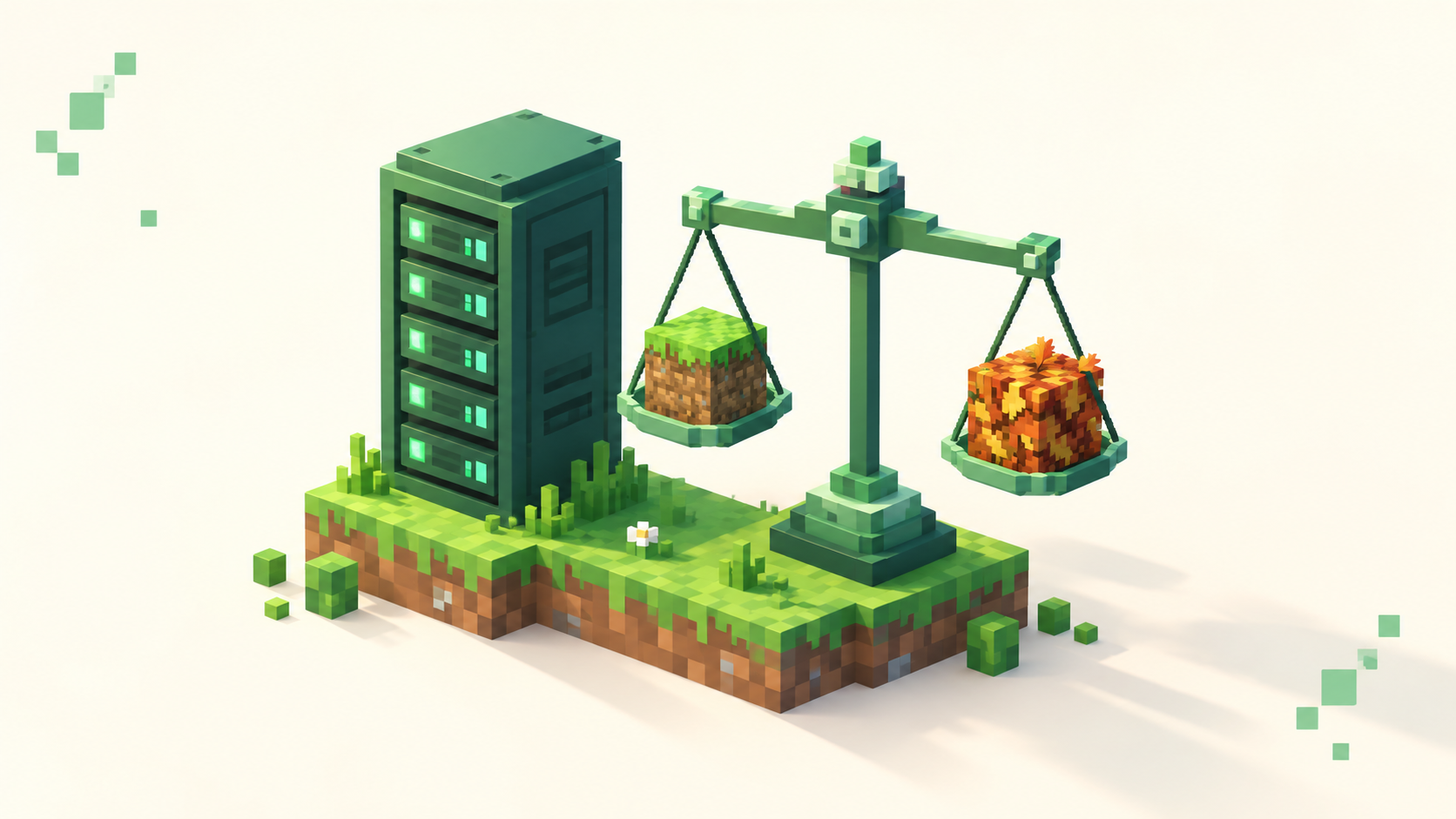
How Much RAM Does a 20-Player Minecraft Server Need?
Real RAM tiers for a 20-player Minecraft server, why modded and Skyblock need far more than vanilla, and what to cut before you buy more memory.
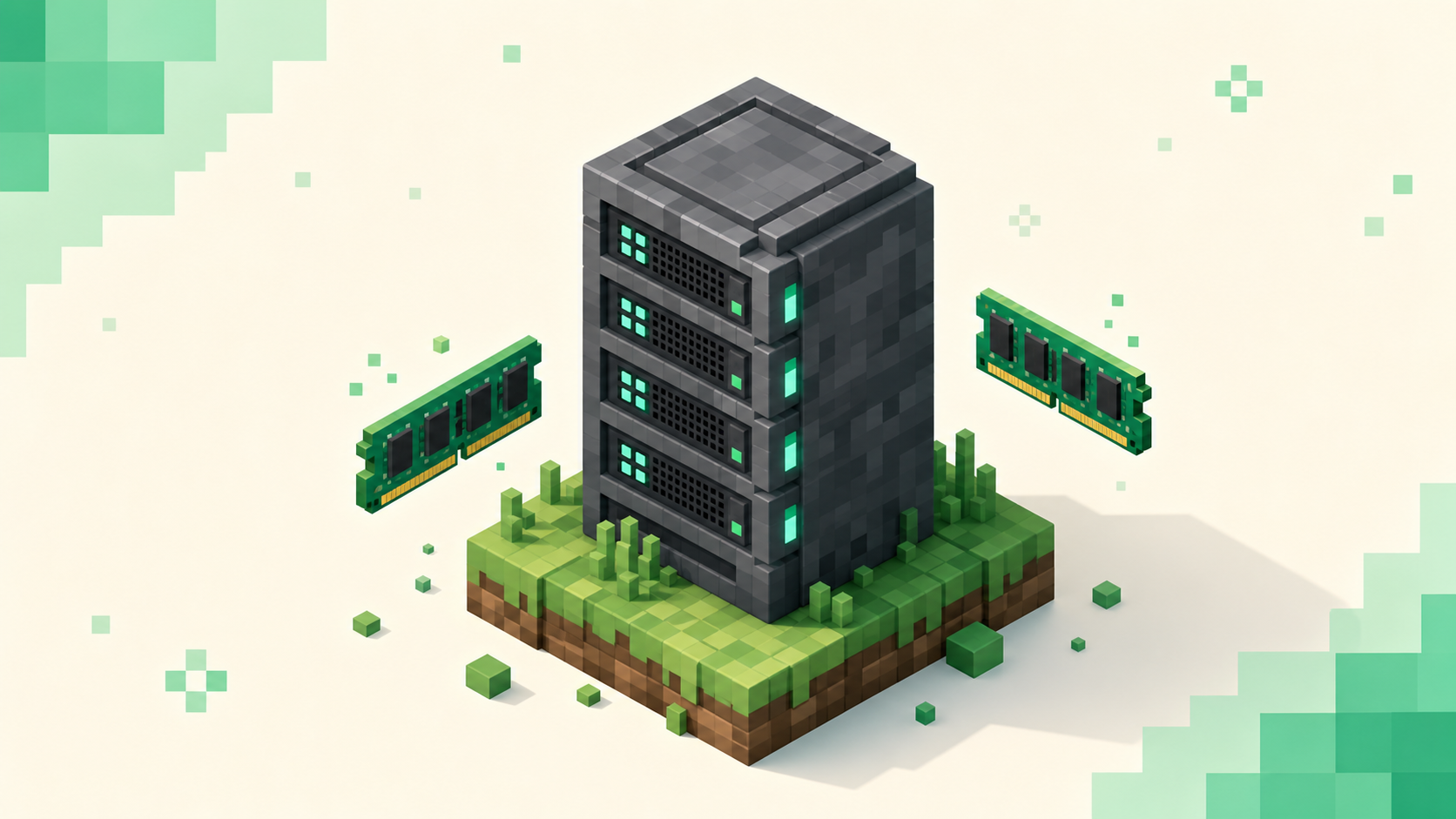
There isn't one number, because RAM scales with what your server runs, not with how many people are online. For a sense of where you'll land: a vanilla or lightly-modded 20-player server is comfortable around 6-8GB, while a Skyblock or heavy modded server with the same 20 players can want 12-16GB or more. The headcount barely moved; the gamemode did all the work.
This is written for people running a server. If you're just trying to connect to one, you don't allocate anything yourself — that's all on the host's end, and joining a server is a separate thing entirely.
The short answer: RAM tiers for 20 concurrent players
These are starting points to tune from, not guarantees. Treat each one as a baseline you measure against, since the real figure depends on your world, your plugins, and how spread out your players are.
- Vanilla or Paper SMP, 20 players: 6-8GB is comfortable. Push your view distance higher, run a long list of plugins, or carry a large explored world and you'll want 10-12GB.
- Lightly-modded or plugin-heavy survival/economy: 8-10GB. Every plugin adds a little, and a busy economy with shops and a lot of tracked data adds up.
- Skyblock with lots of automated islands: 10-14GB, and that's down to entities and hopper load rather than the 20 players themselves.
- Modded (Forge or Fabric), 20 players: 12-16GB as a baseline. Heavy modpacks — the All the Mods or RLCraft-style packs — can want 20GB+ at that same player count.
Paper is also more memory-efficient than unmodified vanilla, so the exact same world runs leaner on it than it does on the default server software. And rather than guessing whether you've got enough, measure with the server's own tools. A profiler like Spark and a quick look at your TPS will tell you what your world actually uses, which beats picking a number off a chart.
Why player count is the wrong number to obsess over
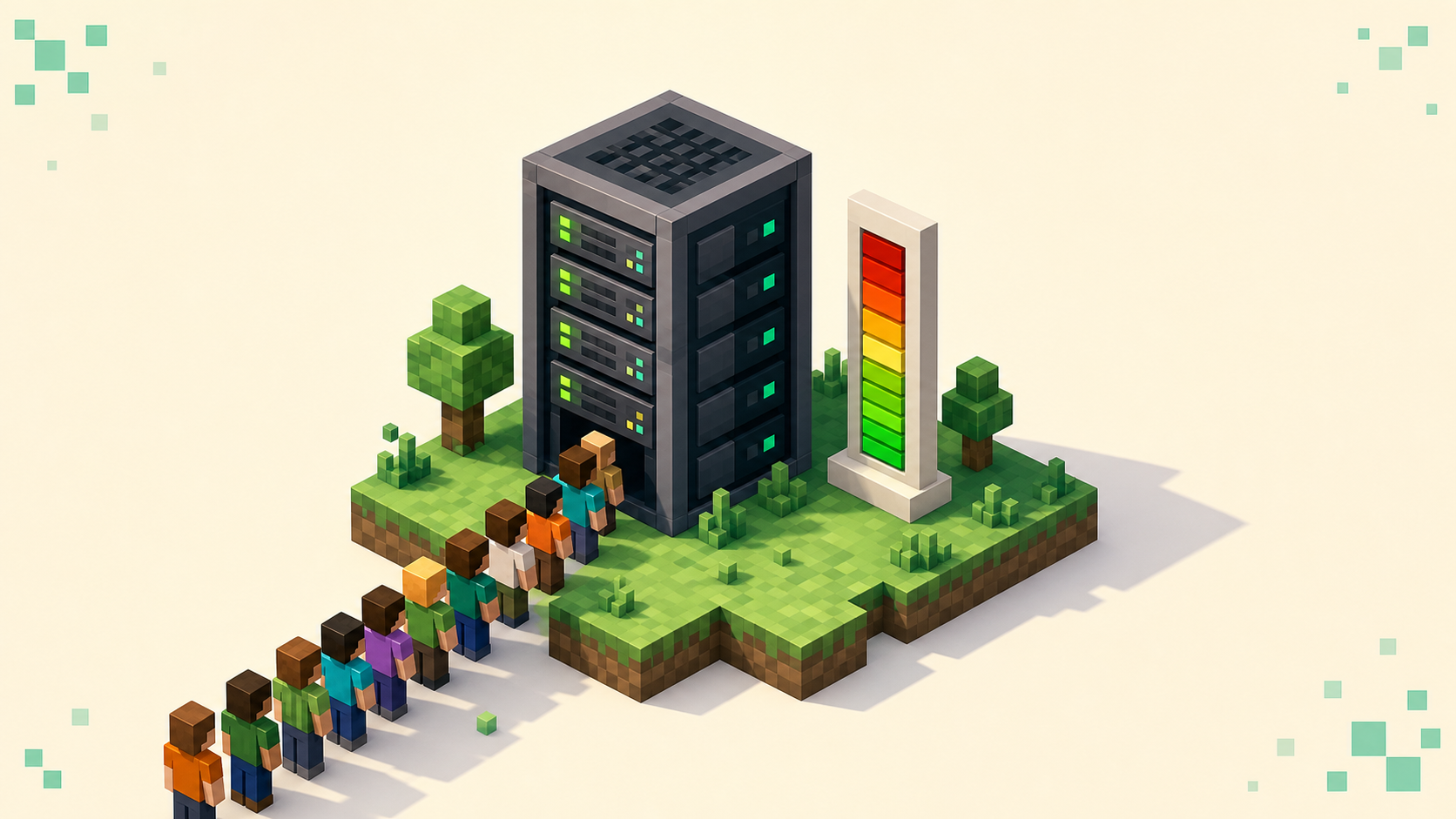
Players are cheap. Each connected player adds a few hundred MB on a modded server, and less than that on vanilla — so going from 15 to 20 people barely registers. What actually drives memory is everything they cause the server to load and process.
The real drivers are loaded chunks (set by your view-distance and simulation-distance), entities (mobs, item frames, dropped items), redstone, hoppers, and the mods or plugins themselves. Twenty players scattered across a huge explored world load far more chunks than twenty players clustered near spawn, so where people are matters more than how many there are. That's the whole reason a 5-player heavy modpack can need more RAM than a 30-player vanilla SMP — the modpack is holding more in memory before anyone even logs in.
Why modded and Skyblock eat more than vanilla
Modded servers carry their weight up front. Every mod adds blocks, items, machines, world-generation, and its own data structures the JVM has to keep in memory, so a pack with 40 or more mods can add several GB before a single player joins. The loader matters less than people think — Fabric often trims memory needs compared to Forge, but the contents of the pack drive the number far more than the choice between them.
Skyblock gets there a different way. The gamemode pushes players toward dozens or hundreds of separate islands, and each one tends to be running mob farms, hopper sorters, and redstone automation. That's where the memory goes: roughly 50-150MB per 500 entities, and a cluster of hoppers will hammer your CPU even when memory looks fine. None of that is the 20 players — it's the automation and content density they build up over time. You can see how this plays out across live communities ranked by votes on the Survival, Skyblock, and Modded category pages, which is a decent way to gauge what a busy server of each type tends to look like.
The throughline: a modded or Skyblock server sits in a higher tier because of what it runs, not because 20 is a big number.
What to cut before you buy more RAM
More often than not the fix is in your settings, not your hardware. Work through these before you think about a bigger machine.
- Lower your distances. A view-distance of 6-8 and a simulation-distance of 4-6 is a sensible range for a populated server. Dropping view distance from 10 to 8 alone can lift TPS noticeably — somewhere in the 15-25% range on a busy server — and it cuts how many chunks sit loaded in memory.
- Pregenerate your world. A tool like Chunky walks the map and generates terrain ahead of time, so the server isn't building new chunks on the fly while players explore the edges. Generating terrain live is one of the heavier things a server does, and pregen takes it off the table.
- Tame the automation. Cap entities, slow down hopper clocks, limit hopper sorters, and rein in the giant mob farms. On Skyblock especially, these routinely cost more than the players do.
- Trim what you're not using. Every mod or plugin you remove frees both memory and CPU. If it's installed and nobody's using it, it's pure overhead.
One more thing: RAM is often not the bottleneck. Chunk processing is CPU-bound, so a faster core can matter more than more gigabytes. A server with plenty of free memory can still lag hard if the CPU can't keep up with the ticks.
How to allocate RAM correctly (and why more isn't always better)
Set -Xms equal to -Xmx. That's Aikar's guidance, and the reasoning is that unused memory is wasted memory — give the JVM the full heap up front instead of letting it grow into it. At the same time, don't hand the whole machine to the server. Leave the operating system a buffer of roughly 1-1.5GB, so on an 8GB box you'd allocate somewhere around 6.5GB rather than the full 8.
For garbage collection, Aikar's flags tune the G1 collector for the way Minecraft churns through short-lived allocations — a busy server can allocate memory at a serious rate, and the default settings handle it poorly. On Java 21 and up, ZGC is an alternative that keeps pauses tiny no matter how large the heap gets, which is worth a look if you're running a big modded heap.
Past the point where your world fits comfortably, adding RAM does not fix lag, and it can make garbage-collection pauses worse rather than better. There is no benefit to throwing 32GB at a 20-player vanilla world — past that point, more RAM is money spent for minimal gain. So diagnose before you upgrade. If your TPS is dropping but memory is nowhere near full, the problem is your CPU or a single laggy chunk or entity, and no amount of extra RAM will touch it.
Putting it together for a healthy listing
What RAM buys you, when it's right-sized, is stable TPS and reliable uptime — and that's what keeps a community showing up. Active communities are the ones that climb the monthly vote rankings, because a server that runs smoothly and stays online retains the players who actually vote. A laggy or frequently-offline server bleeds both. If you want the full picture on that, how server rankings work covers how monthly votes decide your position.
So right-size it. Start at the tier for your gamemode, apply the settings above, measure what your world really uses, and scale only when the numbers tell you to. To see what a healthy server of your type looks like in practice, browse comparable live ones by gamemode on the rankings and use them as a benchmark.
FAQ
Does running a Bedrock or crossplay server change how much RAM I need?
The RAM math is driven by chunks, entities, mods, and plugins — not by which client connects — so a 20-player crossplay server sits in the same tiers as its Java equivalent. Crossplay setups (Java on port 25565, Bedrock on 19132, usually bridged with a proxy or plugin) do add a little overhead for the bridge itself, so budget a small amount extra and tune from the same starting tier.
How do I know if my server actually needs more RAM, or if something else is causing lag?
Check two numbers separately: memory usage and TPS (ticks per second). If TPS is sliding toward zero but memory is far from full, RAM isn't your problem — look at CPU load, a runaway entity, or a heavy redstone or hopper build. Only memory that's genuinely maxed out, with garbage-collection pauses climbing alongside it, justifies allocating more.
Can I host a 20-player server from my home PC?
Technically yes, if your PC has the spare RAM tier above plus headroom for your operating system and your own game client. But a home machine also has to handle your upload bandwidth and stay on 24/7 for your uptime to look good on a listing. For most owners a dedicated host is steadier, and steady uptime is one of the things that keeps a community voting and ranking.
Which Java version should I run my server on?
Match the Java version your server software requires for your Minecraft version. Current Paper 26.x builds require Java 25, while other server software, older drops, and modpacks can have different requirements. Newer Java also gives you the ZGC garbage collector, which keeps pauses very small on larger heaps, while Aikar's flags remain the standard tune for the default G1 collector.