How to Let Players Join Your Server on Any Version With ViaVersion
Install ViaVersion (plus ViaBackwards and ViaRewind) on Paper so one server accepts a range of Minecraft client versions instead of forcing everyone to update.
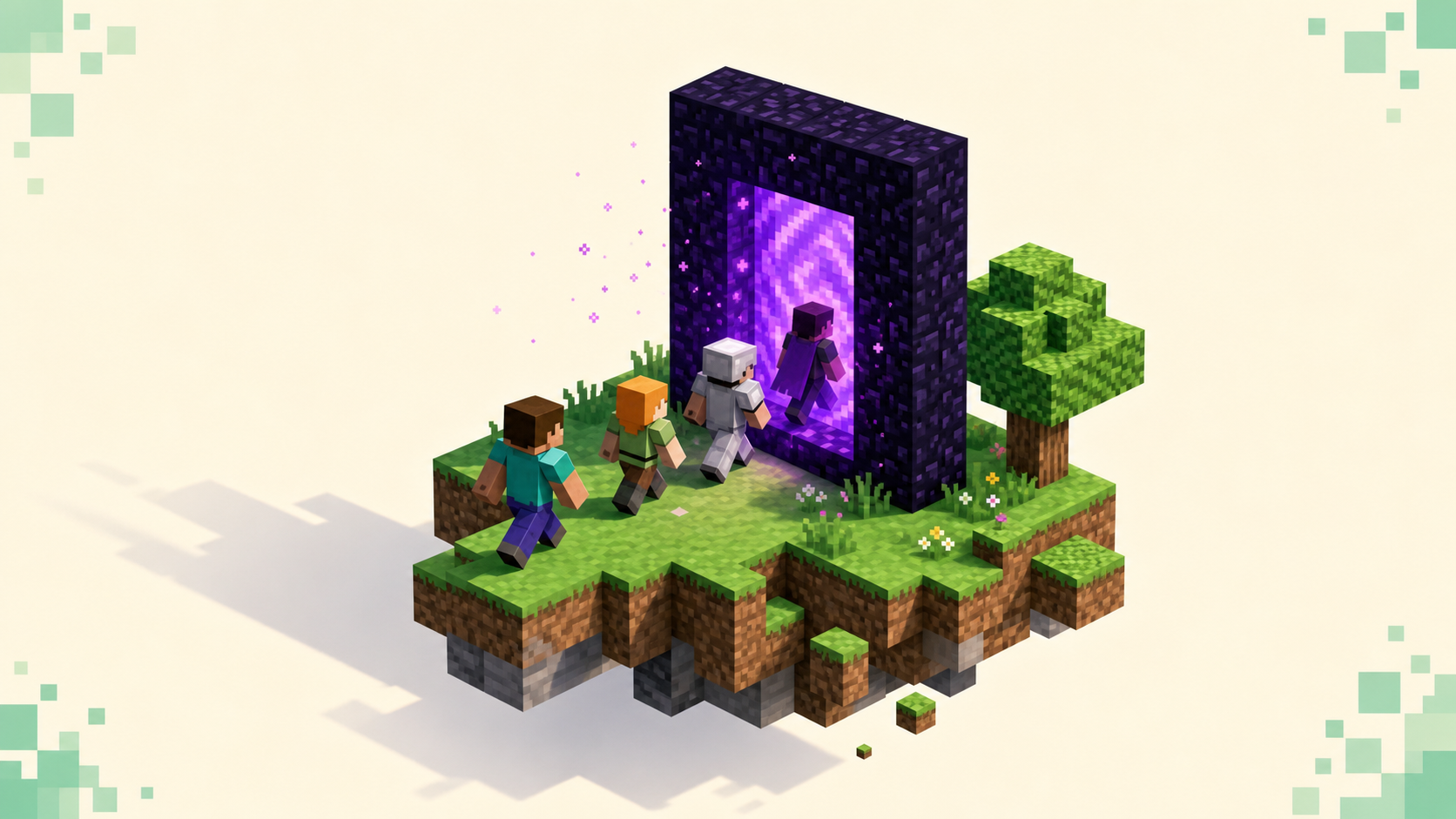
Install ViaVersion on your Paper server and it rewrites packets on the fly as players connect, so clients on a range of protocol versions can all join the same box instead of getting kicked the moment their version doesn't match yours. ViaVersion on its own lets newer clients in. Add ViaBackwards and older clients get in too, and ViaRewind on top of that reaches back to the old 1.7 and 1.8 crowd. You stop forcing every player to update before they can play, and a wider band of clients can connect.
This matters right now because the 2026 drops so far are 26.1 (protocol 775), 26.2 (protocol 776) and 26.3 (protocol 777), and a player on the wrong one of those hits the "Outdated client!" or "Outdated server!" screen and bounces straight off. If you've watched players hit exactly that wall, the version-mismatch fix walks through why it happens — ViaVersion is how you keep it from happening to your server at all.
How one server can speak multiple versions
Every Java client talks to the server over a numbered protocol version, and matching is normally strict. A 26.1 client speaks 775, a 26.2 client speaks 776, and out of the box those two can't share a server. ViaVersion sits in the middle of that conversation. It inserts itself into the network pipeline and rewrites the traffic — packets, packet IDs, block and item IDs — between whatever the client is speaking and the protocol your server actually runs.
The part people get wrong is assuming it changes the server. It doesn't. Your Paper jar still runs its real version and behaves exactly as it would without the plugin; Via only does its translation for clients whose version doesn't match, and only while they're connected. Nothing about your world, your plugins, or your native version changes.
One thing to keep straight: the translation runs one direction by design. ViaVersion handles a newer client talking to an older server. That's why it isn't the only plugin in the set — going the other way needs its companions.
The three plugins, and which direction each one covers
ViaVersion
The core plugin. It lets a newer client join an older server — a 26.3 client connecting to your 26.2 server, for example. Everything else in the set depends on it being installed.
ViaBackwards
Goes the opposite way. It lets an older client join a newer server, like a 26.2 client connecting to a 26.3 server, and it needs ViaVersion already in place to work.
ViaRewind
Extends backward support down to legacy 1.7.x and 1.8.x-era clients, and brings back the old-style combat those players expect. It sits on top of both ViaVersion and ViaBackwards, so you install all three together if you want it.
For most owners I'd run ViaVersion and ViaBackwards as a pair and stop there. That combination accepts a wide band of clients on either side of your native version, which covers nearly everyone who'll actually try to join. Only reach for ViaRewind if you're specifically courting the 1.8 PvP crowd — otherwise it's range you don't need.
Installing it on Paper
Grab the builds from the official Hangar or Modrinth pages, ViaVersion first, then ViaBackwards and ViaRewind if you're using them. Pick versions that match your server's Minecraft version, and keep the three builds in sync with each other: ViaBackwards and ViaRewind have to match the ViaVersion build they run on, or they'll refuse to load.
From there it's the same as any other plugin. Stop the server, drop the .jar files into your /plugins folder, and start it back up. If you've added a plugin to a Paper server before, nothing here is different, and if you're standing the box up for the first time the Paper setup walkthrough covers the part before this. Via is plug-and-play — it needs no configuration to start working the moment it loads.
To confirm it's actually doing its job, run /viaversion list in the console or in-game. It prints the connected players and the version each one is detected as, so you can watch a mixed-version room get through instead of guessing.
Worth knowing for update season: third-party support always lags Mojang. Via usually ships a compatible build within a few days of a Minecraft drop, but the exact timing moves, so check the project's current version list before you assume the latest client is covered rather than counting on a date.
Config and proxy networks
On a single Paper box you can leave config.yml at its defaults and never touch it. The toggles people do open are usually the update checker and a handful of client-fix options, none of which you need to set for the plugin to work.
If you run a network behind BungeeCord or Velocity, install Via on the proxy instead of on each backend server. That way the whole network shares one compatibility layer and you're not maintaining the same plugins in five places. And if you don't run Paper at all, ViaProxy is a standalone option that does the same translation in front of a server — but for the setup most people have, Paper plus the plugins is the path.
What older clients won't see
Set expectations here, because Via is a compatibility layer, not a content port. It doesn't rebuild newer mechanics inside an older client — it can only show that client things its own version already understands.
So anything that doesn't exist in the player's version gets substituted. New blocks tend to render as stone or a purple placeholder, and new items can show up wrong or not at all. A 26.1 client wandering into 26.2's Sulfur Caves will see the sulfur and cinnabar blocks as stand-ins rather than the real thing, because those blocks simply aren't in its game.
There's also a hard limit you can't config your way around: clients older than 1.17 can't render blocks below y=0 or above the old height cap, so anything built outside the legacy 0–255 range breaks for them. That's the protocol, not a setting.
The rough rule is that a newer client on an older server fares better than a very old client on a new server, and the wider the gap between the two versions, the more of these quirks show up. Keep the band you advertise sensible and most players never notice.
Why a wider version range fills your server
Paper keeps each new version on experimental builds for a while after Mojang ships it, so plenty of owners sensibly stay on the previous drop until Paper marks the new one stable — and ViaVersion is what lets the players who already jumped to the newest release keep joining without rolling their client back. You're not asking anyone to downgrade to get in.
That's the real win every time a drop lands. Some players update the day it's out; others are slow to, or stuck on locked launchers that can't pick the version at all — without Via you lose whichever slice is on the wrong side of your jar that week. Listings also let people filter by version, so accepting both drops keeps you showing up for anyone browsing the 26.3 server list as well as the prior drop's. More clients can connect, so the room feels fuller and you hold momentum across the update cycle instead of shedding players every time Mojang ships.
FAQ
Does ViaVersion let my players connect to other servers running the wrong version?
No — it's server-side and only fixes incoming clients joining your server. If you want your own client to join servers on a version your launcher doesn't have, that's a client-side job for ViaFabric, ViaForge, or the standalone ViaProxy instead.
Will running ViaVersion lag my server?
Barely. The translation adds a little work per packet for mismatched clients, which is negligible on a normal-sized community. It only becomes worth measuring at very high player counts, and clients on your native version pay essentially no overhead because nothing about their traffic needs rewriting.
Do I still need to update to 26.3 once Paper marks it stable?
Eventually you'll want the native version for full feature support, but you don't have to chase it the day it's marked stable. Running 26.2 with a ViaVersion build that covers 26.3 lets those clients in during the gap, and you can swap the server jar later once your plugins and Paper build are confirmed working on the new drop.
Does ViaVersion handle Bedrock or console players?
No — it only bridges Java Edition protocol versions. Getting Bedrock, mobile, or console players onto a Java server is a separate job for Geyser and Floodgate, which run alongside the Via plugins without conflict.