What Protocol Version Is Minecraft 26.2?
Minecraft 26.2 runs network protocol 776 and 26.1 runs 775 — what that number means, why it blocks connections, and how to read it before joining a server.
Minecraft 26.2 runs network protocol 776, and the previous drop, 26.1, runs protocol 775. That single number is what a client and a server compare when you try to connect, so the reason a 26.2 client can't join a 26.1 server is exactly that — 776 and 775 don't match. There's a second identifier too, the data version (26.2 is 4903, 26.1 is 4786), but the protocol number is the one that does the gatekeeping on the network, so that's the one to know. The newest release is now 26.3 "Wilderness Bound" (September 15, 2026) on protocol 777, so a fully updated client can't join a 26.2 server either.
The practical upside of knowing this is that you can check a listing's version before you connect and skip the failed handshake entirely. If you want the connecting steps alongside this, how to join a Minecraft server covers them, and the live 26.2 server list is already filtered to that drop, with the 26.3 list doing the same for 777. Most players never see the number 776 anywhere, but it's the part of the version that decides whether you get in.
What a protocol version actually is
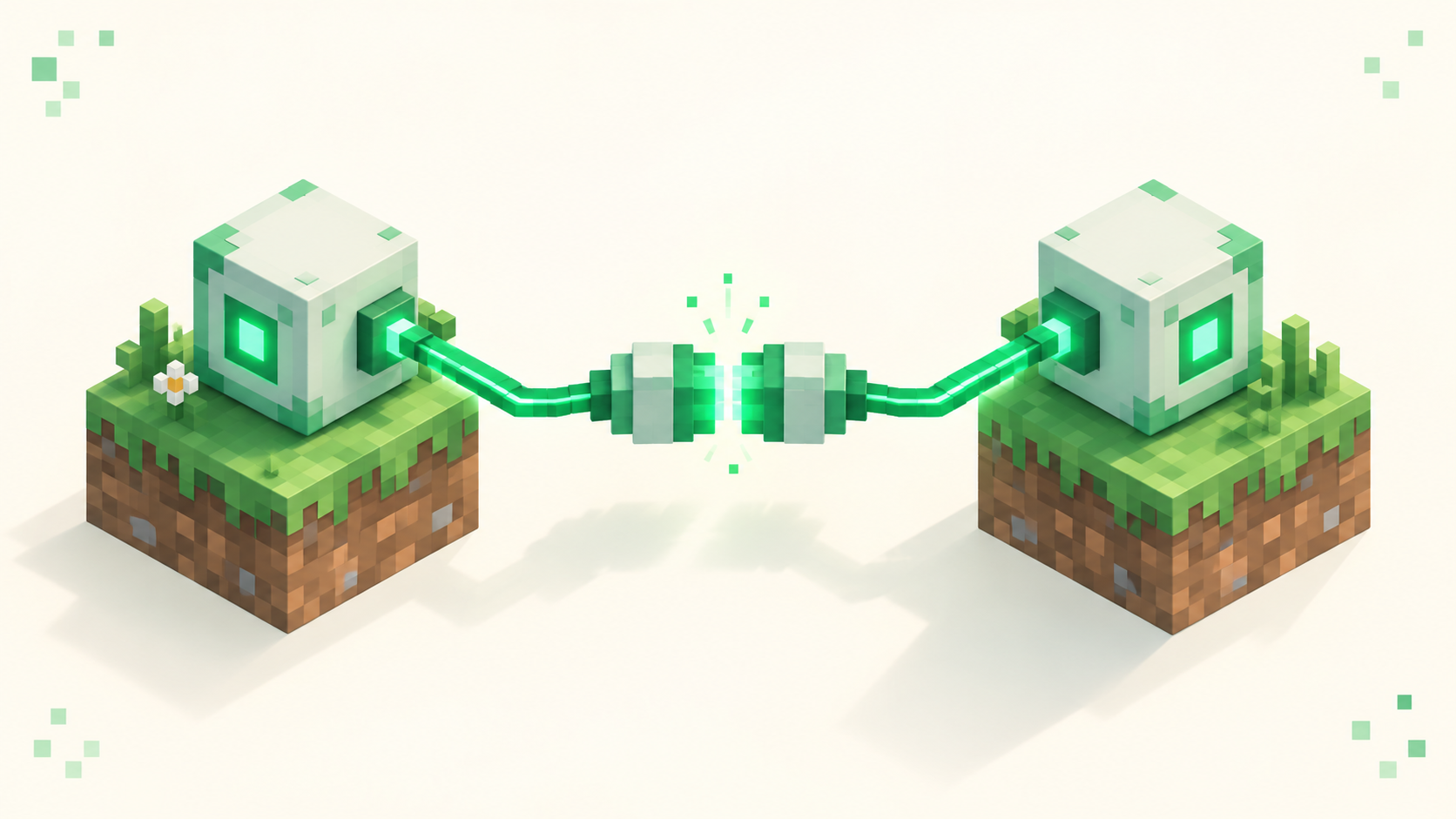
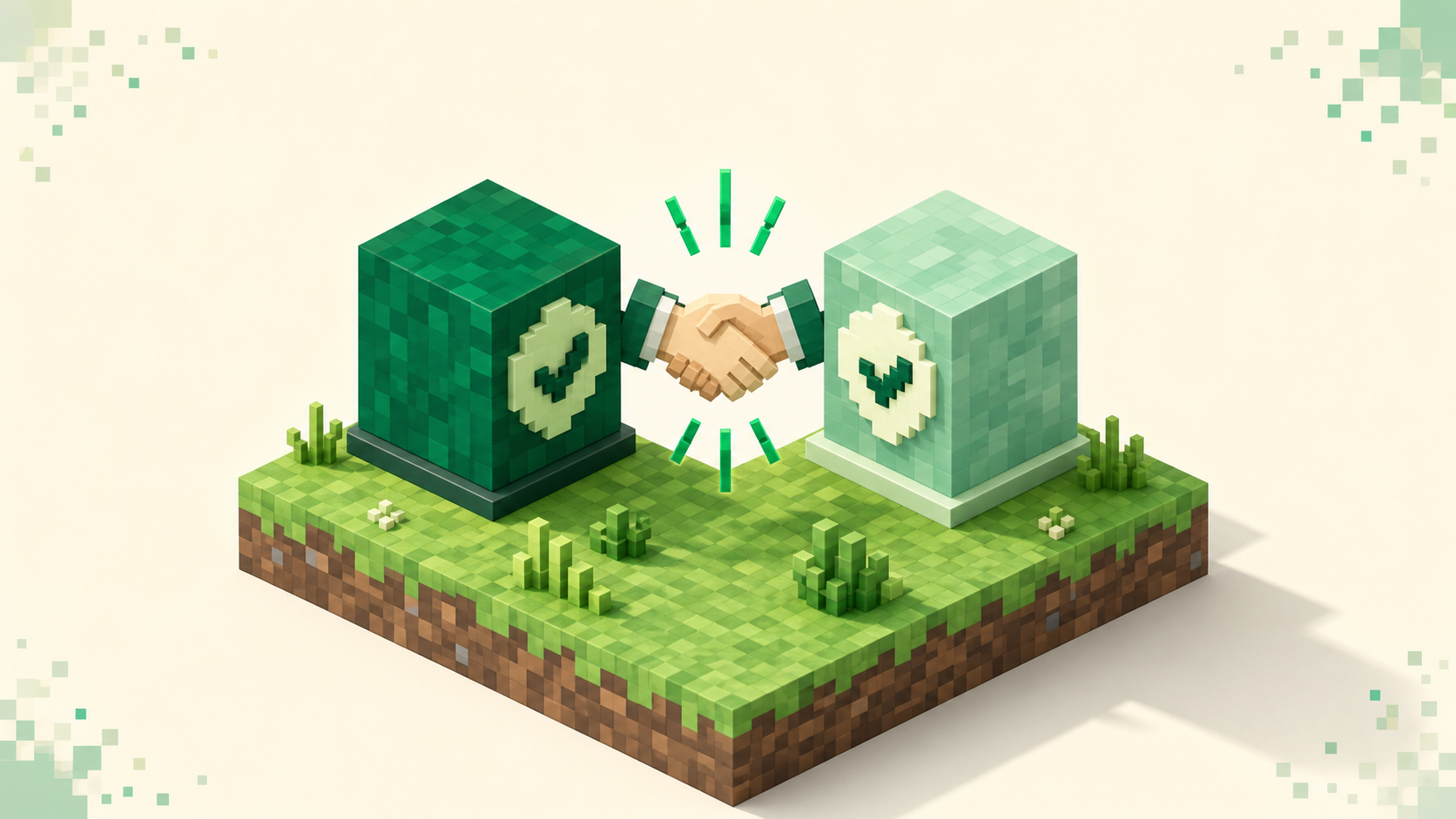
The protocol version is a single number the game and the server check during the connection handshake, before you load in, to confirm they speak the same network language. It's the very first thing that gets checked. If the numbers line up, the connection continues; if they don't, you get bounced with an error and never reach the world.
It helps to separate the two kinds of version here. "26.2 Chaos Cubed" is the human name — what you see on the title screen and what a server lists. 776 is the machine number underneath it, and one release client maps to one protocol number. Mojang bumps that number whenever a drop changes how the client and server send data back and forth. The point of bumping it is safety: an old client and a new server (or the other way round) refuse to connect cleanly rather than connect and then glitch out partway through a session.
This also ties into the new version scheme. Naming moved from "1.x" to year.drop.hotfix starting with 26.1, so 26.1, 26.2 and 26.3 are the three 2026 drops so far, and each one carried its own protocol bump — 775, then 776, then 777. You almost never type any of these numbers yourself; the game handles the comparison. The number is worth understanding mostly because it explains the errors you actually do see.
26.2 = 776, 26.1 = 775: the two numbers side by side
Here's the mapping plainly. 26.1 shipped 2026-03-24 on protocol 775. 26.2 shipped 2026-06-16 on protocol 776. They're consecutive drops with consecutive numbers, but consecutive doesn't mean compatible — because 776 isn't 775, a 26.2 client can't join a 26.1 server, and a 26.1 client can't join a 26.2 server, until one side changes version.
The misconception worth clearing up is that a higher number is somehow "backwards compatible." It isn't. Newer doesn't mean "can join older" — the two numbers simply have to match, or the server owner has to add a bridging tool. A 26.2 client doesn't get to join a 26.1 server just because 776 is the bigger number.
Hotfixes within a drop usually keep the same protocol, so the thing to care about is the drop itself (26.1 versus 26.2), not every point release. On this site that's how the listings are organized: every server states its version, and the version-filtered lists for 26.2 and 26.1 group servers by drop, so picking from a list is the same as matching the protocol without ever thinking about the raw number.
How the number maps to "Outdated client!" vs "Outdated server!"
This is where the number turns into the two messages people actually hit, and they point opposite ways.
The one most players run into is "Outdated server!", and it shows up right after you update to 26.2. The moment you update you become the newer side — your client is on 776 and a lot of servers are still on 775 (26.1), so your game reads them as behind. Nothing on your end is broken; the older server just looks outdated from where you're standing, because to your client it is. The fix is to match protocols, not to update further: roll your client back to the server's drop in the launcher, or pick a server that's already on your version.
"Outdated client!" is the reverse — your protocol is lower than the server expects, so you're on 775 (26.1) trying to reach a server on 776 (26.2). Here you're the one behind, and updating or switching up to 26.2 gets you in. Either way the error names the side that's behind, not the side that's "wrong," and the move is the same: get your client onto whatever drop the server runs. The step-by-step for switching is in how to join a Minecraft server rather than repeated here.
How to check your own version (and the server's) before connecting
Start with your own client. The active version shows in two easy spots: the installation dropdown in the Minecraft Launcher, and the bottom-left corner of the in-game title screen. If it reads 26.2 you're on protocol 776; 26.1 means 775, and 26.3 means 777. You don't need to find the number itself, just the drop.
On the Multiplayer screen, a server you can't join on version grounds shows a red X or an exclamation mark on the ping bars instead of the usual green signal, and hovering over it reveals the outdated message. That's the protocol gap surfacing visually — it looks a bit like a dead server, but it isn't one. The server is up; your versions just don't match.
Then check the listing. A good directory states the supported version up front, and on this site every listing shows what it runs, so you can confirm the drop before you ever paste an address. Browse 26.2 or 26.1 to filter down to one drop. One small typing note: the version in the URL is dotted, so it's /servers/version/26.2 — the hyphenated 26-2 form 404s, and people do try to type it that way. Once you know both numbers the move is obvious. If the server's on 26.1 and you're on 26.2, switch your client to 26.1 to play there now; if it's already on 26.2, you just stay where you are.
Why a server might still be on 775 (and the third-party angle)
A server sitting on 26.1 weeks after 26.2 ships isn't neglected — it's normal. Server software updates on its own clock, separate from the vanilla client, so there's always a stretch where the client is on 776 and plenty of servers are still on 775.
Third-party support is the bigger reason, and it's the part to actually plan around. Server platforms like Paper and Spigot, and modloaders like Fabric and Forge, all release 26.2-compatible builds after the drop rather than on day one, and each plugin or mod updates separately on top of that. So don't assume a modded or plugin server is on 776 just because vanilla is — those projects move on their own schedule, and that schedule lags Mojang.
Multi-version bridging exists, but it's the owner's call. Tools in the ViaVersion family let a server accept more than one client protocol, so a bridged 26.1 server might let your 26.2 client in. As a player you can't add that to someone else's server, so the right read is always "check the listing's stated version," never "try to force it through." Support timing isn't fixed either — ViaVersion's 26.2/776 work was still in progress around the drop — so check each project's current status rather than going by a date. Most active servers do catch up. Until a specific one does, you match your client to whatever it runs, not to the newest vanilla number.
FAQ
Does the protocol number change with every Minecraft update?
It changes with each drop that alters how the client and server talk — 26.1 bumped it to 775 and 26.2 to 776. Small hotfixes within a drop usually keep the same protocol, so the number that decides whether you can connect is the drop (26.1 vs 26.2), not every point release. When in doubt, match the drop a server lists rather than chasing the exact build string.