Fix "Connection Reset" When Joining a Minecraft Server
Fix "java.net.SocketException: Connection reset" in Minecraft Java — what the TCP reset means, how to tell your network from the server, and what to check.
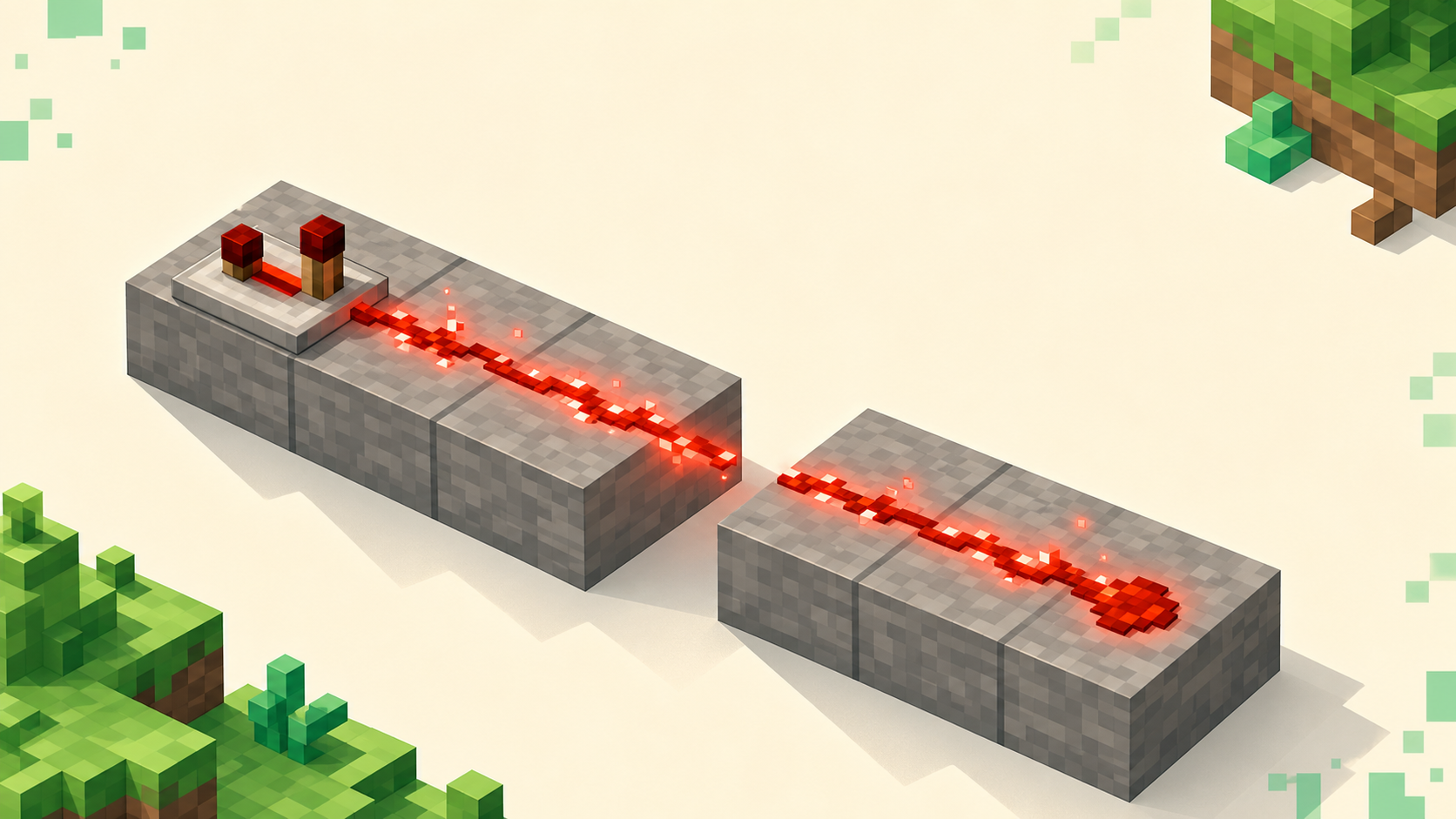
"java.net.SocketException: Connection reset" means a TCP connection that was already going — packets flowing both ways — got torn down by a reset packet partway through, not that the server is missing or unreachable. That one detail rules out a whole category of problems: if you got far enough to see a reset, your machine found the host, opened a connection, and started talking to it, so this is a network-layer drop during the join, almost always when the big post-login packet burst begins. The job is just to work out whether the break is on your path or the server's end. It helps to know what this isn't — it's not connection refused, which is a fast "no" from a host with nothing listening, and it's not connection timed out, which is pure silence. A reset is in between: a connection that started and then got cut off. You'll usually see it on the disconnect screen as "Internal Exception: java.net.SocketException: Connection reset" rather than as a clean red line on the multiplayer list. If you want the baseline join flow first, how to join a server covers it.
What "Connection reset" actually means
Under the hood, your TCP stack either received a TCP RST (reset) packet or saw the connection torn down without a graceful close. A normal disconnect is polite — one side sends a FIN, both agree the conversation is over, and any buffered data gets handed off first. A reset is the opposite: an abrupt "this connection is over now" that can throw away data still sitting in the receive buffer, which is why it surfaces as an exception instead of a tidy "Disconnected" message.
You'll also run into "Connection reset by peer," often wrapped as io.netty.channel.unix.Errors$NativeIoException: Connection reset by peer. It's the same TCP RST, just more specific: "by peer" names the far side as the one that sent it, while plain SocketException: Connection reset only tells you your stack saw the link die. If you want the wider family of these, what io.netty.channel errors mean lays them out. Either way, the same thing holds: a reset proves you reached a live host and got a connection going, so the problem is mid-stream stability, not "can't find the server."
Reset vs refused vs timed out — read the right word
These three are different connect-stage failures pointing at three different problems, and the word matters more than the java.net suffix.
Connection refused (java.net.ConnectException: Connection refused) is the host answering your connect attempt instantly because nothing is listening on that port — no listener, wrong port, or the server process is down. Connection timed out (java.net.ConnectException: Connection timed out) is no reply at all: your packets vanished into silence, usually a firewall dropping them or the host being fully offline. Connection reset (java.net.SocketException: Connection reset) is the middle case — a connection that started and then came apart in flight. You got past the instant "no" and the dead silence, the handshake or login began, and then a reset killed it.
One thing worth separating out: a drop that hits after you're already standing in the world is a related but different problem — a keep-alive failing on an established connection, often as "Connection reset by peer." That one's covered in why Minecraft keeps disconnecting you.
Why it so often hits during the join
Modern Java goes through a fixed sequence when you join: handshake, then login, then a configuration phase, then play. The handshake and login packets are tiny. Then, right after login, the server pushes a burst of large packets — registry and tag data in the configuration phase — and once you spawn it follows up with chunk data. That transition is where resets cluster.
It shows up the same way each time: the small packets get through fine, you watch "Logging in…" or "Joining world…" with chunks just starting to load, and the connection dies exactly when the big burst begins. A weak Wi-Fi link or an MTU black hole can pass tiny packets all day and then choke the moment real data flows. That "works right up until the big packets" signature is the most useful clue you have, and it splits into player-side path problems and server-side drops. Take your own side first.
Player-side: isolate your own connection
Wired beats Wi-Fi here, and it's not a small effect. Wi-Fi loses packets in bursts — interference or distance is usually behind it — and a lost burst during the chunk flood is enough to reset the join. Plugging into Ethernet, or just moving closer to the router, removes the most common cause outright.
Turn off any VPN and test the same server. A distant or congested endpoint adds packet loss, and the tunnel's own overhead can push packets past the path MTU (more on that next), so a VPN is a double suspect.
Check your firewall and antivirus. Some security suites actively reset connections they flag instead of dropping them quietly, which lands as exactly this error. Allow javaw.exe and the launcher through the firewall, and disable any third-party AV briefly to test before turning it back on.
Try a phone hotspot. Join the same server over your phone's data, and if it connects on the hotspot but resets on home Wi-Fi, the fault is your router, your ISP path, or your local MTU, not the server.
Finally, try a known-good server — pull a live, busy one off the monthly rankings or the full list. If its join completes, large-packet burst and all, your path is broadly healthy and the original failure is specific to that one server.
When the problem is packet size (MTU)
The cause that gets missed is an MTU mismatch — a PMTUD black hole — where small packets pass but large packets with the Don't-Fragment bit set get dropped by a router on the path with a smaller MTU. Path MTU Discovery is supposed to handle this: the router sends back an ICMP "fragmentation needed" message so the sender switches to smaller packets. But plenty of firewalls drop all ICMP, so that message never arrives and the big packets just disappear — which is exactly why the connection holds through the handshake and then resets the instant the server sends its large registry or chunk burst.
A VPN ties straight into this. The tunnel adds roughly 60–100 bytes of header overhead, which can shove an otherwise-fine packet past the path MTU and set off the same drop. So once you've ruled out Wi-Fi, VPN, and firewall, lowering the MTU is the advanced step: bring it down on the router or VPN interface (toward ~1400, or ~1492 on a PPPoE line), or clamp TCP MSS where you can't change the path directly. A router power-cycle to clear a stale route is worth doing while you're in there.
Server-side: when the reset comes from the host
Plenty of resets aren't yours to fix. If a server crashes or restarts while your connection is open, the process dies mid-join and the OS sends a reset, so you get "Connection reset" instead of a clean kick — retry a minute later and it often works once the server finishes booting. A proxy in front does the same thing: if a Velocity or BungeeCord proxy restarts or loses its backend, connecting players get reset, often as "Connection reset by peer."
Decide whose problem it is before you touch anything. If that server's live status is flapping offline, or everyone's getting bounced at once, it's the host — wait, don't change your settings, because you can't fix a server-side reset from the client. If it's your own server, confirm the console reached "Done," then look for a crash or restart loop in the log and check any proxy sitting in front.
What won't fix it
A few popular suggestions aim at the wrong layer, so it's worth knowing what to skip.
Changing your DNS does nothing for a reset. DNS only turns the server name into an IP, and a DNS failure throws java.net.UnknownHostException, not SocketException: Connection reset. A reset means you already resolved the name and reached the host, so DNS is the wrong part of the stack.
Reinstalling Minecraft or Java rarely helps either. The error proves your client launched, resolved the host, and opened a connection, so the install is working — a fresh copy can't steady a flaky link or stop a server crashing mid-join.
Lowering render distance is a band-aid, but it's a useful one for diagnosis. A smaller starting chunk burst can sometimes squeak past a marginal MTU or link, and if dropping it lets you in, you haven't fixed anything — you've confirmed a large-packet path problem to sort out at the router or VPN. The real fixes stay the same: steady the path (wired, VPN off, firewall, MTU) or wait out a server that's resetting people.
FAQ
Why does it connect fine on the second or third try?
Because the thing that resets you is often a one-off — a brief Wi-Fi packet-loss burst, or a server that was halfway through a restart. That kills the single attempt and then clears, so a retry slips through and stays up, and you're done. The case to watch for is the opposite: every attempt dies at the same "Joining world" moment. That consistency points at the steady large-packet failure, and retrying won't help — you have to fix the path or wait out the host.
Does Bedrock get "Connection reset" too?
Not this exact one. java.net.SocketException is a Java-edition, TCP message; Bedrock connects over UDP (RakNet) on port 19132 and reports connection trouble differently, usually a generic "Unable to connect to world" with no Java stack trace. The cause can overlap — a flaky link or an MTU problem — but the wording is different, so Bedrock can't connect with no error is the closer match.
I only get it on modded servers — why?
Modded servers send a much bigger payload right after login — the full registry plus the mod and tag list, far larger than a vanilla join. A path that handles vanilla fine can choke on that burst, so the same MTU weakness shows up sooner and only on modded. The fix is still on the network side, not the mods. If the reset instead comes with a mod-mismatch kick, missing mods when joining a modded server is the one to read.
Can a connection reset corrupt my character or world?
No. A reset only tears down the network connection; it doesn't write to your save or the server's. The worst case is rejoining a moment behind — if the server hadn't saved your last movement or inventory change when the link dropped, you come back to that slightly older state. Nothing on disk is damaged by the disconnect itself.