Best Skyblock Servers for Beginners
How a new player picks a beginner-friendly Skyblock server — judge the tutorial, /island commands, co-op, moderation, and stability, then the rankings.
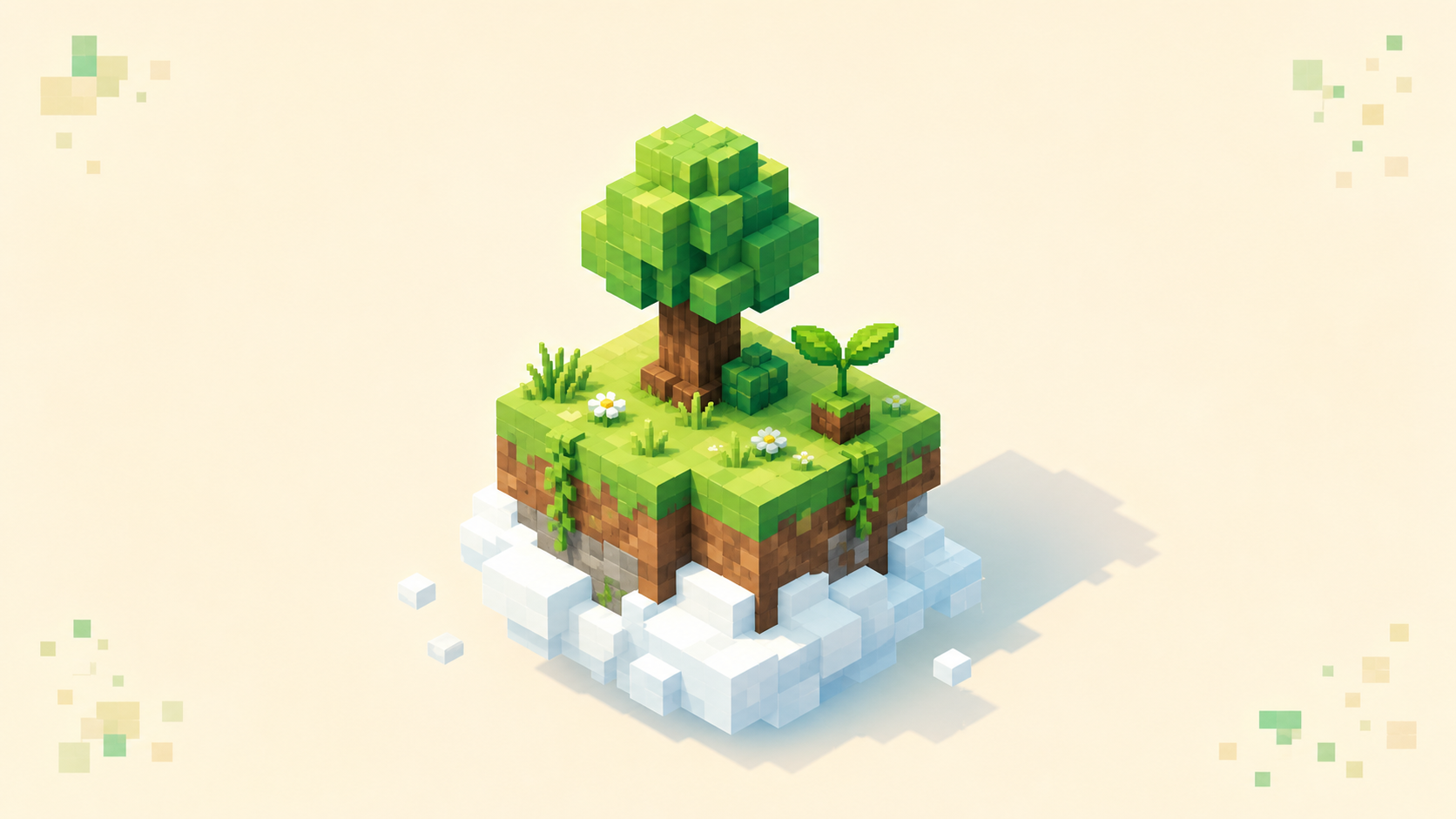
A beginner-friendly Skyblock server is one that teaches you the first moves instead of dropping you on a tiny island in the void and walking away. Skyblock starts you on a small platform floating over nothing — usually a tree, a chest with a few supplies, and often an ice block and a lava bucket — and the whole mode is stretching that into a real base without falling off the edge. A good server hands you a tutorial, clear /island commands, a way to bring friends along, and staff who keep the place stable. I won't name servers, because the live Skyblock rankings already show which communities are active this month; what matters is reading the signals on those listings when you're new.
What "beginner-friendly" really means in Skyblock
The danger that defines Skyblock is the void underneath you. Step off the wrong block and you get <player> fell out of the world — the same death message /kill produces — and depending on the server you can lose items or progress with it. That's why the most important beginner signal is a guided start: an island tutorial or quest line that tells you what to do with that tree and lava bucket before you waste either one.
A good onboarding teaches the early-game loop in order. Chop the tree and replant the saplings for infinite wood. Build a cobblestone generator for stone and tools. Get food and a small farm going. Then light up and wall off the island before the first night, so hostile mobs can't spawn on you or knock you into the void. None of that is obvious the first time, which is exactly what a beginner needs spelled out.
The cobblestone generator is the test
The generator is where new players either get going or burn their only lava bucket. When flowing lava meets water it turns to cobblestone, and mining that cobble leaves the fluids in place so it regenerates forever — your renewable block supply. Two mistakes ruin it. If flowing water touches a lava source block, the lava becomes obsidian and the generator is dead. And lava flowing straight down into water from above makes plain stone, not cobblestone. A tutorial that walks you through the layout beats any feature list, since you usually get only one bucket to learn on. For the deeper version of this progression, the rundown on active-community Skyblock servers covers how the early grind connects to everything built on top of it.
The commands a good server makes obvious
Almost every Skyblock server runs the BentoBox/BSkyBlock plugin family (or the older ASkyBlock), which is why /island and its alias /is are nearly universal. A beginner-friendly server surfaces these instead of making you dig through a wiki:
/island creategives you a fresh island to start on./island go [home name]teleports you back home — your lifeline when you're stranded or about to fall./island sethome [home name]sets where that teleport lands you./island resetwipes your island and starts over, which you'll want at least once after a few early mistakes.
Servers can rename aliases or swap plugins, so check the in-game help menu rather than assuming the syntax. Visiting and leaderboard commands — /island warp, /island level [player], and /island top — each need an optional addon the owner installs, so they're not guaranteed; but when they work, busy warps and a moving leaderboard show the server is populated.
Don't play alone — co-op is built in
Skyblock is more fun with someone, and the same plugin family handles it. /island team invite invites a friend and /island team accept lets them join, after which you share one island and its progress. One catch before anyone clicks accept: a member who joins through a team invite gives up their own island to share yours, and that's not casually reversible. If you just want a friend to drop by and help, /island team coop grants temporary access that expires when you log off, while /island team trust grants permanent guest access.
That co-op layer is also the safety system. Access runs on a rank ladder — lowest to highest: Banned, Visitor, Coop, Trusted, Member, Sub-Owner, Owner — and the owner controls what each rank can build, break, or open through protection flags. The upshot for a beginner is that random visitors can't grief your island, and if someone does cause trouble, /island ban keeps them out while /island unban lets them back once things cool down. A server that exposes this clearly lets a new player experiment without one bad actor erasing a weekend of work.
Stability is measurable, not a vibe
"Low lag" sounds vague until you tie it to numbers. A healthy server runs at 20 TPS (ticks per second), where each tick has 50 ms (MSPT) to finish its work. When the server consistently needs more than 50 ms per tick, TPS falls below 20 and you feel it as block lag, mob stutter, delayed commands, and rubber-banding; it generally gets bad once TPS drops under about 16. The fastest test is to join, run a lap of your starter island, and open a menu — beginner-friendly means it stays responsive while generators and farms are ticking.
Ping is separate from TPS. TPS is the server's health; ping is the network distance between you and it, in milliseconds. A server can sit at a perfect 20 TPS and still feel terrible if it's hosted across the world from you, because high latency causes its own rubber-banding. So pick something geographically close — the country filter takes an ISO code and pulls nearby servers toward the top. Then read the rest off the listing: visible, active moderation and posted rules for a non-toxic community, a working anti-cheat so flying and x-ray hackers don't wreck the island economy, and high uptime so your island is reachable when you log in.
Matching your client version
You can't join a server unless your game and the server share the same network protocol, and a newer client is not backward-compatible with an older server. A mismatch gets you kicked: Outdated client! Please use %s means your game is behind and needs updating, while Outdated server! I'm still on %s means the server hasn't caught up — usually what you see right after updating your own client.
For a beginner Skyblock server today, check the listing's version and plugin stack rather than assuming one default. As of September 2026, Paper's stable builds are for 26.2 while its 26.3 builds are still experimental, and 26.1 remains a valid target when a required plugin needs it. Browse the directory by version through dotted paths like /servers/version/26.1, /servers/version/26.2 or /servers/version/26.3 — note the dot, since the hyphenated form 404s. Always defer to the live listing: an owner can add ViaVersion-family bridging to accept multiple versions, but that's their call, not something you can install on someone else's server.
Using the live rankings
The plan is short. Open the Skyblock category, where servers are ordered by votes earned this calendar month and the tally resets when the month flips, so the top entries are the ones players are returning to right now. Shortlist two or three, join each, and run the checklist for ten minutes: is there a tutorial, do the /island commands work, does it hold near 20 TPS, is the ping livable. When one clicks, vote for it — voting is free, and it's how good beginner servers stay near the top. If you'd rather progress solo on a single expanding block, OneBlock-style Skyblock scratches a similar itch, read the same way.
FAQ
What's the very first thing I should do after /island create?
Chop the tree and replant a sapling first — a bare island with no logs or saplings can soft-lock you with no way back to tools, so the wood loop comes before anything else. Then build the cobblestone generator, leaving your single lava bucket alone until the water is placed and you can see the flowing lava will meet flowing water, not a source block, which would set as obsidian. Food and a small farm come next.
A friend wants to join my island — coop, trust, or team invite?
Use /island team coop for a one-session helper; the access is temporary and drops the moment you log off. Use /island team trust for someone who'll keep coming back, since that guest access stays until you remove it. Save /island team invite (and /island team accept) for a real co-owner — accepting merges them into your island and its level, and the joining player gives up their own island to do it, which you can't casually undo.
How do I get back if I fall toward the void?
/island go teleports you home, so make it the command you reach for on reflex — falling off ends in <player> fell out of the world. You can name more than one home: /island sethome base marks a spot and /island go base drops you exactly there, so set a safe, central one early and another beside any risky build. If the island reaches an unrecoverable state, /island reset wipes it and starts fresh, which most new players do at least once.
Can my Bedrock friends play on the same Skyblock server as me?
Only if the server runs crossplay through Geyser/Floodgate, which lets Bedrock players connect to a Java server. Most established Skyblock servers are built for Java Edition on default port 25565, while Bedrock uses 19132 over UDP, and the two editions don't connect on their own. Confirm a server advertises crossplay before a mixed group settles in, since co-op islands are far better together.