Best OneBlock Skyblock Servers for Solo Progression
How to pick a OneBlock Skyblock server for solo play: judging phase depth, uptime, population, and ping so a one-person island actually progresses.
If you want OneBlock to feel worth the hours solo, the server you pick matters more than the gamemode. OneBlock plays the same everywhere; the server decides how much content there is and whether a one-person island is treated as first-class. This isn't a numbered list of named servers — those shift around too much for a list to stay honest, so the live board does the naming and this post just teaches you what to look at. OneBlock is a variant of Skyblock, but it has its own OneBlock servers tag, and the rankings there are sorted by this month's votes.
What OneBlock actually is
Classic Skyblock drops you on a small pre-made island with a chest, a tree, and usually a lava and a water bucket, and the early game is turning those buckets into a cobblestone generator and an infinite water source so you have something to build with. It's a bit of a puzzle up front. You do need to own Minecraft to play on any of these servers, but that's the only gear question worth flagging.
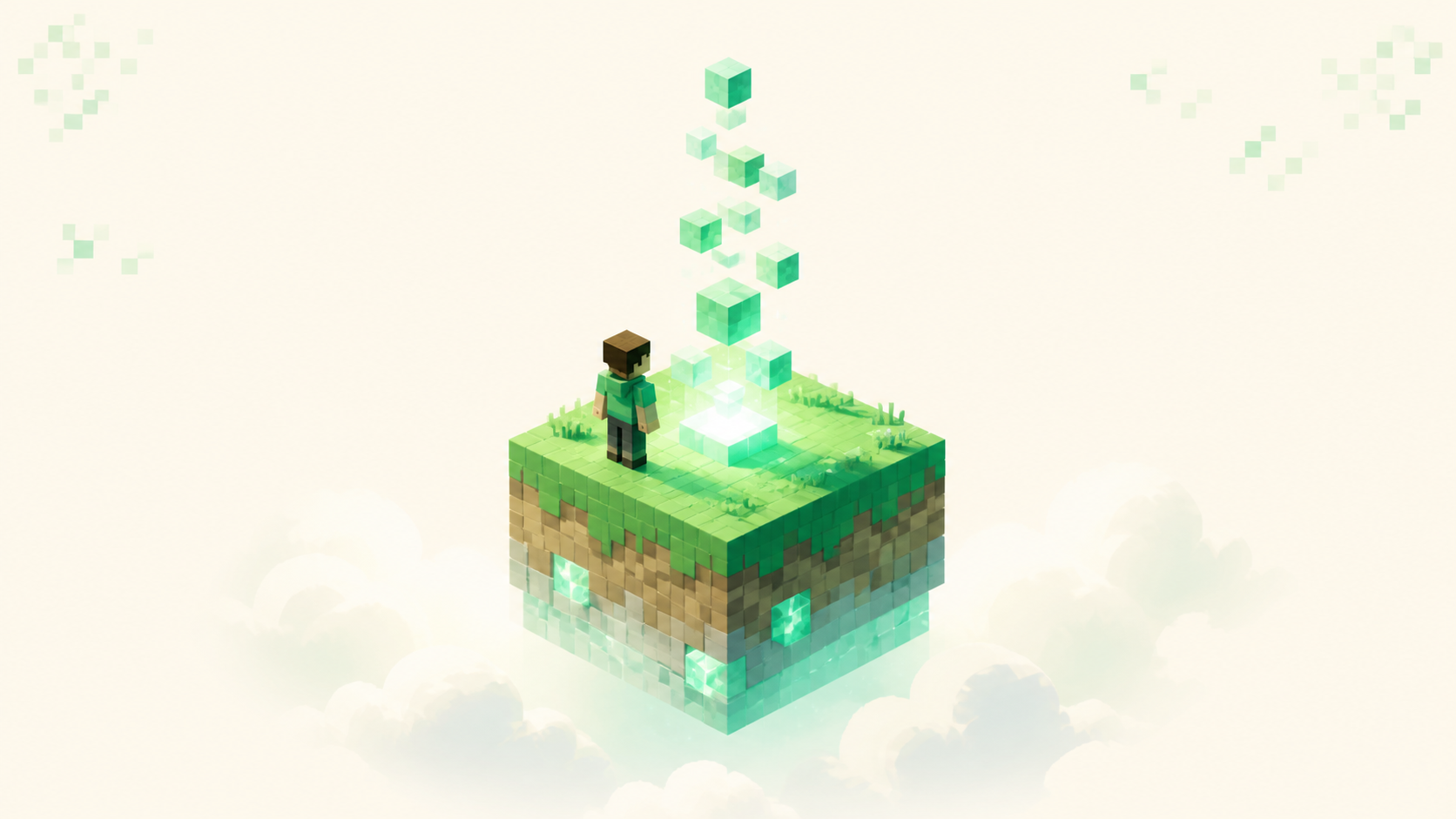
OneBlock skips all of that. You spawn on a single block floating in the void, and when you break it, it comes back as something else. That one regenerating block is your entire resource supply — there's no starting cobblestone generator because you never got the buckets to make one. You mine the block, it hands you the next material, and you build outward from there.
Because everything funnels through that one block, the early game is more linear and, honestly, friendlier to a beginner playing alone. There's no "figure out the water trick" moment to get stuck on. You just keep mining and the block keeps giving you what comes next. If you're still sorting out how Skyblock fits next to survival and the other modes, Minecraft server types explained lays them out — OneBlock sits underneath Skyblock as a variant of it.
How phases work, and why depth matters when you're solo
The block doesn't just hand out random stuff forever at the same difficulty. It moves through phases, and the phases advance based on how many blocks you've mined in total, not on a timer. Each phase is themed to a biome — an Overworld one, a Nether one, or an End one — and brings in new blocks along with the mobs and chests that go with them. So the further you get, the more the block gives you, and the tougher the mobs that spawn off it.
Phase counts vary a lot depending on what the server is running, and this is the number you most want to read before joining. The original OneBlock map had 10 phases. A lot of server plugins ship around 12 — roughly Plains, Underground, Winter, Ocean, Jungle, Swamp, Dungeon, Desert, Nether, Plenty, Desolation, Deep Dark, and then The End. Extended configs push that to about 18, and some servers advertise 30 or more.
There's also no hard wall at the end. After the last configured phase, the block becomes what people call an "infinite block" — it keeps going by pulling random material and the odd loot chest from across all the earlier phases. So you never run dry, you just hit a point where no genuinely new content is being introduced.
That last part is the whole reason phase count matters more solo than it does in a group. With teammates feeding you progress, you blow through phases faster and the depth gets shared out. On your own, the phase count is basically the closest thing to a "how many hours of fresh content is here" number. A 10-phase server can feel finished in a weekend of steady play. A server sitting at 25 to 30 phases keeps handing you new biomes and new goals for weeks. Look for that count in the server's description or rules before you commit, because it's the single biggest predictor of how long a solo island stays interesting.
Solo island support: make sure one-person play is first-class
Most modern OneBlock servers let you play solo or team up on a shared island. But "allowed" and "well supported" aren't the same thing, so check that you can actually claim and run an island entirely on your own, with no co-op requirement buried in how progression or the economy works.
What you want is grief and theft protection that holds up for a single owner. That means island claims, trust and permission settings you control, and the basic guarantee that a private solo island can't be entered by strangers at all. This matters more when you're alone because nobody else is around to notice if something goes wrong with your base.
The thing to watch out for is a team-tuned economy. Some servers balance their prices and goals around groups, and that can make a solo grind drag — you're earning at a one-person rate against costs set for three or four. Skim the server's rules or its community channels for whether solo players are explicitly catered to, not just permitted. And keep in mind you can still get plenty out of other people being online — a shared marketplace, answers in chat — while your island itself stays private and entirely yours.
Uptime: your slow-burn grind has to survive being left alone
OneBlock is a long grind, and a good chunk of it happens while you're semi-AFK at the block or sitting near a farm letting it run. If the server drops offline for days or restarts out of nowhere, that progress just stalls.
Good uptime looks like a server that's online every time you check it, with restarts that happen on a predictable schedule rather than random multi-hour outages you can't plan around. The live listings reflect current reachability, so a server that keeps showing offline on the board is a red flag worth taking seriously. The how server rankings work post explains how reachability feeds into where a server sits.
One important caveat before you leave anything running overnight: AFK auto-mining and AFK farms are against the rules and bannable on some servers, while others treat afk grinding as completely normal. The policy genuinely varies, so read the AFK rules before you walk away from a running farm. You don't want to log back in to a ban instead of the materials you left mining. Uptime pays off because your progress is saved to your island — get it plus saved progress and a solo grind picks up exactly where you left it, phase position and all.
Population: why a solo player still wants a busy server
Even if you never share an island with anyone, population drives the parts of OneBlock you can't make alone. An active player-run marketplace lets you buy and sell phase materials instead of farming every last one by hand. A populated chat means there's someone to ask a beginner question when you're stuck. And a steady community keeps events and the server economy actually moving instead of frozen.
The flip side is what a dead server costs you on a solo island specifically: with no one trading, every item you want is one you have to mine yourself, so the markets that would normally shortcut the grind just aren't there. Read population off the live board rather than off a server's own marketing, since the marketing always says "thriving community." The rankings show which Skyblock and OneBlock servers actually have players voting and online this month. You don't need the single most populated server, either — just one with enough steady activity that markets and chat are alive whenever you log in.
Ping: comfort adds up over a long grind
Ping is how long your actions take to reach the server and come back. When it's high, mining the block, fighting phase mobs, and placing blocks all feel laggy and a beat behind what you're doing, and on a grind you'll spend dozens of hours on, that discomfort compounds. So pick a server hosted near your region. Many listings let you filter by country or show where a server is located, which is the easy way to line up region. The plain target: lower is better, a double-digit or low-triple-digit ping feels fine, and anything high enough that block-breaking feels laggy is worth avoiding. Crossplay-friendly hosting can matter here too, but only as a location detail — what you care about is whether the host is close enough to keep ping comfortable.
A quick solo checklist before you join
Run down this short list against any server before you settle in:
- Phases: enough of them for the hours you want — 10 is a weekend, 18 to 30+ is weeks.
- Solo island: first-class solo play with real grief protection, no co-op requirement.
- Uptime: reliably online, predictable restarts, and clear AFK rules you've actually read.
- Population: active enough that markets and chat are alive when you log in.
- Ping: hosted near your region so the grind stays comfortable.
When you've got a candidate, browse the current OneBlock servers rankings — the dedicated board for the mode — and check this month's leaders, since the board resets monthly and the picture changes. Once you've settled on one, how to join a Minecraft server walks through the literal steps, and the full servers list is there if you want to browse past a single tag.
The honest answer to "which is best" is the server that matches your checklist and is also active and online right now. That's exactly what the live rankings tell you, which is why they're a better starting point than any fixed list of names.
FAQ
Where do I find the phase count if the listing doesn't say?
The server description and its rules or /info page are the first places to look, but a lot of servers bury the number. If it isn't stated, the community channels usually have it — ask in chat, or search their Discord for "phases" or the name of the final phase. You can also get a rough read in-game from how deep the progression menus go, though that means joining first. When nobody can give you a straight answer, treat it as a server that hasn't put much thought into long solo play and weigh it accordingly.
Is OneBlock the same as regular Skyblock?
OneBlock is a variant of Skyblock, not a separate game mode. Both strand you in the void with almost nothing, but classic Skyblock gives you a small starter island with a chest and buckets, while OneBlock gives you a single block that regenerates into new materials each time you break it. Because OneBlock funnels everything through that one block and walks you through themed phases, beginners often find it the more guided of the two to play alone. On this site OneBlock has its own tag, separate from Skyblock.