How to Add a Live Web Map to Your Server (BlueMap or Dynmap)
Add live map Minecraft server BlueMap Dynmap: pick the right plugin, open port 8100 or 8123, then pregenerate and render once so it never eats your TPS.
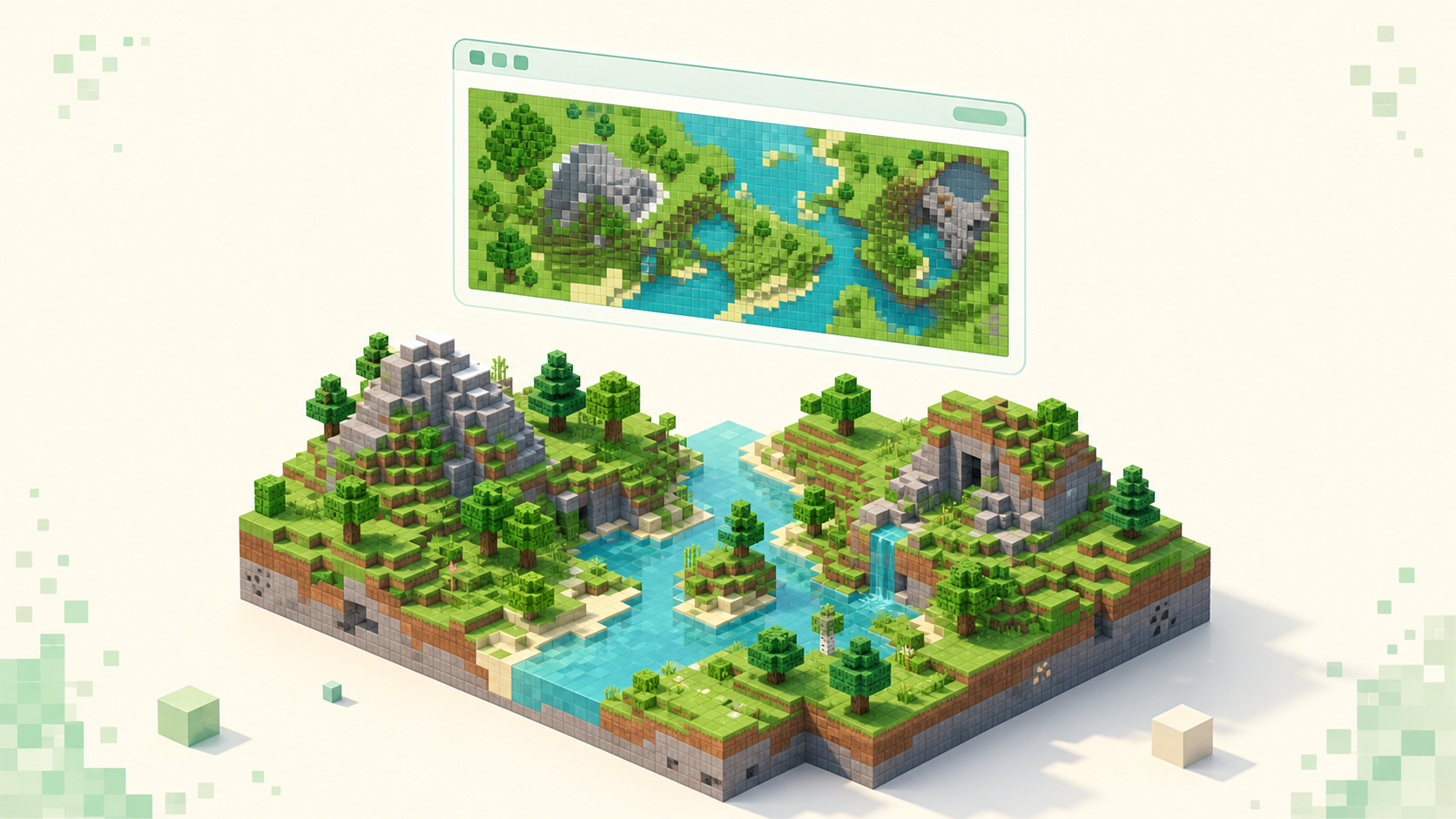
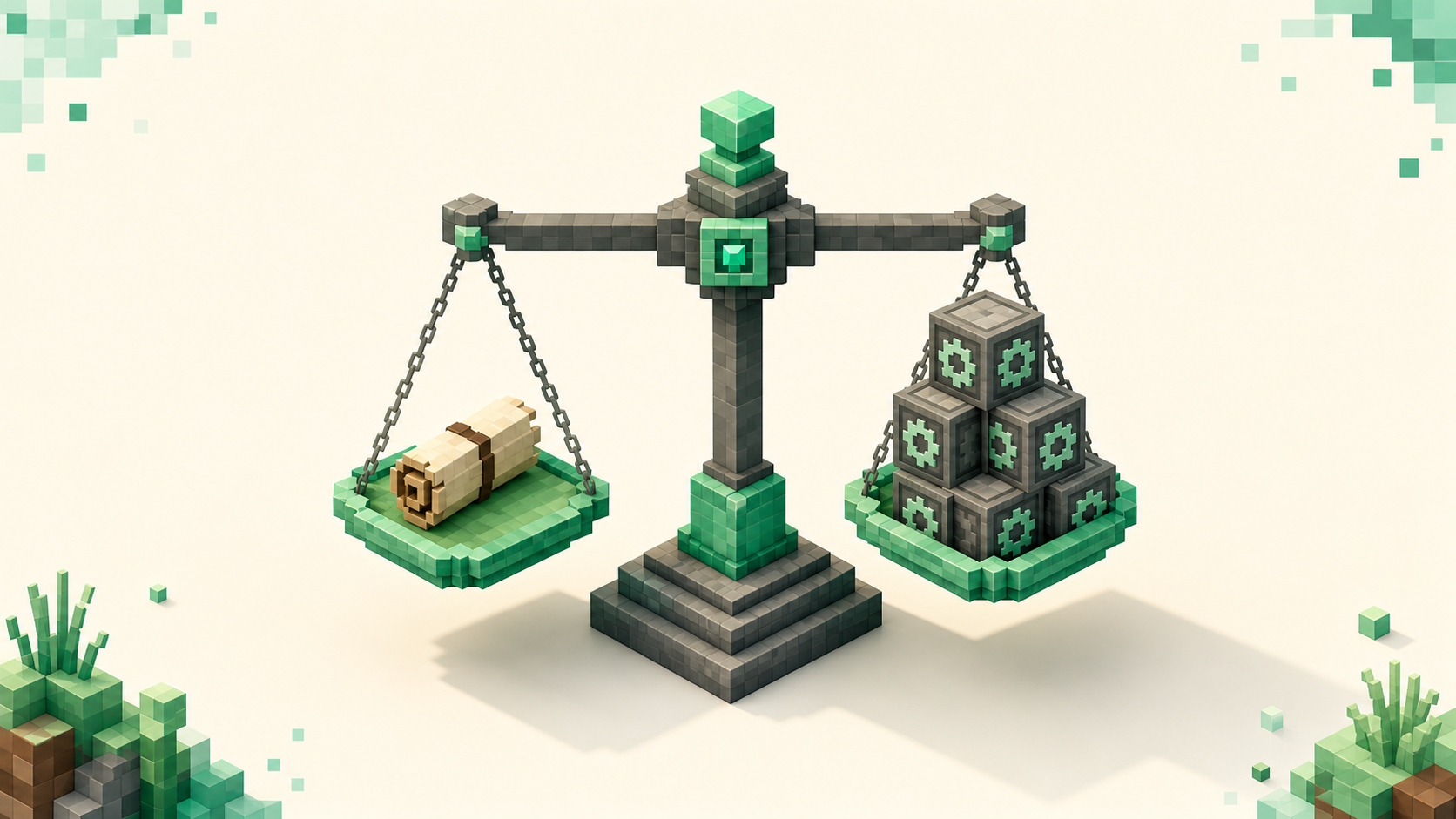
Pick by what you want the map to do: BlueMap renders your world in browsable 3D and looks stunning but chews through disk and CPU, while Dynmap draws a lighter 2D top-down map that a budget host can actually handle. Both are Paper plugins you drop in, point a browser at a port (8100 for BlueMap, 8123 for Dynmap), and the one habit that saves your tick rate is to pregenerate the world and render it once instead of letting it render forever as players explore.
BlueMap or Dynmap: the honest pick
BlueMap gives you a true 3D render in the browser, drawn with WebGL through three.js. You can orbit a base, tilt down over a castle, zoom into a Towny nation and actually see the towers. It's the one you want when the point is to show off builds. Dynmap is the older, flatter option: 2D tiles you can flip between top-down and isometric, mature after years of use, and light enough that it barely registers on a small box.
So the rule of thumb, plainly: run BlueMap if you have CPU and disk to spare and you want people to fly around your builds, which is most creative and Towny-nation servers. Run Dynmap if you're on a 2GB shared host, or you mainly care about live player dots and the big marker ecosystem it's built up over the years.
Both ship a separate build per Minecraft version, so grab the plugin jar that matches what your server is running. On a Paper server that should be the newest version Paper marks as stable, which can trail a brand-new drop for a while, since Paper keeps each new version behind an experimental toggle at first. One thing people forget: both plugins run inside the server's JVM, so they share your heap. Don't render a huge world on a starved allocation and expect the game to stay smooth.
Installing it and kicking off the first render
The flow is the same as any Paper plugin. Drop the jar in plugins/, restart so it generates its config, edit what you need, restart again. If you've never done this, how to add plugins to a Paper server walks the whole loop.
BlueMap has one gotcha that trips up almost everyone on first run: it refuses to render and prints a notice in console instead. It needs Mojang's official client jar to extract block textures, and it won't download that on its own until you say so. Open plugins/BlueMap/core.conf and set accept-download: true, then restart. The web server port lives in a different file, webserver.conf, where you'll find port: 8100.
Dynmap keeps everything in one place. Open plugins/dynmap/configuration.txt and the port is webserver-port: 8123. Most of what you'd ever tune is in that single file.
Once the config is sorted, trigger the first render yourself rather than waiting on it. For BlueMap that's /bluemap render <map>; for Dynmap it's /dynmap fullrender <world>. Dynmap also gives you /dynmap radiusrender <world> <x> <z> <radius> if you only want to draw the spawn region and not the whole thing.
The port you need to open (8100 vs 8123)
The map's web server runs on the same machine as the game but on its own port, completely separate from the game port 25565. Load it locally at http://localhost:8100 or :8123 to confirm it works before you touch anything network-facing.
To reach it from outside your LAN you have two paths. The blunt one is to forward that port on your router exactly the way you'd forward the game port; how to port forward a Minecraft server covers the mechanics, just swap 25565 for 8100 or 8123. The cleaner path is a reverse proxy. Put nginx or Caddy in front and map a subdomain like map.yourserver.net to the internal port, so visitors get a normal URL and never see :8100 hanging off the end. Either way, check the bind address in config: 0.0.0.0 tells the web server to listen on all interfaces, which is what you want if anything outside the box needs to reach it.
If you're on a managed panel, look there first. A lot of hosts hand you an extra allocated port for exactly this, or a built-in map URL that's already wired up, and forwarding on your own would just fight it.
Keeping the render from stealing tick time
This is the part that decides whether the map is a nice feature or the reason your server feels awful. A full render is heavy on CPU and disk, and a careless setup will drag MSPT up and TPS down while it grinds. Here's the order that keeps it in check.
First, pregenerate, then render once. Run Chunky to build out the world's chunks ahead of time, then do a single full render over that finished area. After that initial pass, live updates only redraw the chunks that actually changed, which is cheap. Pregenerate chunks with Chunky is the setup step that makes everything after it painless. Skip it and the map re-renders endlessly as players wander into fresh terrain, which is the slow bleed most people never diagnose.
Second, cap the render threads below your core count so the main server thread always keeps a core to itself. In BlueMap that's render-thread-count in core.conf; in Dynmap it's parallelrendercnt in configuration.txt, where 0 means auto and lands around half your cores. If you have four cores, don't let the render take all four.
Third, render off-peak and pause at peak. /bluemap freeze <map> stops a map updating; /dynmap pause all halts all rendering. Kick off the big jobs when nobody's on and resume once the server's quiet again.
One nuance worth knowing, because it changes how you tune each: BlueMap reads region files (.mca) off the main thread, so its direct TPS hit is low, but it will hammer every core and the disk during a full render. Dynmap's overall footprint is lighter, but if you do see lag from it, throttle with renderinterval to space the work out. If terms like MSPT and TPS aren't second nature yet, what TPS and MSPT actually mean explains what the render is threatening in the first place.
Markers, live players, and hiding what you don't want shown
The payoff is the live layer. Player dots move in real time on both maps, so you can watch who's where. Town, claim, and region markers come from addons that hook the relevant plugin, and this is where Towny communities get real value, an actual map of every nation with borders drawn in. That's the crowd this feature was made for, the same people who gravitate to Towny servers built around nations.
The flip side is privacy, and you have levers for it. Don't want the Nether or End exposed? Don't render them, by leaving world_nether and world_the_end out of the maps you configure. Don't want staff or vanished players showing as dots? Dynmap handles that with the dynmap.hide permission plus /dynmap hide <player>, and BlueMap has its own hook that respects vanished and hidden players. Both let you draw the map you want the public to see rather than the whole truth of the world.
A live map is one of the pleasant extras once the essentials are running, not a first-day priority. If you're still assembling the core toolkit, the must-have Paper plugins for a new server come before this one.
FAQ
Can I run BlueMap and Dynmap at the same time?
Yes. They listen on different ports, 8100 and 8123, so nothing collides and both will happily run side by side. The catch is you pay the render cost and the disk usage twice, once for each. Run both only while you're deciding which you like, then pick one and drop the other.
How much disk does BlueMap actually use?
More than you'd guess, and it scales with rendered area. Its 3D hires tiles balloon as the map grows, so a pregenerated world a few thousand blocks in radius can run into many gigabytes, well past what Dynmap's flat PNG tiles need for the same footprint. It stores separate hires and lowres tile sets on top of each other, too. If you render a map and change your mind, /bluemap purge <map> clears it back out.
Will the map reveal hidden bases or the End?
By default it renders everything you point it at, so yes, unless you stop it. You can exclude whole worlds, so skipping world_the_end and world_nether keeps those off the map entirely, or cap the render radius so unexplored and secret areas never get drawn in the first place. That's separate from hiding individual players; one hides places, the other hides people.
Do I need to re-render after updating the server to 26.3?
A version bump on its own doesn't force a full re-render. But any blocks or textures the update added won't display correctly until you update the plugin build, at which point BlueMap re-fetches the matching client jar for textures, and then re-render the areas that use them. It's one more reason to stay on the version you're on until your map plugin ships a build that matches the new one.