Best Survival Servers for Solo Players
How to pick a survival server you can thrive on alone — what land claims, moderation, anti-cheat, uptime, and ping to check, then read the live rankings.
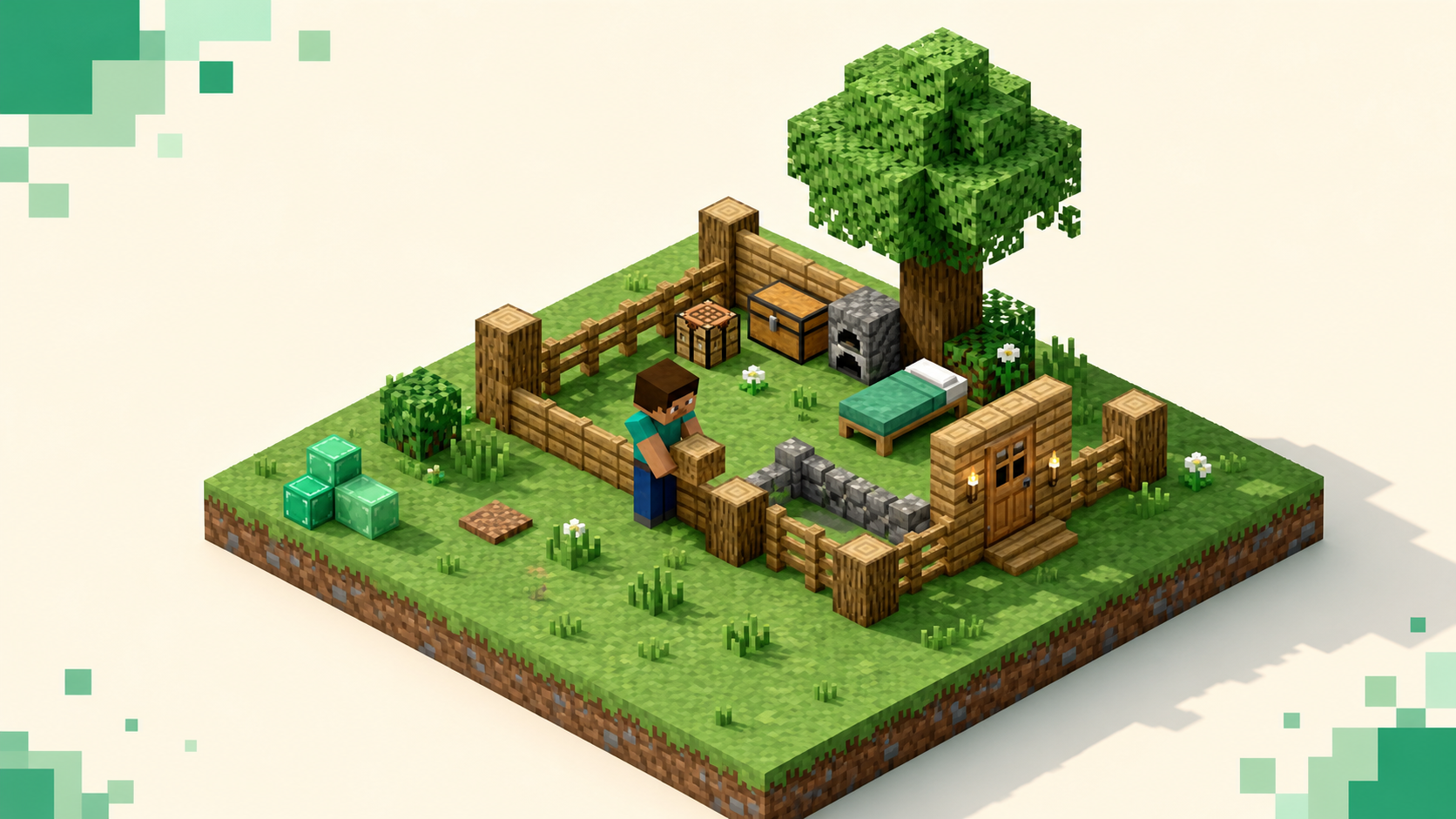
The one thing a solo survival player should check before anything else is the land-claim system, because that's what keeps an unattended base standing while you're logged off. Survival is the default mode — you gather resources, manage health and hunger, take damage from mobs and the world, and set your own pace with no clan required — but on a multiplayer server "your stuff is safe when you're not online" is a server setting, not a guarantee. I'm not going to name specific servers, because the right pick shifts month to month and the live survival rankings already show which communities are active right now. What follows is how to read those listings for the signals that actually matter when you're playing alone, plus the red flags that mark a server you'll regret.
What you're actually buying into with survival
Survival is the mode most people mean when they say "Minecraft." You collect resources, build, fight hostile mobs, eat to keep your hunger bar up, and explore, and every block takes real time to break instead of popping instantly like in Creative. You take damage from the environment too — fall damage, lava, suffocation, freezing — and from mobs, unless the server runs on Peaceful difficulty, which switches hostile mobs off entirely. That difficulty setting is worth a glance, because a "survival" server on Peaceful is a very different, much calmer game than one on Hard.
One distinction trips up new solo players: normal survival is not permadeath. When you die you respawn at world spawn, a bed you've slept in, or a Nether respawn anchor, and you go pick up your dropped items. The mode where death ends the world is Hardcore, which the site lists under its own hardcore tag, so if you want stakes that high, look there instead of expecting it from a survival server. There's no forced objective in survival — you can chase the Ender Dragon and advancements or just build quietly — and that open-endedness is exactly why it suits a lone player.
Land claims: the number-one solo signal
Because you can't keep a teammate logged in to guard the base, the protection has to come from the server. The thing to look for is a claim and anti-grief plugin, and two dominate.
GriefPrevention is the common one. You claim land with a golden shovel, right-clicking two opposite corners to draw a rectangle, and brand-new players usually get an automatic claim the moment they place their first chest — by default a 9x9 area, 81 blocks, centered on that chest. The part that matters for a soloist is how you grow it: you earn claim blocks for time actually played, not for idling. Stock defaults are 100 blocks to start, another 100 per hour online, capped at 80,000, so your claimable area scales with hours, and a big group can't out-claim you just by being a group. You let friends in with /trust, and /abandonclaim releases land you don't need. Those numbers are the plugin's typical defaults — any server can change the rates, the radius, or even the claim tool — but the model is the green flag.
Towny is the more community-structured alternative. It's chunk-based, claiming 16x16 chunks out of the Wilderness, and it's organized around towns and residents with a tax-and-upkeep economy layer on top. It leans more group-oriented, but a resident can still hold a private plot nobody else can touch, so it works for a soloist who wants protection inside a town's walls. If that structure appeals to you, the Towny tag is its own category. For the specific case of a tight friend group rather than true solo, survival servers built around no-griefing for small groups covers that middle ground.
The red flag is simple: a "survival" server with no claim system and no rollback tooling means your base can be looted or flattened the night you log off, and you'll have no recourse.
Moderation and a low-toxicity room
A solo player feels bad moderation harder than a clan does, because you've got nobody backing you when something goes wrong. Research on Minecraft servers found the least toxic communities share two things: clear, extensive written rules and a high ratio of moderators to players, and that temporary bans were the single most effective tool — cutting hate-speech incidents by roughly 93 percent and severe toxicity by about 85 percent.
You can read most of this from outside the game. Green flags: a published rules page, a visible escalation ladder from warning to mute to temp-ban to permanent ban, staff who are present and professional, and an active Discord with recent, real conversation. Red flags: no posted rules, staff who argue with toxic players in public chat instead of acting, or a chat that's already hostile the minute you log in for the first time. That first-login chat is one of the most honest reads you'll get.
Anti-cheat and a fair economy
A solo survival run depends on a fair shared world. If someone's flying around with x-ray and an aimbot, the resources you spent hours gathering become worthless and any market the server runs gets gutted. Good servers run server-side anti-cheat — Grim, Vulcan, and Spartan are common examples — that catches fly, killaura, scaffold, and reach. You can't tell from the lobby which one a server runs, and you can't install one yourself, since anti-cheat is the owner's call, so don't shop for a brand. Shop for evidence that the server runs anti-cheat at all and that staff act on cheat reports.
Population, uptime, and ping
You want a server that's alive but not run by established clans. The basket of signals to weigh:
- A workable population at your hours. Enough players online when you'd actually play to make an economy or market function, without a near-empty count next to a huge max cap, which usually means a server that was big years ago.
- Land tied to playtime, not group size. When claim sizes scale with hours played, a new solo player can still earn land and a foothold instead of finding the map already carved up by towns and factions.
- Real uptime. Survival is a long game — your base, your gear, weeks of building — so a server that's frequently offline or rolling back costs you actual progress, not just a session. The uptime figure is on every listing here.
- Performance you can feel. Servers aim for 20 TPS, about 50 ms per tick; when they fall behind you get block lag, mob stutter, delayed commands, and rubber-banding. You can't run
/tpsas a player, but consistent rubber-banding when you join is the visible symptom of a struggling host. - Ping for your region. Latency shows as the connection bars in the Multiplayer list. Under about 80 ms feels smooth; 80 to 150 ms is playable for building but rough for combat; over 150 ms gives you ghost hits and laggy block placement. These are rules of thumb, not a spec, and the biggest factor is physical distance, so pick something close. The country filter sorts the directory by region — that path is just an example.
Using the live rankings to pick
The survival rankings are ordered by votes earned during the current calendar month, and the tally resets when the month flips, so the top entries are communities people keep coming back to right now rather than whatever was big years ago. Voting is free and rate-limited per player, and any in-game vote rewards are just a gameplay thank-you. Pull a shortlist of two or three near the top, join each, and run the checklist — claims, chat tone, lag, ping — for ten minutes before you commit. The homepage carries the same monthly rankings, so whatever you shortlist today reflects who is active this month.
FAQ
How do I check whether my base is actually claimed on a GriefPrevention server?
Stand inside the area and use the investigation tool, a plain stick by default — right-clicking shows the claim's glowing boundary, and right-clicking a block inside tells you who owns it. /claimslist shows every claim you hold, and if you placed a chest as a new player, look for the automatic 9x9 claim that formed around it. If no boundary lights up, that ground isn't protected, and you should claim it with the golden shovel before you build anything you'd hate to lose.
Why do so many survival servers run 26.2 instead of 26.3 "Wilderness Bound"?
Server software and add-ons do not all update on the same schedule. As of September 2026, Paper's stable builds are for 26.2 and its 26.3 builds are still experimental, and individual plugins still need compatibility checks, so 26.2, or even 26.1, remains a valid option when a dependency requires it. The directory lets you filter by version, but use the dotted form — /servers/version/26.1 works and the hyphenated "26-1" just 404s. Match your client to the server's version, or you'll get kicked with an "Outdated client!" or "Outdated server!" message before you connect.
Can I add anti-cheat or a claim plugin to a server myself?
No — both are the server owner's call, installed on their side, and you have no way to add them to someone else's server. As a player your only move is to pick a server that already runs them, which is why the moderation and anti-cheat checks above happen before you commit, not after. If you want full control over plugins and rules, the alternative is running your own server, where you can install GriefPrevention and an anti-cheat yourself.
Does single-player difficulty carry over to a survival server?
No, the server sets its own difficulty, and that's why two "survival" servers can feel completely different. On Peaceful there are no hostile mobs and your hunger regenerates, which makes it a building sandbox; on Hard, mobs hit harder and hunger can drain you to low health. There's no menu for you to change it as a player — it's a /gamemode survival world running on whatever difficulty the owner picked — so if the challenge level matters to you, check the server's own description or just log in and see what spawns after dark.