Best Survival Games (Hunger Games) Servers
How to pick a populated, well-moderated Survival Games server — judge lobby fill speed, anti-cheat, ping, and pacing, then use the live rankings.
A good Survival Games server is one that fills a lobby fast and catches cheaters, because the whole minigame is a timed scramble for chest loot that ends in a sword fight — and both of those fall apart if you're waiting ten minutes for players or trading hits with someone running KillAura. Survival Games (you'll also see it called Hunger Games, or just SG) is the last-player-standing format that effectively created the battle-royale shape: everyone spawns empty-handed, loots, and fights until one person is left. I'm not going to name specific servers here, because which ones are worth your time shifts month to month — the live minigame rankings already show which communities are filling matches right now. What's worth your time is learning to read those listings for the signals that make SG feel fair.
How a Survival Games round actually plays out
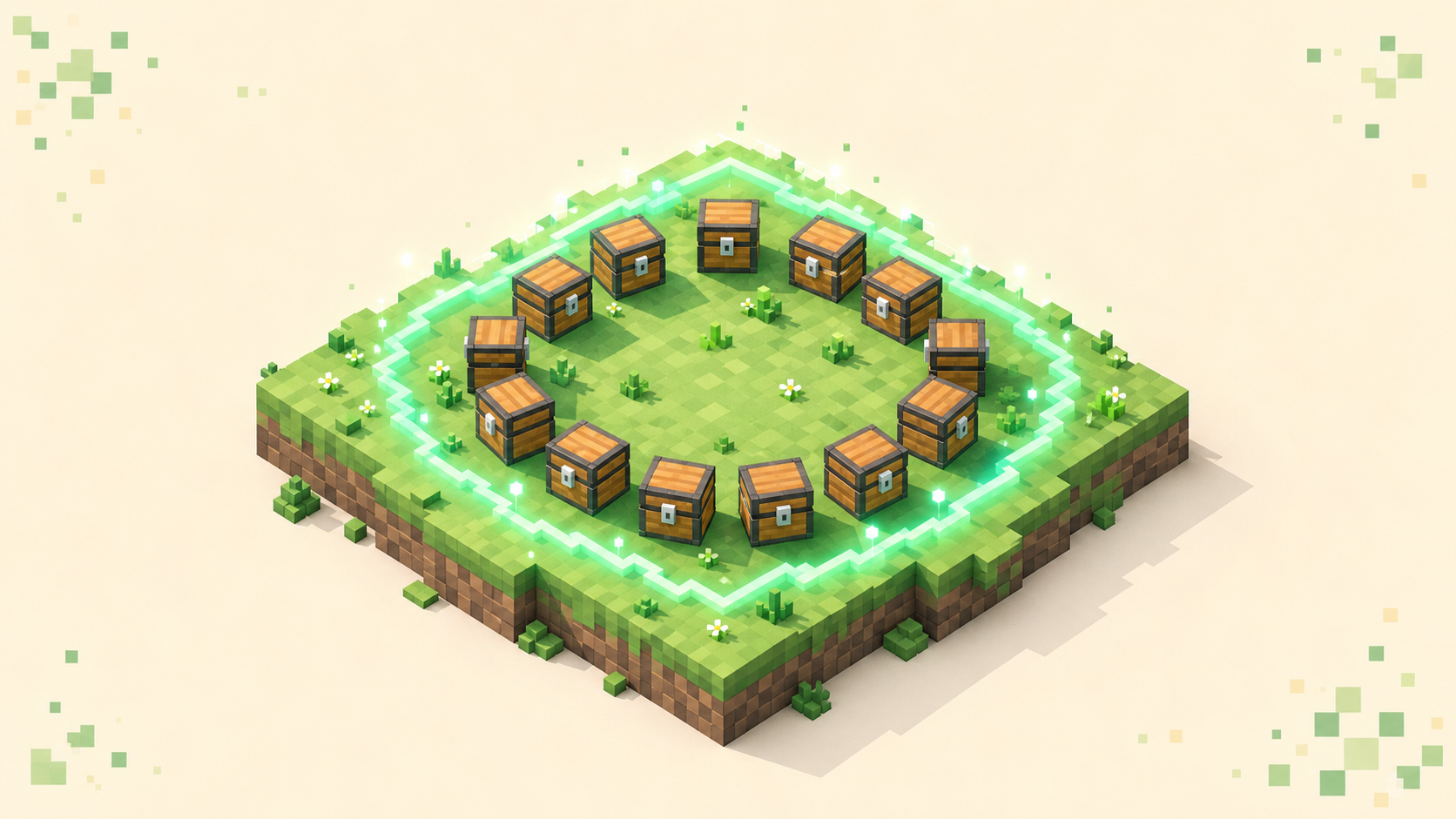
If you've never played, the structure is the same almost everywhere, and knowing it tells you what to watch for in a server. Players are held at spawn — usually in glass cages or on pedestals — arranged in a ring around a central stockpile called the cornucopia. A countdown runs, the barriers drop, and everyone either rushes the middle for the good gear or bolts for the safer outer chests. UHC servers run the same last-player-standing shape with natural regeneration switched off, so if the format appeals but the chest scramble doesn't, that's the neighbouring one to read.
That opening rush is the part servers tune most. The cornucopia holds the strongest loot, diamond and iron weapons and armor, and it's high-risk because everyone else wants it too. The outer chests hold starter scraps: wood and leather, some food, maybe a stone sword. Where you land is the core early decision, and most servers protect it with a grace period — a short window at the start where players can't damage each other, so the center doesn't turn into an instant pile-up before anyone's even armed. Classic plugins default that window to somewhere around 20 to 30 seconds.
After grace ends, it's open combat. Chests may refill once mid-game to keep fights happening instead of survivors turtling in a corner. Then, when the field is down to a handful, the round hits its endgame: a deathmatch. Survivors get teleported to a tight central arena and fight to the finish, often with a shrinking border or a hazard ring removing any place to hide. Some servers trigger it on a player count, some on a timer, some on both.
What makes one worth joining
A few signals separate a server where SG feels sharp from one that wastes your evening.
- Population that fills lobbies fast. The canonical match is 24 players, and a 24-slot game that can't fill means long queue waits or under-filled rounds where you wander an empty map. Read the live player count on each listing, and favor the ones near the top of the votes — a healthy concurrent count is what keeps queue times short.
- Real anti-cheat. SG is melee and bow PvP, so it lives or dies on hack detection. The anti-cheat needs to catch KillAura, Reach, AutoClicker, and aimbot/hitbox tricks, and it needs proper latency compensation so high-ping players aren't false-flagged while cheaters can't hide behind "lag." This is close to a dealbreaker.
- Tight pacing. A good round is short and decisive, commonly 10 to 15 minutes including grace before the deathmatch fires. Mid-game chest restock matters here too, because it pushes survivors back into fights instead of letting them sit on a full inventory.
- Map variety and refresh. SG runs on hand-crafted maps, and the loot routes and sightlines get memorized fast. A server that rotates through many maps and adds new ones keeps the meta from going stale.
- Uptime and TPS. Server-side lag shows up as low TPS (ticks per second, capped at 20) and combat that rubber-bands — hits that don't register, players teleporting a block back. In a fast PvP minigame that's fatal, so check the uptime figure on each listing and pay attention to whether melee feels responsive when you join.
Red flags before you queue up
- A hollow player count. A huge max-player cap next to a near-zero current count usually means a network that was big years ago. You need real, recent numbers, not one faded spike.
- Visible cheating in the lobby. If you load into a match and someone's snapping to every target or hitting through walls with nobody intervening, the anti-cheat and staff have checked out, and that's your cue to find another server.
- Rubber-band combat. If your first few fights feel laggy — hits landing a beat late, knockback that stutters — the host is overloaded, and no amount of skill fixes that.
- Stale maps. If you've memorized every chest location after a couple of sessions and the rotation never changes, fights get formulaic and the better players win on rote knowledge alone.
Ping is the quiet one that decides fights
Melee timing in Minecraft — W-tapping, landing crits, strafing around someone — degrades badly once your latency climbs past roughly 100 to 200 ms, and bow aim gets worse with it. You can play a relaxed building mode on a far-away host and barely notice, but SG is a combat test, so a closer region genuinely wins you exchanges. The green signal bars in the Multiplayer list give a rough read, and you can narrow the directory by location: the country filter takes an ISO code, so something like /servers/country/us pulls nearby hosts toward the top. The only reliable test is joining a couple and seeing which one's combat feels honest.
If you want the broader PvP picture, plenty of these servers also show up across the PvP listings, and if SG is your pick because you've only got twenty minutes at a time, the rundown on minigame servers for quick sessions sorts the modes by how fast a round resolves.
Using the live rankings to pick
The minigames category is ordered by votes earned during the current calendar month, and the tally resets when the month flips, so the top entries are the communities that are active right now rather than whatever was huge in 2018. That order is exactly what an SG player needs, because the mode's biggest quality problem is empty lobbies. Pull a shortlist of two or three near the top, join each, and run a single match through the checklist above — fast fill, clean anti-cheat, responsive combat — before you settle in. Most players bounce between a few before one sticks. When one clicks, vote for it, since that's how the servers that fill fast stay where the next player will find them. The full server list and the homepage rankings stay current the same way.
FAQ
Can a remaining player force the deathmatch early?
On some plugins, yes. The classic Survival Games command for it is /dm, which a surviving player types to trigger the deathmatch instead of waiting out the timer. It's a plugin command, not vanilla Minecraft, so it isn't on every server — plenty of setups only auto-start the deathmatch when the field drops to a set number remaining or the round timer runs out. If /dm does nothing, that server's just on auto-trigger.
How does the closing arena actually work under the hood?
There are two common approaches. Some servers use the vanilla world border, shrinking the play area with /worldborder set <distance> [<time>] and dealing damage to anyone caught outside it via /worldborder damage amount <damagePerBlock>, with /worldborder warning distance <distance> painting the screen red as it closes in. Others skip all that and use custom plugin geometry — a water ring you fall into for an instant death, a lava moat, a contracting glass dome. The effect is the same: remove camping spots and force the final fight.
Why do I keep getting kicked before the match starts?
Almost always a version mismatch. The client and server have to share the exact network protocol to connect, and if yours is behind you'll see "Outdated client! Please use {version}"; if the server's behind, it's "Outdated server! I'm still on {version}", which you'll often hit right after you've updated and the network hasn't. The fix is matching your client to the version the listing shows, not any client-side tweak — you can browse by a dotted path like /servers/version/26.2 to find servers on your version before you queue.
What's the deal with the unbreakable cornucopia chests?
Some networks lock the center loot behind anti-grief so you can't just mine a chest open or tunnel under it — you have to take the fight for it. Try to break one of those reinforced chests and a server might throw back a chat line like "Do you really think you're strong enough to break this?" instead of letting it pop open. It keeps the high-value loot a contested fight rather than something a fast pickaxe trivializes, and it's worth knowing so you don't waste the opening seconds swinging at a block that won't budge.