Best Create Mod Servers for Building Contraptions
How to pick a Create mod server worth joining — match the modpack and version exactly, then judge TPS, claim protection, population, and moderation.
The first thing that decides whether you can even play on a Create server is whether your client matches it exactly, because Create runs as a specific modpack on a specific mod loader and Minecraft version, and your game has to replicate all of it before the server will let you in. That makes Create different from picking, say, a Skyblock or survival server, where you just need the right base version. Here the whole pack has to line up. I'm not going to name servers, because the modded rankings already show which Create communities are populated this month, and that list moves. What's worth your time is knowing what Create actually is and which signals separate a server where your machines run smoothly from one where they stutter the moment you flip a gantry on.
What Create actually is
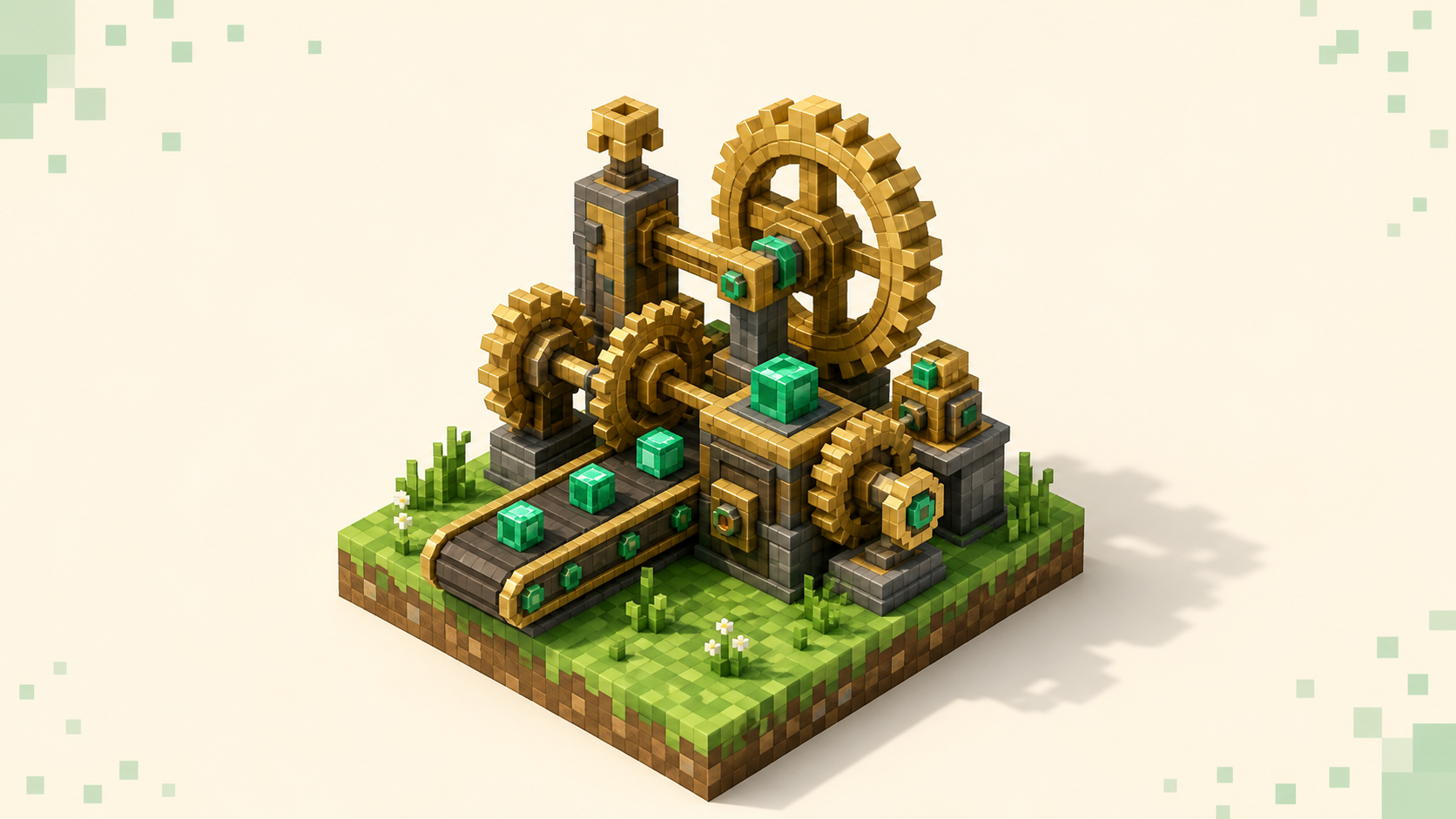
Create is a tech and automation mod, but it stands apart from the energy-and-wire mods you might have seen. Instead of abstract power flowing through cables, Create runs on rotational force — "kinetics" — and the machines are physically animated. You watch the gears, belts, and shafts turn. Its own CurseForge page calls it "Aesthetic Technology that empowers the Player," and that's the honest pitch: it's tech you can see moving.
Rotation comes from hand cranks, water wheels, windmills, and steam or furnace engines, and you move it around with shafts, cogwheels, gearboxes, belts, and clutches. Two numbers matter. Speed is measured in RPM and you read it with a Speedometer; Stress is measured in Stress Units (SU) and you read it with a Stressometer. Generators provide capacity, consumers add impact, and both scale linearly with RPM — a component has a base value at 1 RPM and the effective value is that base times the current RPM. Push total impact past total capacity and the network overstresses: everything connected to it stops dead until you add a generator or drop the speed. Pure relay parts like plain shafts and cogwheels add zero impact, so they're not what breaks you. This is the single most common "why did my whole factory freeze" moment, and it's worth understanding before you blame the server.
The exact SU and RPM figures shift between Create versions, so treat any specific number you read online as version-dependent. The mechanic — capacity versus impact, scaling with RPM, overstress halting the network — is the part that stays true.
What people build
Super glue plus a mechanical bearing, piston, or gantry lets you move whole block structures as a single contraption: drills, harvesters, flying machines, even mobile bases. The Train system lets you assemble and drive multi-block trains across the world, which is why a lot of Create servers turn into shared railway maps. Item logistics run on belts, chutes, funnels, deployers, mechanical arms, and mechanical crafters. And the Schematic & Quill plus the Schematicannon let you copy a build and auto-construct it elsewhere. Create also ships Ponder, an animated in-game guide for nearly every block, and it pairs well with JEI for recipes — between those two it's far friendlier to a newcomer than most tech mods, so don't be scared off by the gear count.
Why your client has to match the server
Create is built for Forge and NeoForge, with a separate Fabric port. Each loader is its own ecosystem, and a mod built for one does not run on another. So a Create server commits to one loader, one Minecraft version, and one modpack, and every mod and version on that server has to exist on your client too. Miss one and the handshake fails.
On Forge and NeoForge the giveaway string is Mismatched mod channel list, sometimes shown as Connection closed - mismatched mod channel list. If your client is simply missing something the server requires, you'll see Missing Mods or a MissingModsException. When the handshake just collapses, it surfaces as a plain Connection lost or Internal Exception. Fabric's messaging differs — some mismatches there come through as ordinary disconnects rather than that exact phrase — so treat that verbatim string as a Forge/NeoForge tell.
The fix is almost always to install the server's exact pack, usually distributed through a launcher like CurseForge or Modrinth, rather than hand-assembling mods. And note that mod loaders lag Mojang's releases, with individual mods updating one at a time, so Create packs usually trail the newest release (26.3 as of September 2026) and sit on an older target like 26.1 or 26.2 until the whole pack is ported forward. You can't paper over a version gap yourself, either — ViaVersion-style bridging is the owner's call, not something a player adds to someone else's server. If your hardware is the limiting factor here, the low-end PC guide is the better starting point before you commit to a heavy pack.
Performance is the signal that matters most for Create
For most gamemodes you judge a server on population first. For Create, TPS comes first, because Create lag is driven by contraption complexity, not player count. One player with a sprawling automated factory can drag the tick rate down harder than twenty players running simple builds. The first time a very large super-glued contraption activates, the server has to calculate the entire structure at once, which causes a brief spike — that's normal, but a well-run server absorbs it instead of locking up.
Trains add their own wrinkle. A train that crosses into unloaded chunks stops until those chunks load, so servers that handle chunk-loading properly keep your rail network actually moving. Good hosts also tune Create's own limits through create-server.toml, which caps things like contraption size and behavior so one runaway build can't tank everyone's experience. You can't see that file as a player, but you can feel its effects: join, build something that moves, and watch whether the tick rate holds.
What to actually check before you settle in:
- Real TPS under load. Run a contraption and see if the server stutters. A listing's uptime figure tells you it stays online; only playing tells you it stays smooth.
- How big contraptions feel on first activation. A short hitch is fine. A multi-second freeze every time means the host is under-provisioned.
- Trains that keep moving. If rail builds are common on the server, that's usually a sign chunk-loading is configured for them.
- Ping you can live with. Deployer timing and train control feel laggy on a far-away host, so favor a server in your own region.
Claim protection and a healthy population
Create builds are large, multi-chunk, and easy to wreck — a single broken shaft or a stolen funnel can stop an entire factory. That makes land-claim and grief protection a real selection signal here, more than it is in vanilla, and it's worth checking which blocks a claim actually protects, since some plugins guard placed blocks but not the moving parts of a contraption.
Population still matters, just for different reasons than on a trade-driven mode. An active server means shared rail lines that go somewhere, redstone-and-Create cities that feel lived in, and people around to help when your stress network does something baffling. Pair that with active human moderation, working anti-cheat, and high uptime, and you've got a server where your weeks-long builds survive. Whether plugin-side protection even holds up on the newest drop is its own question — the plugin compatibility rundown covers what tends to break right after an update, which is exactly when you don't want your claims to lapse.
Using the live rankings
Open the modded category, which is ordered by votes earned this calendar month and resets when the month flips, so the top entries are the communities active right now rather than whatever was popular a year ago. Read each listing for the loader and version, then match your client to that exact pack before you connect — version mismatch is the single most common reason a join fails on Create. Shortlist two or three, install each pack, and give it ten minutes of real building before you decide. The full server list and the homepage rankings stay current the same way, and when a server's TPS holds up under your contraptions and the staff actually show up, vote for it so the next builder finds it too.
FAQ
How do I find out exactly which version and loader a Create server runs?
Check the server's listing and its own page or Discord, where the pack name, mod loader, and Minecraft version are spelled out — most Create servers point you at a CurseForge or Modrinth pack you install directly. Don't assume the loader from the version alone, since Forge, NeoForge, and the Fabric port are separate ecosystems and a pack built for one won't load on another. Install that specific pack rather than collecting mods by hand, because a single missing or mismatched mod triggers Missing Mods or Mismatched mod channel list at the handshake.
My whole factory stopped at once — is that the server lagging?
Usually not. When every connected machine freezes together while unconnected ones keep running, that's an overstress, not server lag. Your network's total impact has passed its total capacity, and because both scale with RPM, speeding a machine up can tip a network that was fine a moment ago. Read the network with a Stressometer, then either add a generator — another water wheel or engine — or drop the RPM. Real server lag looks different: everything stutters, including things that aren't on your network.
Will a 26.1 Create pack let me play on a 26.2 server?
No. Client and server have to share the same protocol to connect, and a newer client isn't backward-compatible, so a 26.1 pack and a 26.2 server won't talk to each other — you'll get an outdated-client or outdated-server message depending on which side is behind. Because mods update one at a time, Create packs usually stay on an older, stable target until the full pack is ported. Match the exact version the listing shows; you can't add version-bridging to a server you don't own.
Can I run Create on a plain Paper or Spigot server?
Not as a real Create server. Paper and Spigot are plugin servers, not mod loaders, and Create is a mod — it needs Forge, NeoForge, or Fabric to run. You'll see guides claiming Paper "sort of works," but Create's mechanics depend on the mod actually loading on both ends, so for a genuine Create experience the host runs a mod loader and you join with the matching modpack on Java's default port 25565.