Do Plugins and Mods Break on Minecraft 26.2?
Why a major Minecraft drop like 26.2 can break plugins and mods, what actually changes under the hood, and a safe pre-update checklist for server owners.
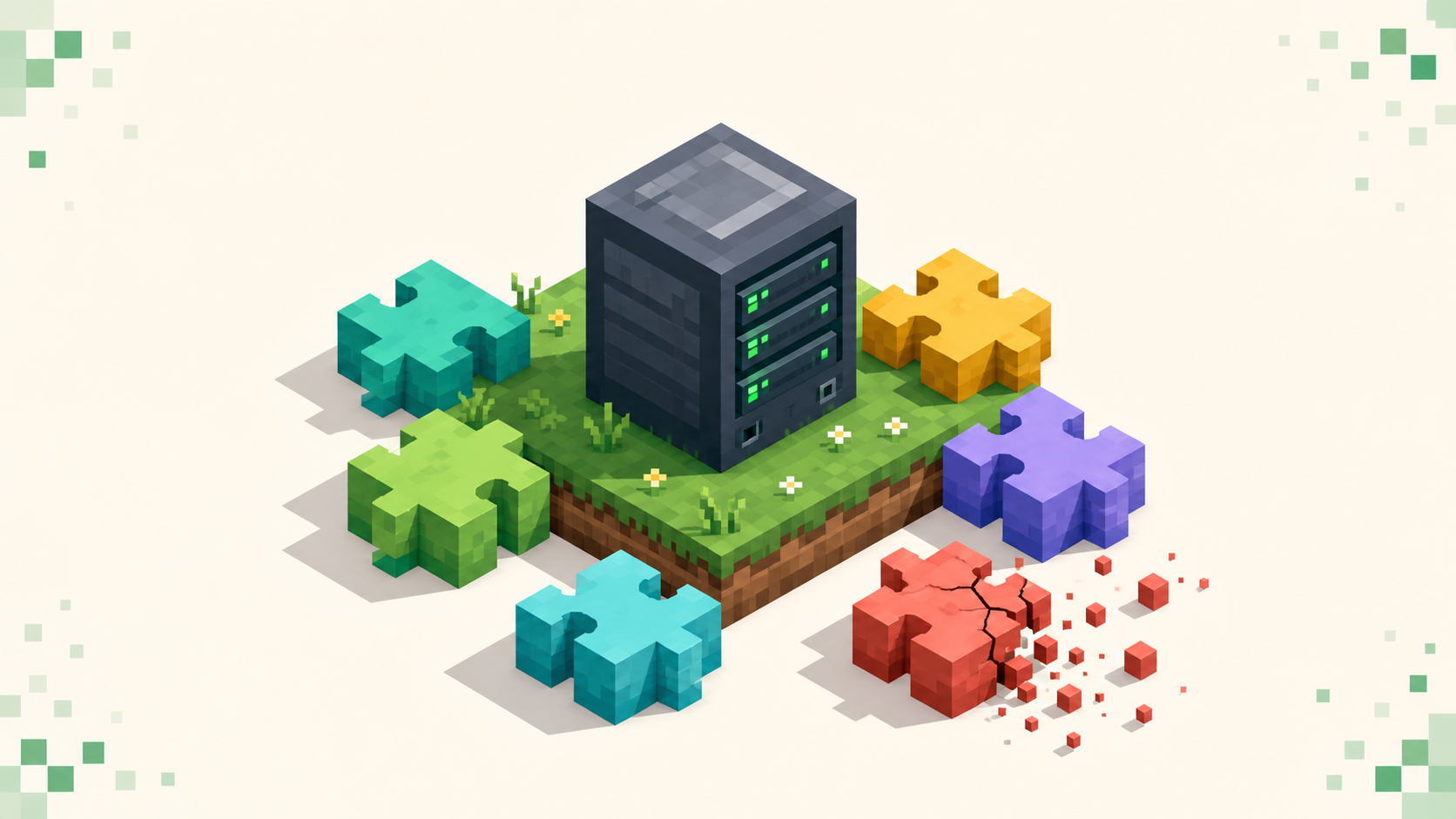
Yes, a major drop like 26.2 can break plugins and mods, but how badly depends on what your server runs and how you update. "Break" here almost always means "won't load until you get a 26.2 build," not "gone forever" — the fix is updating the add-on, not rebuilding your world. 26.2 "Chaos Cubed" landed on 2026-06-16 and, like any year.drop release, it moved the network protocol forward (775 on 26.1 to 776 on 26.2). That kind of change is exactly what ripples out into the plugin and mod ecosystem. 26.3 "Wilderness Bound" has since come out (September 15, 2026, protocol 777), and the same caution applies to that jump: Spigot says there are no significant API changes since 26.2, but Paper's 26.3 builds were still experimental in the days after release, and mods and datapacks need their own 26.3 updates. The good news is your standing in the monthly rankings keeps ticking along while you test on the side — so there's no reason to rush a live update.
The short answer: it depends on what you run
Plugins and mods break differently, so figure out which one you're dealing with first.
Plugins (Bukkit, Spigot, Paper) talk to the server through an API. Ones that only use the stable Bukkit or Paper API often survive a drop with little or no change. The ones that reach into server internals — NMS, the net.minecraft.server code — are the ones most likely to break on any major bump.
Mods (Fabric, Forge, NeoForge) are a different story. A mod is almost always tied to one exact game version, so a mod built for 26.1 generally will not load on 26.2 until the author ships a 26.2 build. There's no "stable API" cushion the way there is for a well-behaved plugin.
Datapacks and resource packs are their own category, and 26.2 changed both their formats. More on that below, because the entity-predicate restructure is a real breaking change that will trip up datapacks and predicate-driven plugins.
So what you're really checking is which of your add-ons need a 26.2-compatible version, and whether those versions are out yet.
Why a major drop breaks add-ons in the first place
A few separate things change at once on a drop like this, and each one breaks add-ons in its own way.
The protocol bumped from 775 to 776. Client and server have to match, so a 26.2 client can't join a 26.1 server and a 26.1 client can't join a 26.2 server — you'll see "Outdated client!" or "Outdated server!" depending on which side is behind. This is why you can't just update the client and leave the server on the old version, or the other way around.
Server internals get reshuffled every drop. The internal net.minecraft.server code moves around, classes get renamed, methods disappear. A plugin that calls into that code (usually for advanced features the public API doesn't expose) is pointing at things that may not be there anymore, which is the classic NoClassDefFound / NoSuchMethod-style failure you see in the console right after an update. There's a modern wrinkle here too: Paper now ships Mojang-mapped internals and has hard-forked from Spigot into its own project, so an NMS plugin can load fine on one and fail on the other. If a plugin works on Paper but not Spigot (or vice versa), that's often why.
The entity predicate format was restructured, and this is the verified breaking change worth singling out. The old format keys were replaced with component-style sub-predicates — type became minecraft:entity_type, minecraft:slime became minecraft:type_specific/cube_mob, and unknown sub-predicates are now rejected outright instead of being ignored. Anything that leans on the old format — datapacks, advancements, loot tables, predicate-driven plugins — will error until it's rewritten.
The pack formats moved too. 26.2 uses resource-pack format 88.0 and data-pack format 107.1, so a pack still declaring an older pack_format may warn or fail to apply. Beds and signs are now block models as well, which can break custom resource packs that were drawn against the old approach.
There are also new and changed config surfaces. 26.2 adds two server.properties keys, chat-spam-threshold-seconds and command-spam-threshold-seconds (default 10; set to 0 to disable), and the management protocol moved to 3.0.0 with the management server now starting before the Minecraft server. If you run a panel or any boot-order automation, that's a change to know about before you update.
One last thing that looks like a plugin problem but isn't: 26.2 needs a minimum of Java SE 25, the same baseline as 26.1. If your host is on an older JDK, the server won't start at all, and that failure can easily get blamed on an add-on that never even got the chance to load.
What about Paper, Spigot, Fabric, Forge and NeoForge support?
The rule to hold onto is that third-party platform support lags Mojang's release. The drop ships first, and the loaders and APIs catch up afterward, on their own timelines.
So check each project's current status rather than trusting a date you read somewhere — look at PaperMC, Fabric, Forge and NeoForge's own release channels directly before you update. The realistic pattern is that some platforms publish experimental or snapshot builds quickly while a stable build follows the official release. Treat those experimental builds as test-only, not something to run in production.
Every plugin and mod also updates on its own schedule, and that matters more than people expect. Your server is only as updatable as its slowest-to-update dependency. One unmaintained plugin with no 26.2 build can pin the whole server to the old version until you either replace it or wait it out. The practical move is to list every plugin and mod you run and confirm a 26.2-compatible version exists for each one before you touch production.
Crossplay: will Geyser and Floodgate still work?
If you run crossplay, Geyser plus Floodgate is the standard Java-to-Bedrock bridge, and the team typically updates within a few days of a new release — but it still needs a build that targets the new version, and "typically" isn't a promise for any specific drop.
Because Geyser translates Bedrock's protocol into Java's, the Java-side protocol bump to 776 means Geyser needs its matching update before Bedrock players can get back in. Don't push your Java server ahead of Geyser if crossplay uptime matters to you — you'll lock your Bedrock players out until Geyser catches up. Worth remembering too: crossplay doesn't extend to mods or modpacks, which are Java-only, so a heavily modded 26.2 server is a separate compatibility question from the bridge.
Treat Geyser and Floodgate as a blocking dependency in your checklist. Confirm the 26.2-ready build is out before you schedule the update, not after. If you want to see how Bedrock-friendly servers present themselves while you sort this out, the crossplay listings are a good reference.
The pre-update checklist
Work through this before you change anything on the live server.
- Read the changelog first. Skim Mojang's 26.2 notes plus each plugin's and mod's notes, watching for "breaking," "predicate," "pack format," or "API change."
- Inventory every add-on and verify a 26.2-compatible version exists for each — plugins, mods, datapacks, resource packs, and the platform itself (Paper, Spigot, Fabric, Forge or NeoForge).
- Confirm your host's Java meets the 26.2 minimum of Java SE 25 before anything else.
- Take a full backup of the world, configs, and plugin/mod folders — then verify the backup actually restores. A backup you've never tested isn't really a backup.
- Audit datapacks and predicates for the new component-style entity predicate format, and rewrite anything still using the old
type/ legacy slime-style keys, since unknown sub-predicates now get rejected. - Check your
pack_formatdeclarations against 26.2 (resource 88.0, data 107.1) and re-test custom resource packs, because beds and signs are block models now. - Review the new
server.propertieskeys (chat-spam-threshold-seconds,command-spam-threshold-seconds) and any panel or management-protocol automation that depends on boot order, given the management protocol is now 3.0.0.
Don't update a live, ranked server on a whim in the middle of the month. A broken update during the active voting window costs you player time when it counts most.
A safe staging workflow
Spin up a separate test instance on 26.2 that mirrors your production add-on set — the same plugin and mod versions, running against a copy of the world, never the live world. The point is to find what breaks somewhere it doesn't matter.
Update the platform first (Paper, Fabric, whatever you run), then add your add-ons back in batches and watch the console as you go. A ClassNotFound or NoSuchMethod-style stack trace points at an internals break; predicate or datapack errors point at a format break. Adding things in batches rather than all at once makes it obvious which add-on caused which error.
Then test the paths that actually matter: login (that's your protocol-match check), your core gameplay loops, permissions, and the crossplay join if you run Geyser. Keep the old server jar and your backup on hand the whole time so you can roll back to 26.1 fast if a critical add-on still has no 26.2 build — just remember a 26.1 server needs 26.1 clients, so a rollback means moving your players back too.
Only promote to production once staging comes up clean. Announce a short maintenance window, do the swap, and hold onto the backup until you've confirmed the live server is stable. A brief, well-communicated maintenance window protects your standing better than a surprise outage does — it's worth understanding how the monthly vote count behaves so you can time the window when it'll cost you the least. Once you're live and steady, your spot on the 26.2 server lists reflects the version you're actually running.
FAQ
Will my 26.1 plugins automatically work on 26.2?
There's no guarantee. Plugins that only use the stable Bukkit/Paper API often load with little or no change, but anything that reaches into server internals (NMS) or relies on the old datapack/predicate formats can break until the author ships a 26.2-compatible build. Check each plugin individually before updating production.
Can players still on 26.1 join my 26.2 server?
No — move your players and the server at the same time. The protocols have to match to connect, and 26.1 and 26.2 are on different ones (775 versus 776), so a mismatch just shows "Outdated client!" or "Outdated server!" until both sides are on the same version.
My server won't start at all after updating — is a plugin the problem?
Not necessarily. Minecraft 26.2 requires a minimum of Java SE 25, so an older JDK will stop the server before any plugin loads. Check your Java version and the very first lines of the console before assuming an add-on is at fault.
How long until my modpack works on 26.2?
It depends on every mod author and the loader (Fabric/Forge/NeoForge). Third-party support lags Mojang's release, and a modpack is only ready once its slowest-updating mod has a 26.2 build. Check each mod's and the loader's current status rather than assuming a fixed date.