What Changed for Players Moving From Minecraft 26.1 to 26.2
A player-facing guide to the jump from Minecraft 26.1 to 26.2 — the new Friends list, Sulfur Caves, the Vulkan renderer, and removed touchscreen mode.
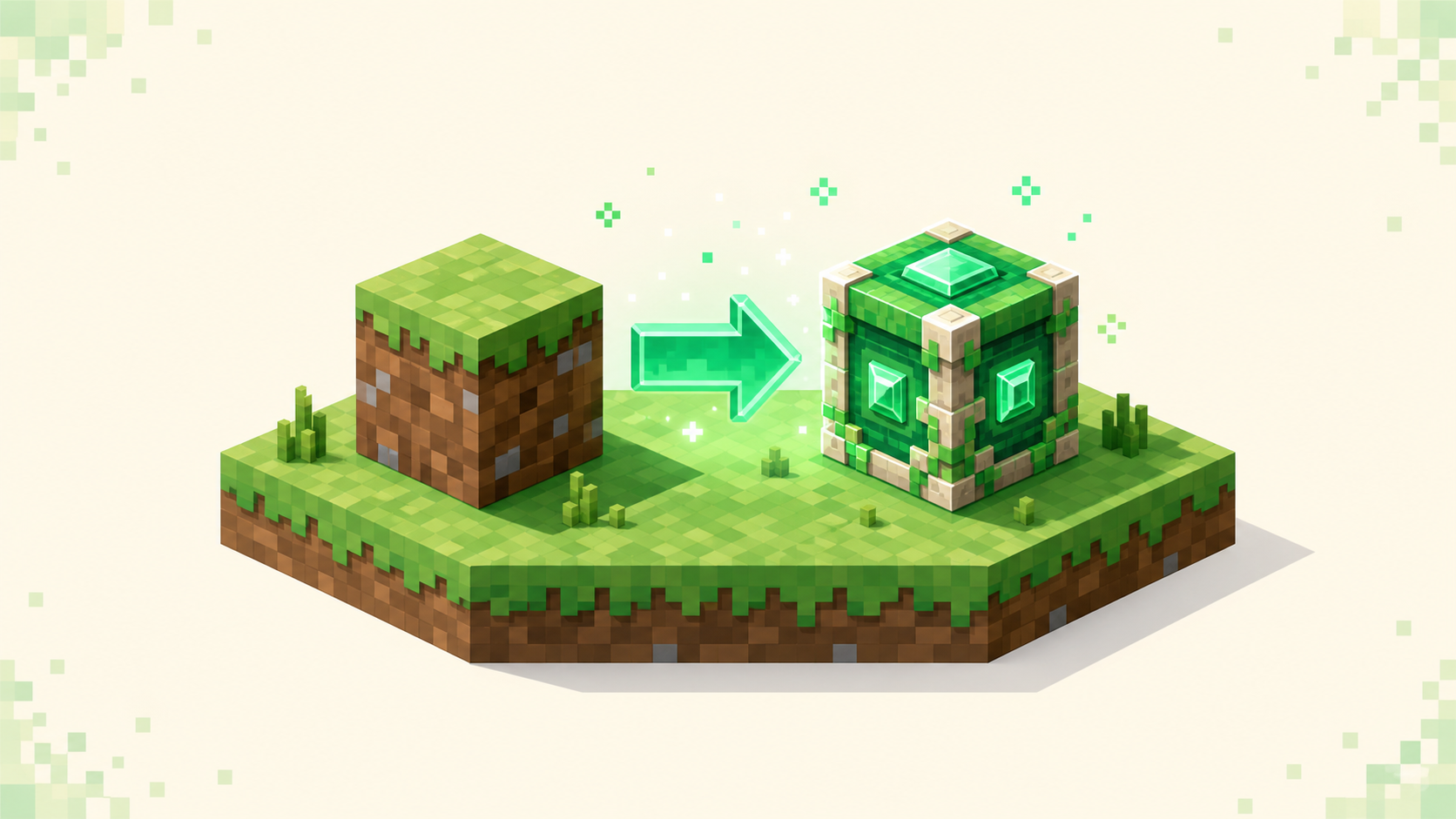
Update to 26.2 and you'll find a server still on 26.1 won't let you in until it updates too — that's the one change worth knowing before anything else. 26.2 "Chaos Cubed" landed on 2026-06-16, the second 2026 drop after 26.1 "Tiny Takeover," and under the year.drop versioning scheme it's a small step rather than a 1.x-era jump. Since then 26.3 "Wilderness Bound" has come out (September 15, 2026), so updating through the launcher's "Latest release" now puts you on 26.3 (protocol 777) rather than 26.2, and to play 26.2 itself you pick it in an installation's version list. Most of 26.2 you'll notice as a player — a Friends list, a new cave biome, an experimental graphics option, and one input mode that's now gone. But the compatibility part is what trips people up, so it goes first. One quick note on how to type the version when you're filtering servers — it's dotted, so 26.2, not 26-2. You can see who's on what right now on the 26.3 servers, 26.2 servers and 26.1 servers pages.
The headline change: your version must match the server
A client and a server have to be running the same version to connect, and that's the part of this update with the most immediate effect on you. 26.1 runs network protocol 775 and 26.2 runs protocol 776. Those are different numbers, so the two don't talk to each other.
When they don't match you'll see one of two messages. "Outdated client!" means your game is older than the server — you're still on 26.1 and the server moved to 26.2. "Outdated server!" is the reverse: you've updated to 26.2 and the server is behind. Either way, nobody connects until one side catches up.
So once you update to 26.2, any server still sitting on 26.1 will turn you away, and a friend who hasn't updated can't join a 26.2 server with you. The fix is to check a listing's supported version before you join, and switch your client version in the launcher to match if it doesn't line up — the how to join a Minecraft server guide covers the version-switching steps. If you'd rather find servers that are already on your version, the live lists are split by release: 26.3, 26.2 and 26.1.
New in 26.2: the Friends list
The Friends list is the addition you'll see first, since it's right there on the title screen and the pause screen, with O as the default keybind. Open it and you get your friends and where they are at a glance.
There are three statuses: Offline, Online, and In a world. That's the whole scope of it — it tells you who's around and roughly what they're doing. It doesn't join servers for you, and it doesn't carry over between servers as some shared social layer. Adding and joining a server works exactly as it did: you still go to Multiplayer and enter the address yourself. The Friends list just sits alongside that as a way to check on people before you decide where to play.
New in 26.2: Sulfur Caves and other world additions
The big world addition is a Sulfur Caves biome that comes with a sulfur cube mob, geysers down in the caves, and new sulfur and cinnabar blocks to build with. If you spend time underground, this is the part of the release you'll actually run into during normal play.
There's also a smaller feel change up top — beds are slightly bouncier now, which lines Java up with how Bedrock already behaved. That's the kind of thing you notice the first time you hop on one and don't think about again.
Those are the named additions, and they're the ones to expect; the update doesn't add other mobs or mechanics beyond them. On the server side, vanilla and near-vanilla servers that move to 26.2 or newer will start surfacing this content, so the listing's version tells you whether a given server already has it.
Graphics and input: the Vulkan renderer and removed touchscreen mode
26.2 adds an experimental Vulkan renderer in Video Settings. It's exactly that — experimental — and it falls back to OpenGL, so it's not a guaranteed upgrade and there's no promised performance bump here; it's an option to try, not a setting to flip and forget.
The change that catches some people is touchscreen mode, which was removed in 26.2. If you leaned on it, that's worth knowing before you update, because it's not coming back in this release. Both of these are display and input changes on your end, so neither affects which servers you can join — only the version and protocol decide that.
What this means before you update
Updating to 26.2 is a bit of a one-way move for compatibility: once you're on it, you'll need 26.2 servers to keep playing, or you'll be switching your client back to 26.1 whenever you want to rejoin a 26.1 community. So it's worth a quick check first — have the servers and the friends you actually play with moved to 26.2 yet? If some haven't, keep a 26.1 profile in the launcher alongside 26.2 so you can switch to whatever each one is running.
On the system side, 26.2 needs at least Java SE 25, which is the same minimum 26.1 already had, so if you were running 26.1 fine you're set. When you're ready to see where everyone landed, the live lists show which servers are on each release: 26.3, 26.2 and 26.1.
A note for players on modded or plugin-based servers
Modded and plugin servers move on their own clock. The server software and mod loaders — Paper, Spigot, Fabric, Forge — update separately from Mojang and usually trail the official release by some amount, since each project has to catch up to the new version on its own. Around launch, 26.2 support was still rolling out across them.
So before you expect a modded or plugin server to be on 26.2, check that specific project's current status rather than assuming it's ready because vanilla is. A favorite server might stay on 26.1 for a while even after vanilla 26.2 is out, and if it does, you match your client to whatever that server is running — not to the newest vanilla number. This happens every drop and sorts itself out as the projects catch up, so it's normal rather than a sign anything's wrong.
FAQ
How do I find servers that are already on 26.2?
Use the version-filtered lists and type the version in dotted form — for example /servers/version/26.2 or /servers/version/26.1 — and you'll see the servers currently supporting that release, ranked by this month's votes. Confirm a listing's version before you connect.
What is the new Friends list in 26.2, and does it join servers for me?
It's a presence list you open from the title or pause screen, with O as the default keybind, showing whether your friends are Offline, Online, or In a world. It doesn't change how you add or join a server — that still happens through the Multiplayer menu by entering the server address.