Fix a Corrupted World or Region File on a Minecraft Server
How a half-written .mca corrupts after a crash, how to find the bad r.X.Z.mca, and whether to restore, regenerate, or repair it.
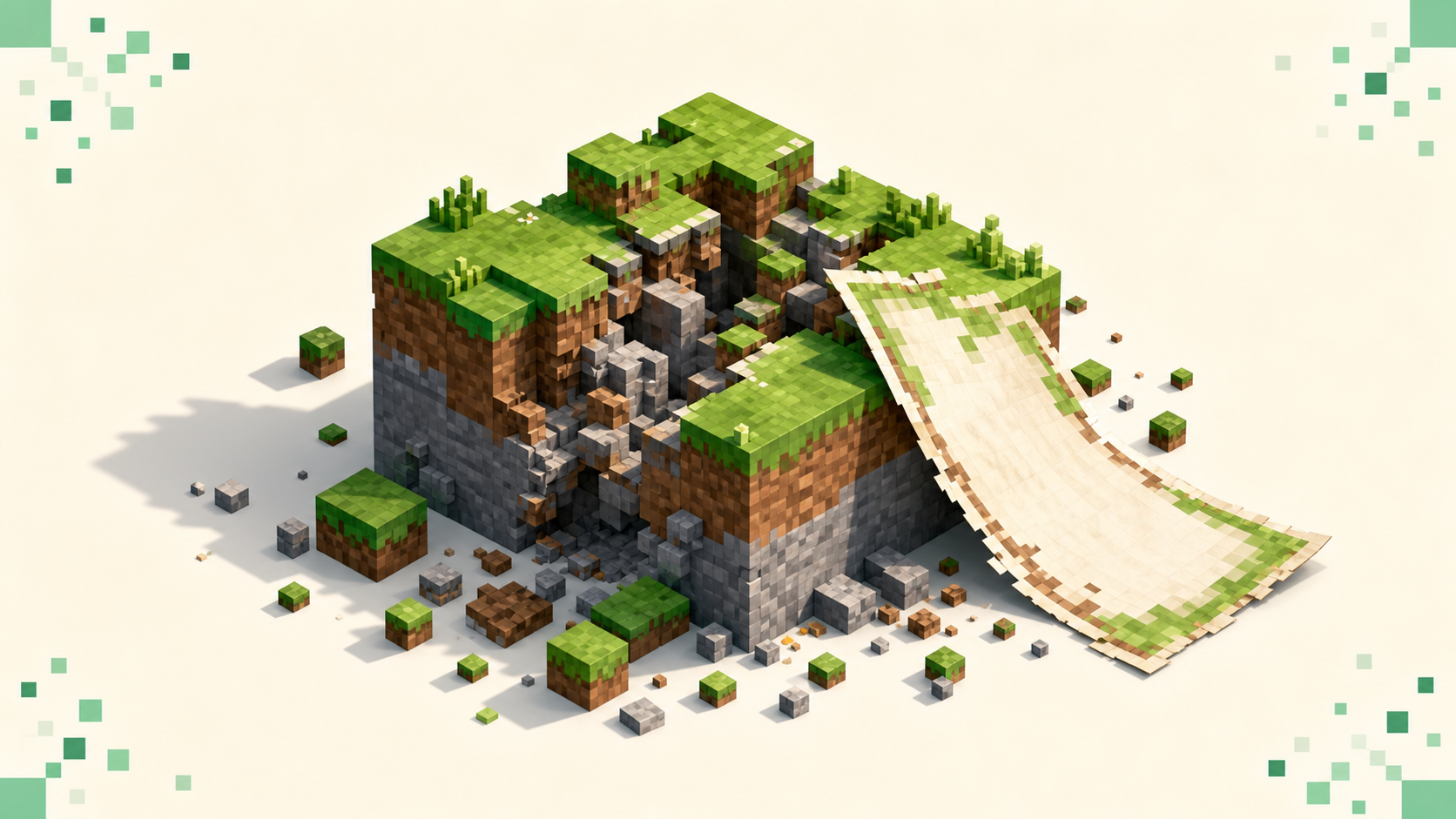
A corrupt region file is a .mca file that got written half-finished — a crash, power loss, or full disk caught the server partway through a save — and now the server chokes every time that patch of the world loads or ticks. You've got three ways out, cheapest first: drop in that one same-named region file from a backup, delete it so the area regenerates from scratch, or run a repair tool like MCA Selector to strip only the broken chunks and leave everything around them intact. The whole reason this is fixable without a full rollback is granularity — the world is split into thousands of these files, so one bad one rarely means the world is gone. If you keep timestamped backups you'll be back up in minutes; if you don't, you'll be choosing between regeneration and a repair tool. Region files have worked the same way for years, so none of this depends on which build you're running.
One scope note before anything else: this is a Java, Anvil-format problem. If you're on Bedrock, your world is a LevelDB database, not .mca region files, and none of the file-swapping below applies.
Confirm it's actually a corrupt region
A corrupt region has a signature you can recognize before you touch a file. The server crashes reproducibly — the same coordinates every time, or the instant one specific player logs in (because their last position sits inside the bad region and loading it dies). The crash report's stack trace points at chunk, region, or NBT loading rather than at a plugin. That's the tell.
Contrast that with the two things people confuse it for. A plugin crash names a plugin package at the top of the stack and follows that plugin wherever the player goes, not a fixed spot on the map — the broader why your server keeps crashing walkthrough covers reading the report to tell these apart. And chunks that won't load with no crash at all is usually client-side rendering or low TPS, not corruption — the server stays up, it just draws terrain late. Corruption kills the process. If nothing is crashing, you're probably not looking at a bad region.
Find which region file is bad
The crash report tells you where. It lands in crash-reports/ in the server's working directory next to the jar, named like crash-yyyy-mm-dd_hh.mm.ss-server.txt. Open it and find the coordinates the loading failed at — usually a chunk or block position in the stack trace.
Then map that to a filename. Region files are named r.X.Z.mca, and each one holds a 32×32 block of chunks. To go from a coordinate to a region:
- Block coordinate to chunk: divide by 16 (floor it).
- Chunk coordinate to region: divide by 32 (floor it).
So a chunk at (70, -40) lives in region r.2.-2.mca, because 70 >> 5 is 2 and -40 >> 5 floors to -2. Do the math with a floor, not a round — negative coordinates trip people up here.
That file lives in the region/ folder of whichever dimension crashed: world/region/ for the Overworld, world_nether/region/ for the Nether, world_the_end/region/ for the End — the three-folder split Paper and Spigot use at the server root. One more wrinkle on modern worlds: newer vanilla can split a chunk's data across region/, entities/, and poi/, each with its own .mca files under the same name. So the chunk that's crashing you might have its terrain in region/r.2.-2.mca and its mobs in entities/r.2.-2.mca. Keep that in mind for the delete path below.
Fix 1: restore the region from a backup
This is the clean one, and the reason keeping backups pays for itself. Stop the server fully — a proper stop flushes everything and releases session.lock, so nothing is holding the world open. Then copy the same-named r.X.Z.mca from a recent backup over the corrupt one, and start back up. Everyone keeps every bit of progress they made everywhere else on the map; you've only rolled back that single 32×32 patch to its backup state.
If you're not confident which backup is clean, or the corruption is spread across several regions, restore the whole world instead. Either way, pull from a copy you made safely — the /save-off → /save-all flush → copy → /save-on sequence in the backup guide exists precisely because copying a running world is itself a way to create the corruption you're now cleaning up. And keep more than one timestamped backup, because a run that captured the corruption can quietly overwrite your last good copy.
Fix 2: delete the region and let it regenerate
No backup, or the bad region is out in unimportant terrain nobody built on? Delete it. Stop the server, delete the single r.X.Z.mca, and on the next load the server regenerates that entire 32×32 area from scratch using the world seed. On a modern world, delete the matching entities/ and poi/ region files of the same name too, so the pieces stay in sync.
The warning is blunt: this destroys everything in that patch. Any base, farm, or build inside those chunks is gone, replaced with fresh generated terrain. Only reach for this if there's no good backup and the area doesn't matter, or if the region is far enough out that regeneration is genuinely fine. After a delete you may want to pre-generate the surrounding chunks with Chunky so players walking back into the area aren't forcing heavy live generation on the spot.
Fix 3: strip the bad chunk with a repair tool
The middle path — when you have no backup but the region holds builds you'd rather not lose wholesale — is a repair tool that removes only the corrupt chunks and leaves the rest of the region standing. The established one is MCA Selector (by Querz), a GUI Java tool. Point it at your region/ folder, select the corrupt region or the specific chunks inside it, and delete just those. The surrounding chunks in the same file survive, so you lose the few broken chunks instead of the whole 32×32 block. Region Fixer is an older Python tool in the same vein — it scans a world for corrupt or wrongly-located chunks and can remove or replace them.
I'm keeping the tool steps high-level on purpose: menu labels and command flags shift between versions, so open the tool's own docs for the exact clicks. The concept is what matters — chunk-level surgery, not region-level deletion. Do it on a copy with the server stopped, never live. There's no vanilla in-game repair command, incidentally; this work is always offline and tooling-only.
Stop it happening again
Corruption comes from the server being interrupted mid-write, so most prevention is just not interrupting it:
- Never copy a live world folder. Stop the server first, or flush the world before copying. A live copy is a corruption source in its own right.
- Shut down cleanly. Use
/stoprather than killing the process or pulling power. Hard kills mid-save are the classic cause. - Watch disk space. Running out of room mid-write leaves a half-written region. A full disk corrupts silently.
- Keep several timestamped, offsite backups. One overwritten file isn't a backup, and a same-disk copy dies with the disk.
One adjacent case worth knowing: if the corrupt file is level.dat rather than a region — the server won't start and complains about world data — try level.dat_old first. The server writes that automatic backup every time the world loads, so renaming it over the bad level.dat often gets you booting again without touching a backup archive.
FAQ
If I delete or regenerate a region, do players lose their inventories?
No — player inventories, ender chests, XP, and stats live in the world/playerdata/ folder as per-player .dat files, not inside the region you're deleting. Regenerating a patch of terrain wipes the blocks and builds in those chunks, but each player's items ride along with their profile. The one catch is location: if someone's last position was standing inside the deleted region, they'll spawn into freshly generated ground where their base used to be, still holding everything they were carrying.
The server crashes on one player's login but nowhere else — is that corruption?
Very likely, if the stack trace points at chunk or region loading. That player's saved position sits inside the bad region, so the crash fires the moment the server tries to load their surroundings. Find the region their last coordinates fall in and apply one of the three fixes above; if pulling a plugin instead makes it stop, it was a plugin, not corruption.